Apple Watch's digital crown has a lot of little-known uses you might not realize that are extremely helpful
Published on Apr 25, 2026 at 10:34 PM (UTC-4)
by Daisy Edwards
Last updated on May 22, 2026 at 4:23 AM (UTC-4)
Edited by
Emma Matthews
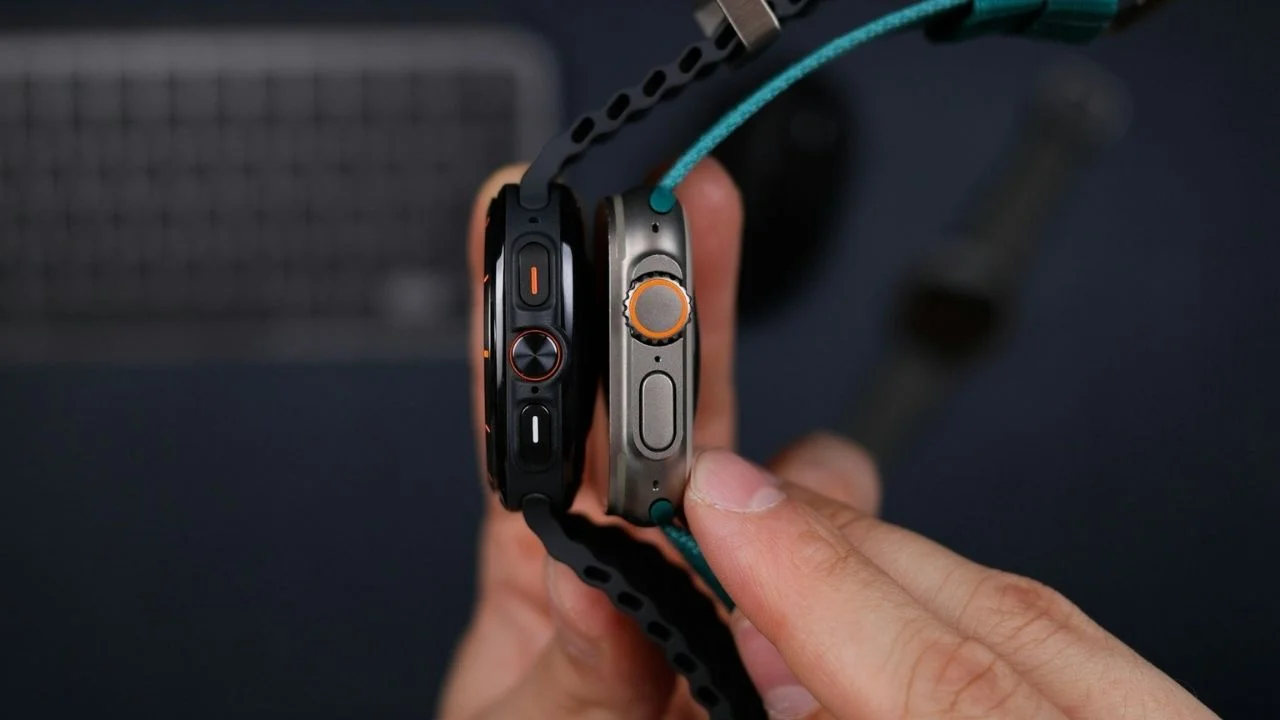

Apple Watch‘s digital crown might look like a tiny dial on the side, but it has a lot of little-known uses you might not realize that are extremely helpful.
Though it may be small, it actually is one of the most mighty controls on the whole gadget.
Most people just tap and swipe the screen, but the crown unlocks a whole extra layer of shortcuts and precision controls.
Once you know what it can do, it’ll completely change how you use your Apple Watch.
Apple Watch’s digital crown has hidden shortcuts
At its core, the digital crown on top of your Apple Watch works a bit like a home button, but it’s far more versatile than that.
Pressing it once takes you straight to your apps, and pressing it again jumps you back to your watch face.
But that’s just the beginning: double-pressing the crown instantly switches between your most recently used apps, which makes multitasking on such a small screen surprisingly easy.
You can also press and hold it to activate Siri without saying a word, which is perfect when you’re in a noisy environment or just want a quicker shortcut.
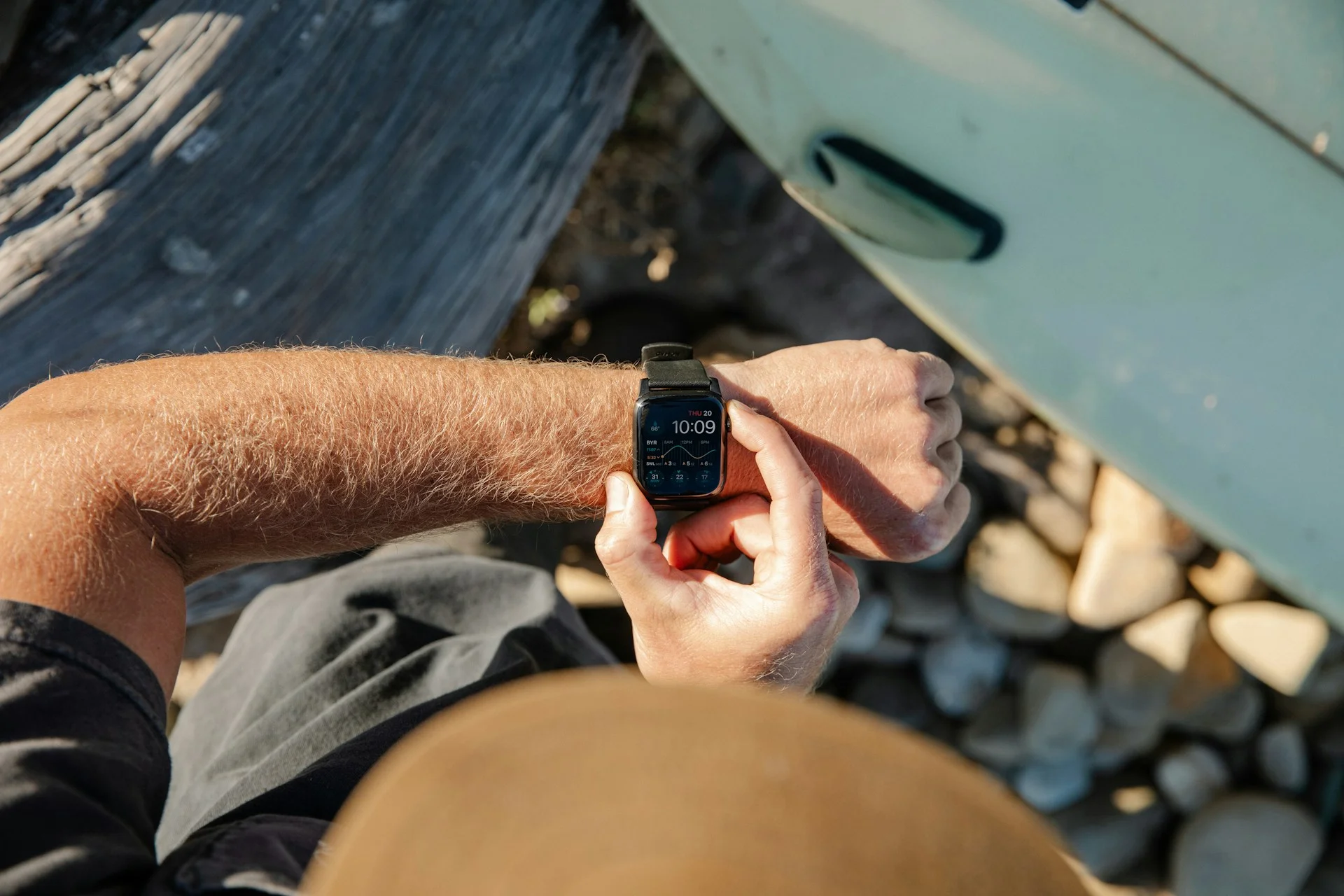
Even scrolling feels different, because instead of dragging your finger across the tiny display, you can spin the crown to smoothly scroll through messages, emails, or menus without blocking the screen.
Apple itself highlights just how central it is, saying the Digital Crown is designed to let you ‘scroll, zoom, and navigate without obstructing the display,’ which is the kind of ingenuity we love to see.



You probably didn’t know that these features existed
Where things get really interesting is how the digital crown adapts depending on what you’re doing.
Turning it lets you zoom in and out of apps like Maps or Photos, giving you far more precise control than pinching the screen.
On newer watchOS versions, rotating the crown from the watch face opens up widgets in the Smart Stack, essentially turning it into a quick information hub.
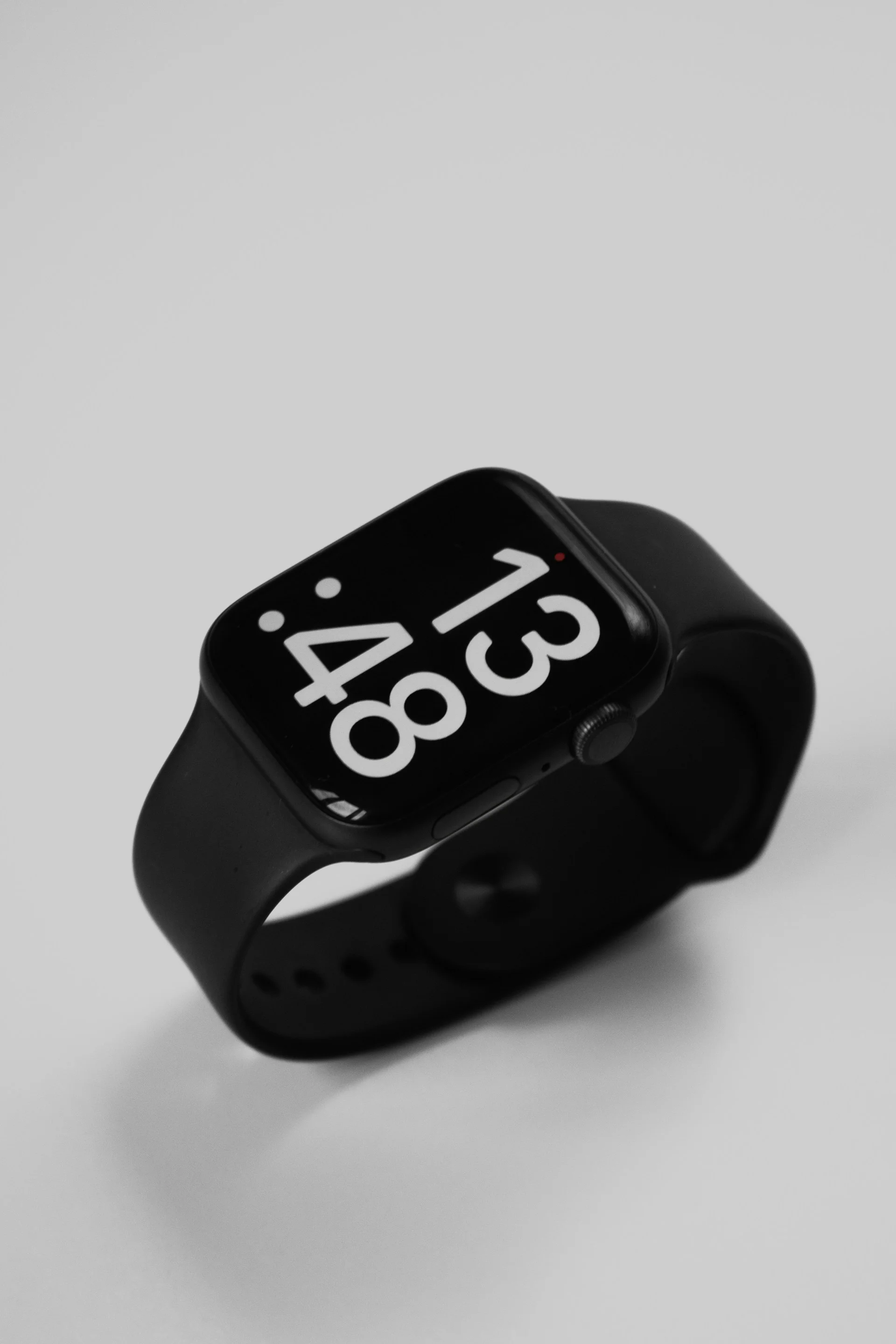
It can also adjust sliders like volume or text size, making it a subtle but powerful way to fine-tune settings without digging through menus.
There are even more practical uses hidden in there, like unlocking your screen after a swim or helping restart your watch when something goes wrong.
The Apple Watch’s tiny dial is easy to overlook because it’s so small, but the digital crown is arguably the most important part of the Apple Watch
Once you start using it properly, you’ll wonder how you ever managed without it.
Daisy is a technology and automotive journalist covering artificial intelligence, consumer tech, Apple news, cryptocurrency, emerging technologies, and transportation innovation. Since joining the team in 2025, she has reported on everything from AI-powered startups and major iOS updates to viral car stories and the latest developments shaping transportation and the digital economy. Drawing on her background in automotive journalism and a degree in History and Journalism from Goldsmiths, University of London, Daisy specializes in breaking down complex topics into clear, engaging reporting for a global audience. Her work spans cutting-edge technology, innovative vehicles, and the people driving change across both industries. Daisy has gained first-hand access to some of the world's most talked-about technologies and innovators, including meeting Tesla's Optimus humanoid robot during its first European appearance in London. She has also discussed the future of space exploration with an astronaut, bringing unique insights and real-world perspectives to her coverage of emerging technology.




