This is what it's like using Apple CarPlay without any cell service
Published on Jan 10, 2026 at 12:40 PM (UTC+4)
by Daisy Edwards
Last updated on Jan 08, 2026 at 4:44 PM (UTC+4)
Edited by
Mason Jones
If you’ve ever driven into the middle of nowhere and watched your cell service disappear, you’ve probably wondered what happens to Apple CarPlay when there’s no data at all.
The good news is that CarPlay still loads up and works even if your iPhone has zero bars.
The not-so-good news is that a lot of the things people rely on it for become limited or completely useless unless you prep ahead of time.
In other words, it still functions, but it won’t feel like the CarPlay you know and love.
EXPLORE SBX CARS – Supercar auctions starting soon powered by Supercar Blondie
What does Apple CarPlay look like without cell service?
Lots of people rely on their in-car tech to get around these days, especially their Apple CarPlay.
CarPlay doesn’t actually need mobile data just to launch because it’s essentially a mirror of your iPhone displayed on your car’s screen.
So, as long as your phone connects through a cable or Bluetooth, the interface will still load normally.
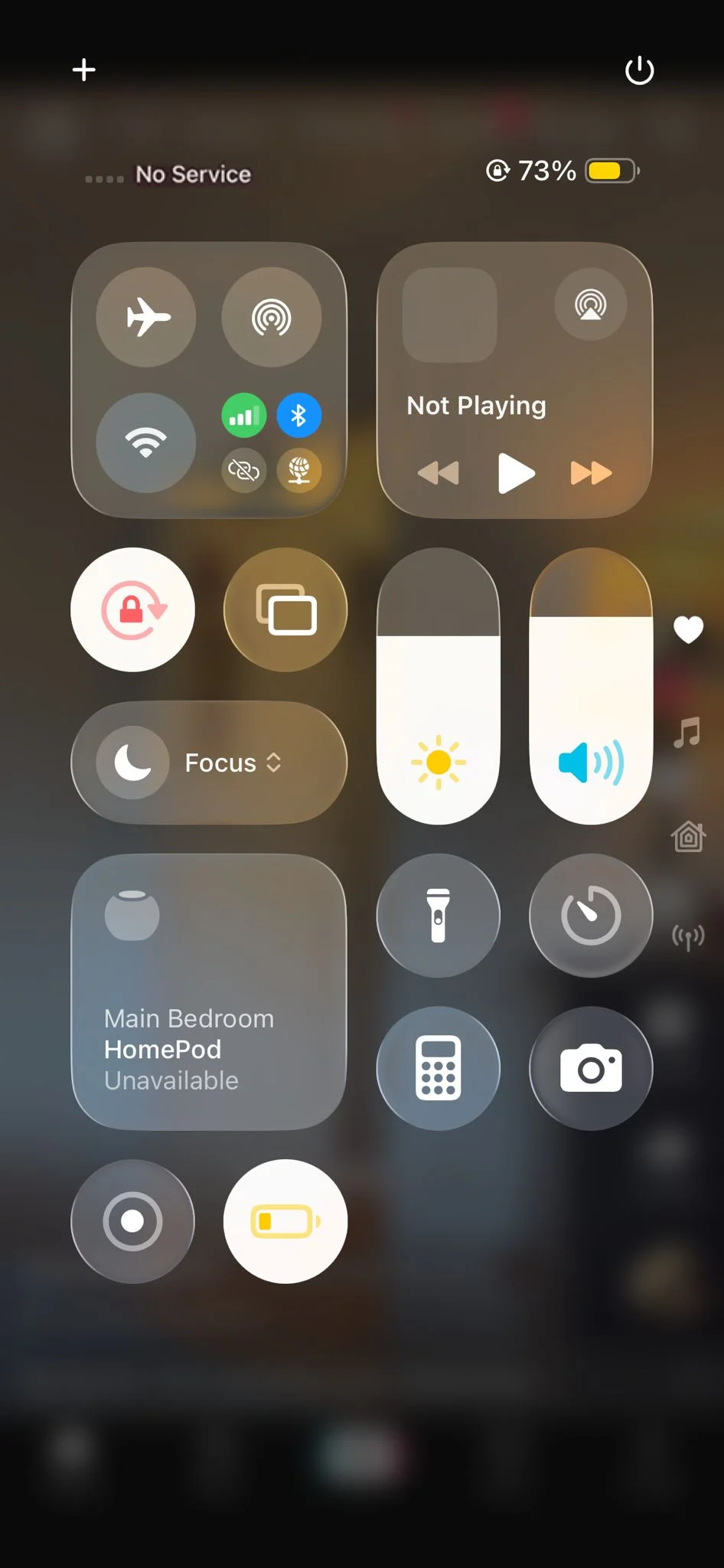
The problem starts once you begin tapping apps that need an internet connection: calls can drop, messages won’t send, and Siri becomes far less helpful because most voice commands rely on cloud processing.
Streaming apps are usually the first to fall apart, too, including Apple Music, Spotify, YouTube Music, and internet radio services; basically, if the content isn’t already downloaded to your phone, it won’t play once you’re offline.
CarPlay still feels responsive, but without cell data, it quickly turns into a stripped-down version of itself, focused more on whatever is already stored on your device.
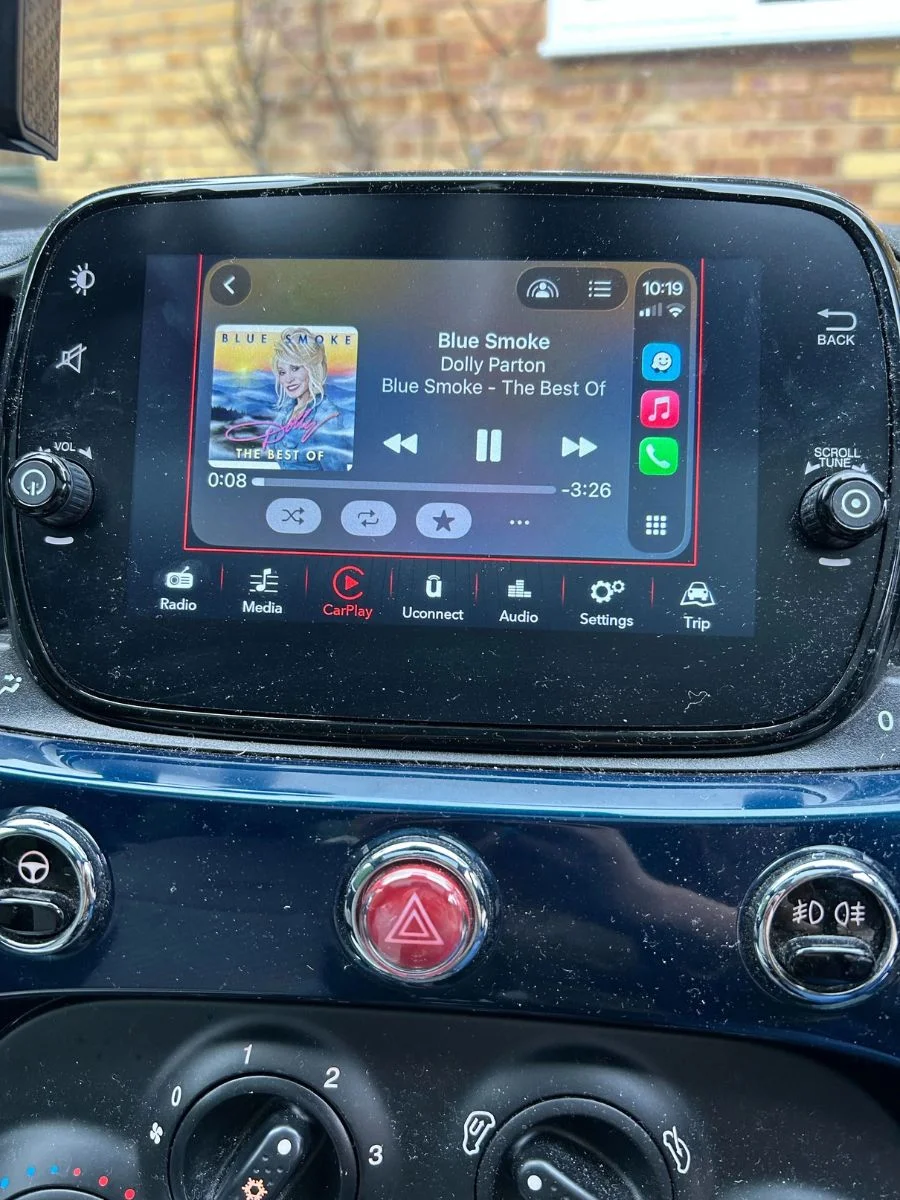
What in-car apps still work offline?
If you prepare ahead of time, CarPlay can still be genuinely useful without signal: most music and podcast apps allow downloads, so your playlists and episodes can keep playing even when your phone is totally disconnected.
Navigation can still work too, but only if you plan in advance.
Google Maps lets you download areas for offline use, and Apple Maps also supports offline map downloads in newer versions of iOS.
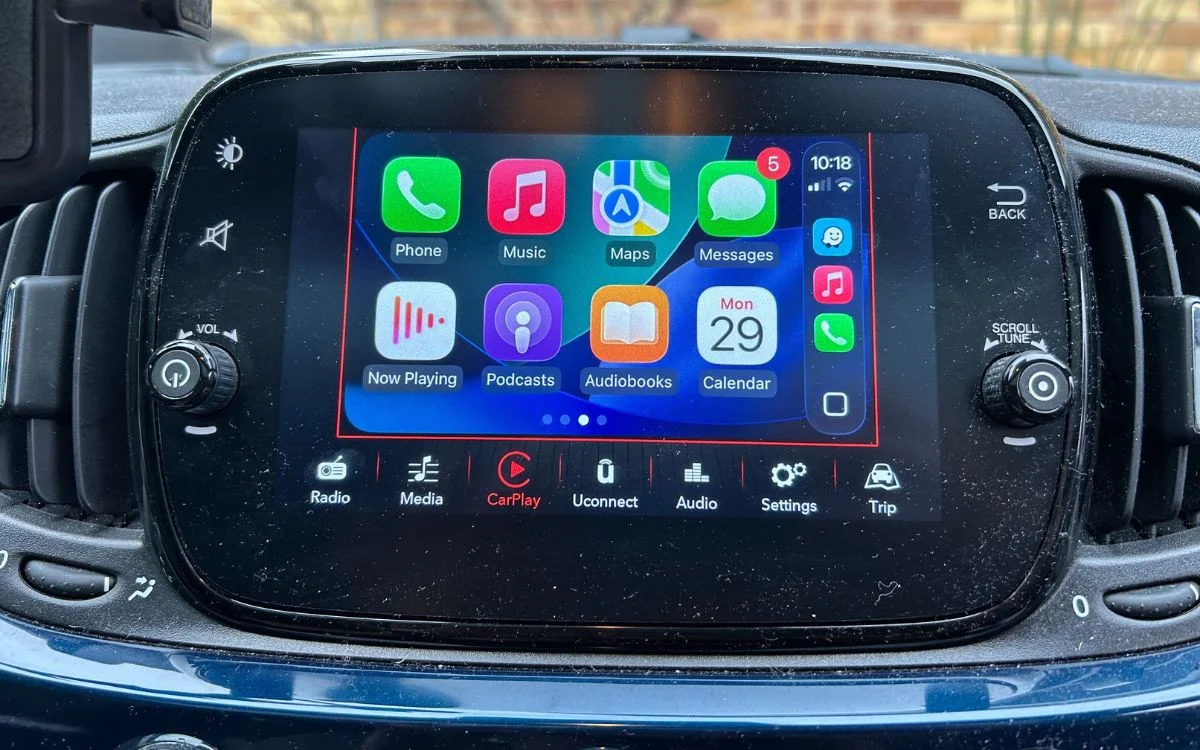
That means you can still follow directions, but you lose live traffic updates, rerouting, and search features, particularly helpful in Waze.
The one thing you can’t get around is communication because calls and messaging apps need a connection, full stop, so you won’t be able to send or receive anything new until you’re back in range.
Bottom line: Apple CarPlay works without cell service, but it becomes a ‘download first’ experience.
If you prep your maps and audio before the drive, it still does its job if you don’t; get good at map-reading fast.
DISCOVER SBX CARS: The global premium car auction platform powered by Supercar Blondie