This is how to blur your home on Google Street View and why you should consider doing it immediately
Published on Feb 25, 2026 at 7:27 AM (UTC+4)
by Claire Reid
Last updated on Feb 25, 2026 at 8:55 PM (UTC+4)
Edited by
Emma Matthews
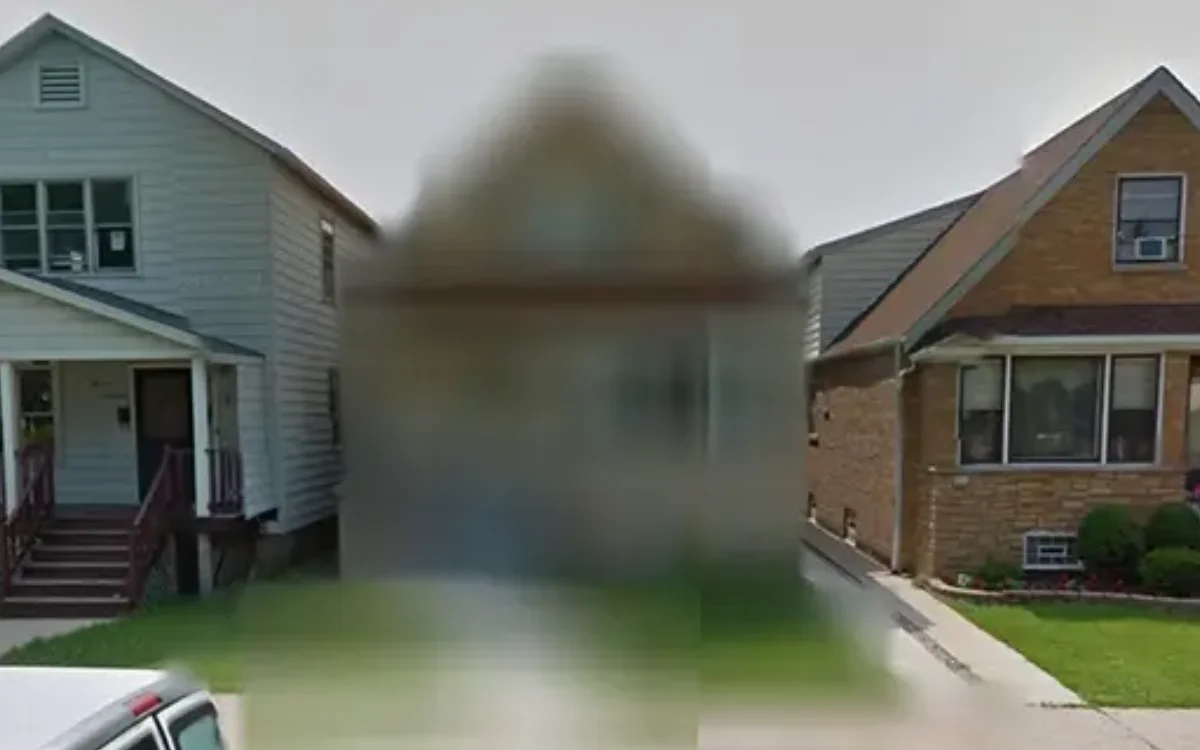

Although Google blurs out faces and license plates on Street View, it doesn’t take the same measures when it comes to houses, but there is a way to do that – and some experts think it’s a good idea.
Google Street View launched back in 2007 with a handful of US cities, and has since expanded to cover more than 10 million miles of road in over 100 countries.
The smart tech offers an easy way to ‘visit’ pretty much anywhere in the world without having to get out of your seat.
But if you’d rather your home didn’t appear on Street View, then you can get it blurred out, and it’s worth considering.
DISCOVER SBX CARS – The global premium auction platform powered by Supercar Blondie
Why you might want to consider blurring your home
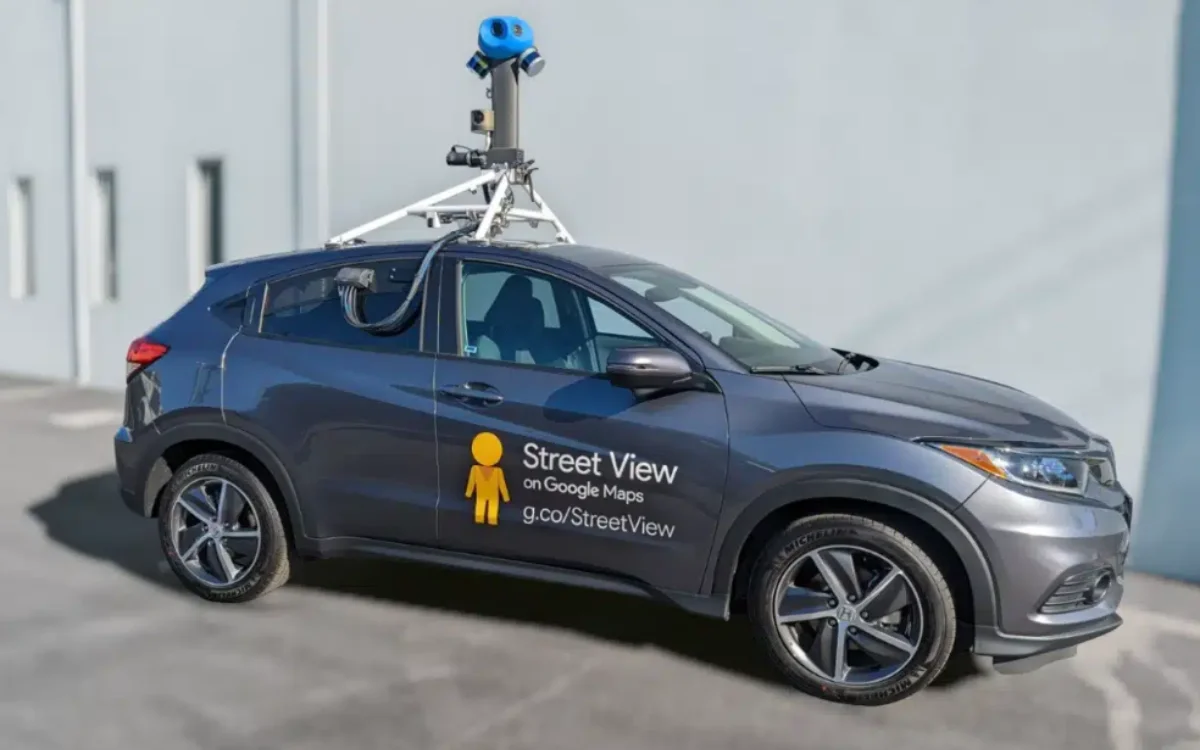
While Google Street View is a remarkable bit of tech, stitching together countless images taken by both its own cameras and third-party cameras to create a 360-degree horizontal and 290-degree vertical view of the world, you might have some concerns about your house being included.
Allowing anyone with internet access the opportunity to take a close-up look at where you live can present privacy issues if you can see inside windows or open doors.
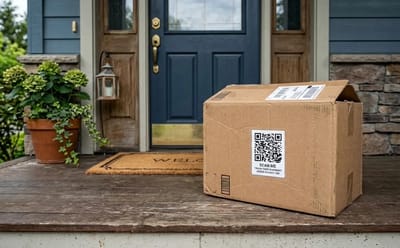
It can also reveal where delivery drivers leave parcels, which could lead to them being stolen.
Alongside that, the images can allow criminals to take a closer look at access and entry points, as well as any security measures you may have.
The potential pitfalls have been highlighted by security experts, who have urged folks to consider having their home blurred on Street View.
Click the star icon next to supercarblondie.com in Google Search to stay ahead of the curve on the latest and greatest supercars, hypercars, and ground-breaking technology
Here’s how to request Google blur your house on Street View
If you’d rather your home didn’t appear on Google Street View, it’s pretty easy to get it blurred out.
Firstly, find your home on Google Maps and drop the little yellow Pegman down to access Street View.
Once you’re outside your home on Street View, at the bottom right corner of your screen, you’ll see a Report Problem link.
At this point, a red box will appear, and you’ll need to make sure your entire home is neatly inside the lines.
Once that’s done, under ‘Why are you reporting this image’ tap ‘Request blurring’ tool and select ‘My home’.
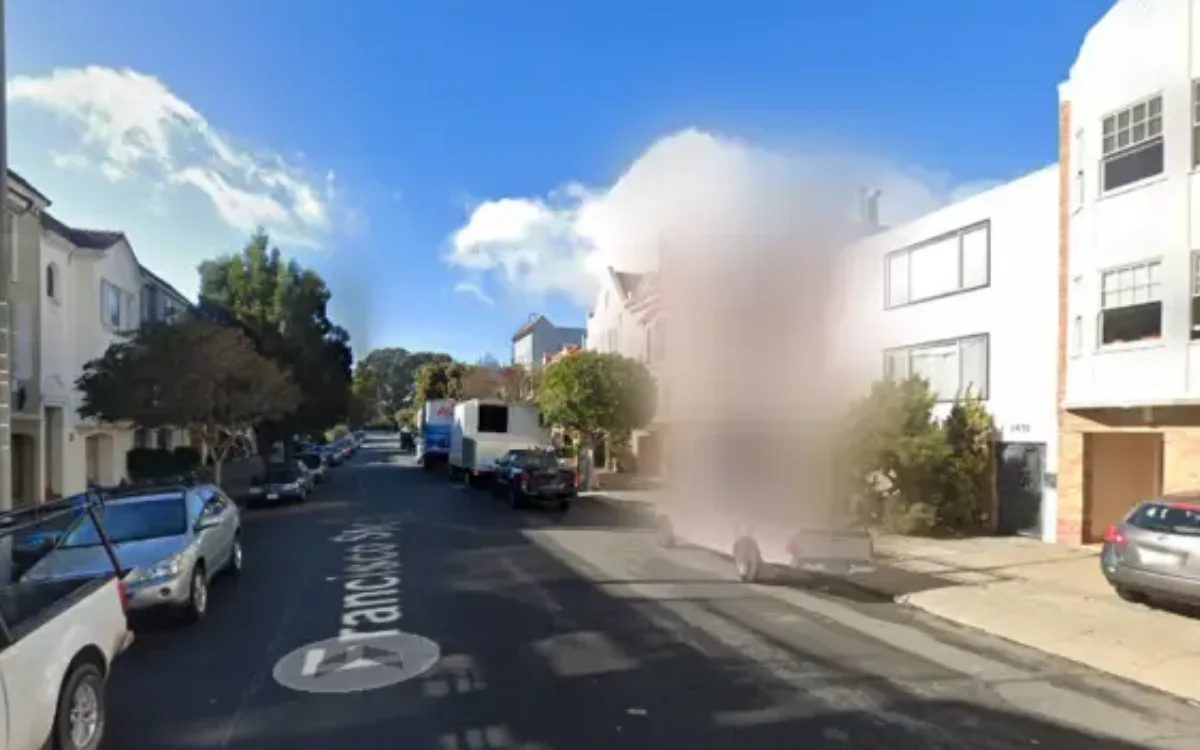
You’ll also need to provide an email address before submitting, which Google will use if it needs any additional information.
The same process can be followed if you need to blur your car or yourself from Street View.
“Google takes a number of steps to protect the privacy of individuals when Street View imagery is published to Google Maps,” Google explained.
“We have developed cutting-edge face and licence plate blurring technology that is designed to blur identifiable faces and licence plates within Google-contributed imagery in Street View.
“If you see that your face or licence plate requires additional blurring, or if you would like us to blur your entire house, car, or body, submit a request using the ‘Report a problem’ tool.”
But there’s something to watch out for
Once Google has blurred your home, it can’t be undone.
This might not sound like an issue, particularly if you’ve gone through the effort of requesting it to be blurred anyway, but it’s important to note that even if you sell your home, the blur will remain.
Some folks have admitted to regretting the move, including one Reddit user who said they managed to blur ‘90 percent’ of their street without realizing it was permanent.
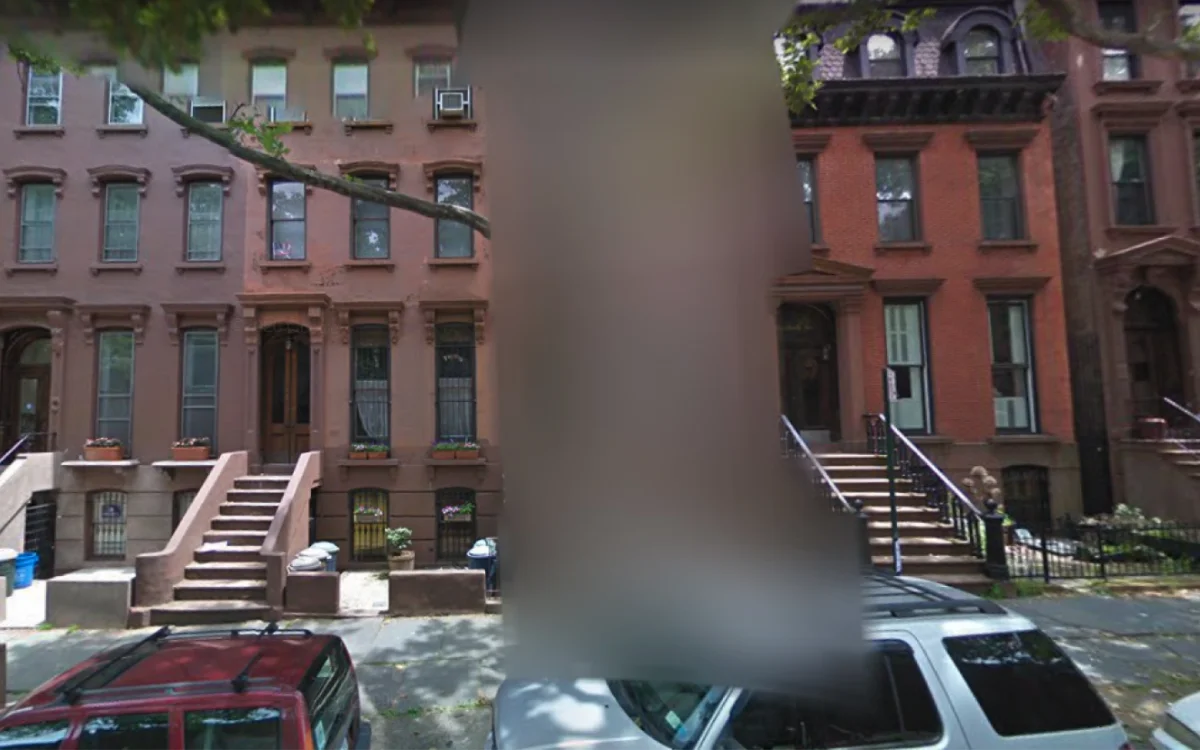
Another Reddit user said they had moved into a house that had been blurred before he bought it, and that not being visible on Street View made it difficult to run his business from there.
Others responded to say that they had attempted to look up their childhood homes, only to find them blurred out completely.
DISCOVER SBX CARS: The global premium car auction platform powered by Supercar Blondie
With a background in both local and national press in the UK, Claire has covered a range of topics, including technology, gaming, and cryptocurrency, since joining the editorial team at Supercar Blondie in May 2024. Her ability to be first to a story has been integral to making SB’s coverage of scientific discovery, AI, and global tech news a slick 24/7 operation.