iPhone users should turn off little-known setting urgently to prevent hackers, expert says
Published on Jan 12, 2026 at 4:21 PM (UTC+4)
by Ben Thompson
Last updated on Jan 12, 2026 at 9:38 PM (UTC+4)
Edited by
Amelia Jean Hershman-Jones

If you’re an iPhone user, an expert says you should turn off this little-known setting to prevent hackers from gaining access to your phone.
In this digital age, it’s on all of us to be vigilant about our cybersecurity and prevent hackers from gaining access to our personal data.
Kevin Tackett, the CEO of security consulting company Secure Ideas, has issued a warning to users about one feature putting their phones at risk.
And believe it or not, it all comes down to a setting that most people would never pay attention to.
EXPLORE SBX CARS – Supercar auctions starting soon powered by Supercar Blondie
Turn off this iPhone setting to protect yourself from hackers
In the digital age we’re living in, we’re constantly being told to be on guard against hackers who are trying to steal our data.
Every other week, it feels like we’re hearing of a new way in which our tech devices can be compromised.
And then there are the stories of measures against such intrusions – like how Cloudflare uses a wall of lava lamps to keep the internet safe from hackers.
Now, an expert has spoken out about one common feature on iPhones that is putting users at risk.
Kevin Tackett, the CEO of security consulting company Secure Ideas, flagged AirPlay as a gateway for hackers.
This is the feature that allows you to wirelessly stream videos, photos, and music from your iPhone to an AirPlay-enabled device, like an Apple TV or a compatible TV or speaker.
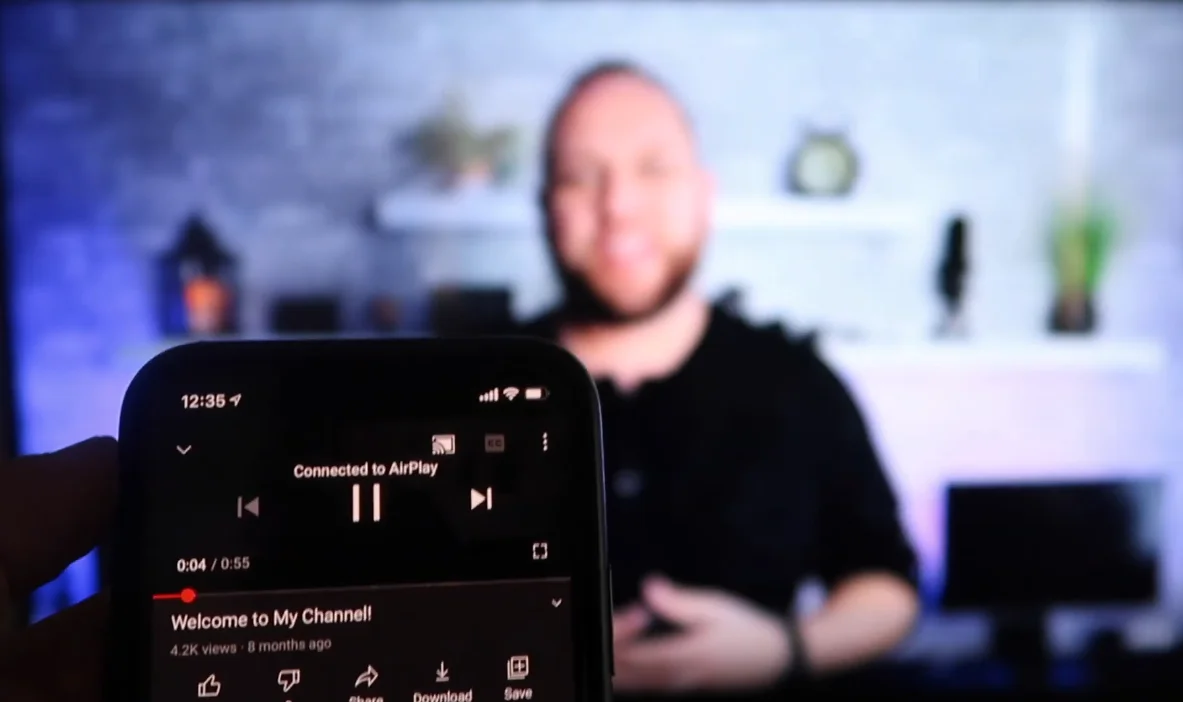
For most people, their AirPlay settings will be set to ‘automatic’ and they won’t give it a second thought.
Tackett has warned that this could have dire consequences.
“Having this on when you don’t need it is a bigger issue than not having it on,” he told HuffPost.
He acknowledged that the chances of all your information being stolen are unlikely, but added that giving any aspiring hackers ‘additional connectivity’ is a risk.
And it’s a risk you don’t need to take.
Dave Chronister, the CEO of Parameter Security, echoed this sentiment.
“If I, as a hacker, wanted to exploit this, I could set up a device that would broadcast AirPlay.
“If a vulnerable system connects, I can send the exploit code, and without any user interaction, their device would be compromised,” he said.
How do you turn off AirPlay?
This isn’t the first time that AirPlay has been flagged up as a risk factor – a police officer went viral last year when he posted a video warning of leaving it on its default configuration.
Similar warnings have been issued over leaving your Bluetooth on 24/7.
So, if this article has made you reconsider leaving your AirPlay on, here’s how to turn it off.
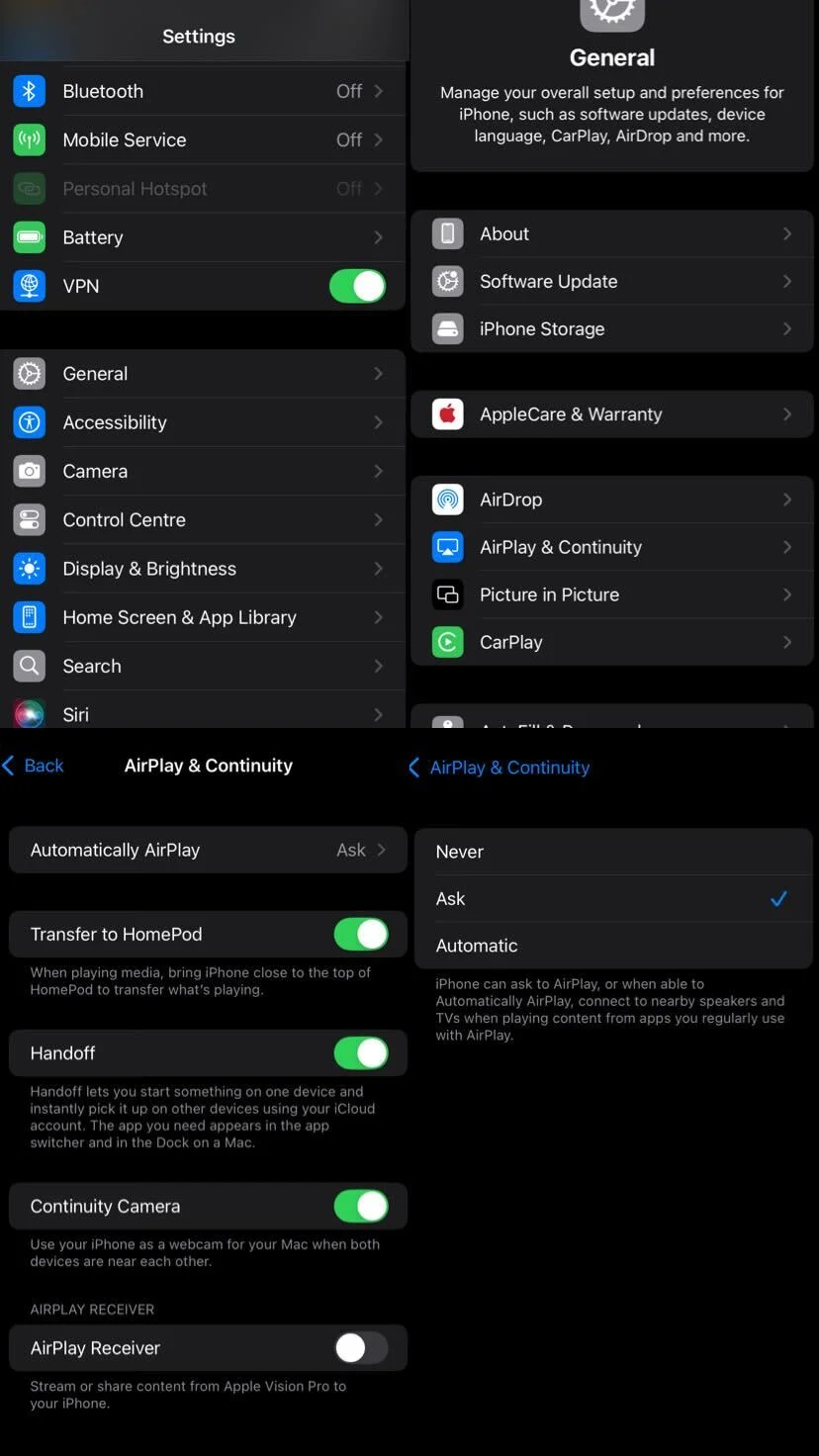
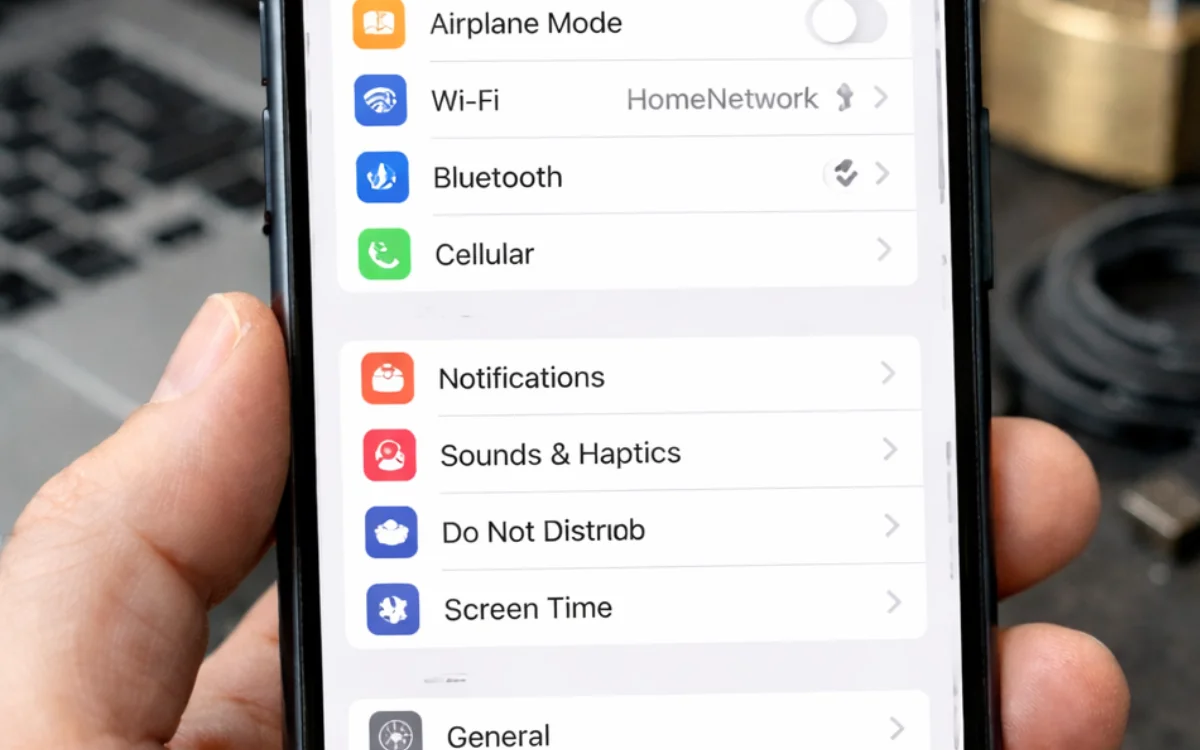
Head over to your Settings, select General, and click AirPlay & Continuity.
At the top of your screen, you’ll see Automatically AirPlay, where you can select between ‘Never’, ‘Ask’, or ‘Automatic’.
So now you know.
DISCOVER SBX CARS: The global premium car auction platform powered by Supercar Blondie
Following stints at LadBible, The Sun, The New York Post, and the Daily Mail, Ben joined the team full-time in February 2025. In his role as Senior Content Writer, his sparkling copy, the ability to sniff out a good story at 100 paces, and a GSOH quickly led to him becoming an integral and invaluable member of the writing staff.