If you change these 3 settings on your Sony TV you'll notice a dramatic change for the better in picture quality
Published on Mar 09, 2026 at 7:21 AM (UTC+4)
by Claire Reid
Last updated on Mar 09, 2026 at 7:21 AM (UTC+4)
Edited by
Claire Reid
If you own a Sony Bravia TV, you might not be getting the best picture quality, but there are three easy ways to improve it.
These days are TVs are a bit more complex than they used to be.
From hidden menus to finding the precise port for your soundbar, there’s a lot going on.
And if you own a Sony TV and haven’t played around with the settings, you could be missing out on a crisper, clearer picture.
Click the star icon next to supercarblondie.com in Google Search to stay ahead of the curve on the latest and greatest supercars, hypercars, and ground-breaking technology
There are three settings on your Sony Bravia TV that’ll immediately improve its quality
Sony began making its Bravia range of TVs back in 2005, and currently offers screen sizes between 43 and 98 inches.
If you’ve got one in your living room, then you might not have bothered to tinker with the settings.
But if you’d like to improve your picture quality, then these three settings should make a big difference.
Ditch the ‘soap opera effect’ on your TV
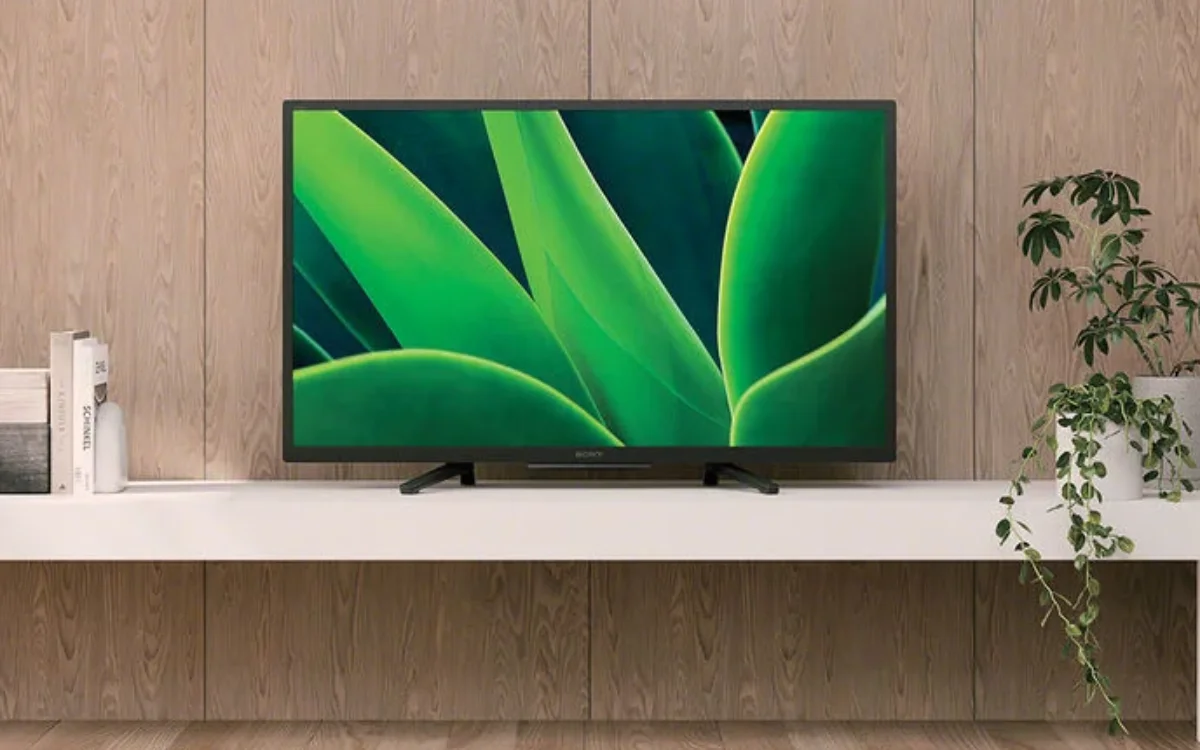
Motion smoothing or motion interpolation is a somewhat controversial feature on newer TVs that can make the picture quality look a lot worse.
Motion smoothing can look good if you’re watching sports or a live event, but if you’re watching a movie or TV show, particularly an older one, it can give everything an odd-looking feel that has been dubbed ‘the soap opera effect’.
Thankfully, the motion smoothing feature can easily be toggled off on Sony Bravia TVs, so if things start looking a little peculiar, you can switch it off.
Sony isn’t the only offender when it comes to motion smoothing, so even if you have a different brand, it’s worth checking.
Take control of the screen brightness, or let Sony decide
If you have a newer model Sony TV, then it likely comes with built-in sensors that automatically track how bright the room is and then adjust the screen brightness in response, Zdnet reports.
While this is a good option for some, if you’re the sort of person who’d rather be in control, then you can turn the sensor off and manually adjust the brightness levels.
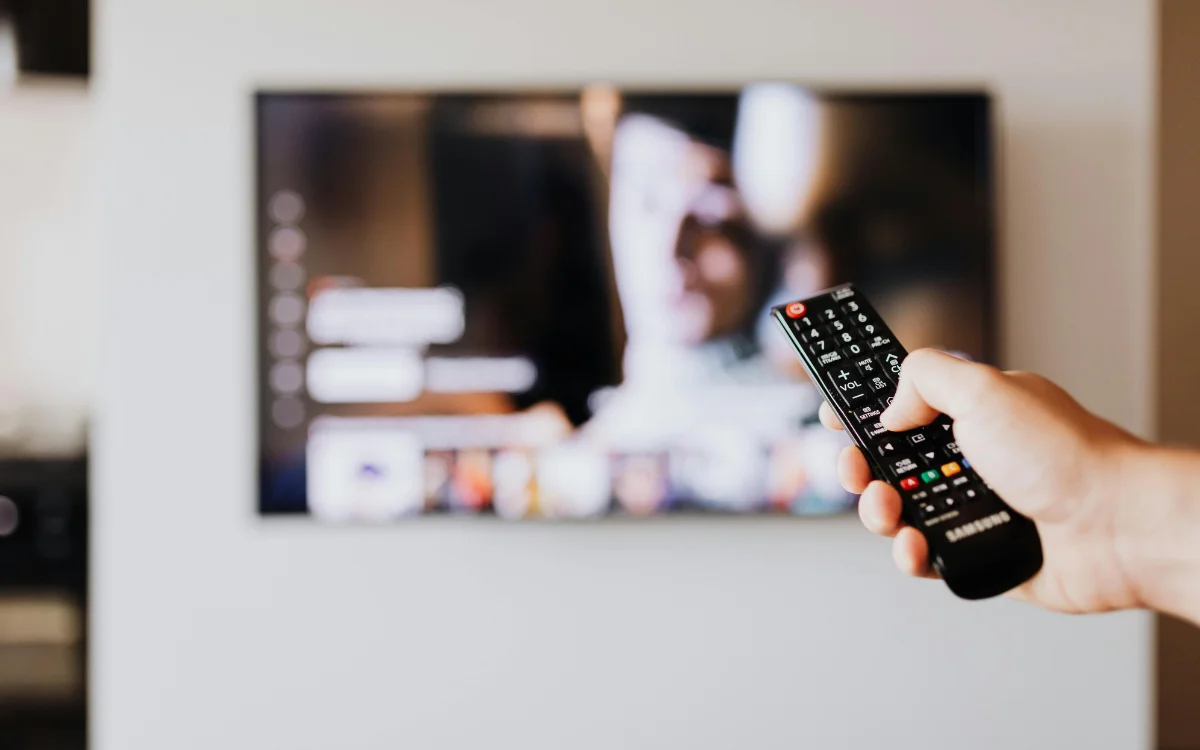
And you’ll also be given the option to manually adjust other display options, like white balance and contrast.
You might be preventing your Sony TV to working at its best
Your Sony Bravia TV will typically be set up with Auto Picture Mode in its default settings.
When it’s enabled, Auto Picture Mode will automatically recognize what you’re watching and then choose the appropriate picture mode.
For example, if you’re watching a movie, it’ll select Cinema.
However, the handy little feature might not work the way it should if you have disabled the HDMI-CEC or you’re using an HDMI-CEC blocker, because the signal won’t be sent to the TV.
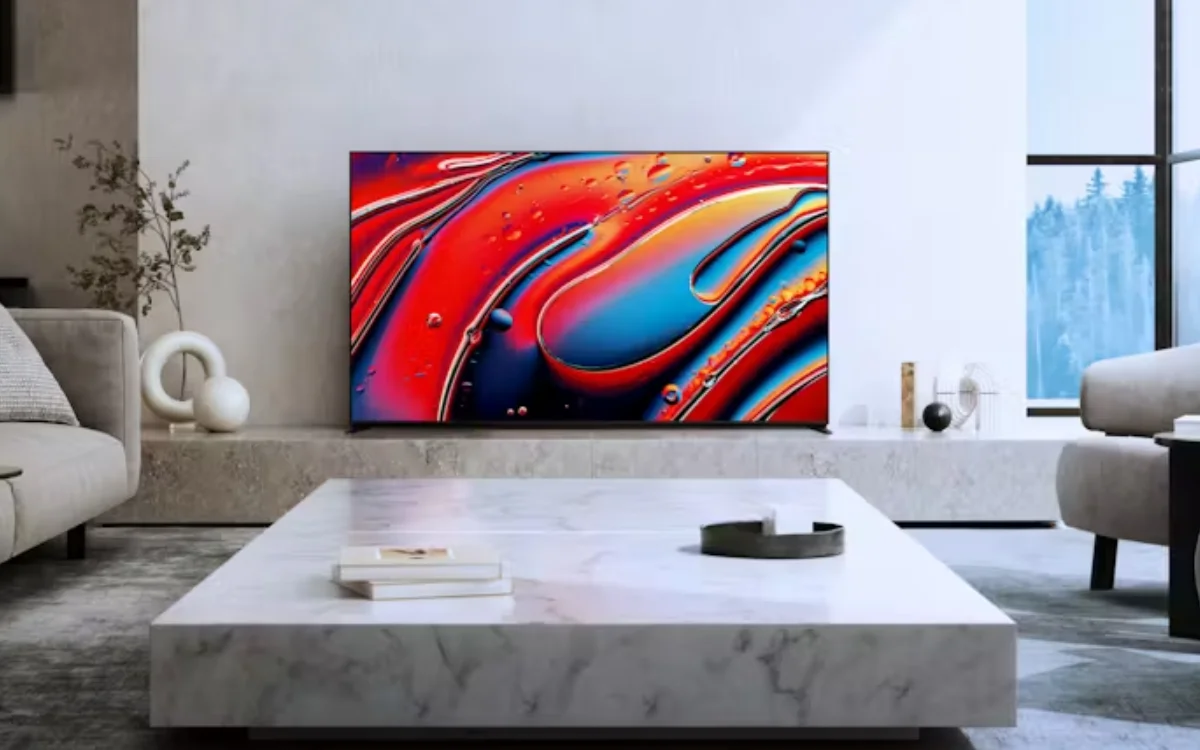
Alternatively, if you want to take control over which picture mode you use, you can set up Custom Picture Mode, where you choose how it looks.
And while you’re tinkering with the settings, check your internet connection
While the trio of settings above could help to improve your Sony TV’s picture quality, your internet connection could also be an issue.
If you find that your Smart TV buffers, lags, or sometimes refuses to play at all, then the problem might lie with your WiFi connection.
Experts recommend ditching the WiFi connection in favor of an Ethernet cable, which runs directly from your router to your TV.
Smart TV makers, such as Sony, recommend Ethernet cables for a ‘stronger, more stable connection’.
DISCOVER SBX CARS: The global premium car auction platform powered by Supercar Blondie
With a background in both local and national press in the UK, Claire has covered a range of topics, including technology, gaming, and cryptocurrency, since joining the editorial team at Supercar Blondie in May 2024. Her ability to be first to a story has been integral to making SB’s coverage of scientific discovery, AI, and global tech news a slick 24/7 operation.