Expert explains how much RAM your PC or laptop actually needs in 2026
Published on Feb 23, 2026 at 8:08 AM (UTC+4)
by Claire Reid
Last updated on Feb 23, 2026 at 10:27 PM (UTC+4)
Edited by
Ben Thompson
A tech expert has explained how much RAM your new laptop or PC really needs to run effectively in 2026.
If you’re considering upgrading your computer, you’re probably considering things like storage space, processing speed, graphics card, and which operating system you want it to run on.
You’ll also need to think about how much RAM – aka random access memory – your new tech will need.
Thankfully, a tech expert has cut through some of the noise to explain how much RAM your computer will need as a minimum.
DISCOVER SBX CARS – The global premium auction platform powered by Supercar Blondie
This is how much RAM your PC or laptop will need to run properly
Buying new tech can be a bit of a minefield, and it’s always worth spending some time doing your research before you take the plunge.
One of the many things to consider before splashing the cash on a new PC or laptop is how much RAM you’ll need.

However, like many things, there isn’t one set standard.
How much you’ll need depends on several things, such as what you’ll mostly be using your computer for and whether you’ve opted for a Windows or a Mac.
But as Zdnet’s Cecase Cadenas explained, you’ll generally need at least 16GB for a Windows computer.
This will be enough to carry out most basic functions, such as online shopping, writing emails, reading supercarblondie.com, and watching YouTube videos.
If you opt for an Apple Mac or MacBook, you can actually get away with less RAM.
You’ll only need half as much RAM – 8GB – on a Mac for it to perform to a similar standard to a Windows with 16GB.
Of course, if you have more RAM than that, then your new PC or laptop will perform faster and smoother, but Cadenas thinks that for most users it’s not necessary to fork out for extra RAM.
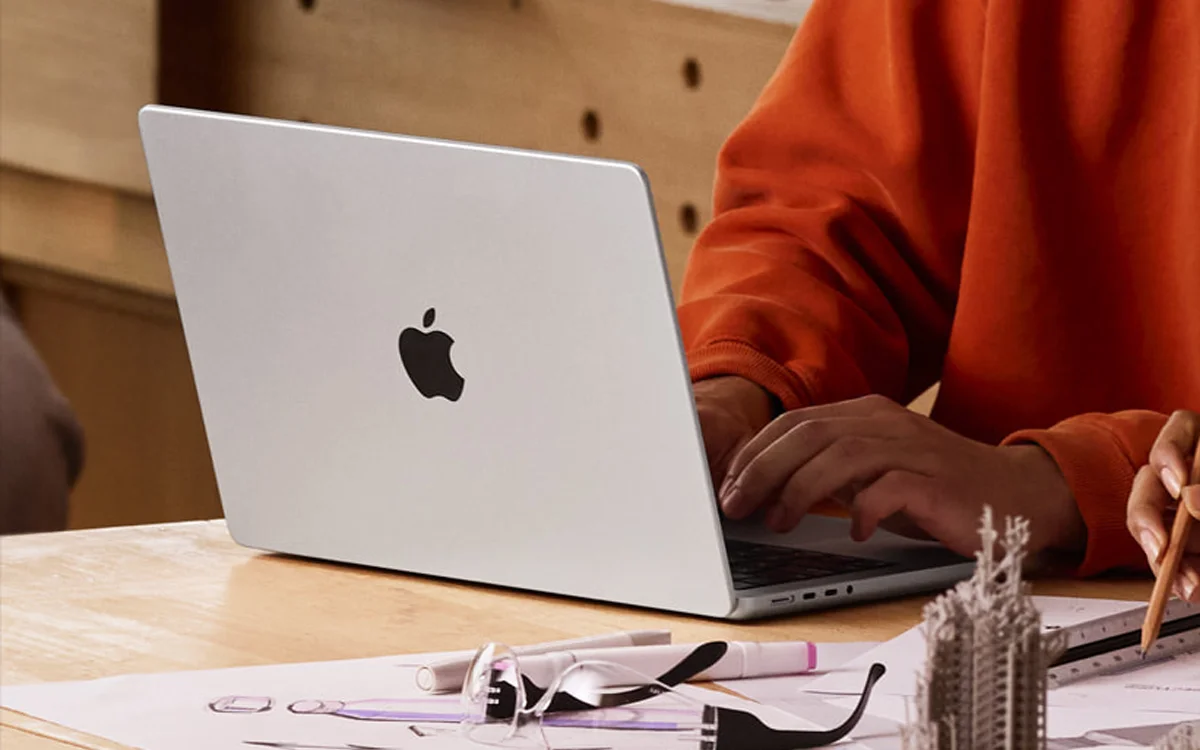
However, he did caveat that by adding that although 16GB is fine for general everyday use, if you’re a gamer or use it for editing videos or making music, you should go for 32GB of RAM to ensure smooth performance.
Click the star icon next to supercarblondie.com in Google Search to stay ahead of the curve on the latest and greatest supercars, hypercars, and ground-breaking technology
How do you know when to upgrade?
Much like how much RAM you’ll need, there’s no set rule on exactly when you should upgrade your computer.
But there are some signs to look out for that might let you know it’s time.
Firstly, if you find that new software won’t work on your computer, it could be time to get a new one.
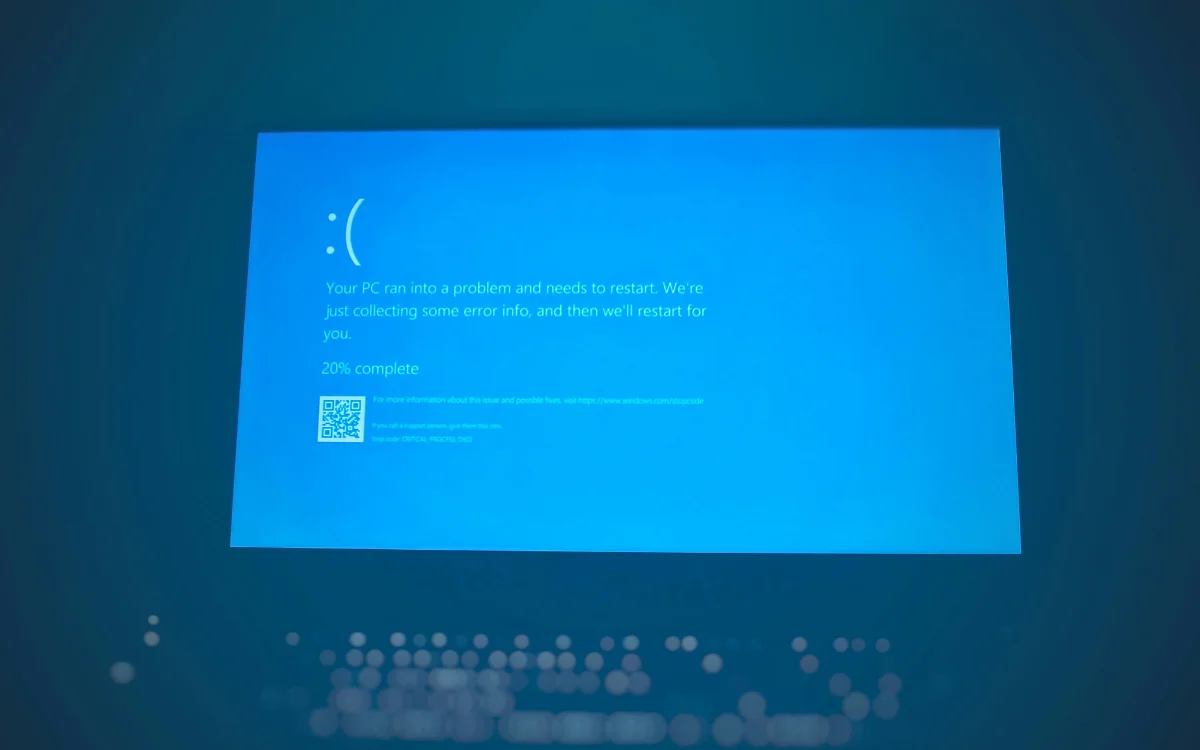
Similarly, if you start to experience issues when gaming, like lag, crashes, and poor quality graphics, you might be better off with something new.
Other major warning signs include noisy computer fans, taking more time to start up and shut down, and bad performance when attempting to multitask.
If you’ve started to notice these, then it’s probably a good time to start doing some research into a replacement.
DISCOVER SBX CARS: The global premium car auction platform powered by Supercar Blondie
With a background in both local and national press in the UK, Claire has covered a range of topics, including technology, gaming, and cryptocurrency, since joining the editorial team at Supercar Blondie in May 2024. Her ability to be first to a story has been integral to making SB’s coverage of scientific discovery, AI, and global tech news a slick 24/7 operation.