This is how you can use Copilot in Excel to make everything a lot easier
Published on Mar 04, 2026 at 2:53 PM (UTC+4)
by Daisy Edwards
Last updated on Mar 04, 2026 at 2:53 PM (UTC+4)
Edited by
Mason Jones
This is how you can use Copilot in Excel to make everything a lot easier, and it might genuinely change how you build spreadsheets.
Instead of wrestling with formulas, formatting, and endless clicks, Microsoft’s built-in AI can take on the boring bits so you can focus on what the numbers actually mean.
Lots of people say Copilot has become part of their Excel workflow because it handles tedious tasks like formulas, sorting, charting, and data cleanup without needing to micromanage every cell.
Microsoft positions Copilot in Excel as a way to analyze data, build formulas, create charts, and clean up messy spreadsheets faster.
EXPLORE SBX CARS – Supercar auctions starting soon powered by Supercar Blondie
How you can use Copilot in Excel
When it comes to tech assistants, you can find Microsoft Copilot hiding right in Excel ready to help you, and it’s time to let it take some of the load off of you.
Let Copilot write the scary formulas for you.
If nested IF statements make you break out in a cold sweat, you are not alone.
Copilot can generate complex formulas from a plain-English prompt, which makes formulas one of its biggest time-saving wins.

You can sort, filter, and structure your data without the fiddly setup, instead of clicking through menus and hoping you did not miss a column, you can ask Copilot to organize the sheet the way you want.
Its use is simple: fewer steps, fewer mistakes, and far less frustration when working with large datasets.
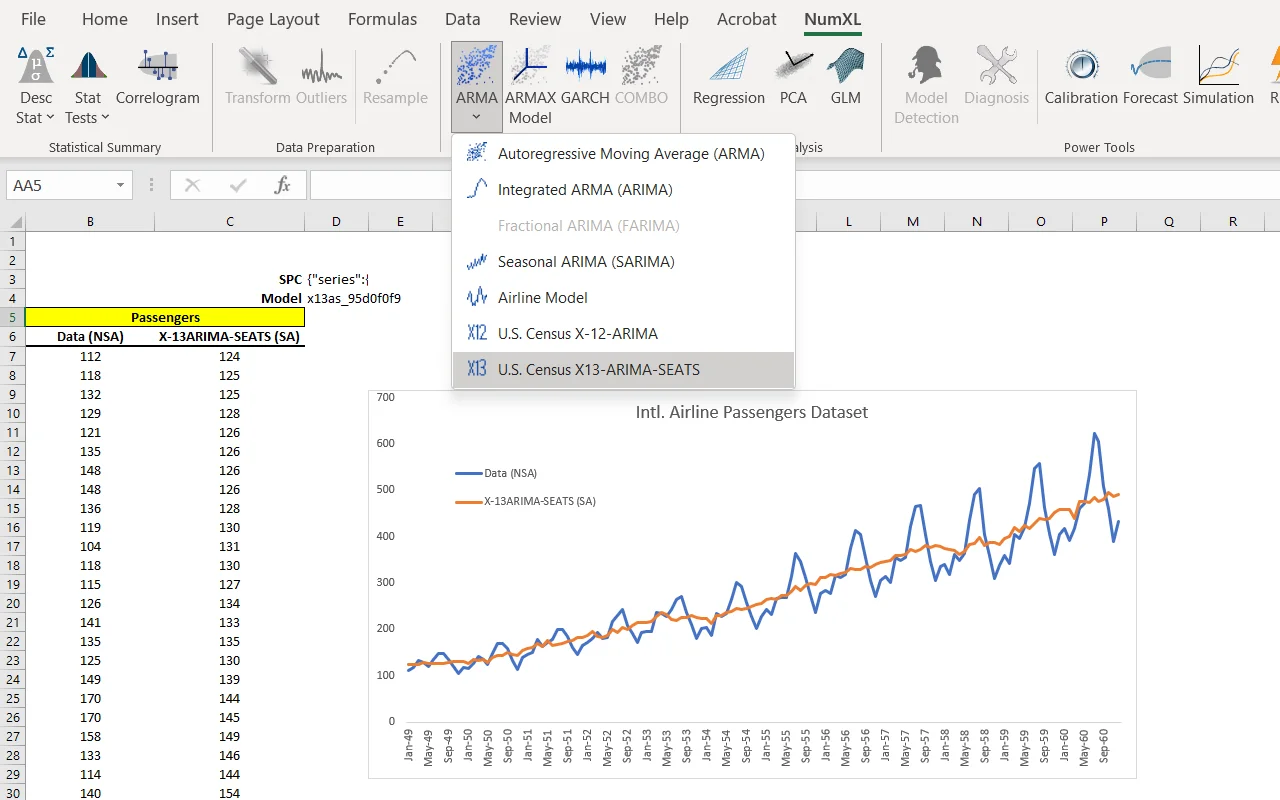
You can also use it to turn raw numbers into charts in seconds.
Charts can be powerful, building the right one can sometimes feel like a mini project of its own, but the AI helps create visualizations so you can get to the insight faster.
Click the star icon next to supercarblondie.com in Google Search to stay ahead of the curve on the latest and greatest supercars, hypercars, and ground-breaking technology
Make your life easier
As all great assistants do, you can clean up messy spreadsheets like a pro.
Data cleanup is often one of the most time-consuming parts of working with spreadsheets, but Copilot can help tidy up inconsistent entries and prepare your sheet for analysis, making everything easier to understand.
You can also get quick insights without building a whole dashboard, if you ask Copilot what trends stand out, which numbers are unusual, or what might be worth investigating.
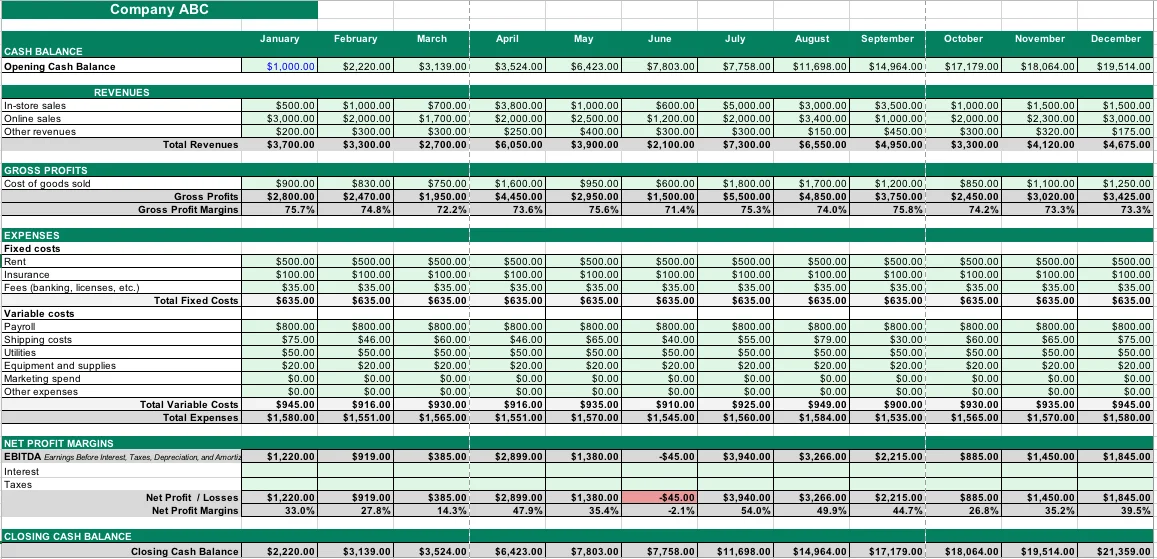
It acts like a helpful assistant, pointing out the interesting parts of your data before you dive deeper.
The best part is that you do not need to be an Excel expert first.
If you can describe what you want in simple language, the built-in AI can often handle the heavy lifting and get you most of the way there.
DISCOVER SBX CARS: The global premium car auction platform powered by Supercar Blondie