Microsoft's OneDrive Backup quietly just got a major change that you should take advantage of
Published on Feb 18, 2026 at 3:33 PM (UTC+4)
by Daisy Edwards
Last updated on Feb 18, 2026 at 3:33 PM (UTC+4)
Edited by
Amelia Jean Hershman-Jones
Did you know that Microsoft’s OneDrive Backup has quietly undergone got a major change that you should take advantage of, and Windows 11 users may not have even noticed?
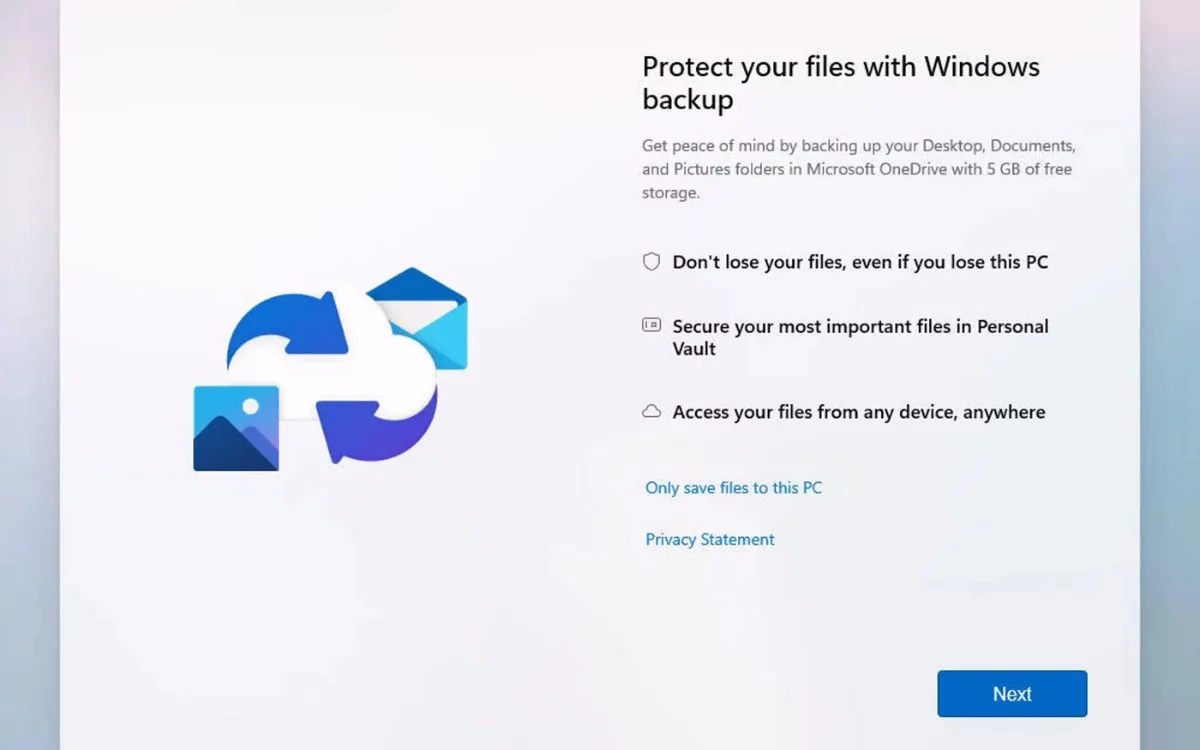
The cloud feature is now switched on automatically for many people during setup, moving key folders into OneDrive by default.
That means your Desktop, Documents, and Pictures could already be syncing without you actively choosing it.
While that might sound alarming, it is actually something you can use to your advantage.
EXPLORE SBX CARS – Supercar auctions starting soon powered by Supercar Blondie
Microsoft’s OneDrive Backup quietly just got a major change
Tech users may have been utilizing this OneDrive Backup feature by accident this whole time without even knowing.
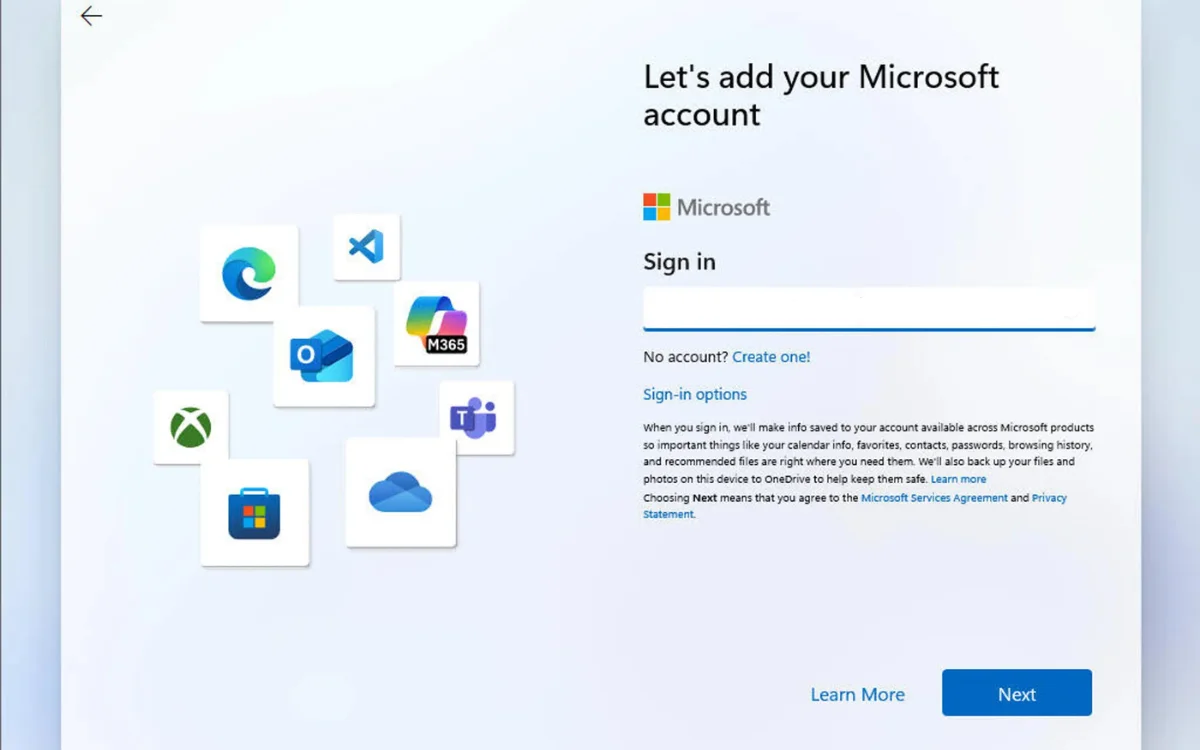
With newer Windows 11 setups, signing in with a Microsoft account often enables OneDrive folder backup automatically.
Instead of keeping everything purely local, Windows redirects core folders such as Desktop, Documents, and Pictures to the OneDrive directory.
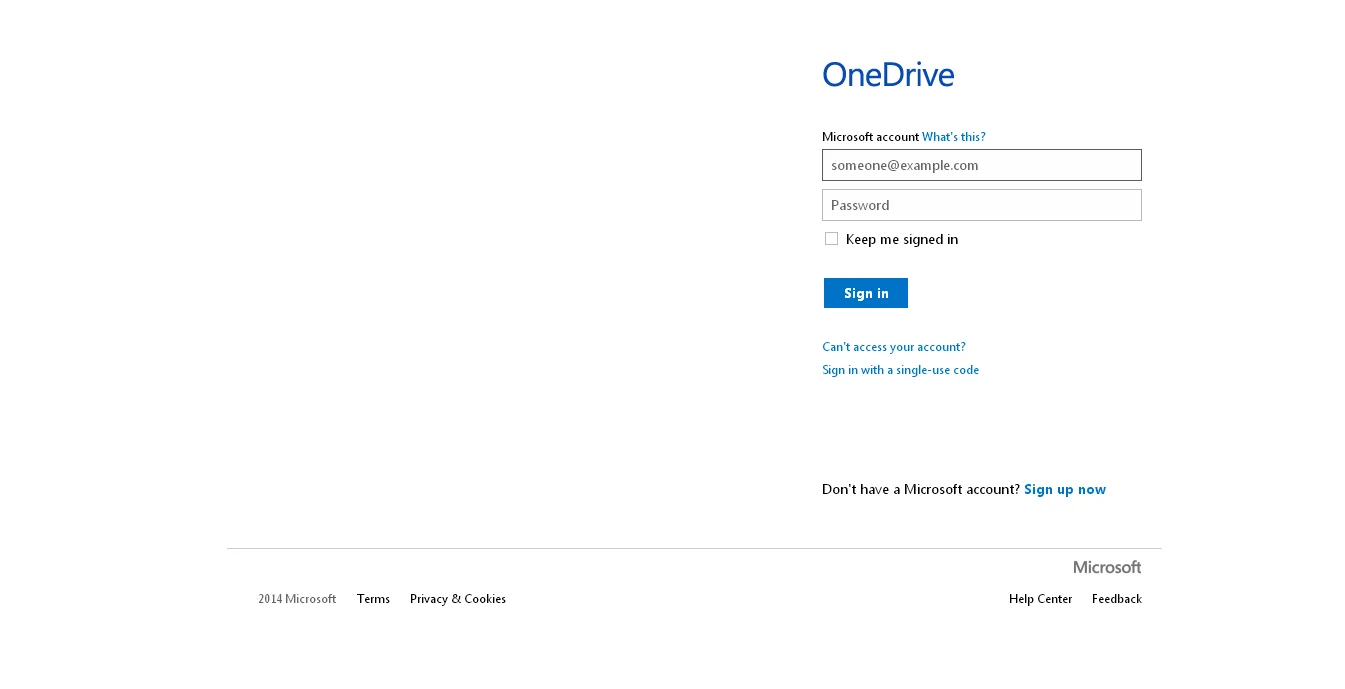
Your files are not deleted or removed from your PC, but their location changes to a synced cloud folder.
For some users, this has caused confusion when files suddenly appear inside OneDrive rather than in their usual local paths.
Microsoft has also been pushing cloud saving inside Microsoft 365 apps, where new files default to OneDrive storage instead of local drives.
The shift signals a clear move toward automatic cloud protection across the Windows ecosystem, whether you like it or not.
Click the star icon next to supercarblondie.com in Google Search to stay ahead of the curve on the latest and greatest supercars, hypercars, and ground-breaking technology
You should embrace the change
The upside is simple: your most important files are automatically protected against hardware failure, theft, or accidental deletion.
If your laptop breaks, signing into a new device restores your Desktop and Documents almost instantly.
If you prefer local-only storage, you can still turn the feature off.
Open Microsoft’s OneDrive settings, head to Sync and backup, select Manage backup, and stop backing up the folders you do not want synced.
You can then move files back to the standard local folders under your user profile.
For anyone upgrading to Windows 11 or setting up a new PC, this is a change worth understanding.
Whether you embrace the automatic cloud safety net or switch it off, taking control of OneDrive Backup now could save you a serious headache later.
DISCOVER SBX CARS: The global premium car auction platform powered by Supercar Blondie