Apple CarPlay gets two major new upgrades with the latest iOS 27.2 update and this is how they work
Published on Nov 13, 2026 at 6:42 AM (UTC-5)
by Ben Thompson
Last updated on Nov 13, 2026 at 6:42 AM (UTC-5)
Edited by
Mason Jones
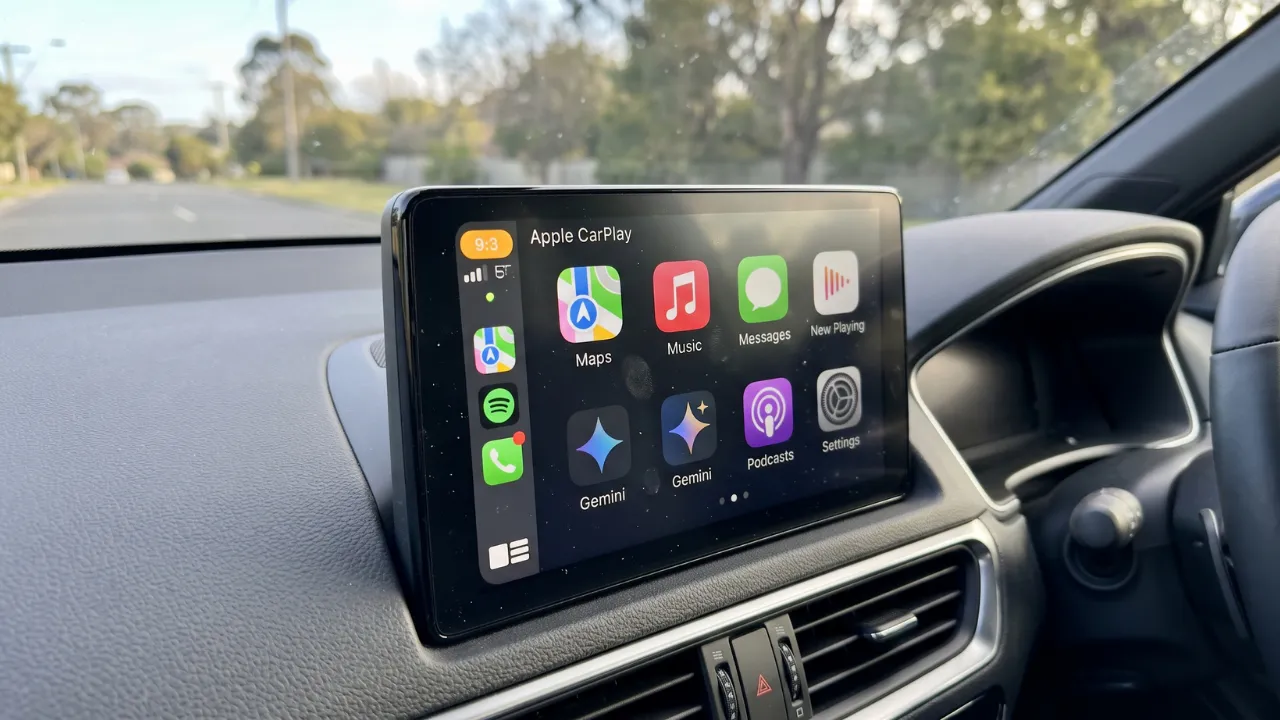

With the latest iOS 27.2 update, two major upgrades have come to Apple CarPlay.
It feels like barely a month goes by without a new update coming to Apple CarPlay.
But understanding how these updates work is a whole different matter.
Let’s take a look at the new upgrades and how to use them.
There’s constantly new stuff coming to Apple CarPlay
You’d be forgiven for not keeping up to date with all the Apple CarPlay updates that have come our way these past few years.
After all, they do feel fairly regular and comprehensive.
And things got taken up a notch when iOS 27 arrived on the scene.
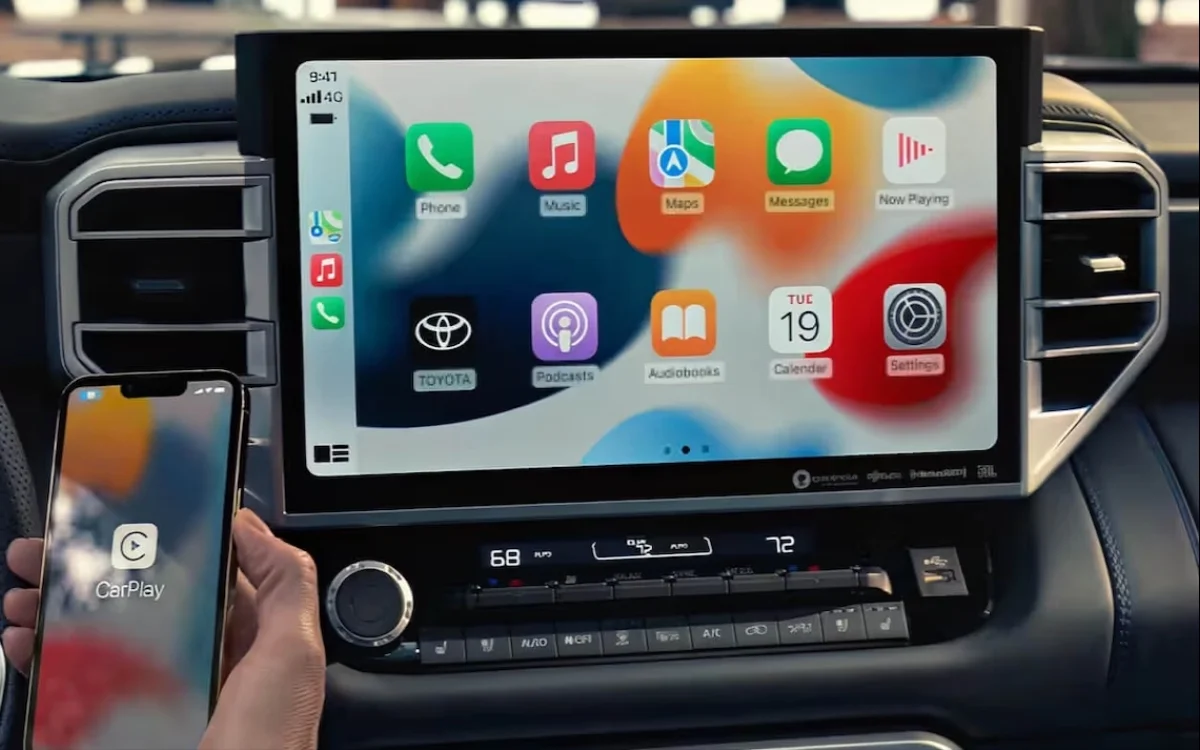
True to form, another batch of updates have arrived on Apple CarPlay.
Here’s what the updates do and how you can get the most out of them.
iOS 27.2 upgrade – Podcasts app redesign
The podcast app is getting a redesign – the home tab will now have ‘New Episodes’ and ‘Continue Playing’ sections.
That will replace the ‘Up Next’ section entirely.
The new sections do exactly what they say on the tin.
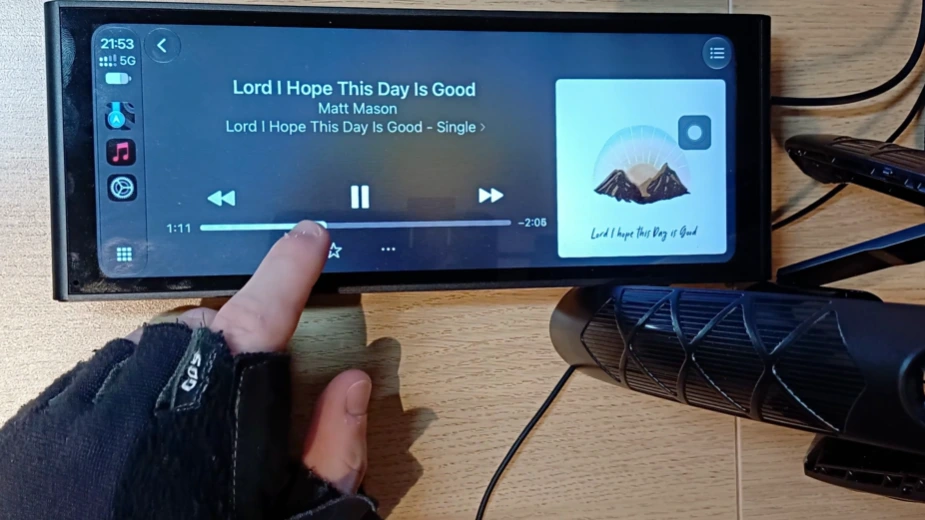
‘New Episodes’ is where you’ll find the latest releases from the shows you follow, while ‘Continue Playing’ allows you to pick up where you left off.
You could argue that ‘Up Next’ wasn’t so much removed, it was split into two.
At any rate, most people would agree that this is a more efficient system.
iOS 27.2 upgrade – Changes to Siri
Siri on CarPlay is now able to recall past conversations – just as it’s capable of doing on the iPhone.
Say you were trying to recall a restaurant recommendation it gave you last week.
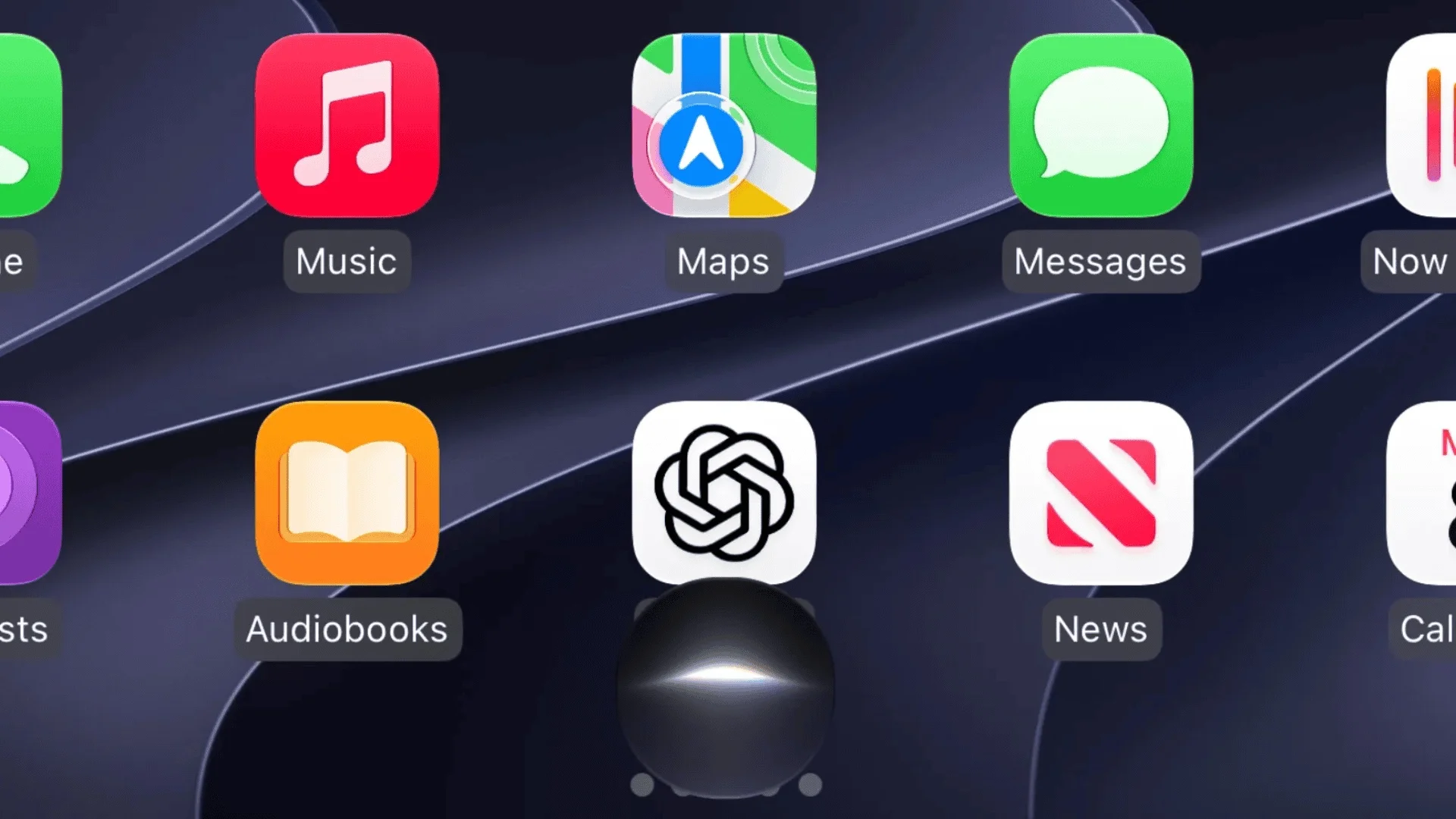
Now you could ask Siri to recall it again, and it’d be able to d oso.
Siri can now also draw on a wider supply of sources for its answers, ranging from Safari history to voicemails and photos attached in Messages.
Pretty cool, right?
A minor change to the Music app
The Music app icon has change color, going from red to white with a black music note.
In Dark Mode, that switches to black with a white music note.
That’s a fairly minor aesthetic adjustment all things considered, but we’re sure there’s people out there who will the icon as it was.
One person even commented online: “I rather preferred the Red icon for the Music App, as it was easy to spot, so I kind of wish Apple would give us a way to change it back, but I’ll live.”
With 43 likes on the comment, he’s clearly not alone.
The best of Supercar Blondie, every Sunday
The week's best car stories, straight to your inbox. Free.
Ben joined Supercar Blondie in February 2025 after being published by international organizations including LADbible, The Sun, the New York Post, and the Daily Mail. He covers supercars, rare and collectible vehicles, aviation, luxury assets, and the fascinating people behind them. His reporting has explored everything from seven-figure supercars and historic Ferrari collections to unusual aircraft adventures and extraordinary automotive discoveries from around the world. Ben has also gained first-hand insight into vehicle craftsmanship and customization, including visiting specialist workshops to see bespoke vehicles up close.