New iOS 27 update has just transformed Apple CarPlay and you need to use these settings to get the most out of it
Published on Sep 30, 2026 at 6:53 AM (UTC-4)
by Ben Thompson
Last updated on Oct 09, 2026 at 10:38 AM (UTC-4)
Edited by
Mason Jones
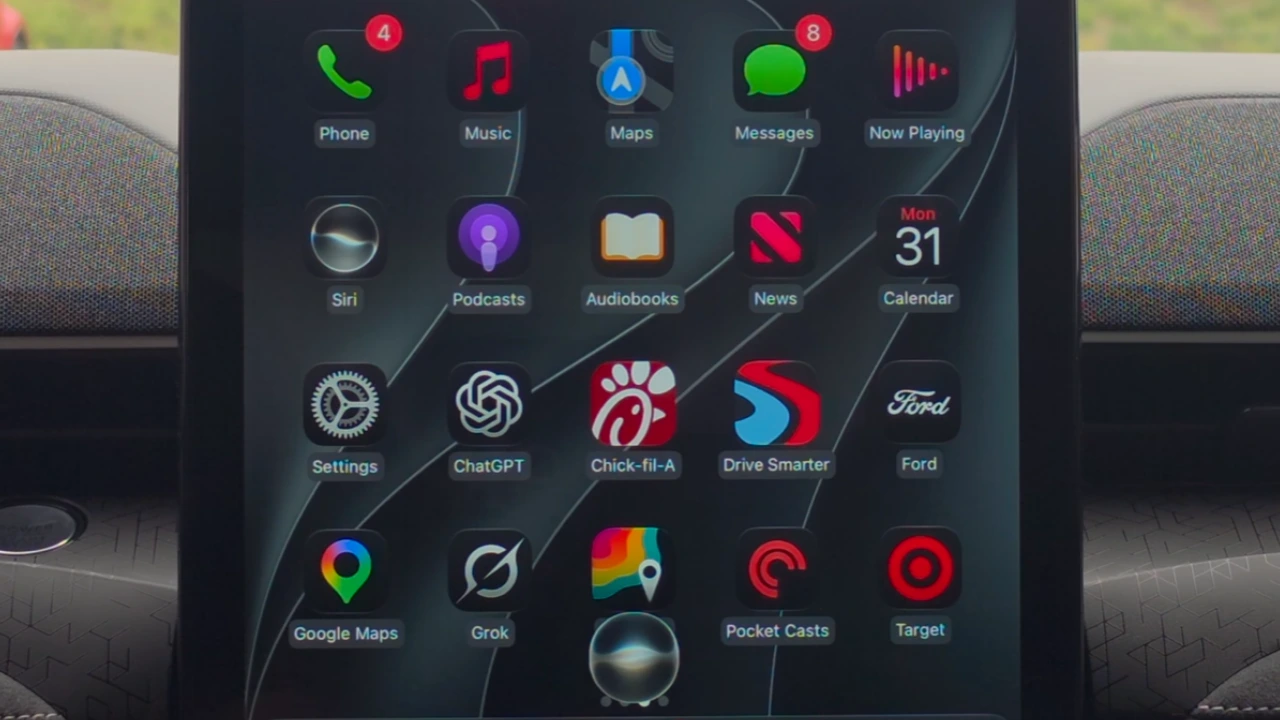

Now that the iOS 27 update has arrived on Apple CarPlay, here’s what you need to know to get the most out of it.
The infotainment screen undergoes a total transformation once you set up Apple CarPlay.
But there’s still ways to take things to the next level.
Here’s how you can get the most mileage – no pun intended – out of the iOS 27 update.
Apple CarPlay has been a valuable asset for cars
The driving experience has never been quite the same since the infotainment system arrived.
So many features at your fingertips is hard to pass up.
Even though automakers are moving away from Apple CarPlay and Android Auto, those two remain the dominant forces for drivers looking for tech convenience.
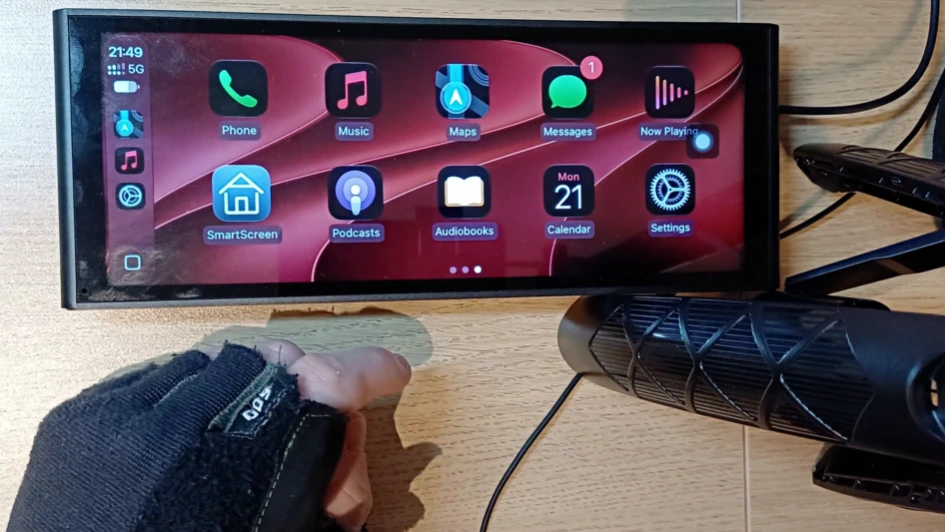
With the latest iOS 27 update, there’s a whole lot more for drivers to sink their teeth into.
What’s new with the iOS 27 update?
A lot of the design and user interface has been given a refresh, with updated icons and UI elements adopting the ‘Liquid Glass’ design.
There’s also new wallpapers to customize your infotainment system’s visual appearance.
But it’s not just in appearance that iOS 27 is shaking things up.

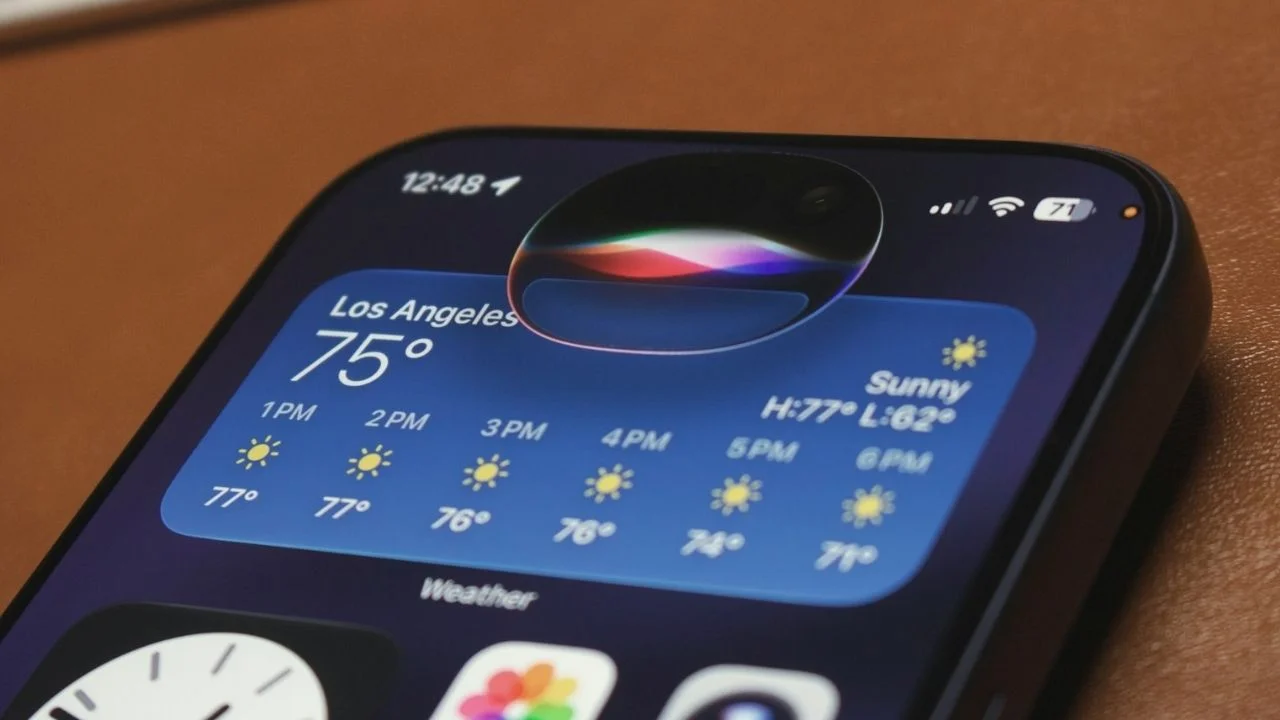
How has Siri changed?
The AI assistant has been there through so many iterations now, that’s it hard to imagine how it can be improved each time.
But in the view of YouTuber HotshotTrek, Apple has upped the ante this time around.
“This series is much smarter than ever before. Think of it like ChatGPT. It’s so smart that it actually has its own dedicated app,” he said.
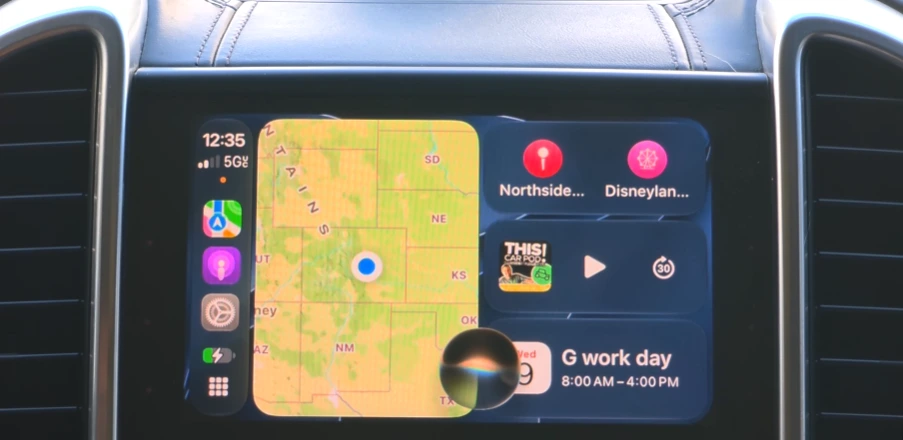
“It would just keep track of some of your past conversations where you could just click on it and resume where you last left off.”
And as with the rest of CarPlay, the Siri app has a glowing animation in line with the Liquid Glass design.
How is listening to music different with iOS 27?
Music, as most drivers will testify to, is an essential part of the driving experience.
There’s nothing quite like blasting out your favorite songs while running your errands or commuting to work.
But there’s also nothing quite as annoying as fiddling with your infotainment screen in a desperate attempt to get the right songs to play.
That’s where the iOS 27 update has you covered.
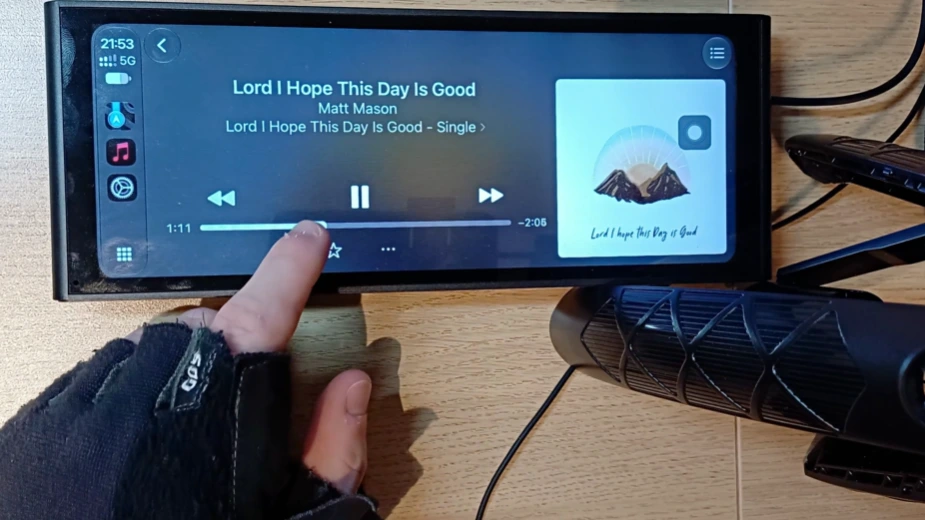
You now have a persistent mini-player, where music, podcasts, and audio books are at your beck and call.
“Before, when you were digging through your library, you lost the playback controls. Now you’ve got the artwork, the title, play, pause, next track right there while you browse,” YouTuber at home said.
And that’s not all – you now have the opportunity to ‘scrub’ through a track.
“Before, to move forward in a song, you had to hold the button forever. Now you just grab the progress bar and jump wherever you want,” the YouTuber explained.
“Amazing for podcasts and audiobooks especially when you want to skip a section. Works on third-party apps too.”
Particularly handy when podcasters start naming all of their sponsors, right?

Using Apple Maps and Navigation on Apple CarPlay
Where would an analysis of CarPlay be without checking in on Apple Maps or Navigation?
Music and Siri are nice and all, but if you can’t get to where you’re going, it’d all be for naught.
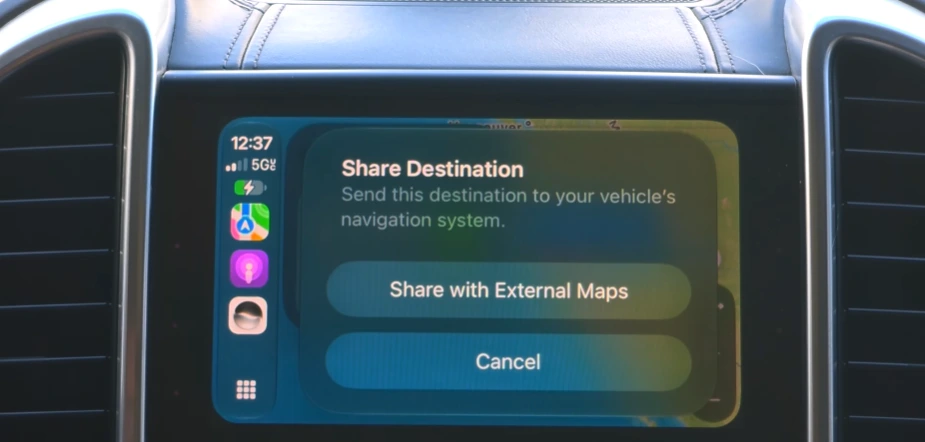
Directions can now be shared directly from Apple Maps on CarPlay to a vehicle’s built-in GPS system, via the share icon.
The pinch-to-zoom tool now extends to other infotainment screens, such as those on newer cars from GM, Chevy, Cadillac, and Hummer.
And if you want to find your parked car, it can help with that too.
“As soon as you disconnect and turn off your car, your Apple Watch is actually able to mark your vehicle’s last known parked location using Backtrack,” HotshotTrek explained.
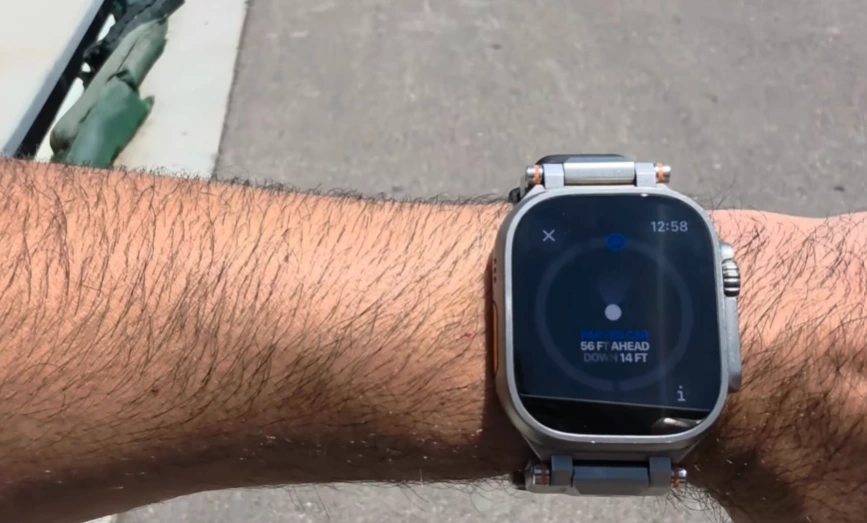
“So if you park your vehicle in a parking lot and it gets really crowded and you misplace your car, [it] does happen.
“If you launch the Smart Stack on your Apple Watch, it’ll bring you back to your exact vehicle’s location using coordinates with backtracking support.”
Now that’s handy.
Ben joined Supercar Blondie in February 2025 after being published by international organizations including LADbible, The Sun, the New York Post, and the Daily Mail. He covers supercars, rare and collectible vehicles, aviation, luxury assets, and the fascinating people behind them. His reporting has explored everything from seven-figure supercars and historic Ferrari collections to unusual aircraft adventures and extraordinary automotive discoveries from around the world. Ben has also gained first-hand insight into vehicle craftsmanship and customization, including visiting specialist workshops to see bespoke vehicles up close.




