These are all the best new features in Apple CarPlay with the latest iOS 27 update
Published on Sep 15, 2026 at 9:36 AM (UTC-4)
by Daisy Edwards
Last updated on Sep 22, 2026 at 11:19 AM (UTC-4)
Edited by
Mason Jones

Apple has just released iOS 27, bringing a bunch of new features to iPhones as well as some useful upgrades for drivers through CarPlay.
CarPlay has not been completely reinvented this time around, but there are several changes that could make a noticeable difference when you’re behind the wheel.
From finally being able to scrub through a podcast to adding more iPhone widgets, some of the updates are surprisingly practical.
There are also some clever improvements to navigation, Siri and the overall look of CarPlay.
You can finally add more iPhone widgets to Apple CarPlay
One of the biggest everyday changes coming to our cars is that CarPlay is no longer limited to Apple’s small selection of built-in widgets.
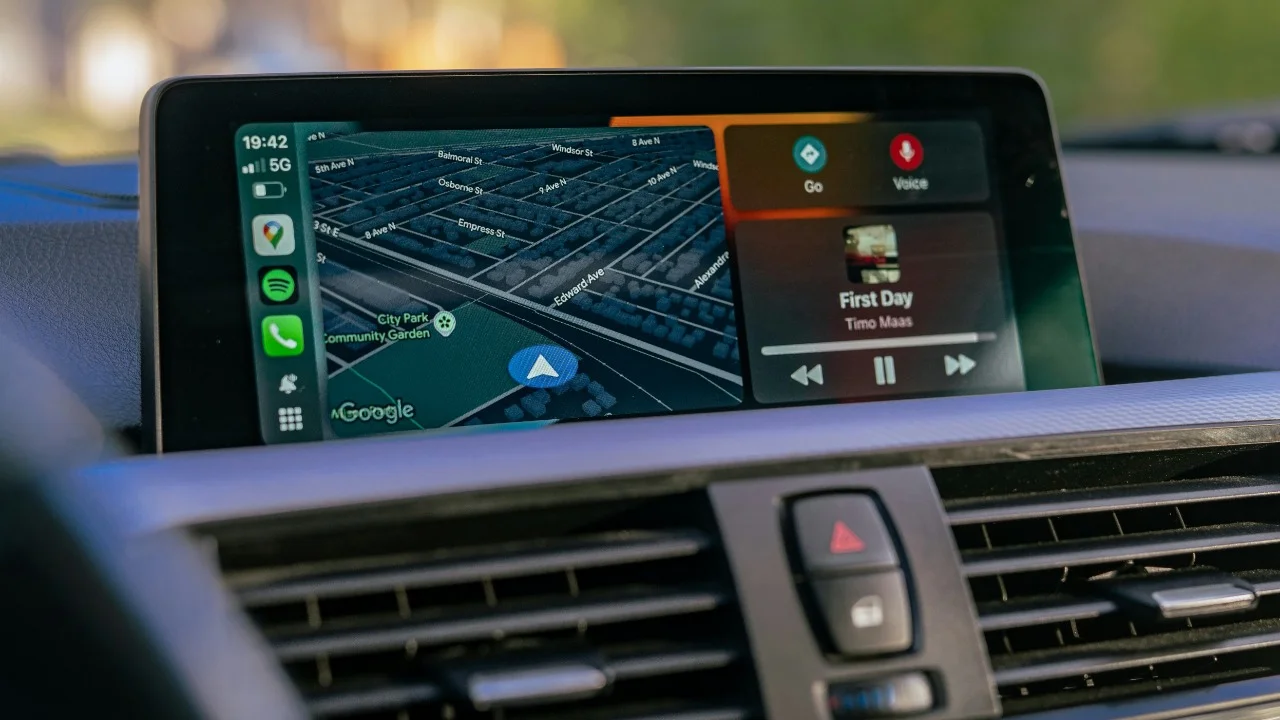
With iOS 27, compatible widgets that normally appear on your iPhone’s home screen can also be added to CarPlay.
That means drivers can get more useful information on their car’s display without having to open a separate app.
Exactly which widgets are available will depend on the apps installed on your iPhone, but the change makes the CarPlay dashboard much more customizable.
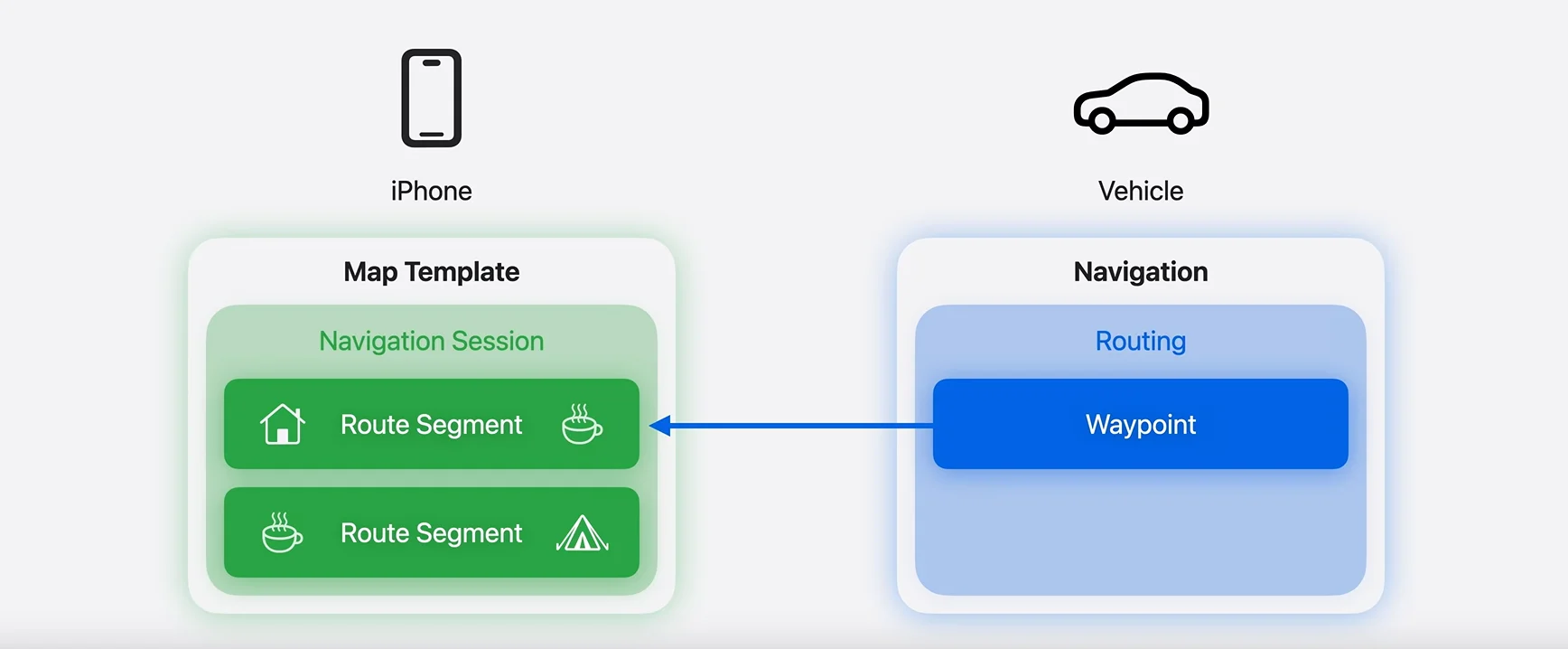
Apple Maps can share routes with your CarPlay
This could be particularly useful for people with cars that have sophisticated built-in navigation systems.
iOS 27 allows Apple Maps to share its route with a vehicle’s own navigation software, provided the car supports the feature.
That means you can use Apple Maps to plan your journey and then send that route to the car’s native navigation system.
This could be especially handy for EV owners, as a car’s built-in navigation system may know more about the vehicle’s battery range and charging requirements than Apple Maps.
However, this is not available on every car, so whether you can use it will depend on the vehicle and its infotainment system.
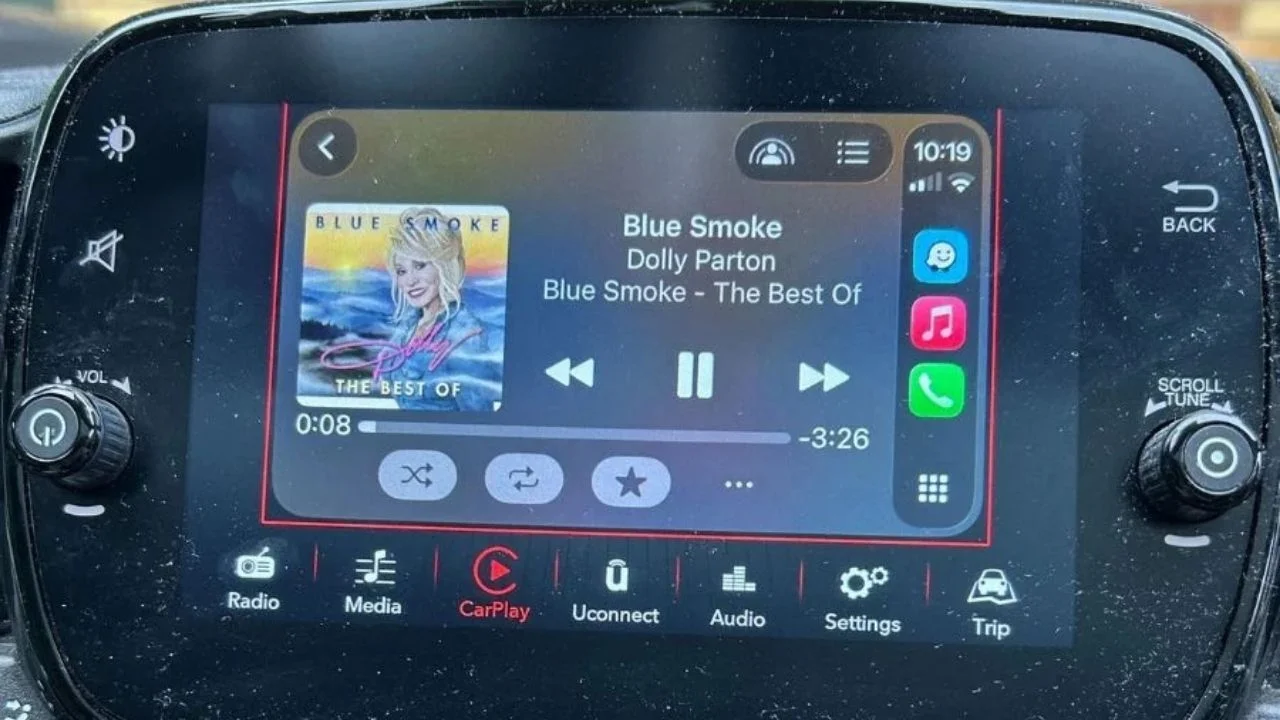
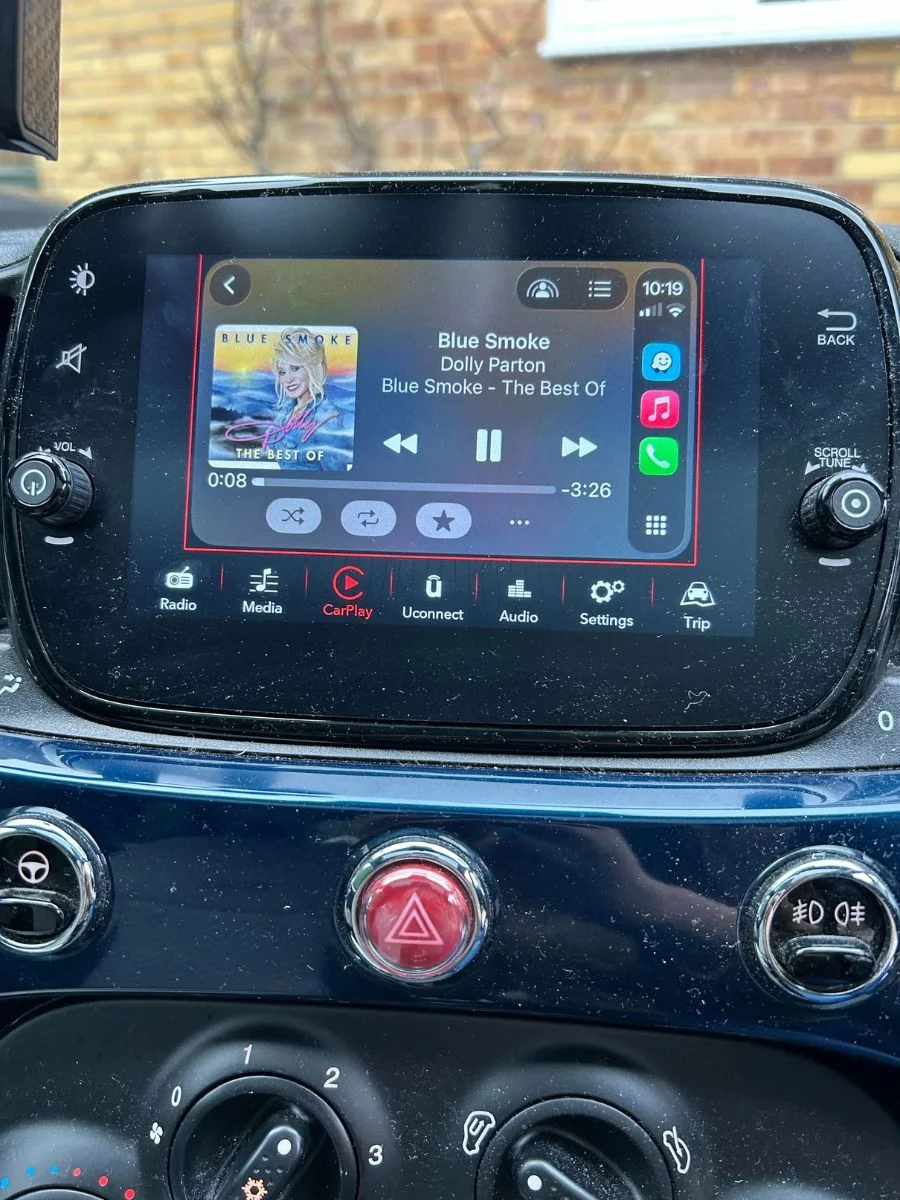
You can finally scrub through songs and podcasts
This might sound like a tiny change, but it is probably one of the most useful additions.
CarPlay now has a progress bar in its Now Playing interface, meaning you can drag through a song, podcast or audiobook and jump directly to the part you want.
Previously, finding a specific point in something you were listening to could mean repeatedly tapping the skip controls and hoping you landed in the right place.
Plenty of car infotainment systems have offered this functionality for years.
Siri gets a dedicated app
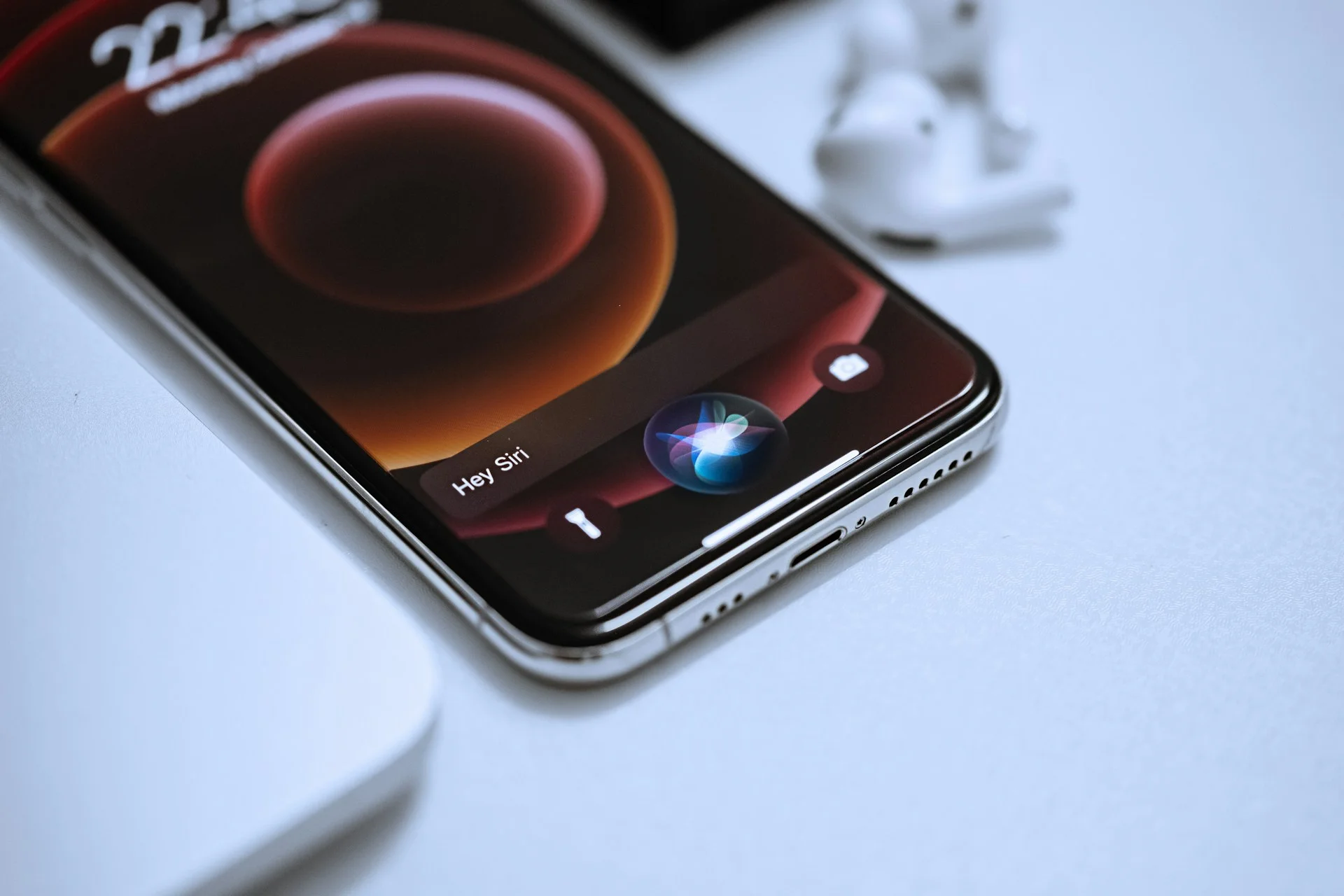
Siri is getting a much bigger overhaul across iOS 27 thanks to Apple’s new AI-powered version of the assistant, and some of that functionality carries over to CarPlay.
There’s now also a dedicated Siri app on the iPhone that lets users revisit previous conversations with the assistant.
That could be useful if Siri successfully completed a complicated request earlier and you want to repeat it without having to remember exactly what you said the first time.
The new Siri AI features require a compatible iPhone that supports Apple Intelligence, so not every iPhone owner will get the full experience.
CarPlay gets a fresh visual makeover
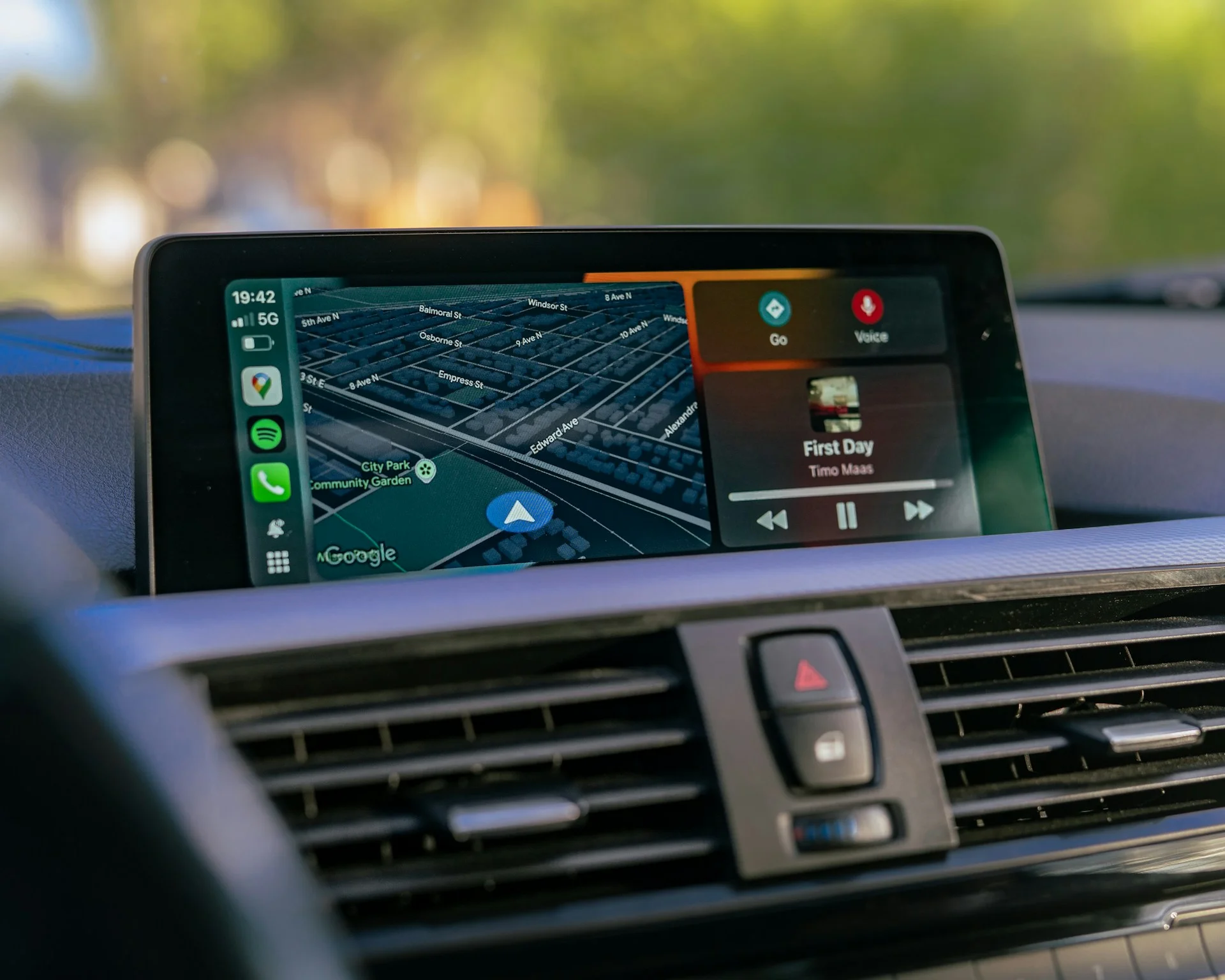
CarPlay already received a major visual change with iOS 26 and Apple’s Liquid Glass design, so iOS 27 is more of a polish job.
The Liquid Glass look now extends more consistently throughout the interface, while new wallpapers and animations give the system a slightly fresher appearance.
There are also larger and more interactive content thumbnails, alongside updated Liquid Glass icons for apps such as Maps and Weather.
Apple has added 14 new CarPlay wallpapers based on the new iOS 27 designs, giving drivers a few more ways to customize their dashboard.
Navigation gets smarter
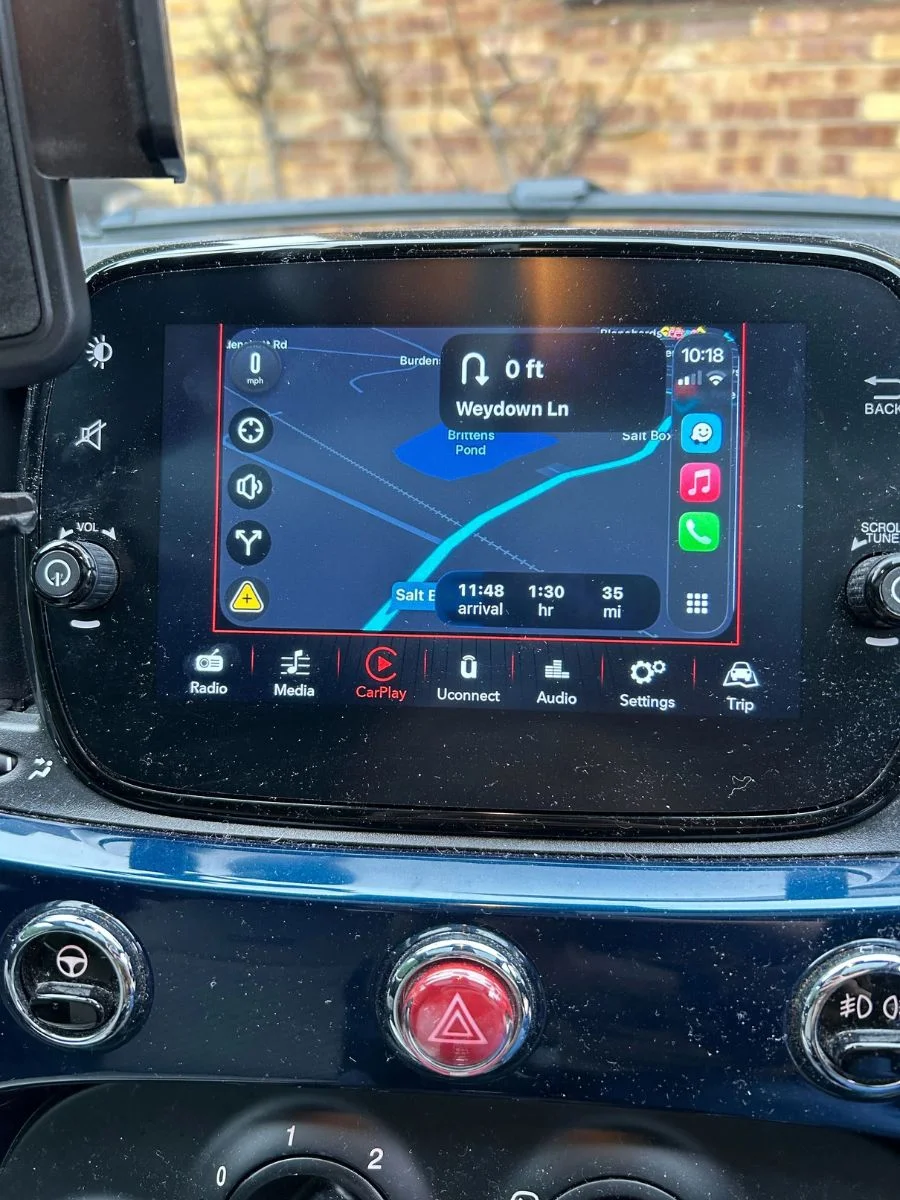
Apple has also made some smaller but potentially useful changes to navigation.
Natural-language requests in Apple Maps can now be used to ask for routes that avoid things such as toll roads or highways, making it easier to describe what you want without manually digging through settings.
Apple says iOS 27 also improves wireless CarPlay reliability, GPS location accuracy, and navigation heading detection.
There are also improvements to voice controls, with developers able to add voice-control functionality to more categories of CarPlay apps.
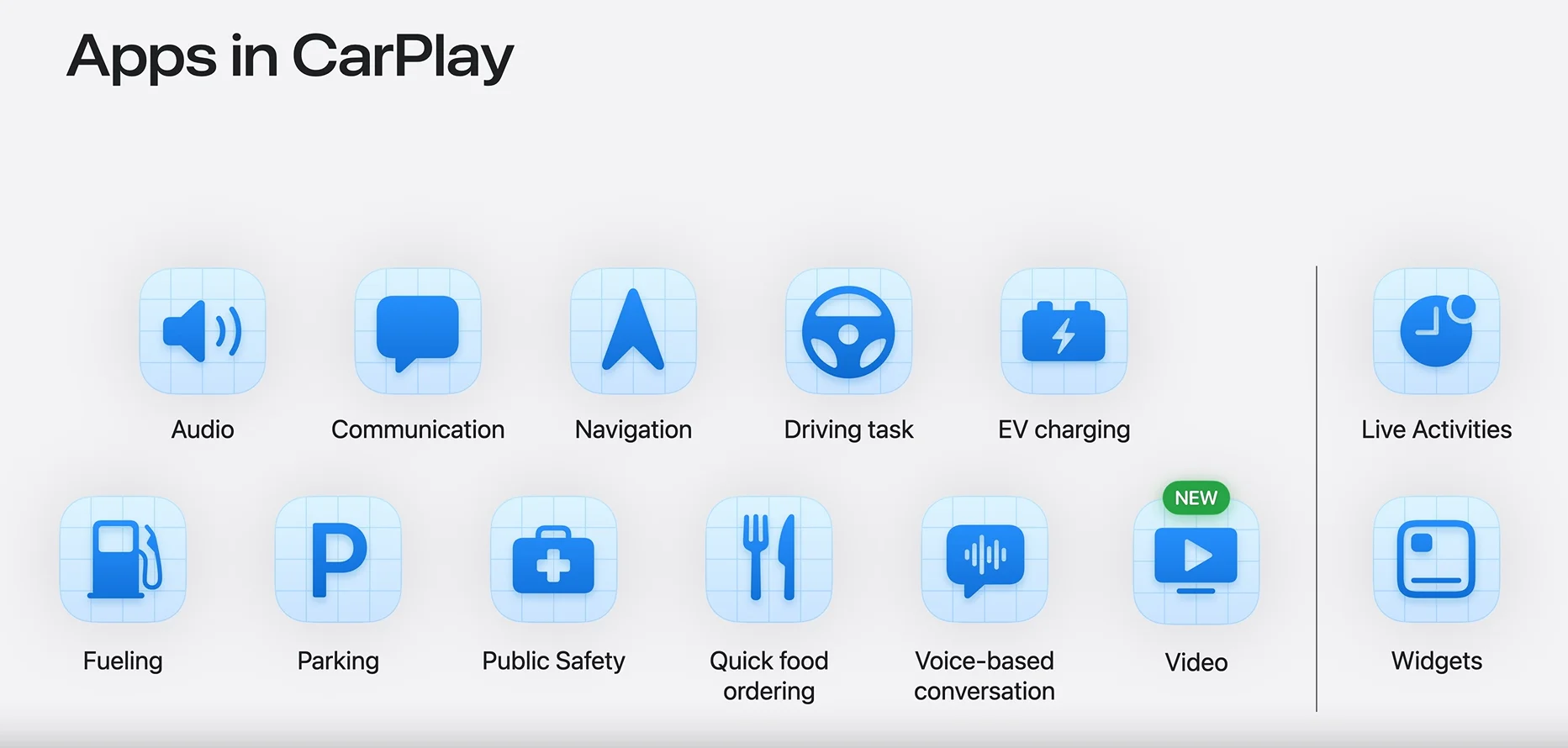
Video is coming to Apple CarPlay – eventually
One of the flashier CarPlay features announced for iOS 27 is the ability to use video apps on the car’s display while parked.
There is an important catch, though: carmakers have to enable the feature in their vehicles.
The car also needs to communicate its drive state to the iPhone so video playback can be restricted when the vehicle is moving.
Apple’s own Apple TV app is the first confirmed app for the feature, but support from automakers is still needed before drivers can actually take advantage of it.
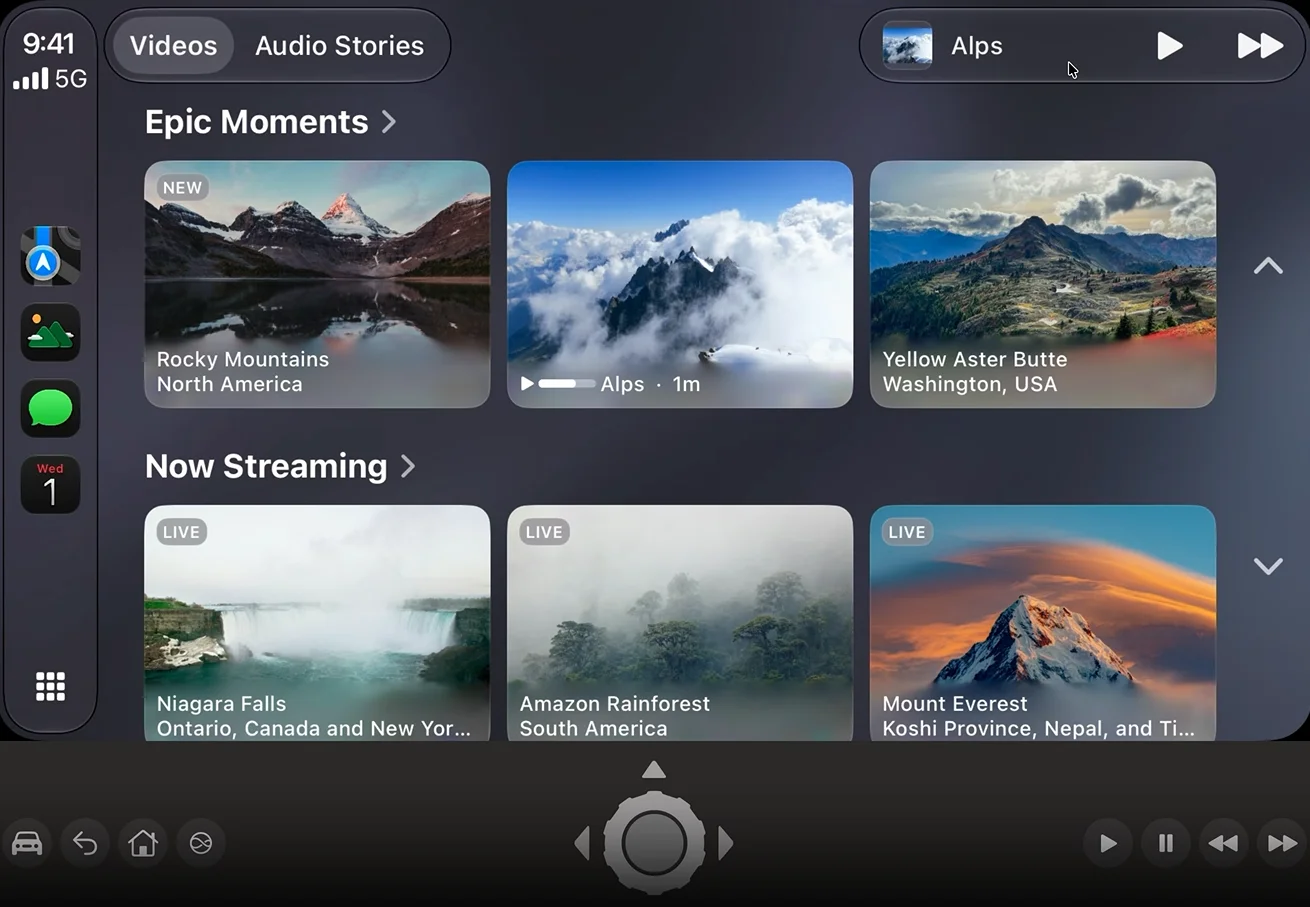
So while video playback could eventually turn CarPlay into a much more entertaining passenger experience, it is not one of the features that every iOS 27 user can simply switch on today.
Overall, iOS 27 is not a dramatic reinvention of CarPlay, but it does address several little features and annoyances that drivers have had for years.
The ability to scrub through audio, use more iPhone widgets and share routes with a car’s native navigation system could all make CarPlay noticeably more useful on a daily basis.
Daisy is a technology and automotive journalist covering artificial intelligence, consumer tech, Apple news, cryptocurrency, emerging technologies, and transportation innovation. Since joining the team in 2025, she has reported on everything from AI-powered startups and major iOS updates to viral car stories and the latest developments shaping transportation and the digital economy. Drawing on her background in automotive journalism and a degree in History and Journalism from Goldsmiths, University of London, Daisy specializes in breaking down complex topics into clear, engaging reporting for a global audience. Her work spans cutting-edge technology, innovative vehicles, and the people driving change across both industries. Daisy has gained first-hand access to some of the world's most talked-about technologies and innovators, including meeting Tesla's Optimus humanoid robot during its first European appearance in London. She has also discussed the future of space exploration with an astronaut, bringing unique insights and real-world perspectives to her coverage of emerging technology.




