You need to change these settings on your iPhone to start taking better photos without the need for editing apps
Published on Jan 22, 2026 at 2:03 AM (UTC+4)
by Keelin McNamara
Last updated on Jan 21, 2026 at 8:57 PM (UTC+4)
Edited by
Amelia Jean Hershman-Jones
This is not a drill – pick up your iPhone and change these camera settings to take better photos than ever before, minus lengthy editing hours.
This is the ultimate hack for taking better photos on your smartphone.
It takes seconds, but it could give you photos you’ll frame forever.
What’s more, you don’t even need to use editing apps.
DISCOVER SBX CARS: The global premium car auction platform powered by Supercar Blondie
These iPhone settings can change your camera
iPhone camera settings are much more important for photos than you think.
They can transform everyday images into polished end products straight from the camera.
So why do these settings actually matter?
When you take a picture, your iPhone captures huge amounts of data from the image.
But the final image depends heavily on how the camera is set up when the photo is taken.
Dialling in the right settings beforehand can make a huge difference to your photos.
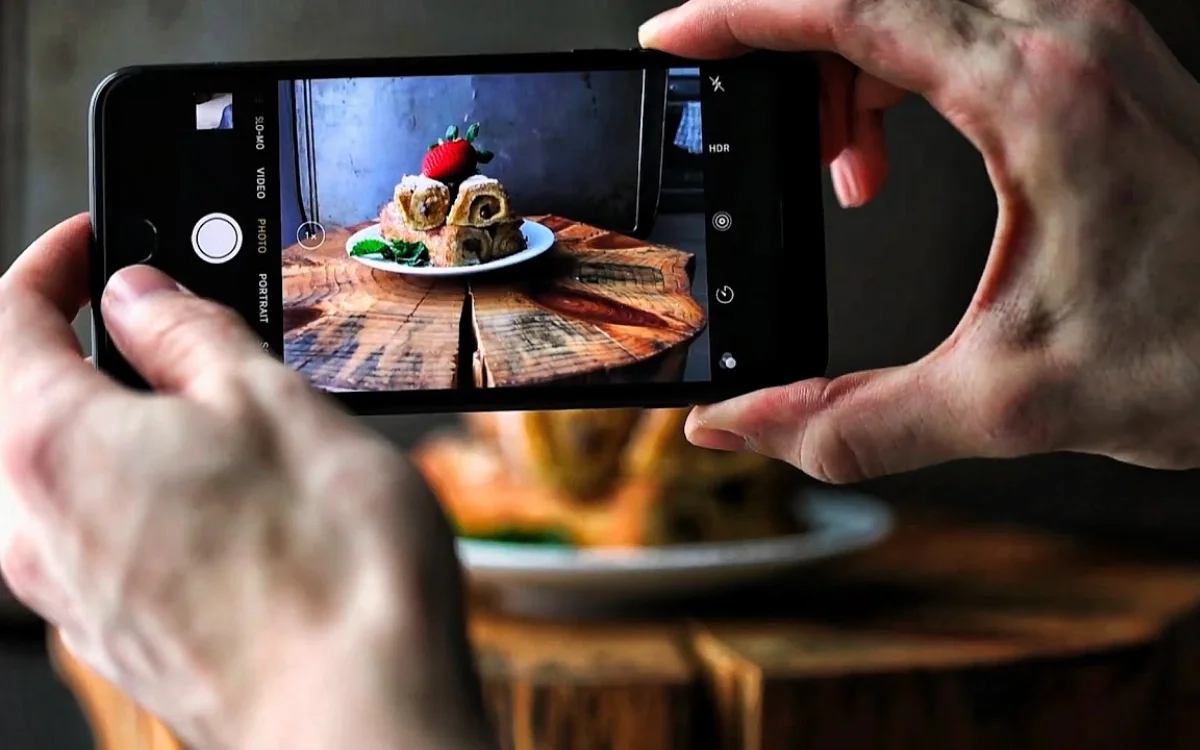
It can make such a difference that it can even remove the need for photo editing apps.
Small changes to exposure, focus, HDR, and resolution can often be the key.
It is important to note that there is no one-size-fits-all approach.
That is to say, there is no one ‘best’ setting formula for iPhone photos.
The best foundation is to ensure a strong foundation of grid lines, HDR, and high-resolution capture.
You then make small, incremental adjustments based on lighting and subject matter.
These are considered the core settings to have enabled on your iPhone.
Some consider them worthy of having turned on at all times.
But are there additional habits that can make photos look better?
Turns out that the answer is a pretty resounding yes.
These habits can totally change your photos
One of the most underrated habits is tapping on the subject in question.
This technique tells the camera where to prioritise sharpness.
For portraits, tapping on the eyes or face helps prevent the camera from locking onto the background instead.
If you’re dealing with movement, then pressing and holding can help.
This is because it activates a feature known as focus and exposure lock.
This keeps focus where it matters most instead of shifting unexpectedly.
Another underrated habit you can change is manually adjusting light exposure.
After setting focus, you can drag the sun icon up or down.
This immediately gives you control over the brightness or darkness of an image.
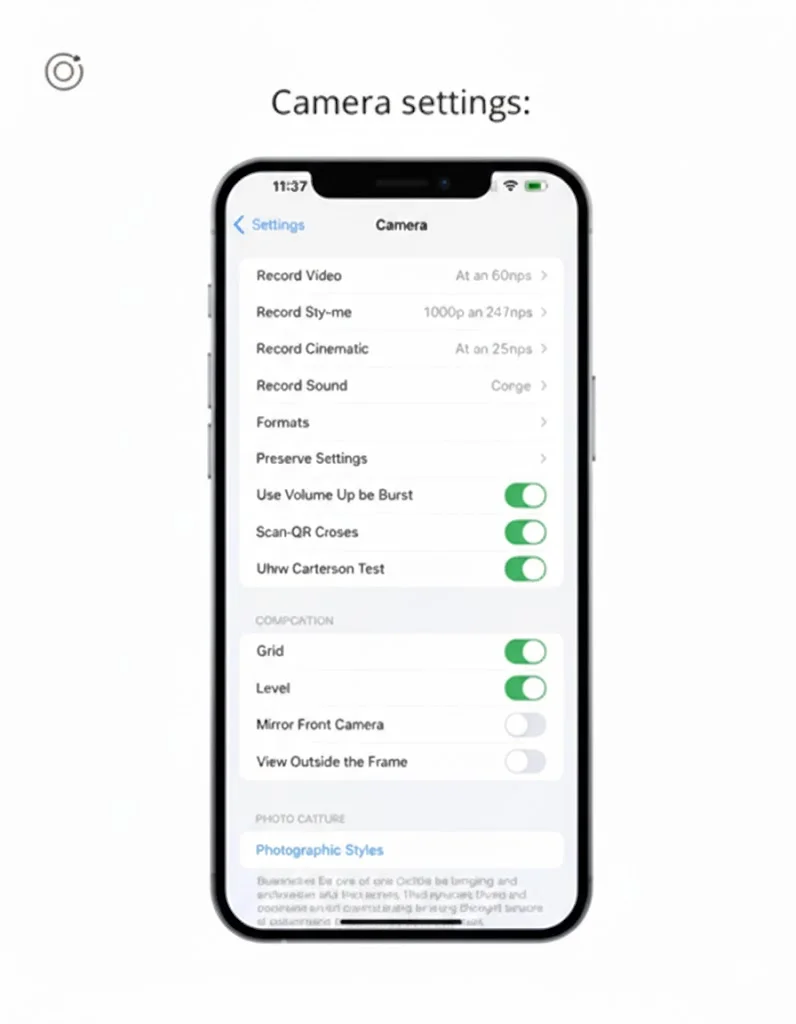
Lastly, there is a little-known feature called Photographic Styles.
This applies a consistent look at the moment of capture rather than after the fact.
The options generally adjust contrast and color in a subtle, integrated way while trying to maintain natural skin tones.
Choosing a neutral style to partner with a vibrant one allows users to keep photos cohesive.
This also makes images feel more polished while still realistic.
So there you go – make sure to check these settings and features on your iPhone.
Because you can take much better photos without the need for complicated editing apps.