People are only just discovering that the colors on USB ports actually mean something and it's wild
Published on Jan 18, 2026 at 1:09 PM (UTC+4)
by Jack Marsh
Last updated on Jan 16, 2026 at 8:11 PM (UTC+4)
Edited by
Emma Matthews

You use at least one every single day, but there’s actually a range of things you didn’t know about your cables, and we’re only just discovering that the colors on USB ports actually mean something different.
Whether you’re at work, chilling out on a console, or plugging your phone in for more juice, your life is run by a USB.
But did you know that there are seven types of USBs, and we’re all using the wrong one?
Well, now it’s come to light which USB you need, and it will help you get the most out of your everyday tech appliances.
VISIT SBX CARS – View live supercar auctions powered by Supercar Blondie
The reason there are eight colors on USB ports is actually wild
They’re the bread and butter of the tech industry, often overlooked, but never ignored.
So finding the best USB ports can actually be quite effective, especially in industries like gaming or lighting, where you want the quickest and most stable power outputs.
Even when building planes.
Recently, one man went above and beyond to showcase why a good USB charger is so needed, and now it’s time to look at the cables themselves.
In a recently-discovered phenomenon, it turns out that there are actually seven different types of colors on USB ports, all offering different things.
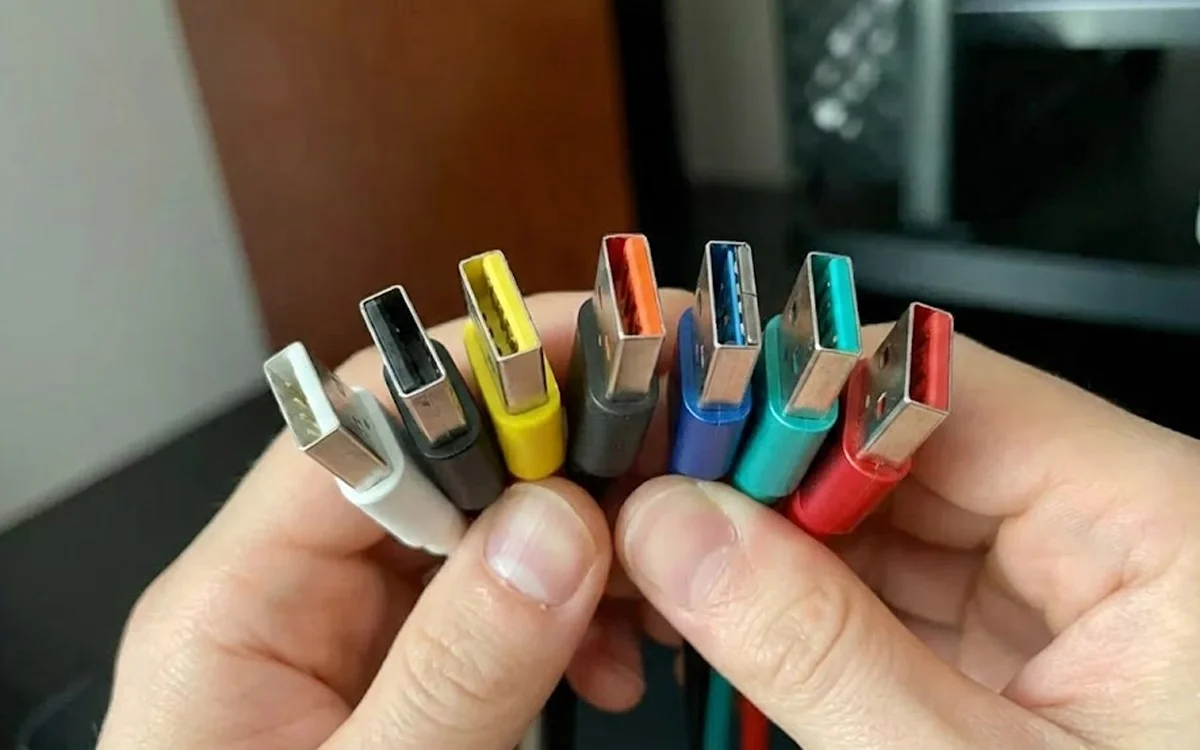
Like a rainbow of plug-ins, the colors on USB ports are black, white, yellow, orange, red, teal, and blue.
And here’s exactly what each one does.
What does each colored USB do?
White:
Starting off with the first-generation devices, USB 1, the white ports are the most common, the cheapest, and the slowest. With potential transfer speeds capped at around 12Mbps, they’ll be the reason your phone charges slowly, for example.
Black:
As the second most common UBS color you’ll find, this generation 2.0 port is compatible with devices of all types, supporting speeds of up to 480Mbps.
Yellow:
Perfect for devices that dwell in standby, for example, the yellow color USB ports are ‘always on’, supplying power even when the appliance is turned off.
Orange:
Similar colors on USB ports have similar uses. Like yellow, orange is ‘always on’ but only supports third-gen USBs, whereas yellow can do both second and third gen.
Blue:
This is where the colors on USB ports start proving their worth, as the blue version is made to support USB 3.0 SuperSpeed technology and above.
Capable of data transfers up to 5Gbps – that’s 400 times faster than white – and best used on laptops and PCs.
Teal:
Similar again, teal is just bumped up for USB 3.1, supporting faster transfer speeds of up to 10Gbps.
Red:
Finally, rounding off the colors on USB ports is red. This is the most recent one to launch and offers the best performance.
Taking the ‘always on’ trope from its cousin orange, red is the most powerful, with up to 20Gbps of output.
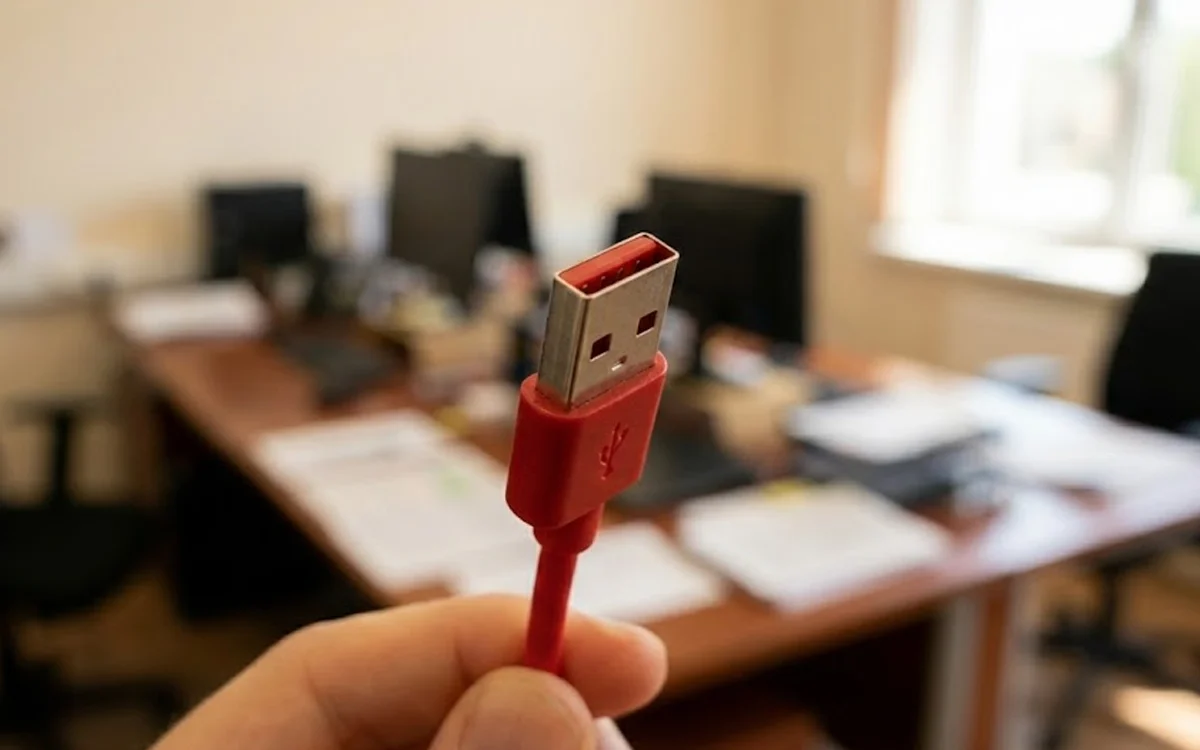
So, if you’re looking at getting the most performance out of your laptop, why not have a peek inside the port and see what’s going on in there, and find a cable to match.
You’ll definitely reap the rewards for this simple tech change.
DISCOVER SBX CARS: The global premium car auction platform powered by Supercar Blondie
After beginning his career writing about all things gaming, Jack joined the Supercar Blondie team in November 2024 as a Content Writer. Since joining SB Media, in addition to a love for covering emerging tech, he has developed an admiration for vintage restorations, particularly old American brands like Dodge and Ford.