These are some cool iPhone features that are hidden in plain sight and remain unused by many people
Published on Jan 23, 2026 at 9:01 AM (UTC+4)
by Claire Reid
Last updated on Jan 23, 2026 at 8:54 PM (UTC+4)
Edited by
Ben Thompson
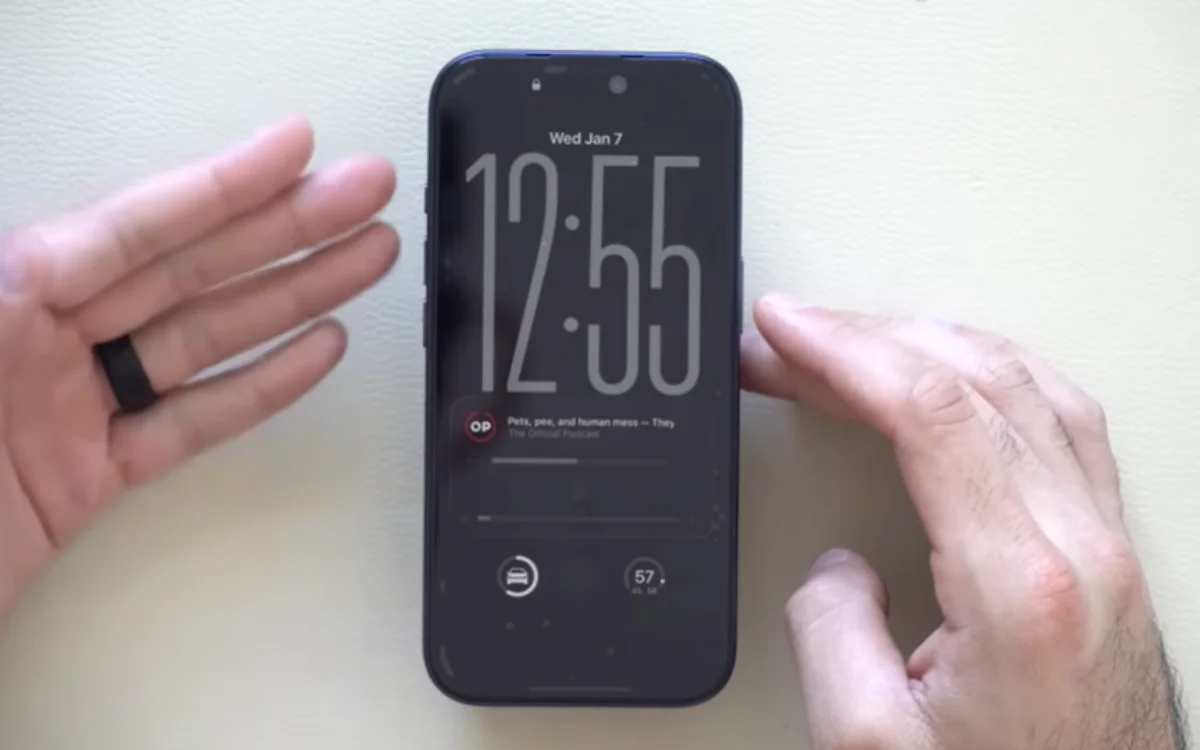

Even if you’ve been an Apple iPhone user for years, there are still some neat, lesser-known features that might be flying under your radar.
With every update, Apple introduces new features to the iOS.
Back in September, it launched iOS 26, which came with the new Liquid Glass display alongside a bunch of other updates.
With so many updates, there’s bound to be plenty of features kicking around that you’re still not aware of – but YouTuber Hotshot Tek has recently shared some that are ‘hiding in plain sight’.
DISCOVER SBX CARS – The global premium auction platform powered by Supercar Blondie
Your iPhone is probably hiding some neat features you knew nothing about
Although most of us are guilty of racking up a serious amount of screen time day in, day out, our phones can still surprise us.
Take the Notes app, for example, it’s crammed with a bunch of cool features you probably didn’t even know about.
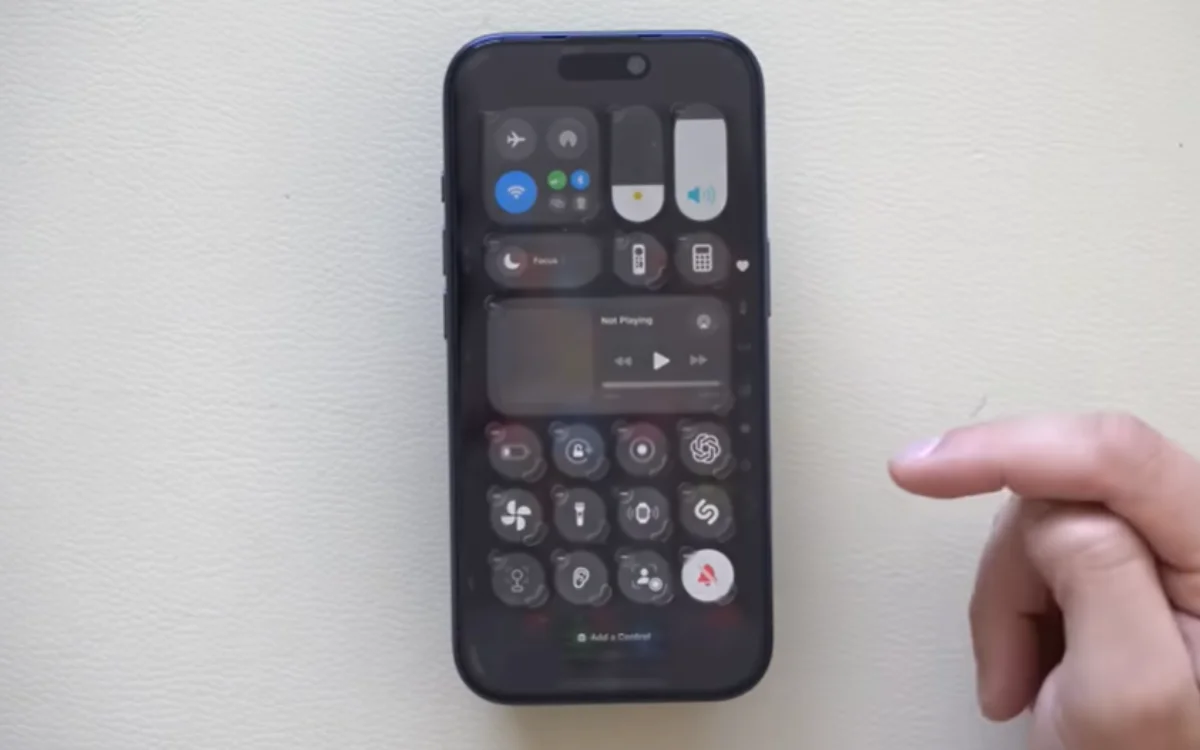
Thankfully, Hotshot Tek is here to make sure we’re all getting the most out of our iPhones and revealed some of his favorite ‘hidden’ features.
Firstly, did you know that your iPhone can scan documents without the need for a separate app?
To start scanning, go into Files and hit the three dots in the top right corner, and then select Scan Documents.
Next up, if you’re the sort of person who’s always fighting a losing battle against their battery, then switching on Battery Percentage inside the battery settings is a great way to keep a close eye on exactly how much juice you’ve got left.
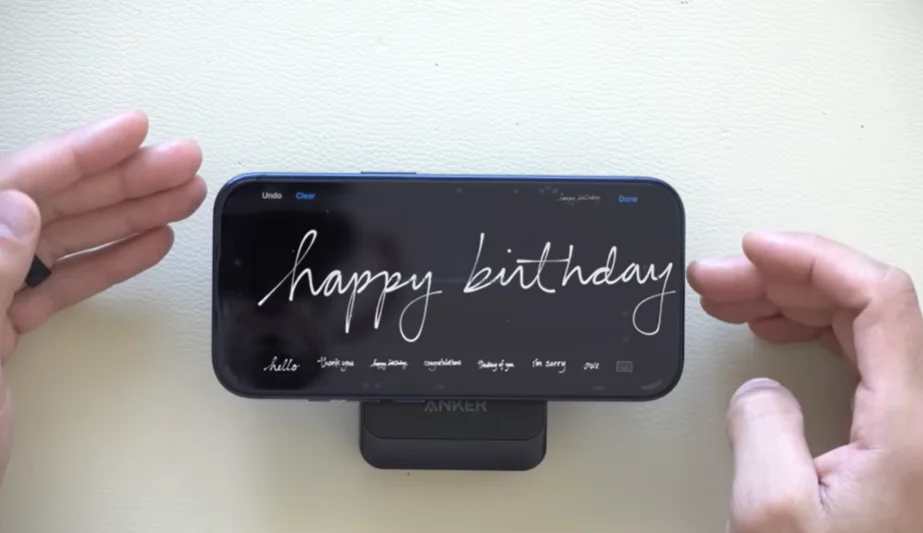
There’s also an easy way to make your messages feel a bit more personal.
Rotate your iPhone sideways in Message and in the bottom corner of the keyboard, you’ll see a tiny squiggle symbol, which allows you to handwrite whatever you need to say.
And there’s a way to get your iPhone to play ambient music without subscribing to Apple Music.
Open up the Control Center, tap the + in the corner, and hit Add Control, then scroll down, and you’ll see an option for Ambient Music with Sleep, Chill, Wellbeing, and Productivity options all lined up and ready to go.
Click the star icon next to supercarblondie.com in Google Search to stay ahead of the curve on the latest and greatest supercars, hypercars, and ground-breaking technology
Some of these features and tips will make life a lot easier
If you’ve found yourself as the unofficial tech support for older family members, then the newly added feature that lets you remotely control another Apple iPhone or iPad using FaceTime might be a game-changer.
To start it up, you’ll both need to be on FaceTime, and then you can hit the three dots to find the Screen Share option, tap Ask to Share, then hit the icon at the bottom of the screen to ask for remote access.
Another useful feature is the history function on the Calculator.
In the app, you can hit the small clock in the corner to reveal all of your past calculations, and then tap any of them to go back into it and pick up where you left off.

There’s also a way to make sharing your Wi-Fi password a whole lot easier.
Typically, most Wi-Fi passwords look as though they were created by dropping a cat onto a keyboard, but if you go into the Password app, go into the Wi-Fi category, and it’ll generate a QR code and gain access to the connection without the need to painstakingly type out the password.
DISCOVER SBX CARS: The global premium car auction platform powered by Supercar Blondie
With a background in both local and national press in the UK, Claire has covered a range of topics, including technology, gaming, and cryptocurrency, since joining the editorial team at Supercar Blondie in May 2024. Her ability to be first to a story has been integral to making SB’s coverage of scientific discovery, AI, and global tech news a slick 24/7 operation.