There's a simple Apple Maps setting you can change that fixes an issue that's plagued everyone for years
Published on Jan 29, 2026 at 8:05 PM (UTC+4)
by Grace Donohoe
Last updated on Jan 29, 2026 at 8:05 PM (UTC+4)
Edited by
Mason Jones

Apple Maps is an app we all use every day, but there is one setting that may make your life easier.
The app has a clever feature that many drivers are unaware of, but could save them heaps of time.
It solves an issue that millions of us encounter each year despite our best efforts.
All you need to do is make sure a few location and notification settings are in place.
VISIT SBX CARS – View live supercar auctions powered by Supercar Blondie
Apple Maps: The built-in app that turns your iPhone into a sat-nav
Apple’s iPhone is useful in many ways, but one standout feature that many drivers can’t live without tends to be Apple Maps.
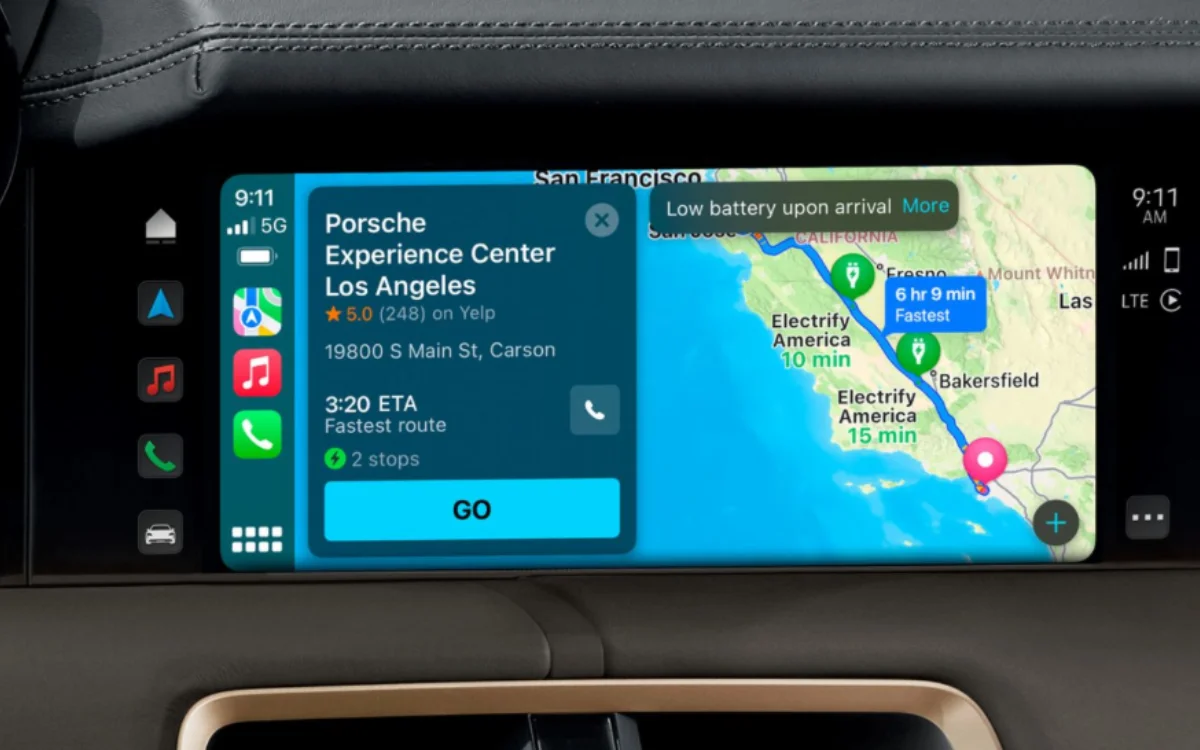
The app features all the perks of Google Maps and Waze but already comes built in to the homescreen, and can be used in conjunction with CarPlay.
But, forget all the flashy settings, as there is one simple trick that many people are unaware of, and it’s all to do with finding your parked car.
Prone to losing your parked car? Not for much longer
Many iPhone users will have lost their car in a parking lot at some point after using Apple Maps to help them get to their desired destination, but there’s a simple setting in the app that can make this an issue of the past.
All you need to do is connect your iPhone to your car’s CarPlay or Bluetooth, and the app will simply direct you to your parked car.
Seems simple, right?
This hidden Apple Maps setting works with any iPhone 6 or later that runs on iOS 10 or later, and means that a marker is dropped when you’re disconnected from the system in your car.
Click the star icon next to supercarblondie.com in Google Search to stay ahead of the curve on the latest and greatest supercars, hypercars, and ground-breaking technology
Take these steps to ensure the feature works efficiently
Firstly, you should make sure that Location Services are turned on, as well as Significant Locations in the Privacy and Security section of the Settings app.
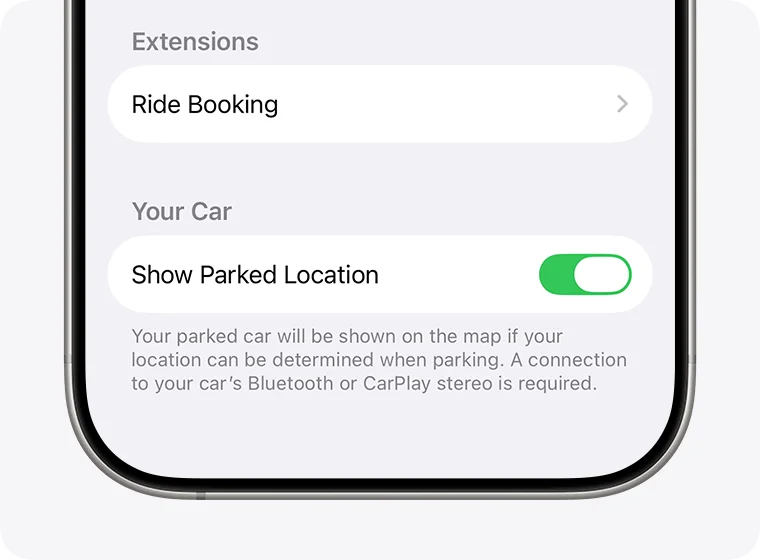
Next, on the Maps app, turn the Show Parked Location on and allow notifications.
Now, in the Maps app, just search for your parked car and simply tap directions.
This may also come up on Siri suggestions, meaning your vehicle can be found with your voice.
So, gone are the days of not being able to find your car, and it takes just minutes to sort.
DISCOVER SBX CARS: The global premium car auction platform powered by Supercar Blondie
Beginning her career as a lifestyle reporter and social-media manager, Grace joined Supercar Blondie in February 2025. Since coming on board, has thrown herself into the busy daily writing schedule. Her editorial sweet spots include writing about luxury properties and the quirky features inside them that the one percent are investing in, as well as groundbreaking advancements in space exploration.