This is how to store your car keys on your Apple Watch for the ultimate convenience
Published on Feb 01, 2026 at 7:08 AM (UTC+4)
by Daisy Edwards
Last updated on Jan 29, 2026 at 10:10 PM (UTC+4)
Edited by
Emma Matthews

This is how to store your car keys on your Apple Watch for the ultimate convenience, and it could change the way you drive every day.
Apple’s digital car key feature lets you unlock and start your car straight from your wrist.
It is a simple upgrade that feels futuristic the first time you use it.
For anyone tired of digging through bags or pockets, it is the ultimate convenience.
EXPLORE SBX CARS – Supercar auctions starting soon powered by Supercar Blondie
Store your car keys on your Apple Watch to make life easy
Apple’s digital car key lives inside the Wallet app, which means your iPhone does the setup first, then your Apple Watch follows, making the days of remembering ‘wallet, keys, and gadgets’ before you leave the house a thing of the past.
Here is what you need before you start: a compatible car, an iPhone XS or newer (or iPhone SE 2nd gen or newer), and an Apple Watch Series 5 or newer, all running the latest software.
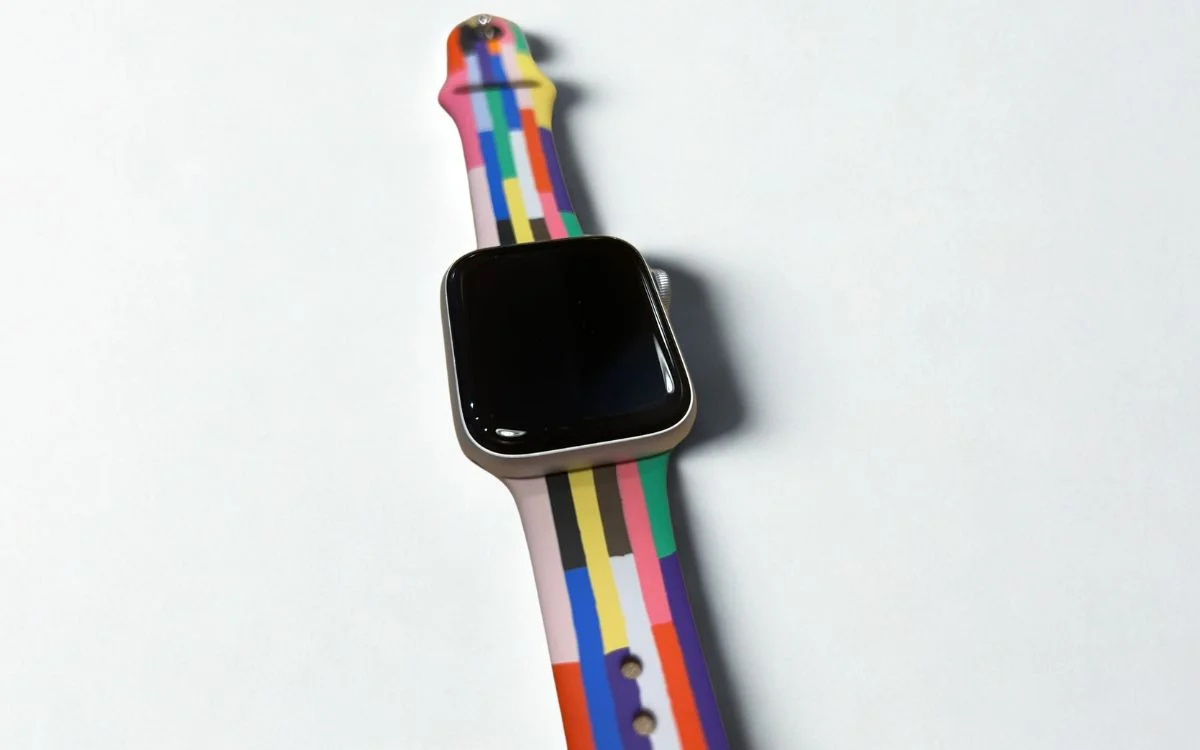
To add the key, you will usually go through your car maker’s companion app or use the car’s infotainment screen.
During setup, you may be asked to place the top of your iPhone near the car’s key reader so the two can pair securely.
Once the key is added to Apple Wallet on your iPhone, it should automatically appear on your paired Apple Watch.
If it doesn’t, you can add it manually by opening the Apple Watch app on your iPhone, tapping Wallet and Apple Pay, then tapping Add next to your car key.
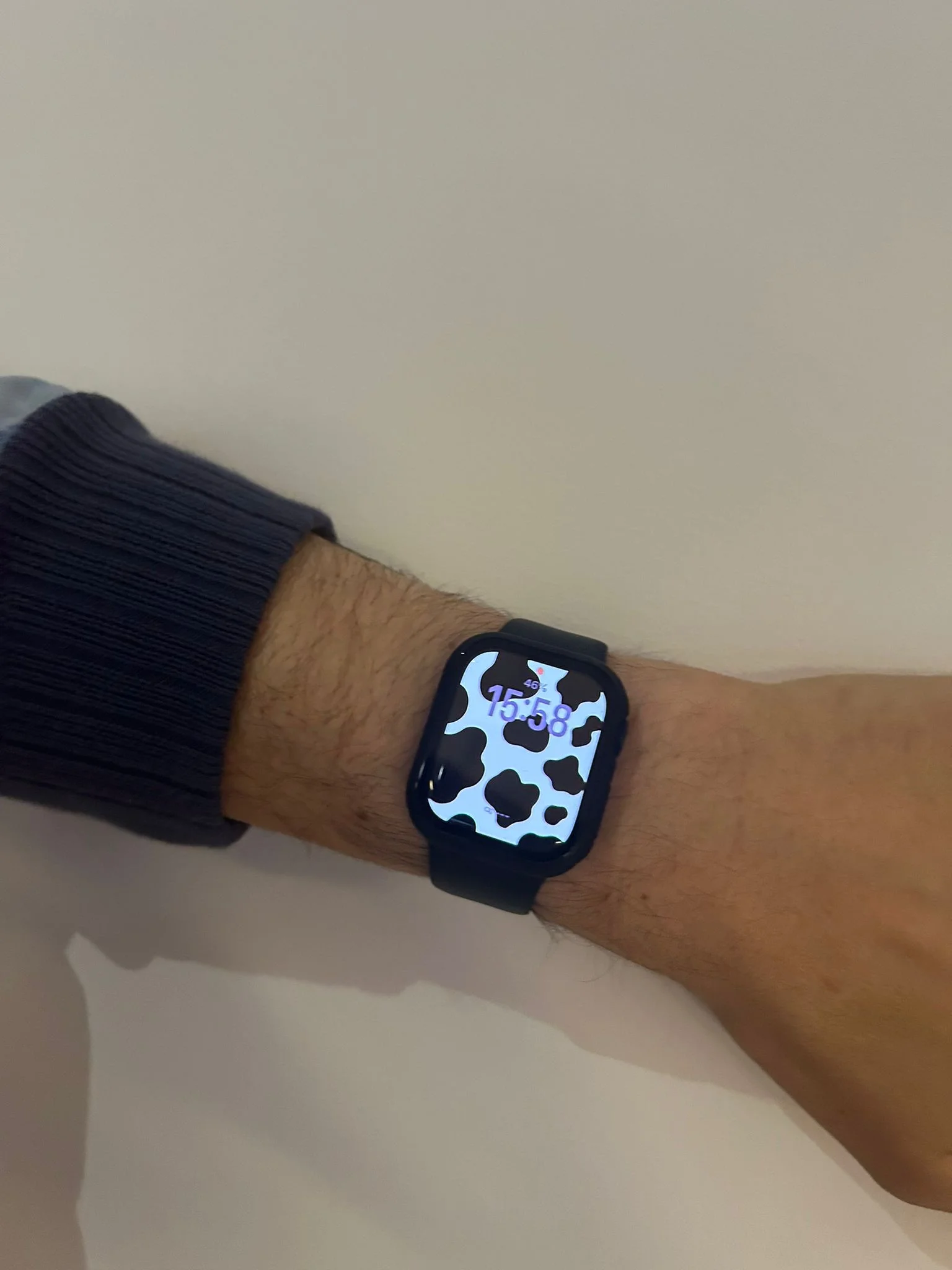
Click the star icon next to supercarblondie.com in Google Search to stay ahead of the curve on the latest and greatest supercars, hypercars, and ground-breaking technology
Live a life of ultimate convenience
After setup, your Apple Watch can lock, unlock, and even start your car, depending on what your vehicle supports.
The real party trick is Express Mode.
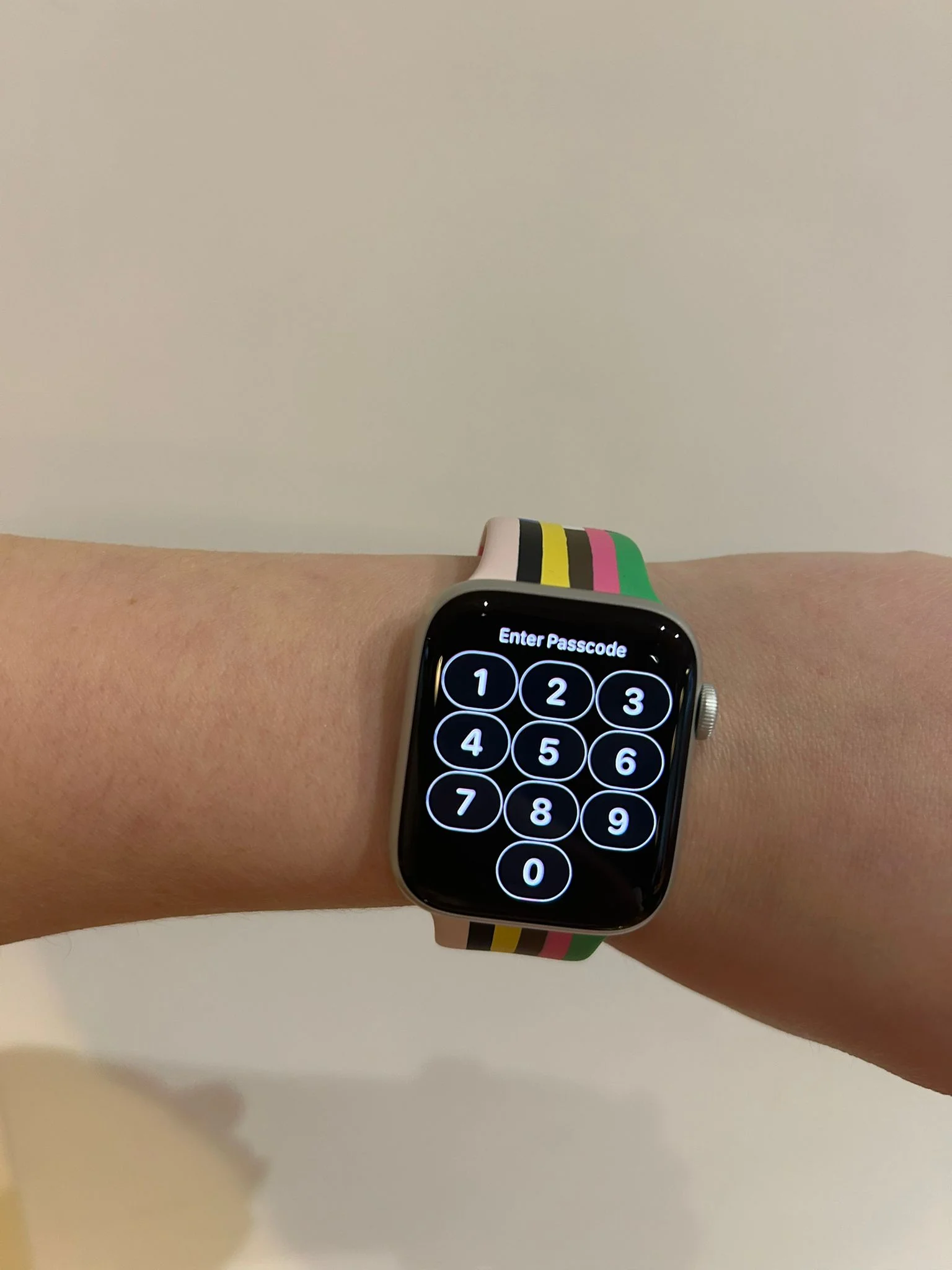
With Express Mode enabled, you can use the key without Face ID, Touch ID, or a passcode, which makes quick stops feel effortless.
Some cars also support passive entry, where the car unlocks as you approach and locks when you walk away, or proximity style actions where you hold your Watch near the door handle or reader to unlock, then use the start button as normal.
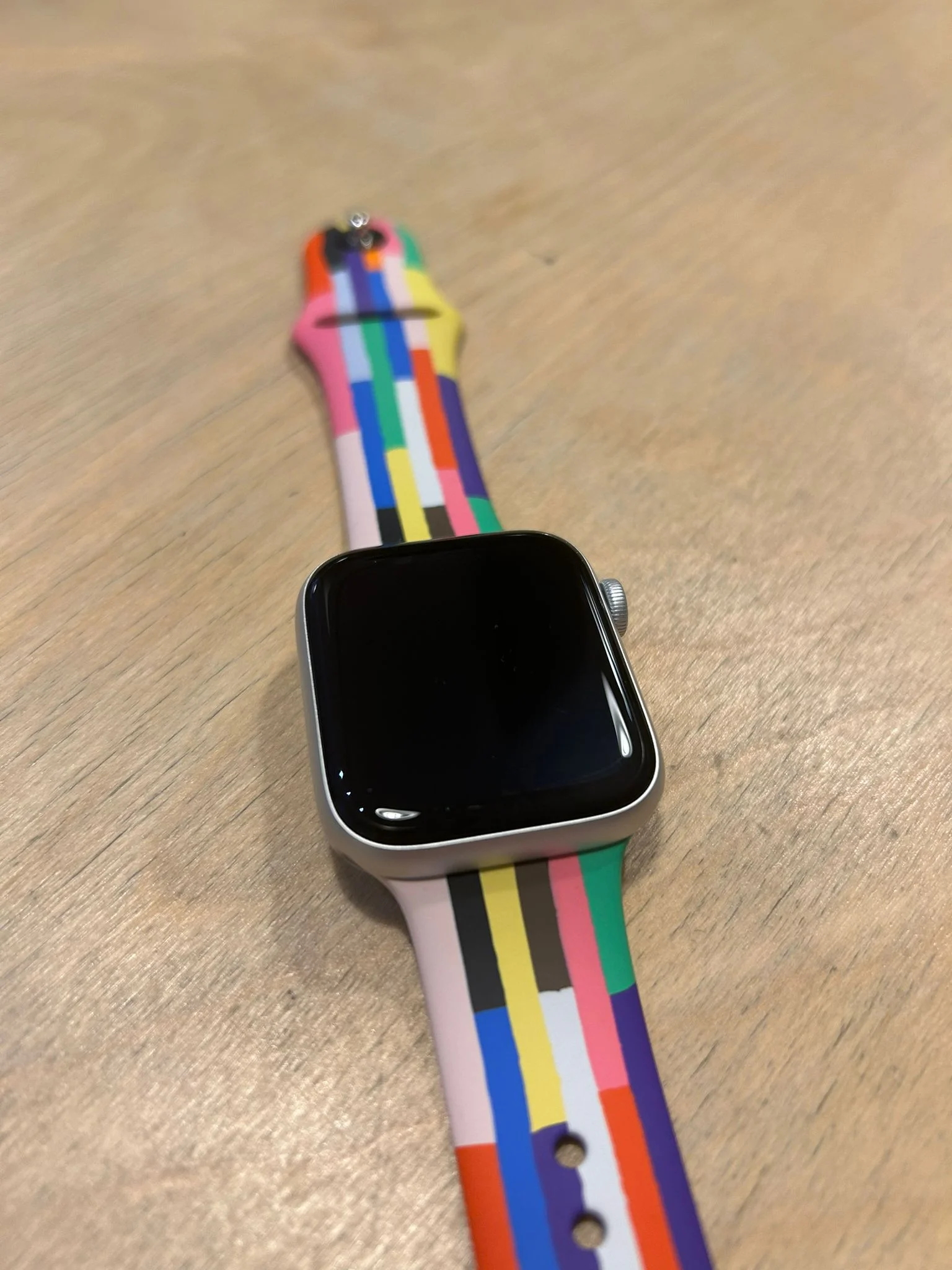
One last thing to remember: your car keys are tied to your Apple Account, so if you sign out, you lose access to them until you sign back in.
DISCOVER SBX CARS: The global premium car auction platform powered by Supercar Blondie