iPhone's 'silent alarm' bug is very real and this is what you can do to stop it happening
Published on Jan 26, 2026 at 1:12 AM (UTC+4)
by Keelin McNamara
Last updated on Jan 23, 2026 at 9:16 PM (UTC+4)
Edited by
Amelia Jean Hershman-Jones

Ever inexplicably missed your alarm and, in turn, your morning train, appointment, or flight? You’re not alone, as it turns out that the iPhone ‘silent alarm’ bug is very real.
This is a tech issue that has affected most people at one point or another.
But there is something you can do to stop it from happening.
And the fix might actually end up surprising you.
DISCOVER SBX CARS: The global premium car auction platform powered by Supercar Blondie
iPhone’s ‘silent alarm’ affects thousands
If you’ve been living under a rock and not encountered this – allow us to explain.
Most people tend to set morning alarms using their iPhone.
And it is, for obvious reasons, vital that it goes off at the right time.
For the past couple of years, though, people have reported a strange bug.
The iPhone’s alarm has been working – but with no noise.
This has led to a technological epidemic known as the ‘silent alarm’ bug.
And hundreds of people have taken to social media over the years to lament an unintentional late start.
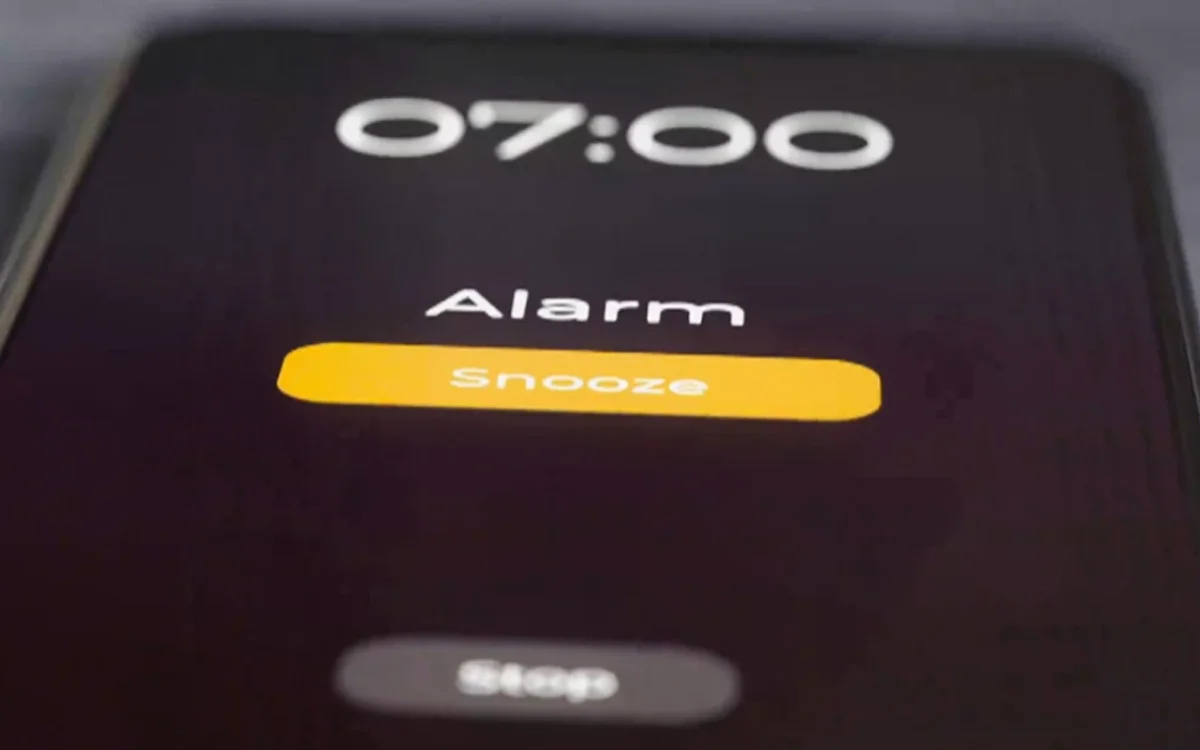
It has led to people accidentally sleeping in and being late for work, and missing appointments, flights, etc.
As for what’s causing it, no one seems certain.
Back in 2024, Apple promised that it was working on a fix for the problem.
But even so, many users have reported that the problem has continued.
Is there a fix?
So what can you do to try and tackle the ‘silent alarm’ bug yourself?
Thankfully, there are at least a few things that you can try.
First, make sure you’re setting the alarm from the ‘Alarms’ tab of the ‘Clock’ app.
If you tap on the alarm you’ve set, you can also press the ‘Sound’ button to check the noise it triggers.
Also, make sure to hit the ‘Repeat’ option to check the frequency.
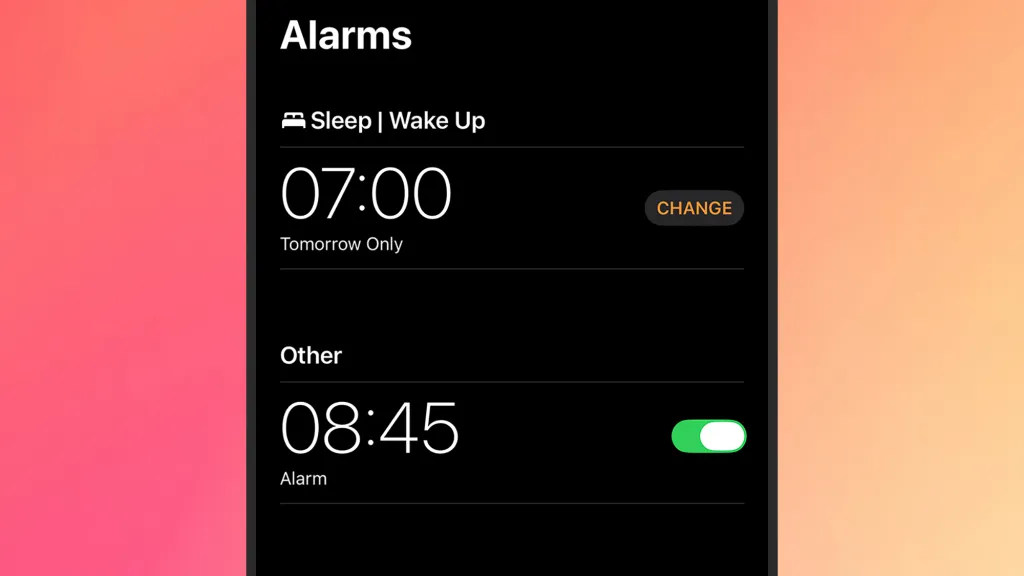
It can sometimes be the case that an alarm is set for some days and not for others.
If a specific alarm isn’t ringing, you can also try deleting it and creating it again.
Finally, it’s vital to keep your iPhone up to date with the latest iOS.
Although the bug has apparently stretched across updates, it is hopeful that the latest update might kill the bug for good.
And you’re going to want to be up to date when that happens.