Nevada man shares the 21 hidden features in a Tesla that most drivers never find
Published on Dec 31, 2025 at 2:25 AM (UTC+4)
by Molly Davidson
Last updated on Dec 30, 2025 at 6:01 PM (UTC+4)
Edited by
Kate Bain

A Nevada-based Tesla owner went digging through his car’s menu and discovered just how many cool features were hiding in plain sight.
In a YouTube walkthrough, Vegas Tesla Carmen broke down 21 features most Tesla drivers either never notice or only learn about years later.
Some save time. Some save money. A few are just fun.
From hidden controls for volume and AC to custom wheel shortcuts and scheduled charging, here’s the full list.
DISCOVER SBX CARS – The global premium auction platform powered by Supercar Blondie
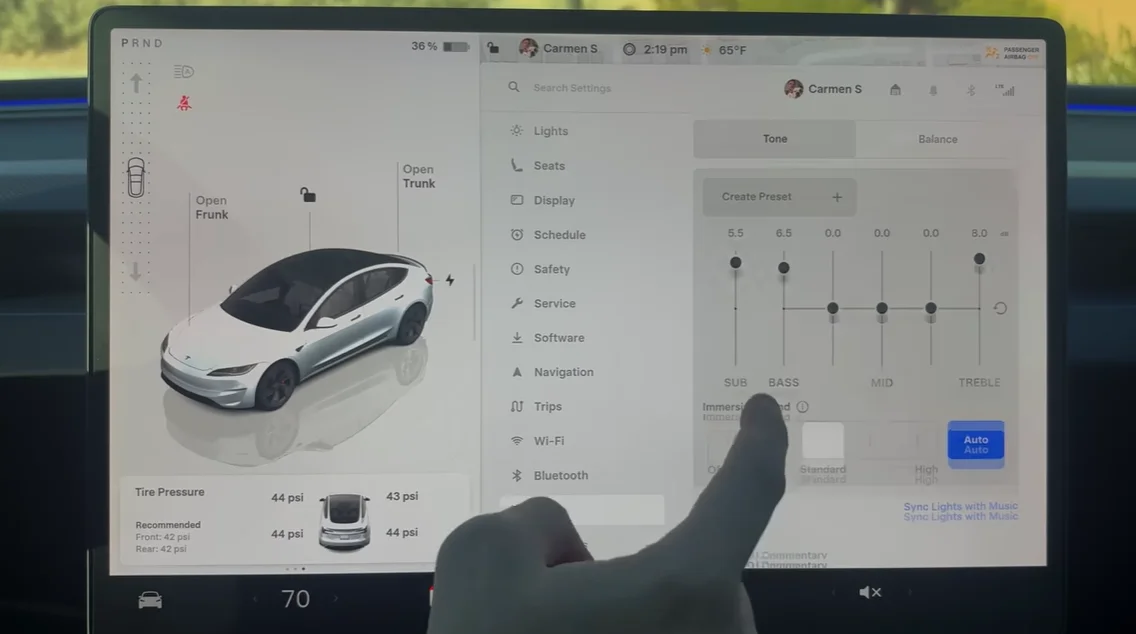
1. Declutter the app menu
You can hide apps you never use by unchecking them in the audio settings.
It instantly makes the touchscreen feel calmer and easier to navigate.
2. Pin-drop navigation
Press and hold anywhere on the map to drop a pin.
Tesla will navigate there even if there’s no official address.
3. Custom scroll wheel shortcuts
Holding the left scroll wheel opens a menu to assign new functions.
You can set it to things like opening the glovebox or saving dashcam clips.
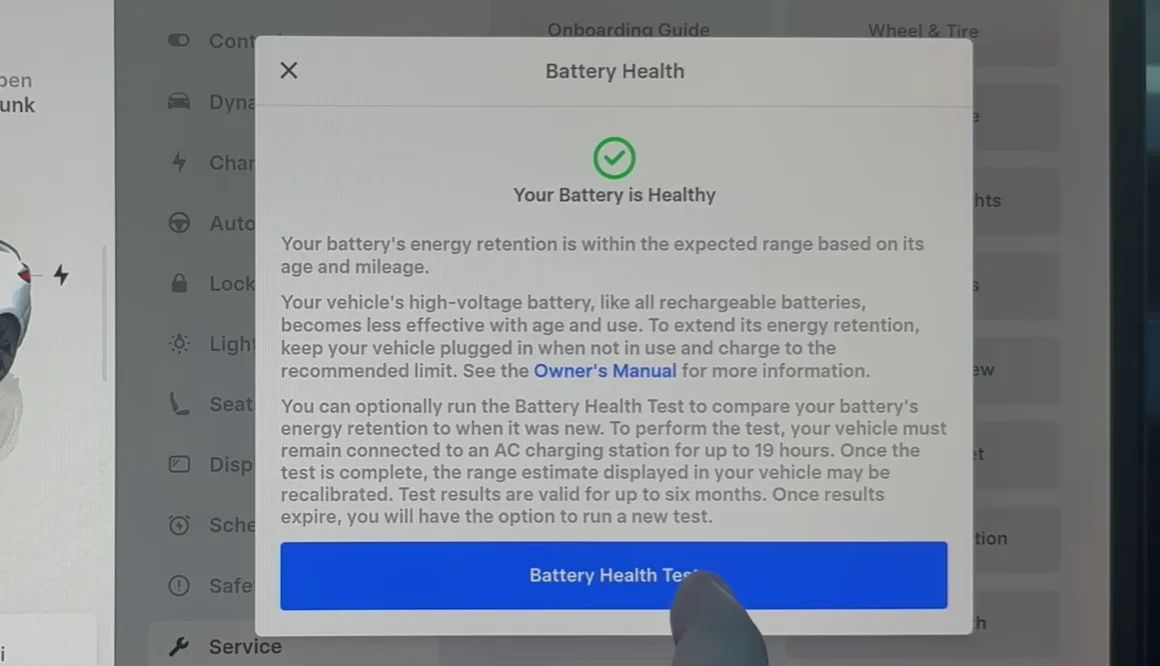
4. At-home battery health test
Tesla lets you run a full battery health test from the service menu.
It takes time, but it gives a clearer picture than guessing from range alone.
5. Quick home or work navigation
Swipe down on the navigation bar instead of tapping addresses.
The car instantly routes you to your saved home or work location.
6. Swipe controls for volume and climate
You don’t need to tap tiny arrows while driving.
Swiping left or right near the controls adjusts volume or temperature smoothly.
7. Hidden parking brake
Teslas do have a parking brake, but it’s buried.
Press and hold the park icon while on the brake to engage it fully.
8. Scheduled charging
You can limit charging to off-peak hours in the car or app.
It’s an easy way to lower electricity costs without thinking about it daily.
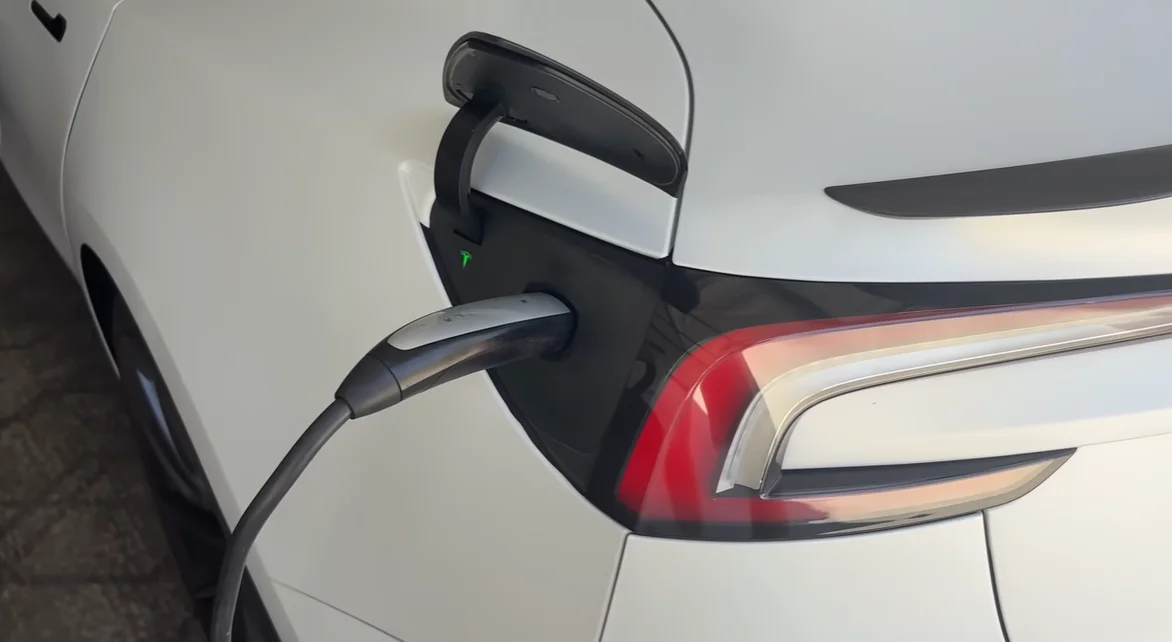
9. Custom light shows
Tesla’s Toybox lets you run light shows synced to music.
With a USB drive, you can upload custom ones made by other owners.
10. Custom lock sound
You can replace the standard lock chime with any sound file.
Name it correctly on a USB and your Tesla will play it when locking.
11. Extra streaming services
The built-in browser unlocks more video options than Tesla Theater shows.
Bookmark third-party sites to stream sports or other content.
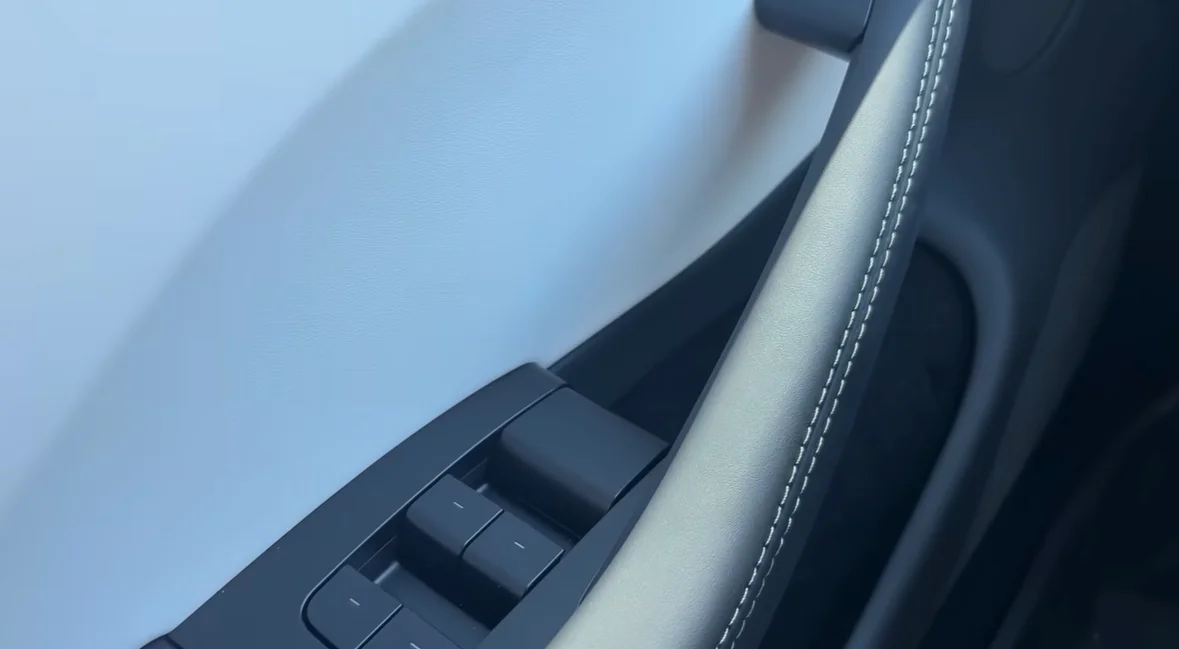
12. Manual door release
A physical latch sits above the window switches.
It opens the door if the electronic button ever fails.
13. View all cameras manually
The service menu includes a full camera preview mode.
You can check every exterior camera at once.
14. Move the blind-spot camera
The blind-spot camera isn’t locked to one spot.
You can drag it to different areas of the screen depending on preference.
15. Auto Shift mode
Auto Shift guesses whether you want drive or reverse based on your surroundings.
It removes the need to manually shift in many situations.
16. Set trunk opening height
You can stop the trunk at a lower height and save it.
From then on, it won’t smash into low garage ceilings.

17. Rainbow charge-port Easter egg
Tap the charge handle button repeatedly.
After enough presses, the charge port flashes rainbow colors.
18. Tesla phone widget
Add a widget to your phone’s home screen for quick controls.
It lets you lock, unlock, or check your battery without opening the app.
19. Add a fifth shortcut icon
The Tesla app normally shows four shortcuts.
With some careful dragging, you can squeeze in a fifth.
20. Send navigation from your phone
Share an address from your phone directly to the Tesla app.
The car is already navigating when you get inside.
21. Camera checks for driver-assist issues
If Autopilot behaves oddly, dirty cameras are often the cause.
The camera preview lets you spot smudges instantly.


Tesla doesn’t lack features, it might just be hiding them.
And judging by how many longtime owners miss these, that minimalist design might be doing a little too good a job.

DISCOVER SBX CARS: The global premium car auction platform powered by Supercar Blondie
With roles at TEXT Journal, Bowen Street Press, Onya Magazine, and Swine Magazine on her CV, Molly joined Supercar Blondie in June 2025 as a Junior Content Writer. Having experience across copyediting, proofreading, reference checking, and production, she brings accuracy, clarity, and audience focus to her stories spanning automotive, tech, and lifestyle news.