This amazing Google Drive feature does something for free that a lot of other products charge money for
Published on Feb 25, 2026 at 12:00 AM (UTC-5)
by Claire Reid
Last updated on Feb 25, 2026 at 11:55 AM (UTC-5)
Edited by
Mason Jones

If you’re a Google Drive user, then one nifty little free feature might be going under your radar, but it could make life a lot easier.
Launched in 2012, Google Drive is a top-notch file hosting service that lets you store your documents online.
It’s great for getting yourself organized, allowing you to work across multiple devices from a single account.
But as well as letting you sort your files, folders, and spreadsheets, it also offers a very useful free feature that other companies will charge you for.
DISCOVER SBX CARS – The global premium auction platform powered by Supercar Blondie
Google Drive comes with a very handy free feature
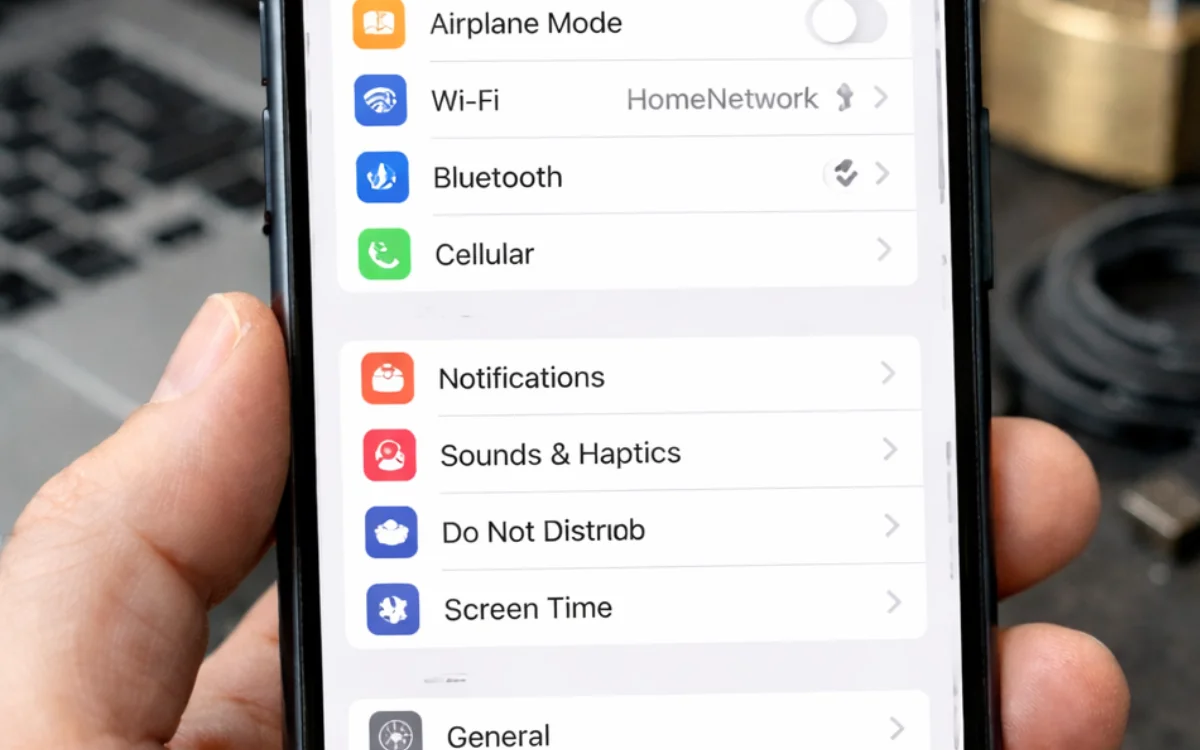
No matter how much you use your iPhone, there’s probably still a bunch of features you knew nothing about.
And the same can be said for other tech, such as Google Drive.
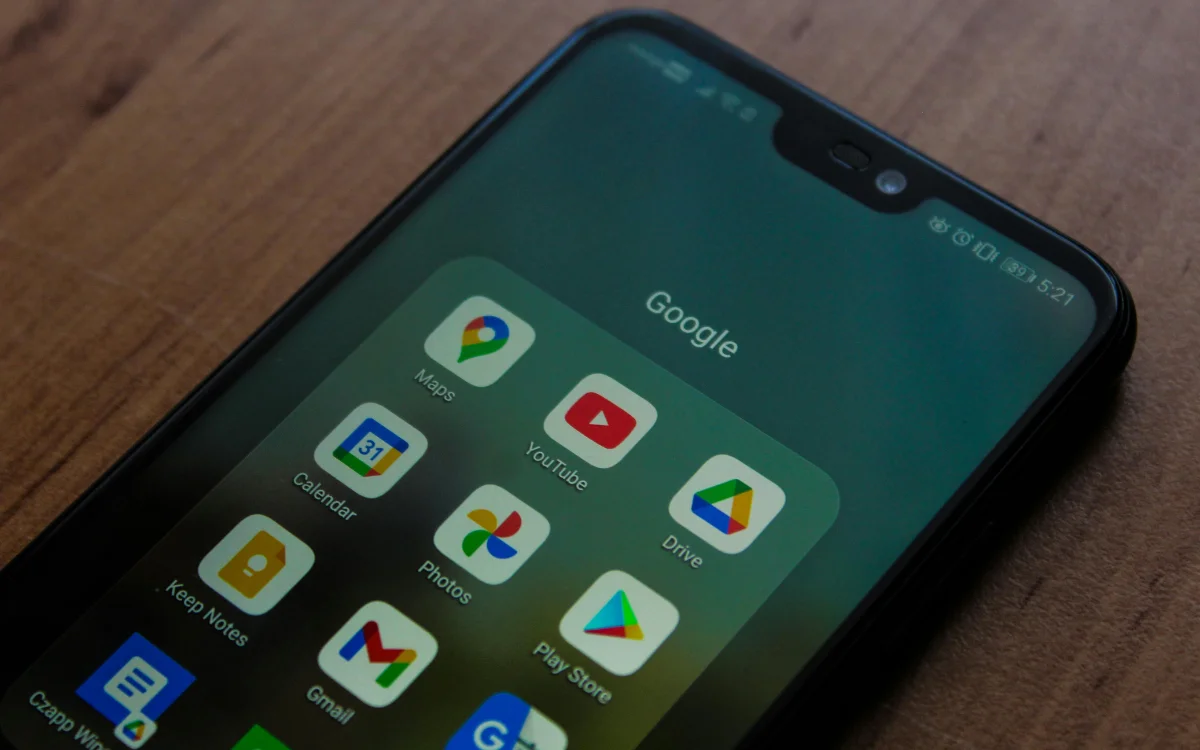
Even if you consider yourself a long-time user, it might still be hiding some handy little secrets.
Like, did you know that you can actually use it to scan documents without the need for a third-party app?
A quick scroll on the App Store or Google Play Store will reveal a multitude of apps that can turn your phone into a handheld document scanner.
However, most of them will charge you to download them or slap a huge watermark across them until you upgrade to the paid-for version.
Using a third-party app can also present some privacy and security issues.
Thankfully, Google Drive has got your back with a super useful free scanner built in.
To access it, simply open up Google Drive and tap the + in the lower right corner and scroll down until you see Scan or the camera option.
You can then simply point and click, a bit like you’re taking a photo, but the finished result will be a neat and professional-looking scanned document.
Click the star icon next to supercarblondie.com in Google Search to stay ahead of the curve on the latest and greatest supercars, hypercars, and ground-breaking technology
Related
That’s not the only useful feature you might not be aware of
The free scanner isn’t the only little-known feature hiding inside Google Drive.
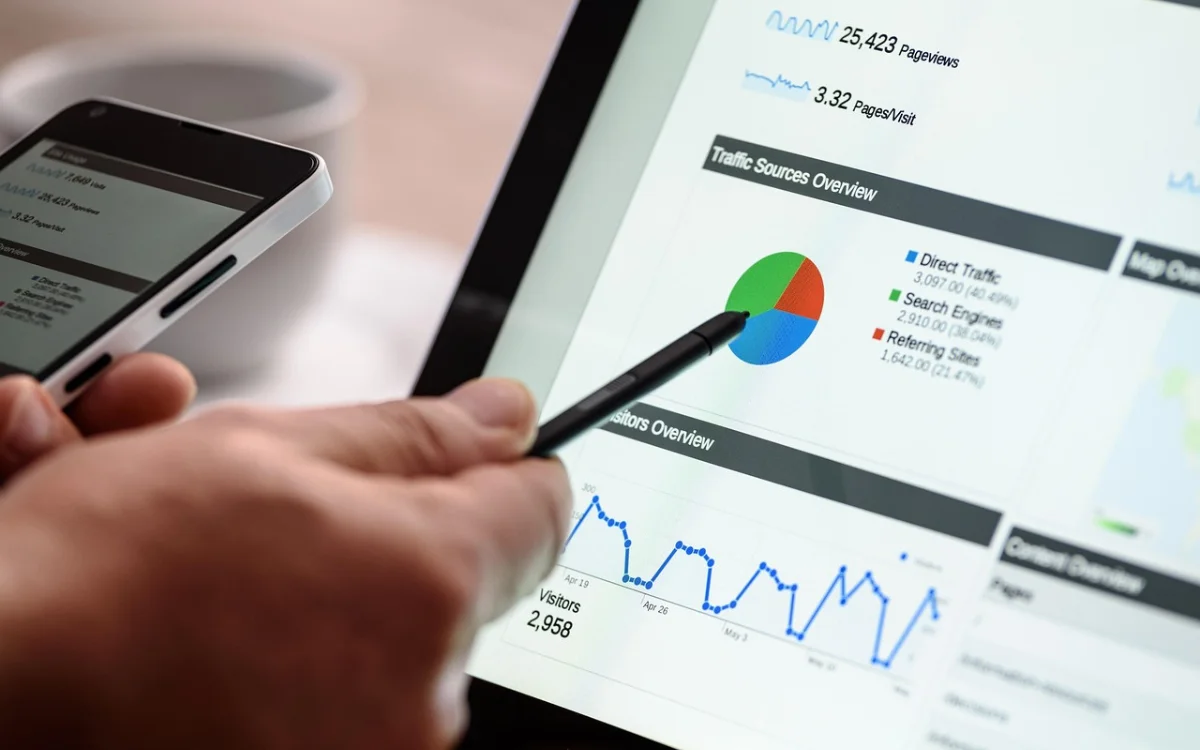
You can significantly speed up your typing in Google Docs by using the built-in Voice Typing feature.
Rather than tapping away, you can simply speak into your phone, and Google will do all the work for you – just don’t forget that you’ll need to tell it punctuation as you go.
There’s even an option to make changes to your text, for example, saying ‘select last word’ and then ‘delete’ will remove the last thing you typed.
Google Drive users can also tinker with its notifications inside the Settings option, so you’ll only get alerts for what’s important
And can set up different colors for folders, by right-clicking any folder and tapping Change Color, to keep things nice and organized.
There’s also a super smart ‘translate document’ function in Google Docs that does exactly what you’d expect.
With a background in both local and national press in the UK, Claire has covered a range of topics, including technology, gaming, and cryptocurrency, since joining the editorial team at Supercar Blondie in May 2024. Her ability to be first to a story has been integral to making SB’s coverage of scientific discovery, AI, and global tech news a slick 24/7 operation.




