These are simple ways to free up space on your phone and prevent your storage from continuously filling up
Published on May 26, 2026 at 12:06 AM (UTC-4)
by Daisy Edwards
Last updated on May 26, 2026 at 12:06 AM (UTC-4)
Edited by
Mason Jones

There’s nothing worse than pulling out your phone to take a photo or download an app only to get hit with the dreaded ‘storage full’ warning.
Most people don’t realize just how much hidden data slowly builds up in the background over time, from duplicate photos to forgotten downloads and giant app caches.
The good news is that you don’t need to buy a brand-new phone to fix the problem.
There are actually several quick and easy ways to free up storage space and stop it from instantly filling up again.
These are the easiest ways to free up space on your phone
One of the biggest storage hogs on any gadget is photos and videos.
The best way of saving up some serious space is moving your media to cloud services like Google Photos or Apple iCloud, which can instantly free up huge amounts of storage.
A lot of people forget that once their pictures are safely backed up, they can remove the copies stored locally on the phone itself.
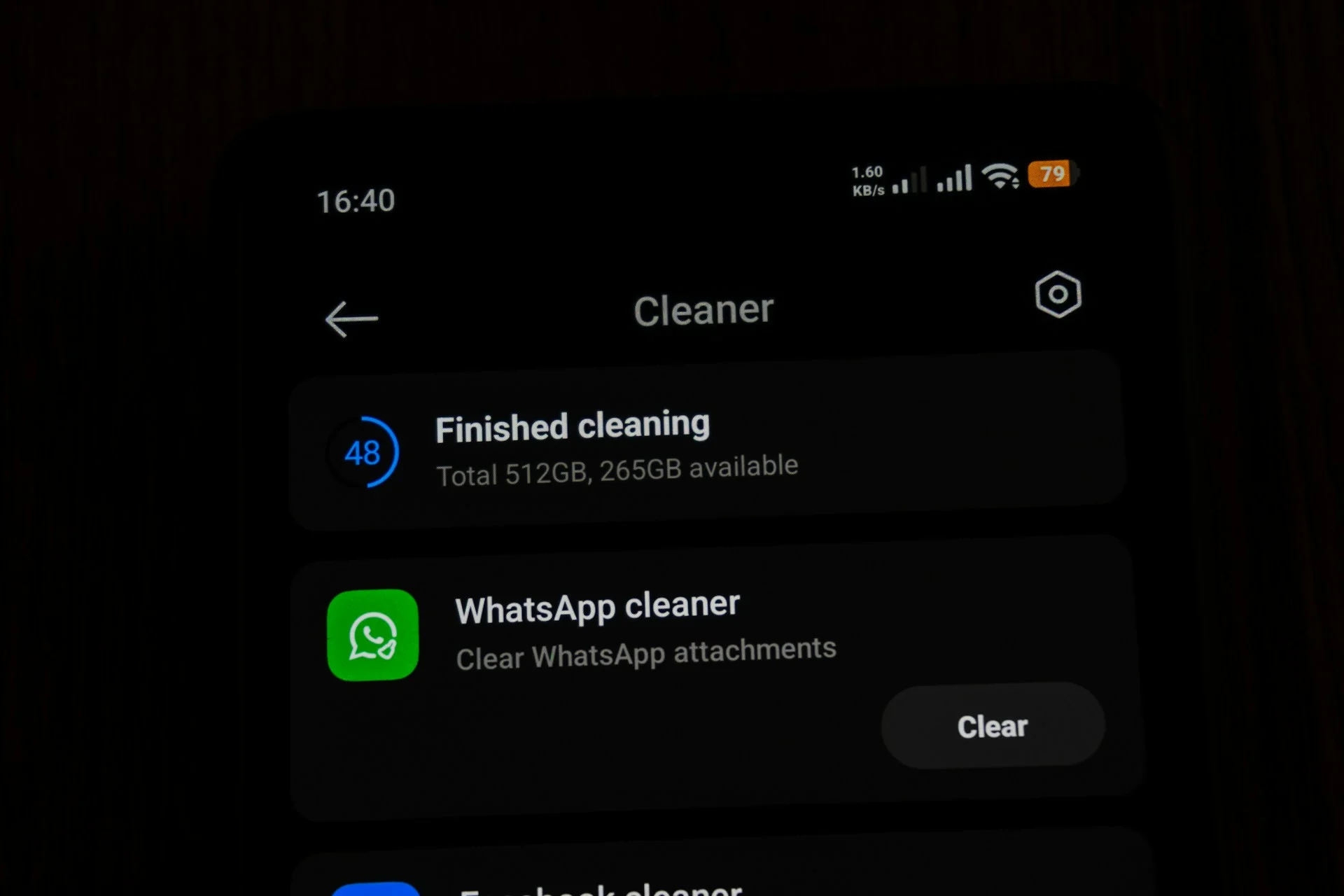
Messaging apps are another sneaky culprit.
Apps like WhatsApp, Messenger, and Telegram constantly download photos, memes, videos, and voice notes in the background.
Simply turning off automatic media downloads can make a massive difference, especially if you don’t want 100 of the same photo from different angles from that one particular group chat.
Unused apps are also worth clearing out regularly, and both iPhone and Android devices now show exactly which apps are taking up the most space inside the storage settings menu.
Some apps you haven’t opened in months could still be quietly chomping up gigabytes of storage.
Related

Your gadget is probably storing loads of hidden junk files, too
Cached data is another major reason storage mysteriously disappears.
Apps store temporary files to help them load faster, but over time those files pile up and can take up a surprising amount of room.
Clearing app caches on Android or browser history on iPhone can recover a decent chunk of space almost instantly.
Downloads folders are also packed with forgotten screenshots, PDFs, old memes, and random files people completely forget about.
Meanwhile, offline Netflix downloads, Spotify playlists, and saved podcasts can quietly consume multiple gigabytes without users even noticing.
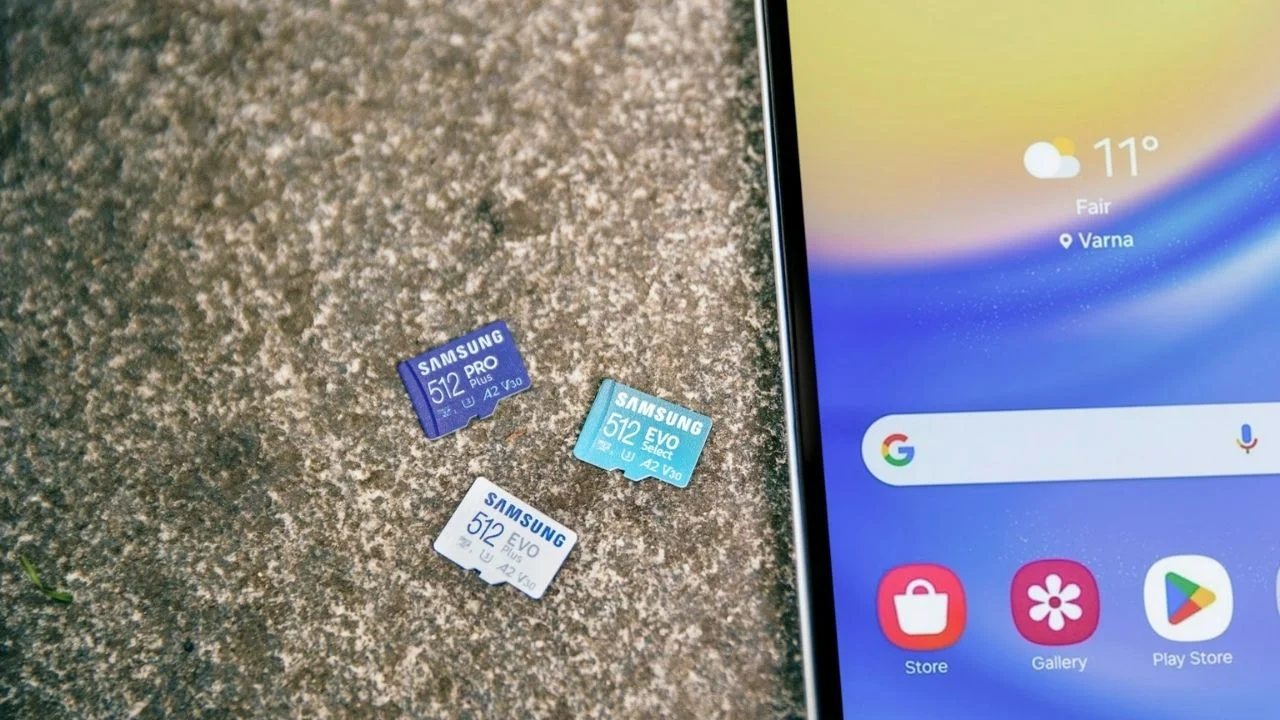
Some Android phones even support microSD cards, allowing users to expand their storage without buying a new device.
And if all else fails, a factory reset can completely wipe years of digital clutter and make a phone feel brand new again, just make sure everything important is backed up first before you free up space.
Daisy is a technology and automotive journalist covering artificial intelligence, consumer tech, Apple news, cryptocurrency, emerging technologies, and transportation innovation. Since joining the team in 2025, she has reported on everything from AI-powered startups and major iOS updates to viral car stories and the latest developments shaping transportation and the digital economy. Drawing on her background in automotive journalism and a degree in History and Journalism from Goldsmiths, University of London, Daisy specializes in breaking down complex topics into clear, engaging reporting for a global audience. Her work spans cutting-edge technology, innovative vehicles, and the people driving change across both industries. Daisy has gained first-hand access to some of the world's most talked-about technologies and innovators, including meeting Tesla's Optimus humanoid robot during its first European appearance in London. She has also discussed the future of space exploration with an astronaut, bringing unique insights and real-world perspectives to her coverage of emerging technology.




