Hidden WhatsApp feature everyone should be using is crucial for decluttering and separating work and home life
Published on Mar 17, 2026 at 9:07 AM (UTC+4)
by Claire Reid
Last updated on Mar 17, 2026 at 9:07 AM (UTC+4)
Edited by
Claire Reid
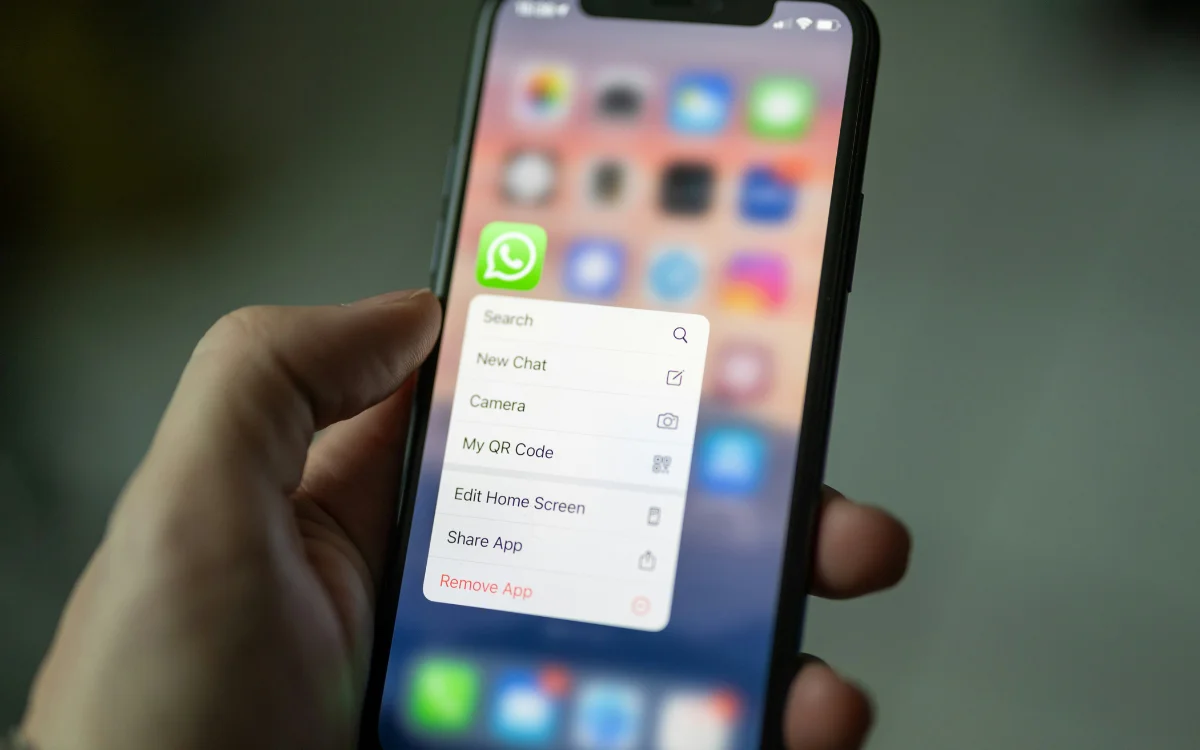
If you use WhatsApp for personal and work messages, then this little-known feature could make things a whole lot easier.
WhatsApp was founded by Jan Kuom in 2009 and was acquired by Meta five years later for around $19 billion.
Fast-forward a decade or so, and WhatsApp has three billion users worldwide, making it the most used messenger app.
If you’re one of those three billion people and you’re looking for a better way to keep your personal and work accounts separate, then this handy feature could be a big help.
Click the star icon next to supercarblondie.com in Google Search to stay ahead of the curve on the latest and greatest supercars, hypercars, and ground-breaking technology
You can use this simple feature to make WhatsApp feel less cluttered
Even if you use an app all the time, there’s still bound to be plenty of features you didn’t know about – like, who knew that the Notes app crammed so many things in?
The same is true for WhatsApp; even if you’re sending messages day, there’s still a good chance there are some things you’ve missed.
Like this easy way to make it less cluttered and help separate your work life from your personal one.
If you use WhatsApp for your personal and professional messaging, it can quickly become pretty busy.
It also means that any professional contacts can see your photos, status updates, and where you are.
To keep things separate its a good idea to use a different phone number for each, but having two numbers doesn’t mean you’ll need two phones.
WhatsApp will allow you to create separate accounts for each number and then log into them on just one phone.
To set it up, go to Settings and tap the +, then choose Add Account, hit Agree, and then enter your other phone number.
From here, you’ll be sent a verification code, and once you’ve popped that in, your second account will be up and running on the same phone as your primary one, and you can switch between the two whenever you need to.
And you can stop worrying about accidentally messaging or calling your boss.
That’s not only way to make the app a little more private
If getting a second number seems like too much trouble, you can tinker with the privacy settings on WhatsApp to prevent people from seeing too much.
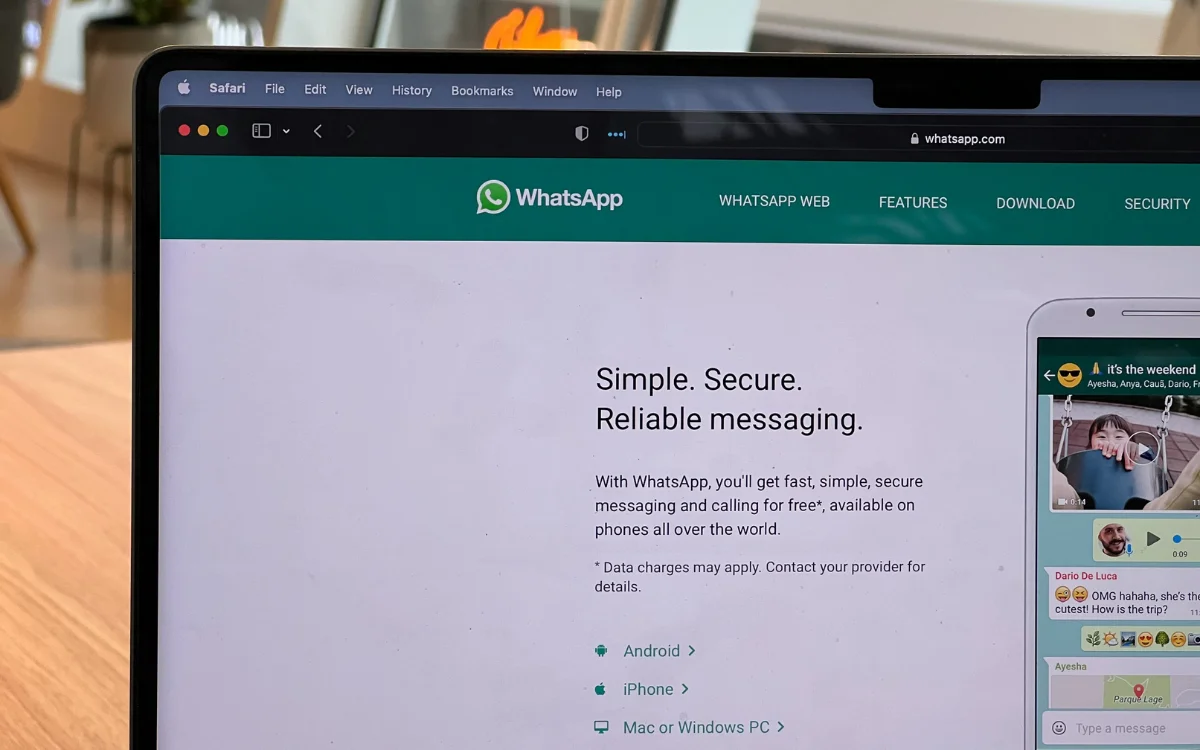
Firstly, you can turn off read receipts by heading into Settings, tapping Privacy, and then switching off Read Receipts.
However, be aware that while this will turn off read receipts on messages sent to you, it’ll also mean you won’t be able to read receipts from others.
If it’s your profile picture you’d rather keep from others, then you can either simply remove it or go into Settings, find Privacy, hit Profile Picture, and select My Contacts Excepts and choose who you want to exclude.
DISCOVER SBX CARS: The global premium car auction platform powered by Supercar Blondie
With a background in both local and national press in the UK, Claire has covered a range of topics, including technology, gaming, and cryptocurrency, since joining the editorial team at Supercar Blondie in May 2024. Her ability to be first to a story has been integral to making SB’s coverage of scientific discovery, AI, and global tech news a slick 24/7 operation.