All the hidden tricks in the Apple Notes app that no one knows about
Published on Mar 03, 2026 at 6:52 AM (UTC-5)
by Daisy Edwards
Last updated on Mar 03, 2026 at 12:18 PM (UTC-5)
Edited by
Emma Matthews

All the hidden tricks in the Apple Notes app that no one knows about are hiding in plain sight, and they can seriously level up your iPhone life.
If you still think Notes is just for grocery lists and random midnight thoughts, you’re missing the good stuff.
Apple has packed it with speedy shortcuts, smart organization, and even AI features that feel way more powerful than a ‘basic’ app.
Here are the Apple Notes hacks you will wish you started using ages ago.
EXPLORE SBX CARS – Supercar auctions starting soon powered by Supercar Blondie
Check out these hidden tricks in the Apple Notes app
When it comes to your Apple gadgets, sometimes you will find out that you’ve not been using them to the best of their ability, thanks to a bunch of hidden tricks.
First up, you can make Notes stupidly fast to reach.
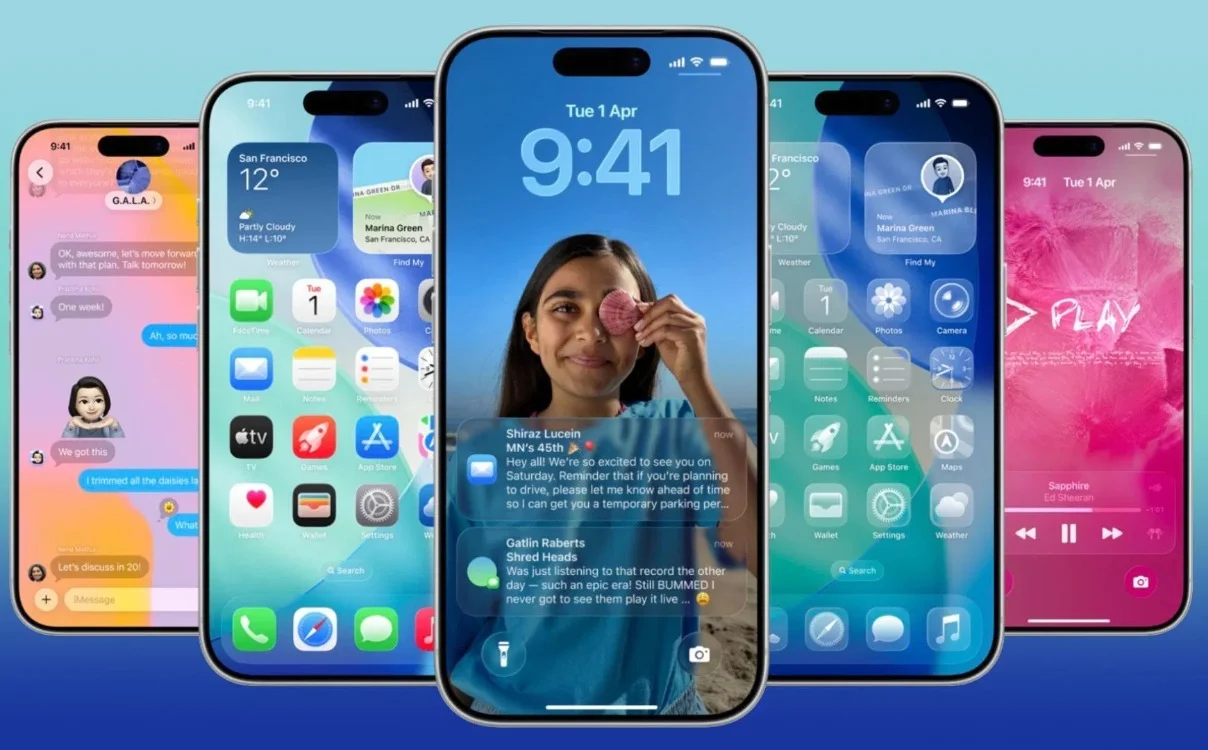
You can add quick-launch options to your Lock Screen and Control Center, drop a Notes widget on your Home Screen, and even assign a new note action to the iPhone Action button so you can start writing without digging through menus.
You can also share text and attachments straight from other apps into Notes to save ideas on the fly.
With newer iPhones, you can record audio inside a note and get a live transcript in real time, even offline, thanks to on-device processing.
If you have Apple Intelligence enabled, Notes can also summarize those transcripts, so long lectures turn into quick takeaways.
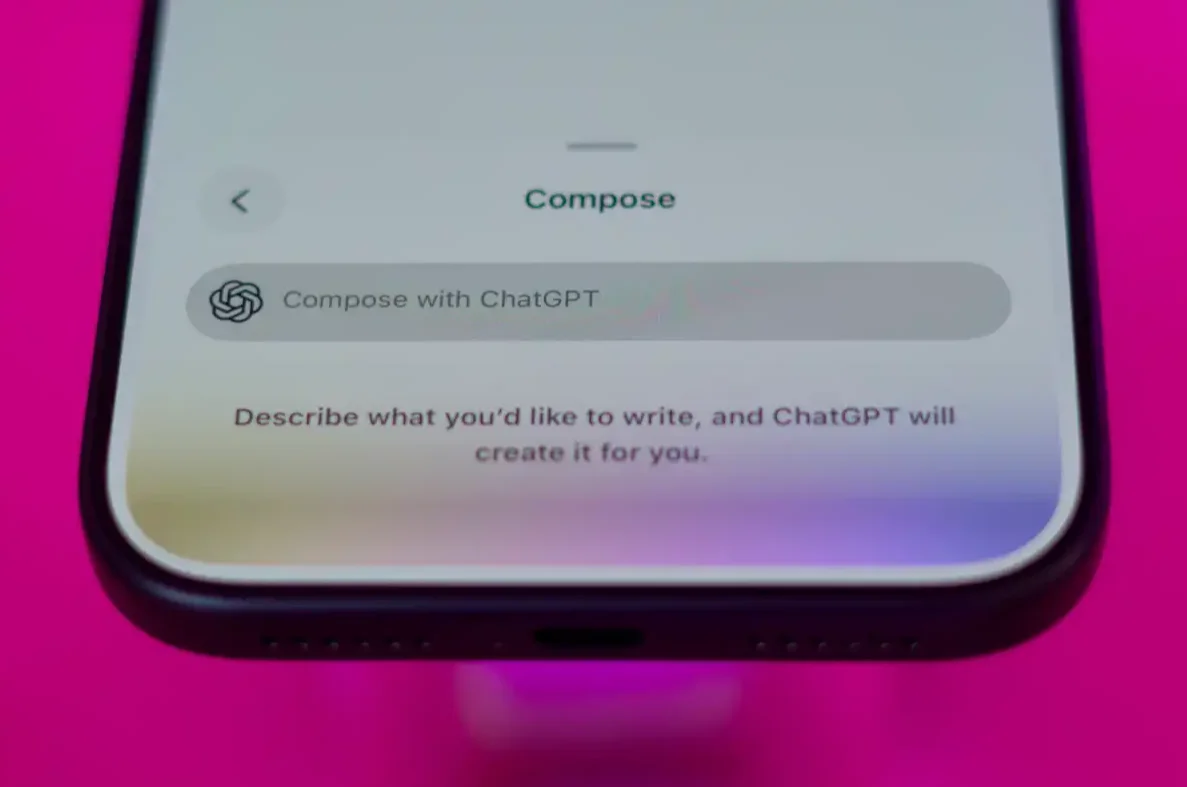
And yes, AI goes evenfurther. Notes includes Writing Tools for proofreading, rewriting, changing tone, and turning text into lists or tables, plus a Compose option that lets you prompt ChatGPT to generate text for you.
Click the star icon next to supercarblondie.com in Google Search to stay ahead of the curve on the latest and greatest supercars, hypercars, and ground-breaking technology
No one knows about these tricks
If you keep sensitive info in Notes, you can lock individual notes with a password or Face ID, and you can even lock the entire Notes app from the Home Screen so nobody can snoop.
For the chronically overstuffed Notes library, bring order with folders, hashtags, and pinned notes, and you can also link notes together, like your own mini Wikipedia, and search can even recognize handwritten notes.
Finally, Notes can scan printed text, scan full documents, refine messy handwriting, solve math equations as you type, collaborate with others live, and export a note into Pages or as a Markdown file when it is time to get serious.
Try out these tricks and elevate your Notes app life today.
Daisy is a technology and automotive journalist covering artificial intelligence, consumer tech, Apple news, cryptocurrency, emerging technologies, and transportation innovation. Since joining the team in 2025, she has reported on everything from AI-powered startups and major iOS updates to viral car stories and the latest developments shaping transportation and the digital economy. Drawing on her background in automotive journalism and a degree in History and Journalism from Goldsmiths, University of London, Daisy specializes in breaking down complex topics into clear, engaging reporting for a global audience. Her work spans cutting-edge technology, innovative vehicles, and the people driving change across both industries. Daisy has gained first-hand access to some of the world's most talked-about technologies and innovators, including meeting Tesla's Optimus humanoid robot during its first European appearance in London. She has also discussed the future of space exploration with an astronaut, bringing unique insights and real-world perspectives to her coverage of emerging technology.




