This is how you can use Copilot in Excel to make everything a lot easier
Published on Mar 04, 2026 at 5:53 AM (UTC-5)
by Daisy Edwards
Last updated on Mar 04, 2026 at 5:53 AM (UTC-5)
Edited by
Mason Jones


This is how you can use Copilot in Excel to make everything a lot easier, and it might genuinely change how you build spreadsheets.
Instead of wrestling with formulas, formatting, and endless clicks, Microsoft’s built-in AI can take on the boring bits so you can focus on what the numbers actually mean.
Lots of people say Copilot has become part of their Excel workflow because it handles tedious tasks like formulas, sorting, charting, and data cleanup without needing to micromanage every cell.
Microsoft positions Copilot in Excel as a way to analyze data, build formulas, create charts, and clean up messy spreadsheets faster.
EXPLORE SBX CARS – Supercar auctions starting soon powered by Supercar Blondie
How you can use Copilot in Excel
When it comes to tech assistants, you can find Microsoft Copilot hiding right in Excel ready to help you, and it’s time to let it take some of the load off of you.
Let Copilot write the scary formulas for you.
If nested IF statements make you break out in a cold sweat, you are not alone.
Copilot can generate complex formulas from a plain-English prompt, which makes formulas one of its biggest time-saving wins.
You can sort, filter, and structure your data without the fiddly setup, instead of clicking through menus and hoping you did not miss a column, you can ask Copilot to organize the sheet the way you want.
Its use is simple: fewer steps, fewer mistakes, and far less frustration when working with large datasets.
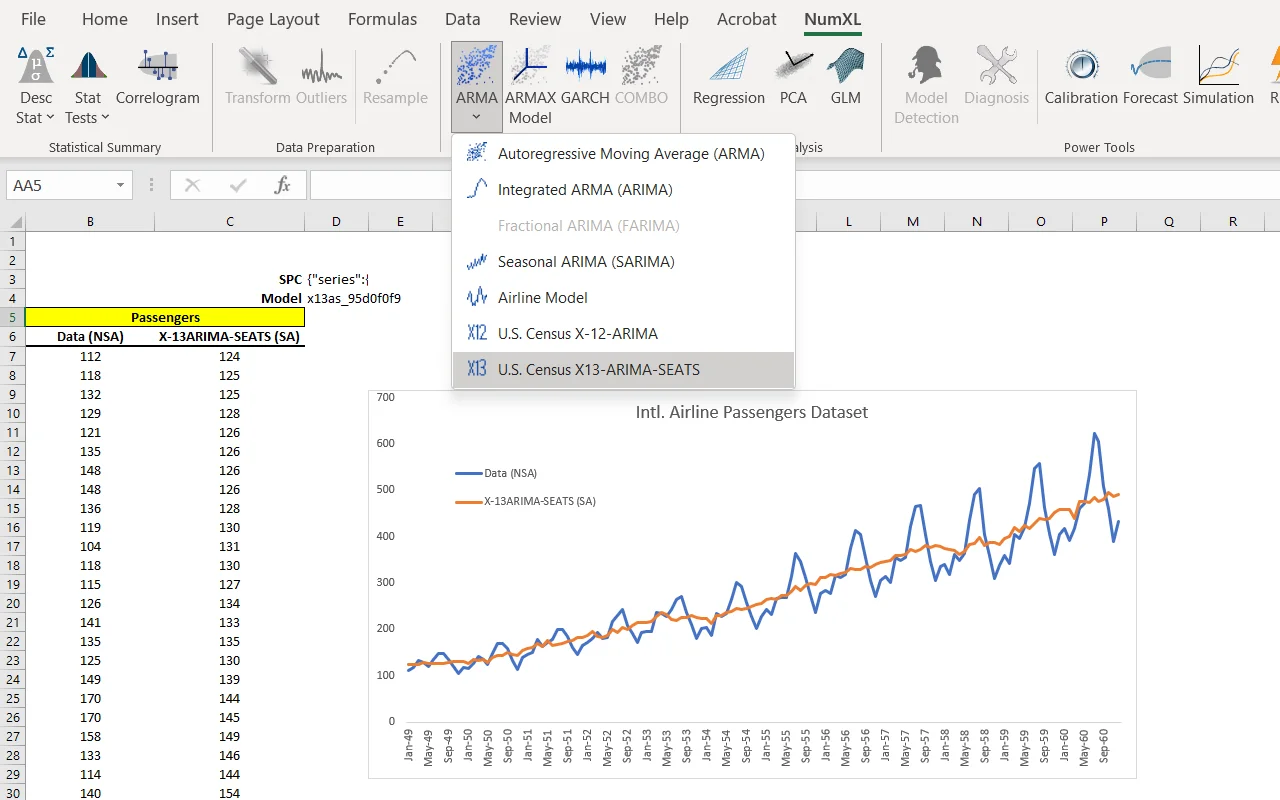
You can also use it to turn raw numbers into charts in seconds.
Charts can be powerful, building the right one can sometimes feel like a mini project of its own, but the AI helps create visualizations so you can get to the insight faster.
Click the star icon next to supercarblondie.com in Google Search to stay ahead of the curve on the latest and greatest supercars, hypercars, and ground-breaking technology
Related



Make your life easier
As all great assistants do, you can clean up messy spreadsheets like a pro.
Data cleanup is often one of the most time-consuming parts of working with spreadsheets, but Copilot can help tidy up inconsistent entries and prepare your sheet for analysis, making everything easier to understand.
You can also get quick insights without building a whole dashboard, if you ask Copilot what trends stand out, which numbers are unusual, or what might be worth investigating.
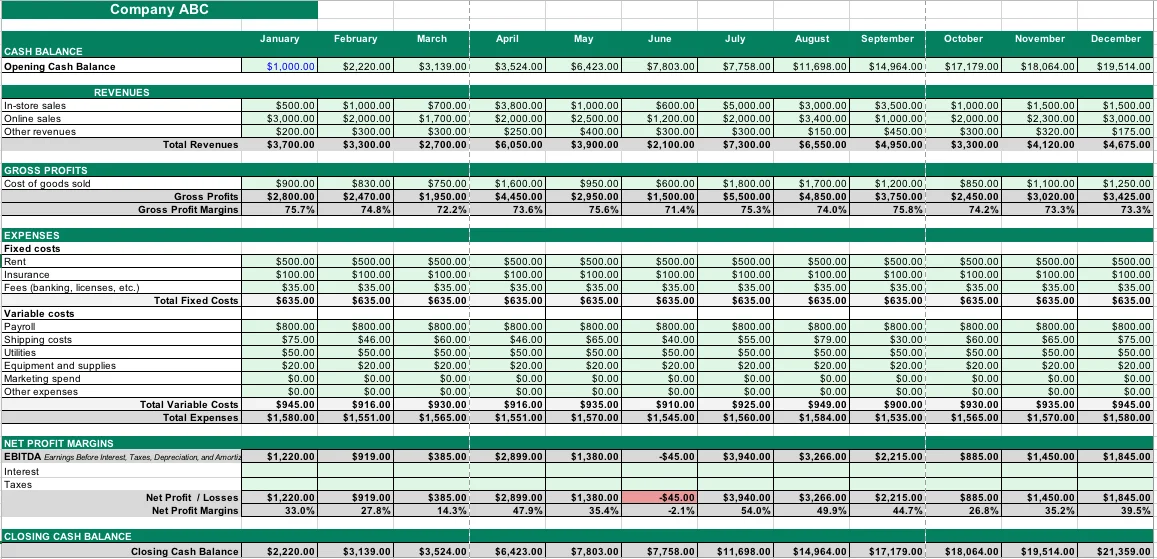
It acts like a helpful assistant, pointing out the interesting parts of your data before you dive deeper.
The best part is that you do not need to be an Excel expert first.
If you can describe what you want in simple language, the built-in AI can often handle the heavy lifting and get you most of the way there.
Daisy is a technology and automotive journalist covering artificial intelligence, consumer tech, Apple news, cryptocurrency, emerging technologies, and transportation innovation. Since joining the team in 2025, she has reported on everything from AI-powered startups and major iOS updates to viral car stories and the latest developments shaping transportation and the digital economy. Drawing on her background in automotive journalism and a degree in History and Journalism from Goldsmiths, University of London, Daisy specializes in breaking down complex topics into clear, engaging reporting for a global audience. Her work spans cutting-edge technology, innovative vehicles, and the people driving change across both industries. Daisy has gained first-hand access to some of the world's most talked-about technologies and innovators, including meeting Tesla's Optimus humanoid robot during its first European appearance in London. She has also discussed the future of space exploration with an astronaut, bringing unique insights and real-world perspectives to her coverage of emerging technology.




