New iOS 26 setting for AirPods fixes one of the most annoying Bluetooth issues you experience
Published on Nov 07, 2025 at 1:44 AM (UTC-5)
by Molly Davidson
Last updated on Nov 07, 2025 at 6:19 AM (UTC-5)
Edited by
Kate Bain
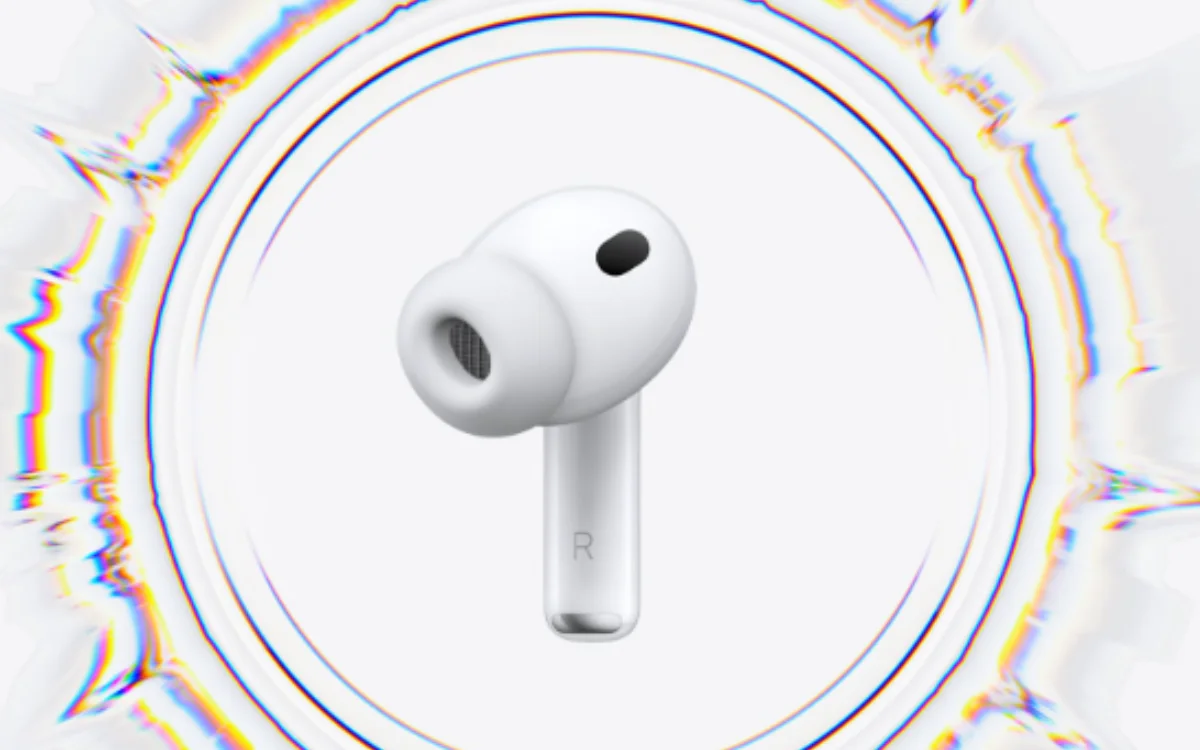

Apple’s iOS 26 is finally addressing one of the most annoying Bluetooth issues you experience when wearing AirPods and other headphones.
Every AirPods user knows the pain – you’re mid-song, mid-call, mid-vibe, and suddenly your audio’s gone.
Hijacked by your car, or the kitchen speaker.
For years, iPhone users have just lived with this random Bluetooth betrayal, but now there’s a solution.
DISCOVER SBX CARS – The global premium auction platform powered by Supercar Blondie
How do you make the change?
You’ll find the fix tucked away in a spot only Apple would hide something this useful.
There is a simple fix, but you need to know where to look.
Head to Settings > General > AirPlay & Continuity and you’ll see a new option – ‘Keep Audio with Headphones.’
Flip it on, and your iPhone stops handing your audio over to anything else.
No more mid-drive surprises when your playlist suddenly blares through the car’s stereo.
No more office speakers randomly snatching your podcast.
Your sound stays exactly where you want it.
In your ears.
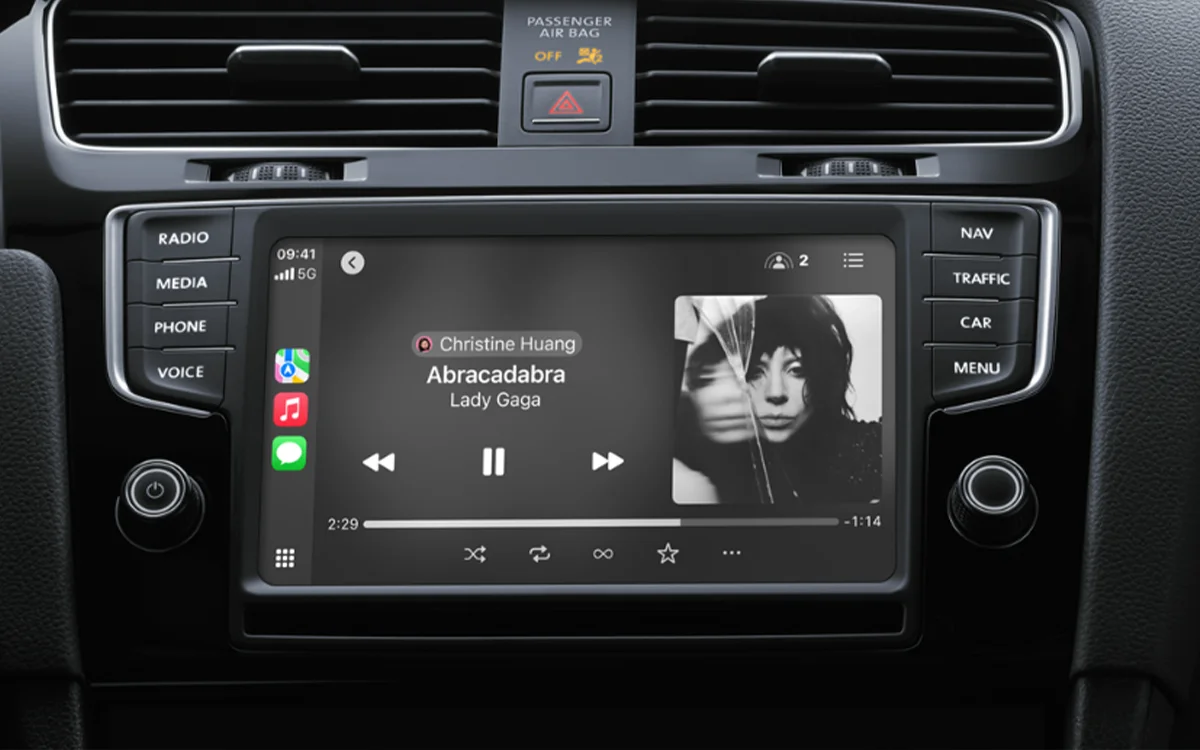
The feature’s off by default, for those who like automatic switching between devices.
But for the rest of us, sweet relief.
It also arrives just as Apple rolls out automatic CarPlay switching, a system that connects your phone to your car the moment you open the door.

That update makes this new setting even more useful, as the two balance each other out.
For the first time, iOS gives you the power to decide which device gets to speak and which one stays quiet.
It’s a small toggle, but a big sanity saver.
There are more hidden gems in iOS 26
This isn’t the only hidden gem buried in Apple’s newest software.
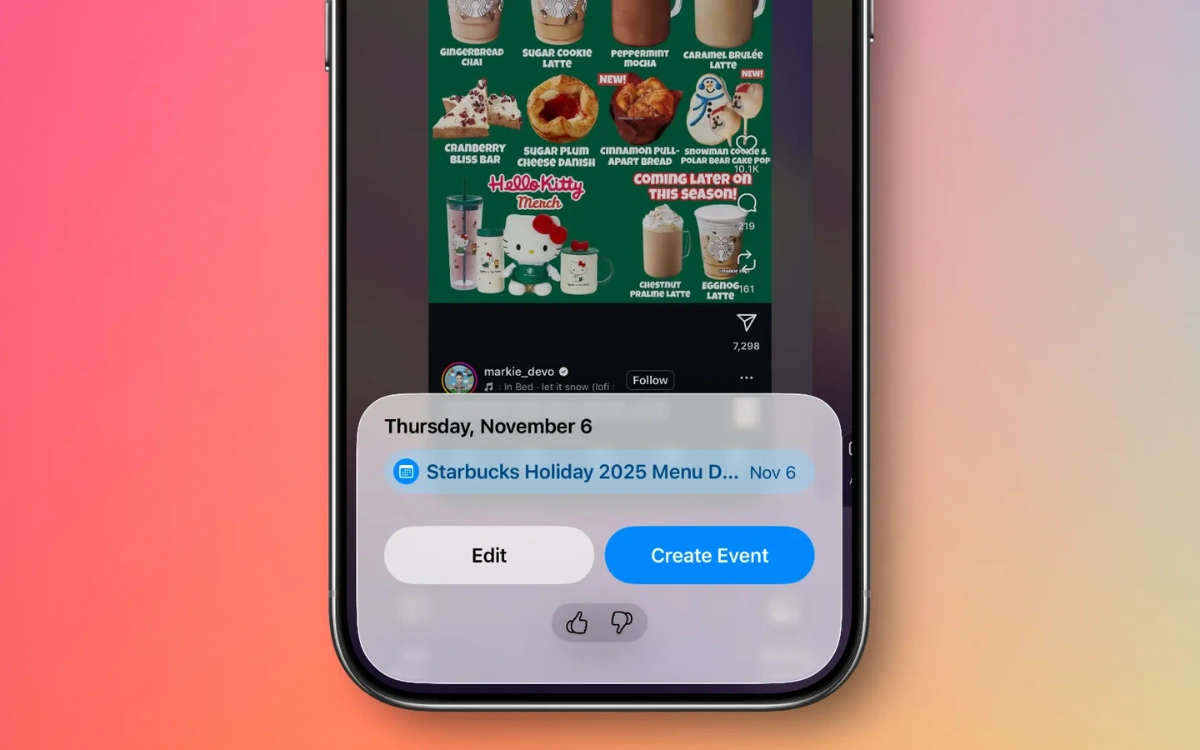
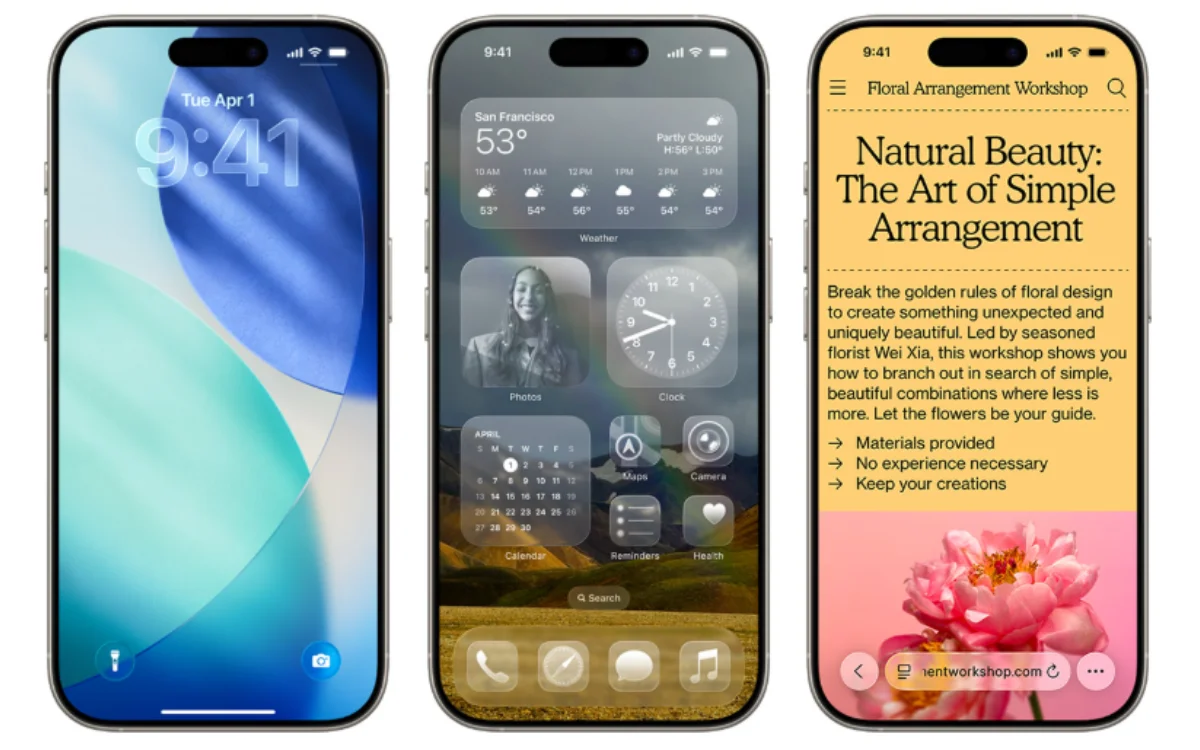
The iOS 26 update’s packed with thoughtful touches, from better Maps incident reports to AirPods that automatically pause music when you fall asleep.
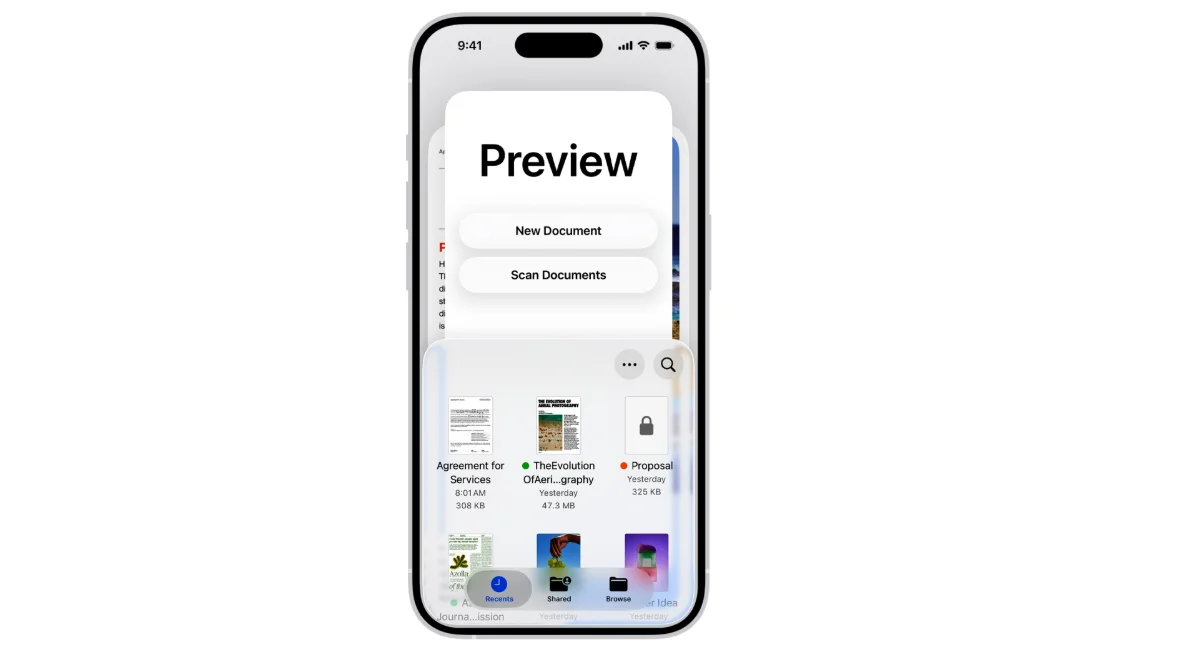
Then there’s the game-changing iPhone feature that finally brings the Preview app to iPhone, letting you scan, sign, and edit PDFs without touching a Mac.
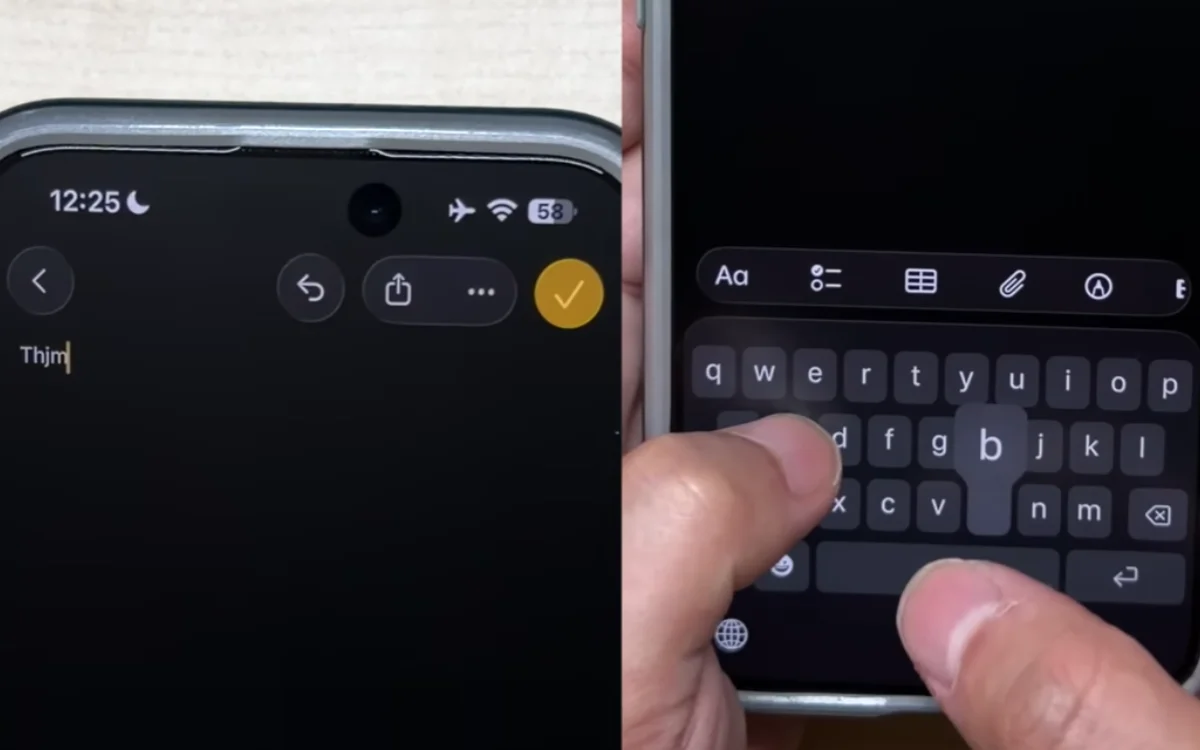
Sure, it’s still got a few quirks – a glitch that makes iPhones type the wrong letters, for one – but this update proves Apple’s finally focused on the stuff that actually matters.
It’s not reinventing anything, just teaching your iPhone some manners.
After years of Bluetooth betrayals, AirPods are finally staying loyal.
No surprise speakers, no sonic jump scares – just peace.
With roles at TEXT Journal, Bowen Street Press, Onya Magazine, and Swine Magazine on her CV, Molly joined Supercar Blondie in June 2025 as a Junior Content Writer. Having experience across copyediting, proofreading, reference checking, and production, she brings accuracy, clarity, and audience focus to her stories spanning automotive, tech, and lifestyle news.




