People make these common mistakes that are easy to do when setting up a new Apple Watch and this is what to avoid
Published on Mar 25, 2026 at 7:46 PM (UTC-4)
by Daisy Edwards
Last updated on Mar 27, 2026 at 1:38 PM (UTC-4)
Edited by
Emma Matthews
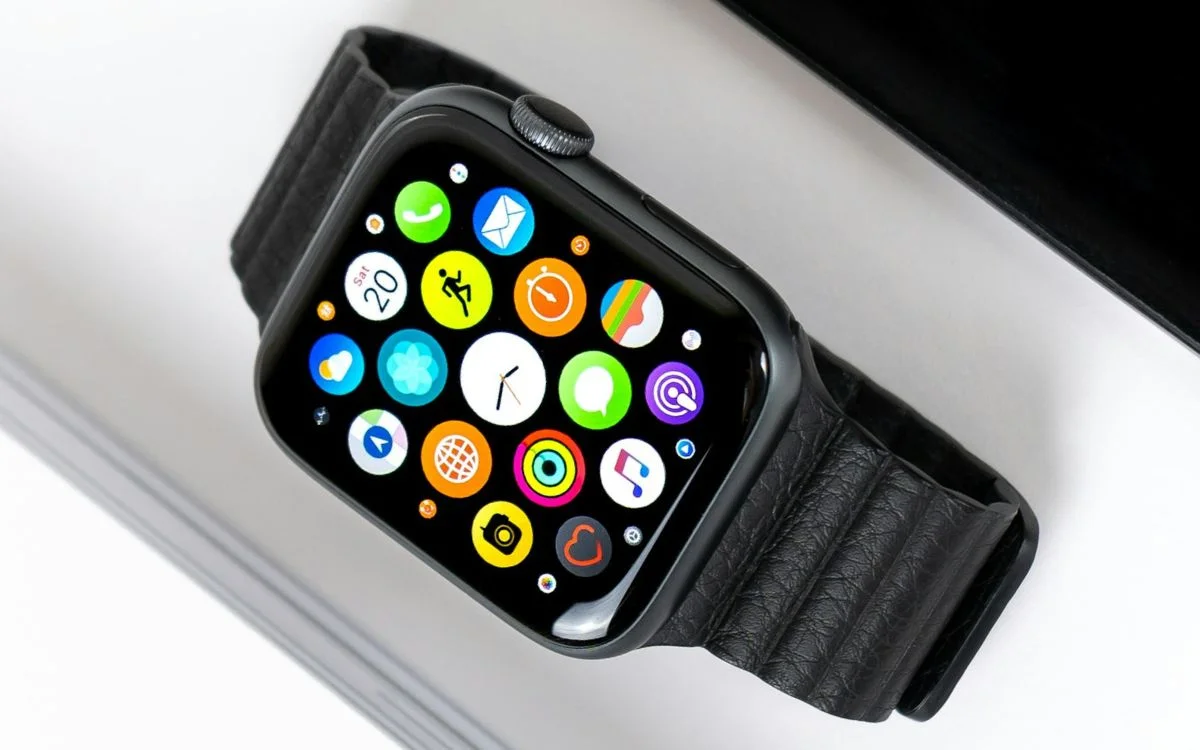

Trying to set up and pair a new Apple Watch is generally a massive headache, but it’s probably because you’ve made one of these common mistakes.
From pairing problems to forgotten passwords, it turns out a lot of Apple Watch trouble starts before you’ve even finished setting it up.
The good news is that most of these mistakes are incredibly easy to avoid once you know what to look for.
So before you start tapping through the setup screens, here are the big Apple Watch errors people keep making.
Click the star icon next to supercarblondie.com in Google Search to stay ahead of the curve on the latest and greatest supercars, hypercars, and ground-breaking technology
People make these common mistakes when setting up an Apple Watch
When it comes to upgrading, switching gadgets, or handing the watch over to someone else, one of the biggest mistakes people make is erasing the Apple Watch directly on the watch itself and thinking that’s the whole job done.
It might wipe the device, but it does not properly remove Activation Lock unless the watch is unpaired from the paired iPhone first.
That means if someone has received a pre-owned watch, they can easily end up with a watch that still thinks it belongs to the old setup.

The proper route is to keep the iPhone and Apple Watch close together, open the Watch app on the iPhone, go to the watch list, tap the info button next to the watch, and choose to unpair it from there.
That process also creates a fresh backup, which is a huge bonus if you’re about to move everything onto a new Apple Watch.
For cellular models, there’s another easy mistake too: removing or keeping the mobile plan without thinking it through first.
If you plan to use the watch again, keeping the plan can make sense, but if you’re done with it completely, you may need to remove the plan and even contact your carrier.



Activation lock strikes again
Some of the common mistakes are linked to forgetting the Apple Account password tied to the watch.
That becomes a major problem because Activation Lock will still ask for those details before the watch can be set up again.
People also run into trouble when they no longer have their old iPhone.
Yes, you can erase the watch from the watch itself, but that still leaves Activation Lock in place, which catches a lot of people out.
Basically, the easiest way to avoid a setup nightmare is simple: unpair it properly, keep track of your Apple Account details, and don’t rush through the cellular plan decision.
It only takes a few minutes, but it can save a lot of frustration later.
Daisy is a technology and automotive journalist covering artificial intelligence, consumer tech, Apple news, cryptocurrency, emerging technologies, and transportation innovation. Since joining the team in 2025, she has reported on everything from AI-powered startups and major iOS updates to viral car stories and the latest developments shaping transportation and the digital economy. Drawing on her background in automotive journalism and a degree in History and Journalism from Goldsmiths, University of London, Daisy specializes in breaking down complex topics into clear, engaging reporting for a global audience. Her work spans cutting-edge technology, innovative vehicles, and the people driving change across both industries. Daisy has gained first-hand access to some of the world's most talked-about technologies and innovators, including meeting Tesla's Optimus humanoid robot during its first European appearance in London. She has also discussed the future of space exploration with an astronaut, bringing unique insights and real-world perspectives to her coverage of emerging technology.




