You need to stop using Claude like it's ChatGPT and instead use these prompts to unlock its true potential
Published on Mar 16, 2026 at 6:01 AM (UTC+4)
by Claire Reid
Last updated on Mar 16, 2026 at 6:01 AM (UTC+4)
Edited by
Claire Reid
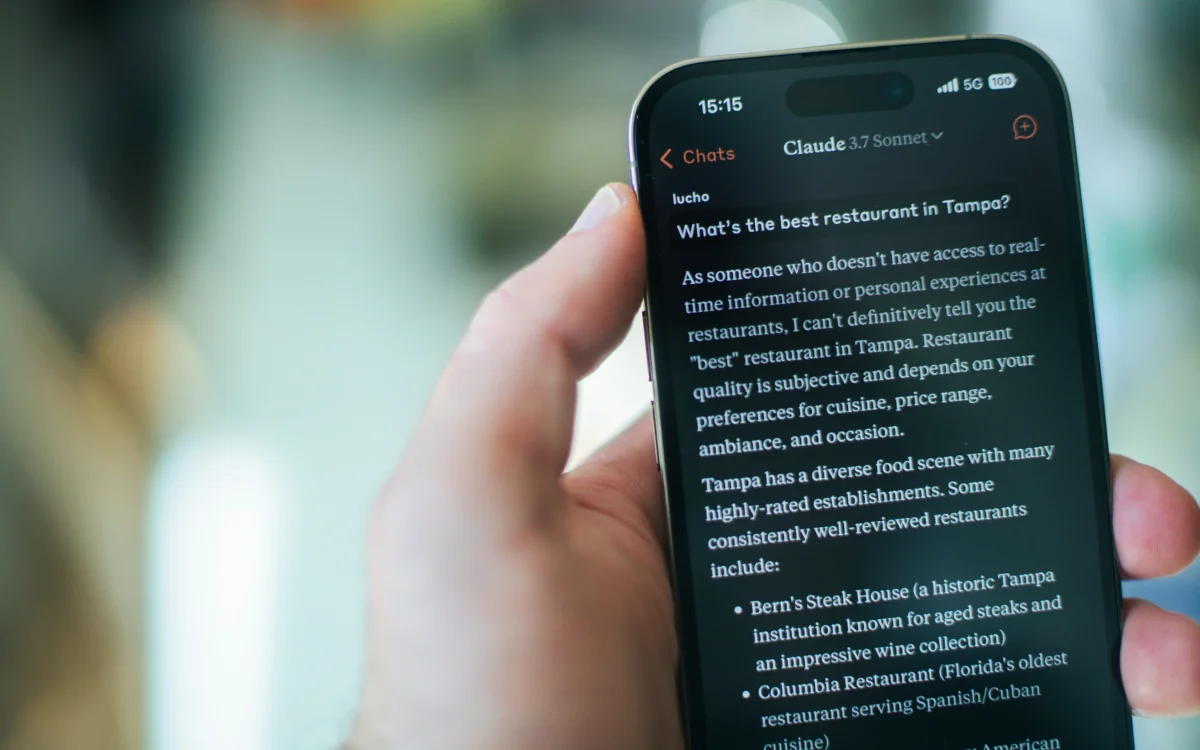
If you’ve recently made the switch from ChatGPT to Claude, but you’re still using the same sort of prompts, then you might not be getting the most out of the AI bot.
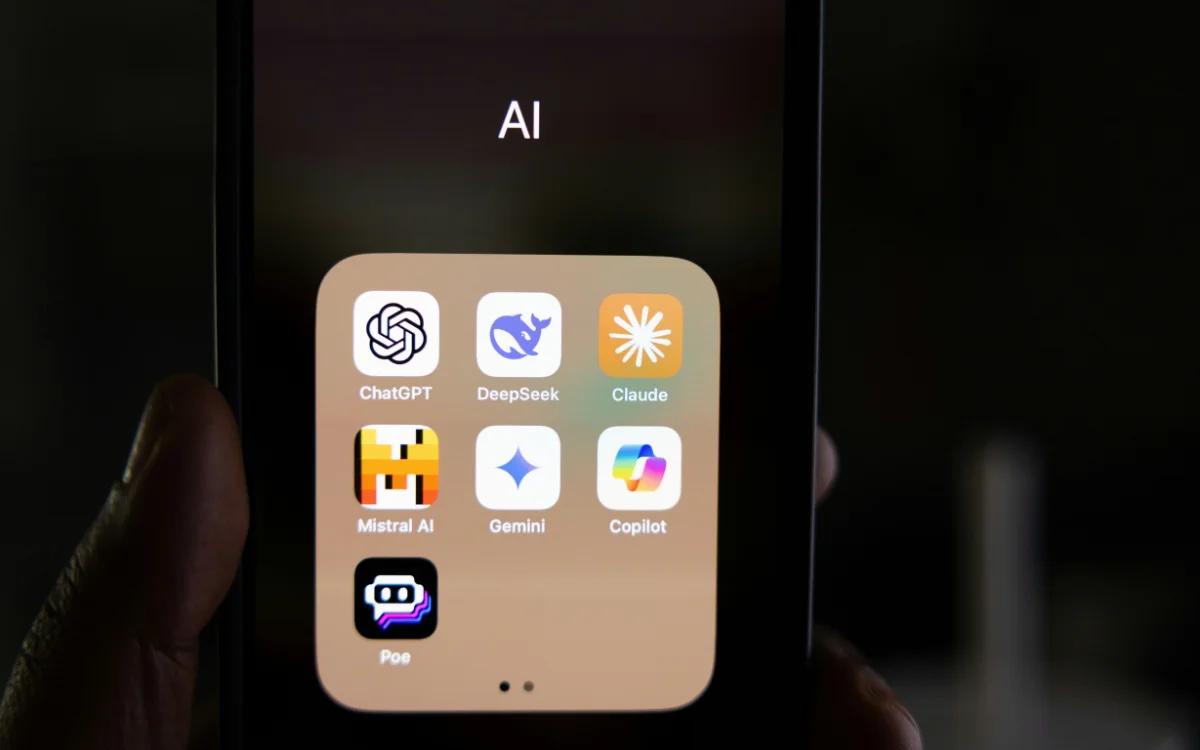
Apple was one of the first tech companies to launch an AI chatbot, but since then, there’s been a slew of new models.
OpenAI’s ChatGPT was released in 2022 and had more than 100 million users within just two months.
But recently, many folks have been moving from ChatGPT to Claude, and if that’s you, then there are some things you need to know.
Click the star icon next to supercarblondie.com in Google Search to stay ahead of the curve on the latest and greatest supercars, hypercars, and ground-breaking technology
Here’s how you should prompt Claude – and it’s different from other AI chatbots
There’s still much debate around which is the ‘best’ AI chatbot; one woman even decided to pit two of the main rivals against each other to see which performed best.
But when it comes down to getting the best out of AI, the trick is knowing how to prompt.
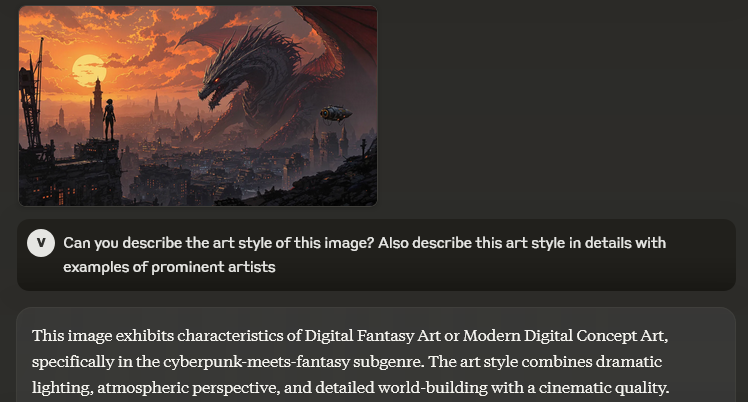
And if you’ve been using the same prompts with Claude as you did with ChatGPT, then you could be missing out.
Here’s what you should be doing instead.
Make your prompts specific and give Claude context
Unlike ChatGPT, Claude works best with specific prompts.
According to Tom’s Guide, you should give the chatbot as much context as you can, and it’ll even ask you for clarification if you don’t provide enough information.
So, when you want Claude to do something, tell it what you hope to achieve as well as the format you want it in – be as specific as possible.
Set out some detailed constraints for the bot
On a similar note, set some constraints for even stronger results.
Much like being specific with your requests, adding in some guidelines and parameters is a great way to get a better response.
You can tell Claude what tone you’d like to use, which format to present it, how many words you need, whether to add bullet point notes, etc.
And don’t forget to tell it who the audience is, so it can adjust how it writes the response.
For example, tell it whether the summary it is providing is going to be used to inform your boss with some knowledge of the topic, or if it is for a complete novice.
Give the bot a professional role for smarter answers
If you use Claude Skills, you can actually assign Claude a role to get even better results.
So, rather than asking a standard chatbot, you can tell Claude to respond as though it is a financial advisor, SEO expert, or other professional.
This should give you more polished responses that are a neater fit with whatever you’ve asked.
Get Claude ‘thinking’
Get Claude to ‘think’ by asking to go through a problem or complex action step-by-step.
According to Tom’s Guide, by asking the chatbot to reason through the steps it took to generate a response, you’ll often get a more accurate answer.
Tell the bot to ‘walk you through’ or share some pros and cons before coming up with its final answer.
Fine-tune your response, rather than start again
It can be frustrating when you don’t get the response you wanted the first time.
But instead of giving up and restarting again from scratch, fine-tune your prompts with Claude to get closer to what you’re looking for.
For example, you can tell it to make something shorter, adjust the tone to be more formal, or offer another version.
And one thing to avoid with Claude

If you’re a former ChatGPT or Gemini user who has recently moved to the free version of Claude, then you might have noticed you don’t get as many prompts.
To avoid burning through your prompts, remember to be specific, give context, and add constraints when you’re sending Claude requests.
If you’re too vague with your prompts, you’ll race through them in no time and still be no closer to the answer you wanted.
However, having said that, be careful not to cram unrelated questions into your prompts as this will confuse the bot – be specific and detailed but don’t go off on any tangents and you should be fine.
DISCOVER SBX CARS: The global premium car auction platform powered by Supercar Blondie
With a background in both local and national press in the UK, Claire has covered a range of topics, including technology, gaming, and cryptocurrency, since joining the editorial team at Supercar Blondie in May 2024. Her ability to be first to a story has been integral to making SB’s coverage of scientific discovery, AI, and global tech news a slick 24/7 operation.