There's a lot of hidden features in Windows 11 that could change how you use it completely
Published on May 30, 2026 at 1:57 PM (UTC-4)
by Daisy Edwards
Last updated on May 30, 2026 at 1:57 PM (UTC-4)
Edited by
Mason Jones
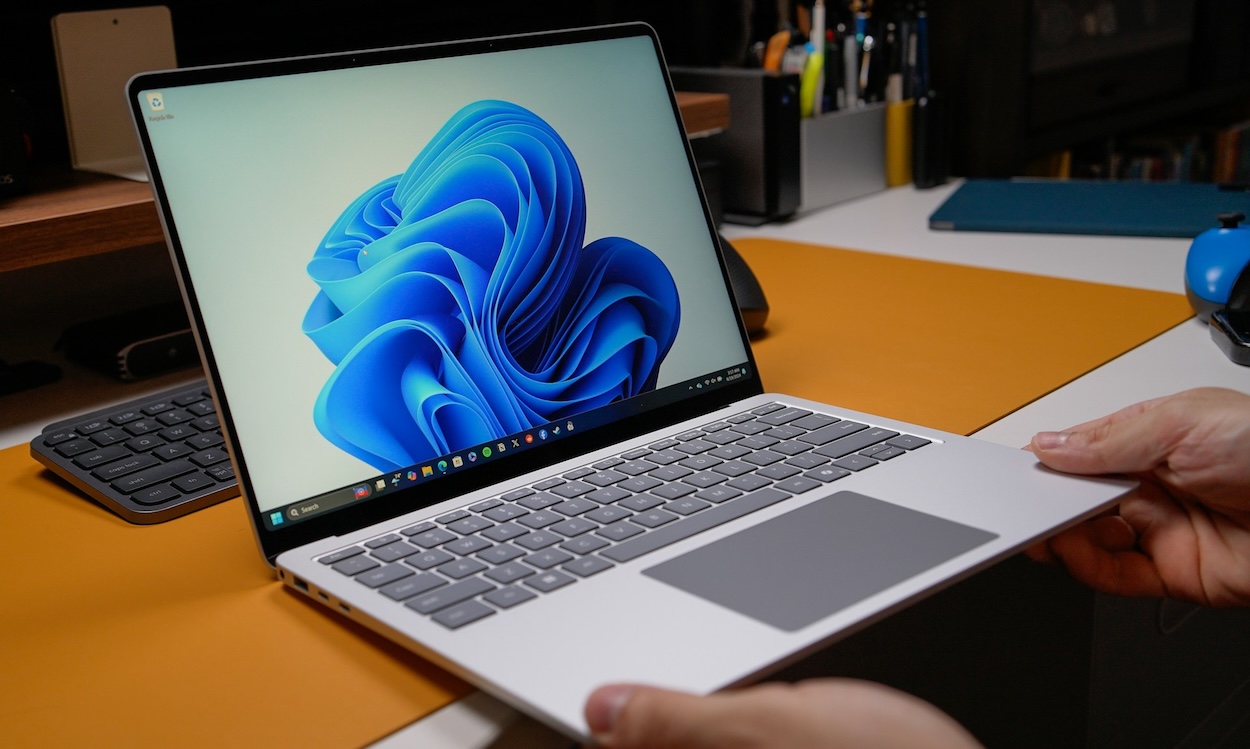

From hidden multitasking tools to clever clipboard tricks, the Windows 11 operating system is packed with features that can completely change how you use your PC once you know where to find them.
And while most users stick to the basics like the Start menu and File Explorer, there are loads of lesser-known tools tucked away in the settings that can make working, gaming, and browsing much easier.
Most people take it for granted because it’s software that just comes with your laptop, but if you know how to use Windows 11 correctly, you could make your life a lot easier.
It just comes down to knowing these little-known life hacks.
Clipboard History
When it comes to gadgets that use Windows 11, you wouldn’t even think to use half of these hidden hacks.
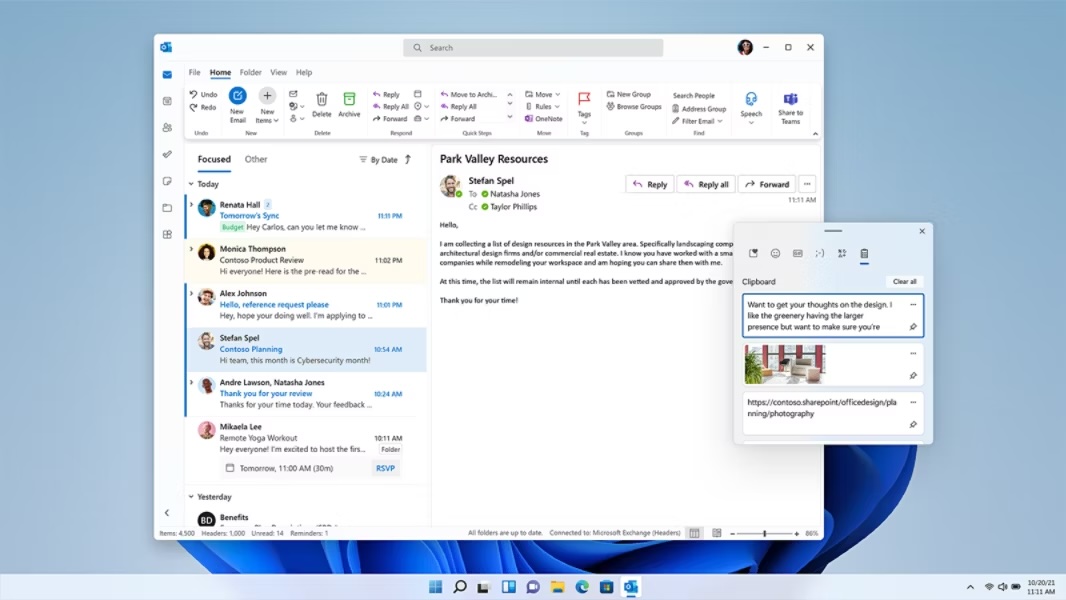
One of the biggest game changers is Clipboard History.
Instead of only copying one thing at a time, you can press Windows Key + V and instantly pull up a list of everything you’ve copied recently.
It’s especially useful for anyone juggling multiple pieces of text or links at once.
Related
Snap Layouts
Another standout feature is Snap Layouts, which lets you hover over the maximize button and instantly organize multiple windows into clean, preset layouts.
Once you get used to it, manually resizing windows starts to feel painfully slow.
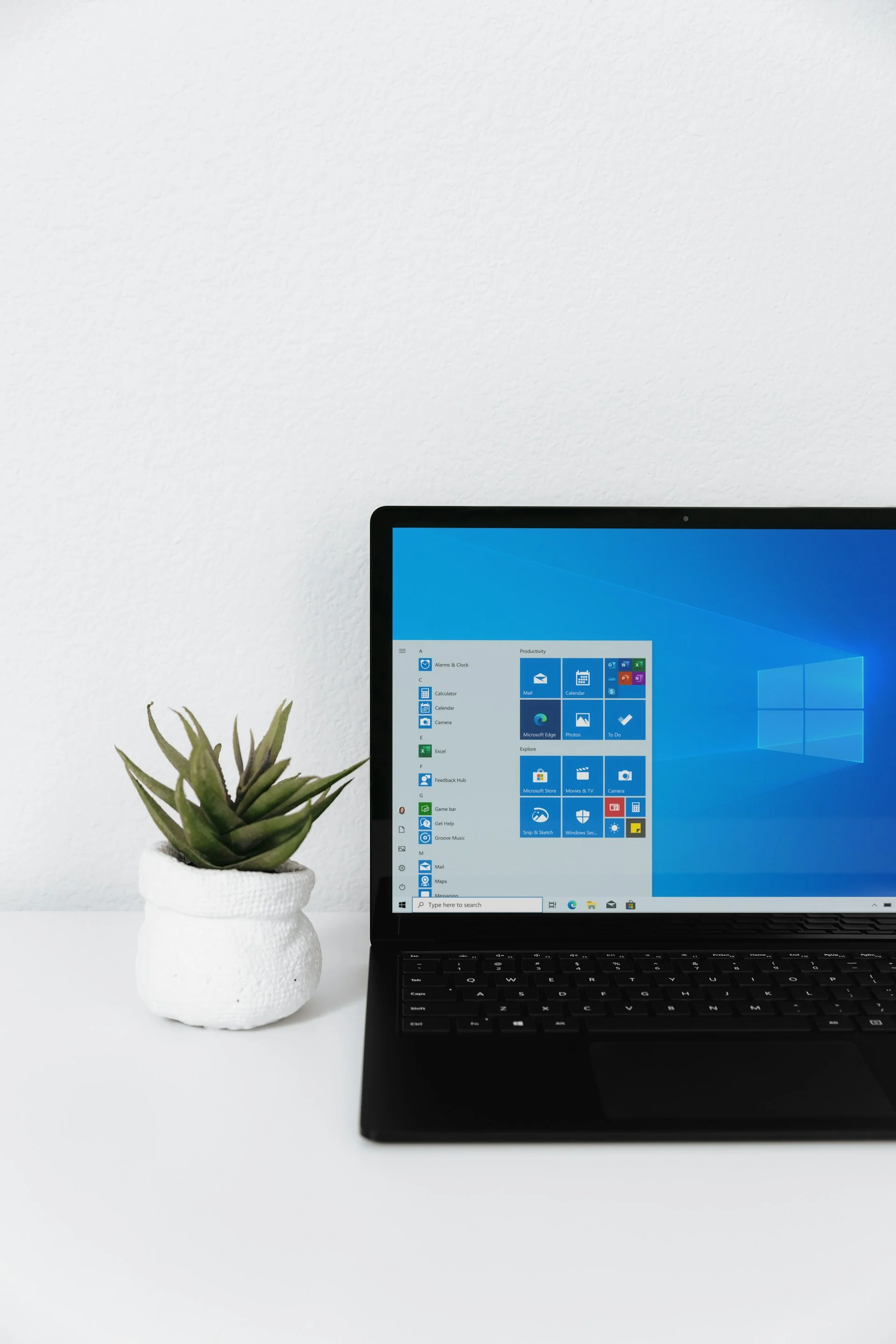
Live Captions
There’s also Live Captions, which automatically generates subtitles for any audio playing on your PC in real time.
Whether you’re watching videos, listening to podcasts, or in a noisy environment during a call, it can make a big difference to clarity.
Virtual Desktops
Virtual Desktops is another underrated tool, letting you separate work apps, entertainment, and personal browsing into different spaces and switch between them instantly.
Focus Sessions
A lot of the most useful features are buried in your Windows laptop menus that most people never explore.
Focus Sessions, for example, help cut distractions by encouraging structured work periods with built-in timers and task integration, it’s simple but effective if you struggle to stay focused; it’s a bit like Do Not Disturb on your iPhone.
Voice typing is another hidden tool, activated with Windows Key + H, allowing you to dictate text almost anywhere instead of typing it out manually.
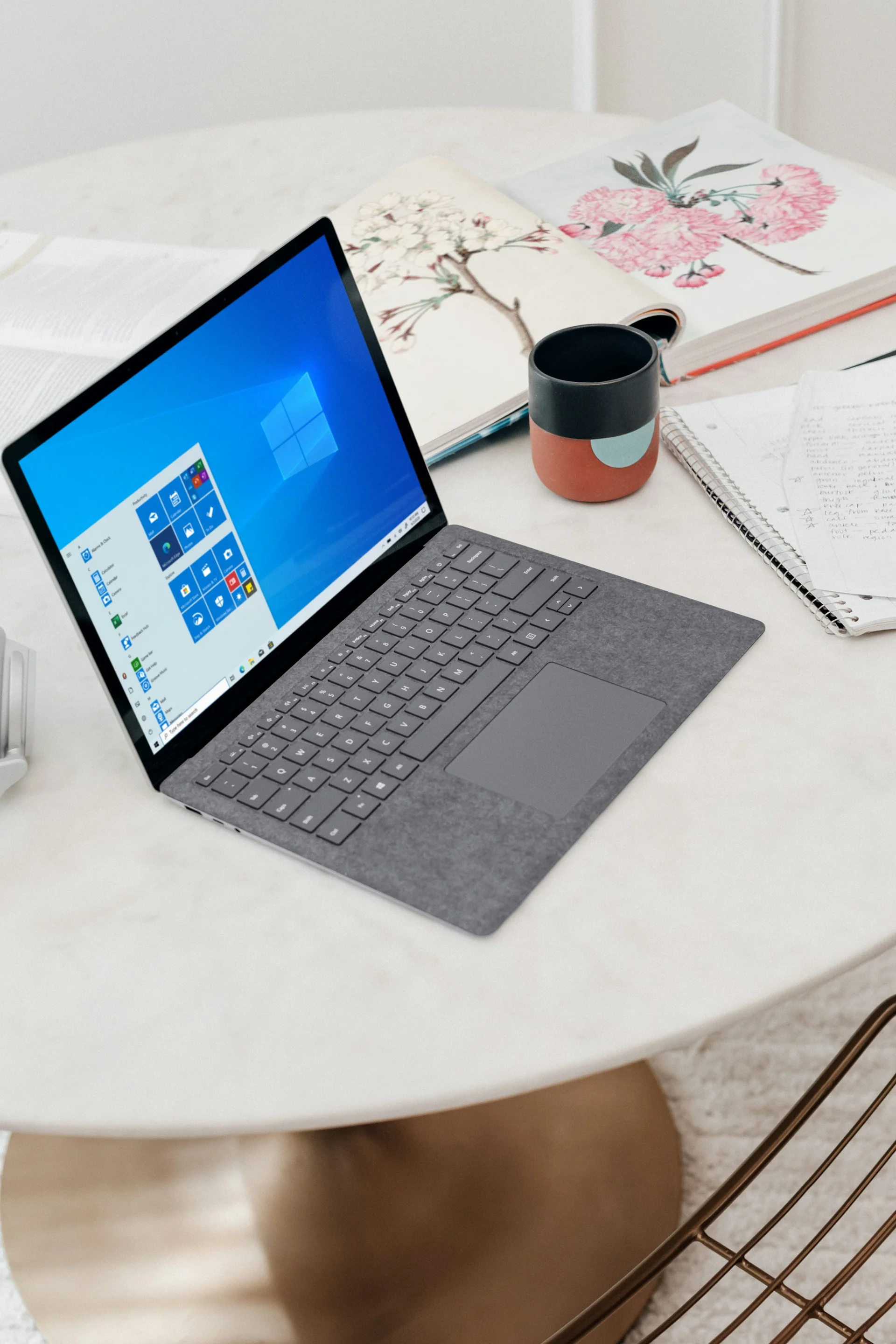
Windows 11 also lets you customise your Quick Settings panel, so you can surface the controls you actually use instead of digging through menus every time.
Overall, Windows 11 looks familiar on the surface, but underneath it’s packed with tools that can seriously change how you interact with your PC once you start using them.
Daisy is a technology and automotive journalist covering artificial intelligence, consumer tech, Apple news, cryptocurrency, emerging technologies, and transportation innovation. Since joining the team in 2025, she has reported on everything from AI-powered startups and major iOS updates to viral car stories and the latest developments shaping transportation and the digital economy. Drawing on her background in automotive journalism and a degree in History and Journalism from Goldsmiths, University of London, Daisy specializes in breaking down complex topics into clear, engaging reporting for a global audience. Her work spans cutting-edge technology, innovative vehicles, and the people driving change across both industries. Daisy has gained first-hand access to some of the world's most talked-about technologies and innovators, including meeting Tesla's Optimus humanoid robot during its first European appearance in London. She has also discussed the future of space exploration with an astronaut, bringing unique insights and real-world perspectives to her coverage of emerging technology.




