These tips and tricks will transform how you use Apple CarPlay and unlock features you never knew existed
Published on Apr 05, 2026 at 4:46 PM (UTC+4)
by Jason Fan
Last updated on Apr 02, 2026 at 3:16 PM (UTC+4)
Edited by
Mason Jones
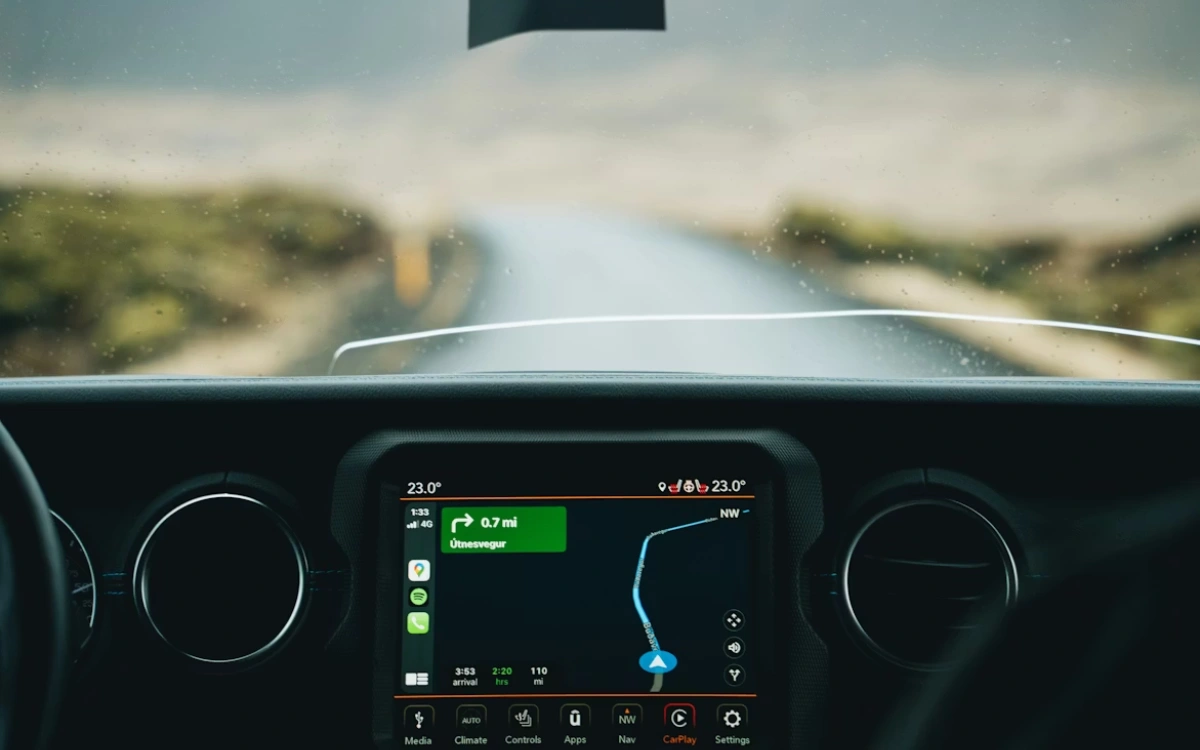

These Apple CarPlay tips can turn your dashboard into something that feels a lot closer to a co-pilot than a screen.
After a YouTuber’s original walkthrough racked up millions of views, he returned with a follow-up packed with lesser-known features.
This time, however, he wasn’t just running through the basics.
Instead, he revealed plenty of hidden functions that most drivers didn’t even realize existed.
Enter our competition to win a stunning 2006 Ford GT or $400,000 cash!
These Apple CarPlay tips makes driving so much more pleasant
One of the standout features revealed by YouTuber Proper Honest Tech was Voice control, tucked away in the accessibility settings.
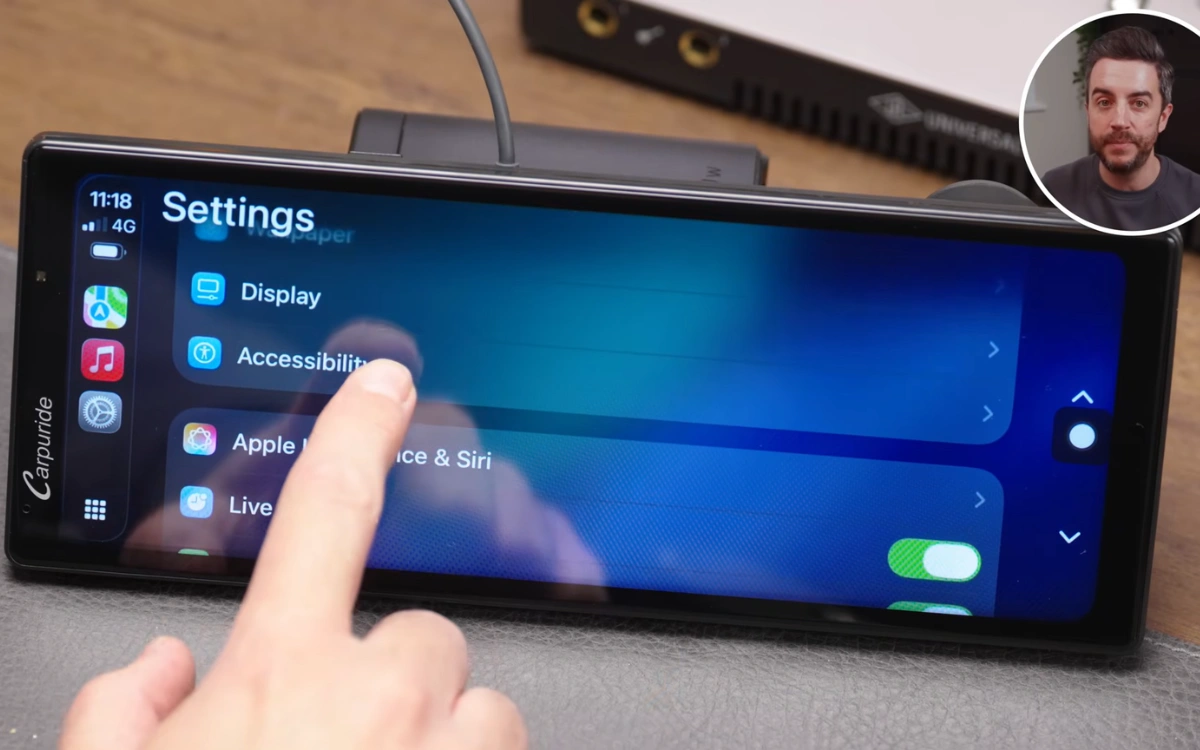
Unlike Siri, this allowed users to control the entire CarPlay interface using spoken commands without needing a trigger phrase.
You could say ‘Open Music’ or ‘Tap Back’, and the system would respond instantly, as long as the option was visible on screen.
It was originally designed for accessibility, but it turned out to be incredibly useful for hands-free control while driving.
Messaging got a clever upgrade too.
The YouTuber pointed out that Tapbacks, those quick emoji reactions in iMessage, could actually be used directly through CarPlay.
When a message came in, drivers could have it read aloud, then respond with a simple thumbs-up or laugh without typing a full reply.
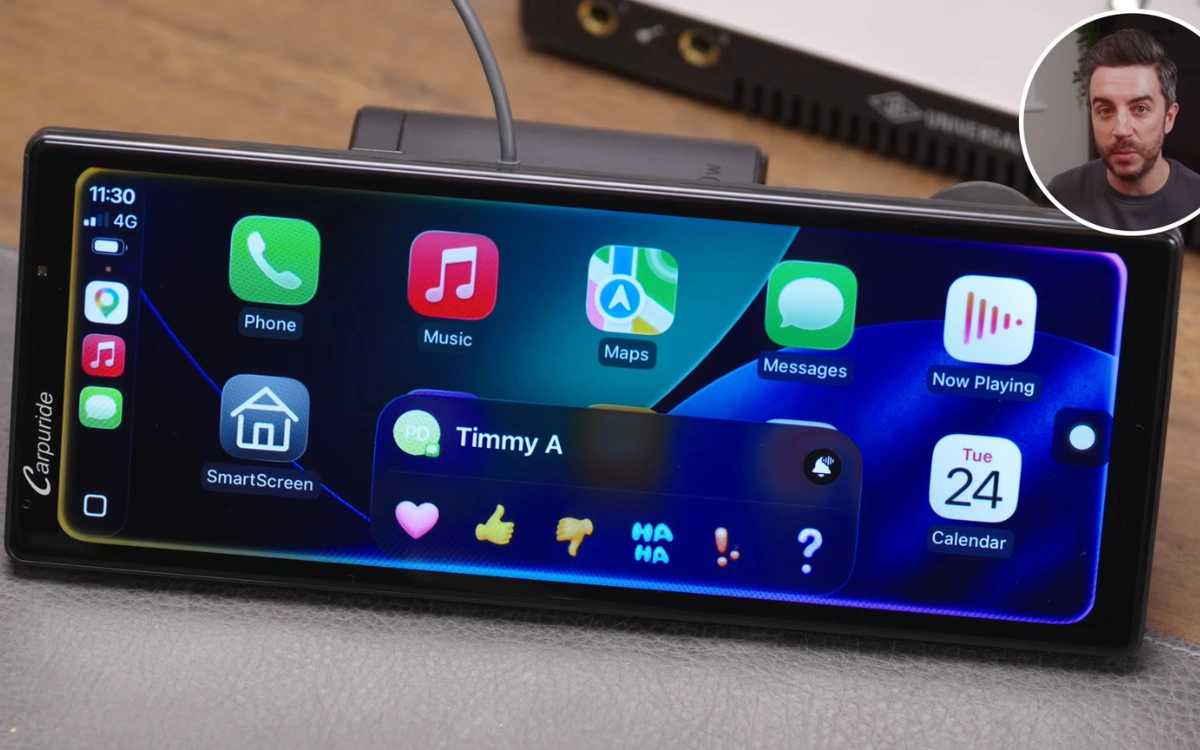
It was a small feature, but one that made staying connected on the road much easier.
Navigation fans weren’t left out either.
While Apple Maps remained the default for many users, the video showed how switching to Google Maps unlocked satellite view, something Apple’s own app still lacked.
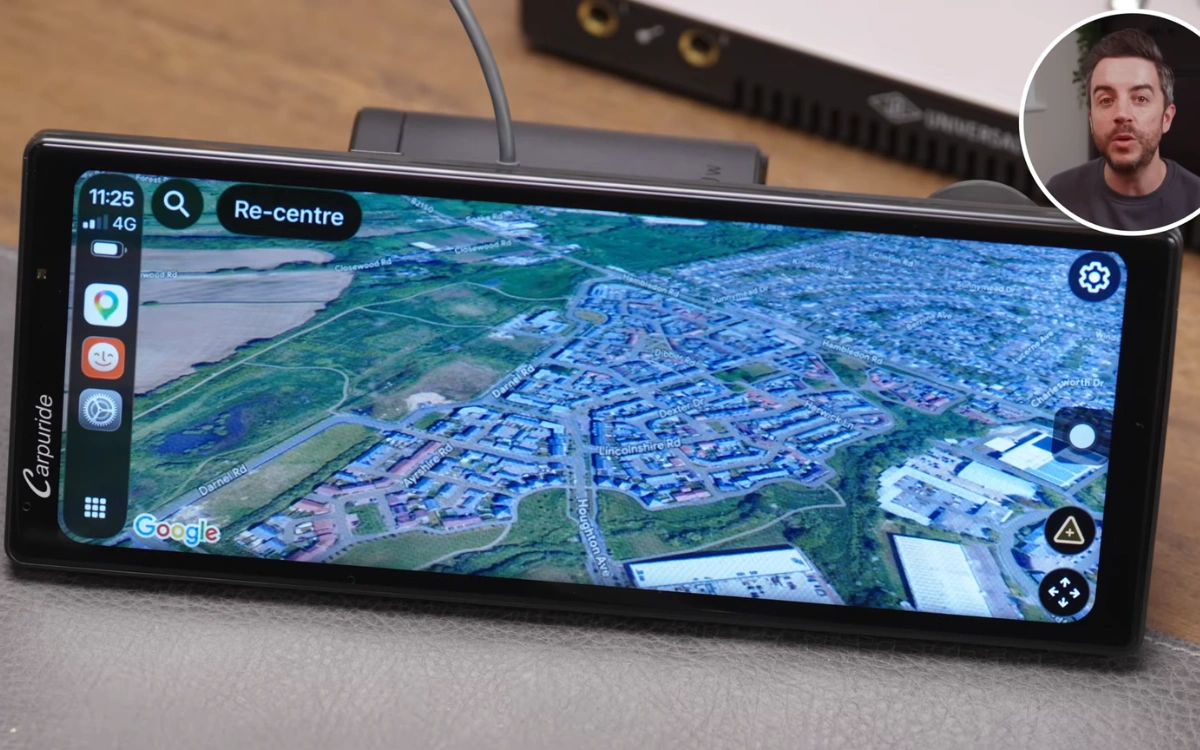
A quick trip into settings was all it took to enable it, giving drivers a more detailed look at their surroundings.
Music controls also got a surprisingly useful tweak.
With a newer Apple Music feature, users could pin albums, playlists, or artists to the top of their library.
In CarPlay, this meant instant access to your favorite content without endless scrolling.
It was one of those small quality-of-life improvements that made a big difference during everyday driving.
These tips also make your road trips safer
Siri, meanwhile, became even more powerful with a few simple tricks.
Instead of manually searching for apps, drivers could ask Siri to open them directly, or even specify which app to use for directions or messages.
Saying ‘Get directions using Google Maps’ or ‘Send a message via WhatsApp’ streamlined the entire experience.
There were also subtle customization options worth exploring.
From switching between light and dark modes to changing wallpapers and icon styles, CarPlay offered more personalization than many users realized.
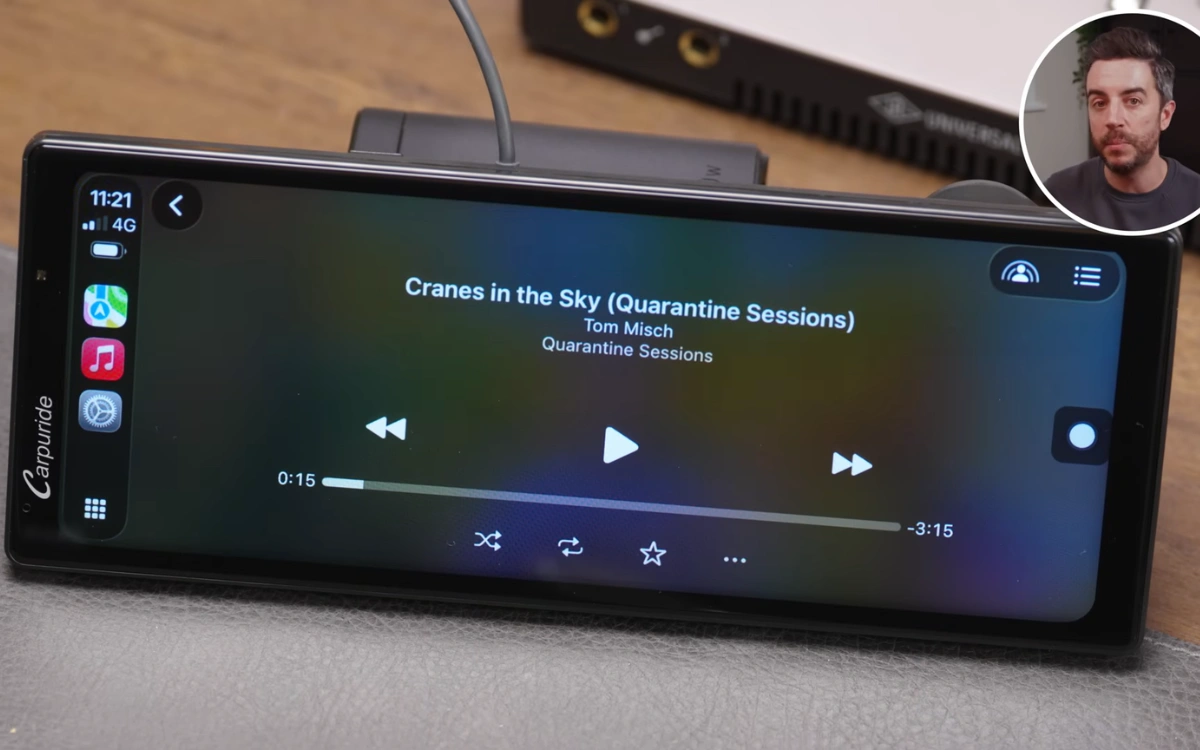
Even something as simple as turning off album art could reduce distractions on the road.
Taken together, these Apple CarPlay tips showed that the technology was far more capable than it first appeared.
Check out the video for a more visual look at all his tips:

DISCOVER SBX CARS: The global premium car auction platform powered by Supercar Blondie