Type these three words after any ChatGPT answer and watch it completely tear apart its own reasoning
Published on Mar 19, 2026 at 1:36 AM (UTC+4)
by Claire Reid
Last updated on Mar 19, 2026 at 1:36 AM (UTC+4)
Edited by
Claire Reid
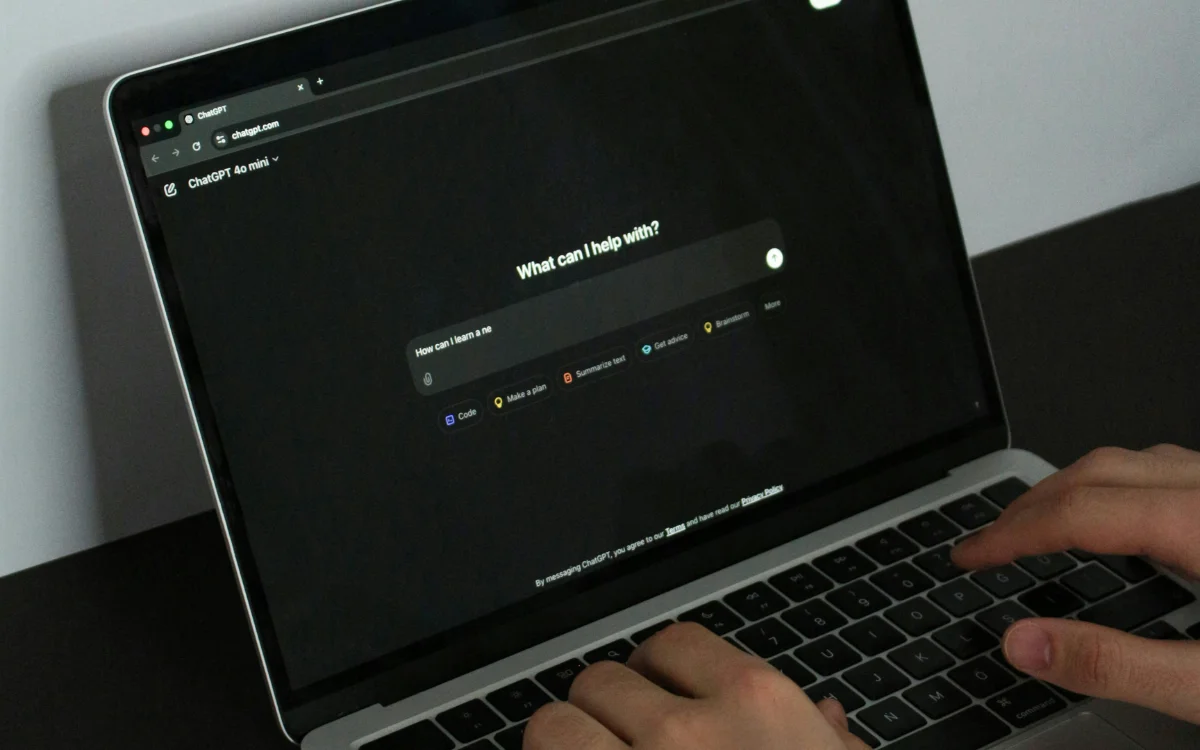

There’s a simple three-word prompt you can use on ChatGPT that’ll give you much stronger responses and help cut through any nonsense.
The AI bot is used by millions of people across the world every day, and can offer help with everything from streamlining your workflow to fixing your car.
However, the tech isn’t perfect, and ChatGPT can give some strange responses, hallucinations, and confidently present incorrect information.
But using this simple three-word prompt will force the AI bot into poking holes in its logic and explaining how it came to its response.
Click the star icon next to supercarblondie.com in Google Search to stay ahead of the curve on the latest and greatest supercars, hypercars, and ground-breaking technology
Use these three words to get ChatGPT to think more deeply about its answer
When using AI chatbots, like ChatGPT, knowing how to prompt is key to getting the best responses.
For example, you can use the three-prompt rule to help flesh out an answer, or respond with the ‘glitch’ prompt to make it smarter.
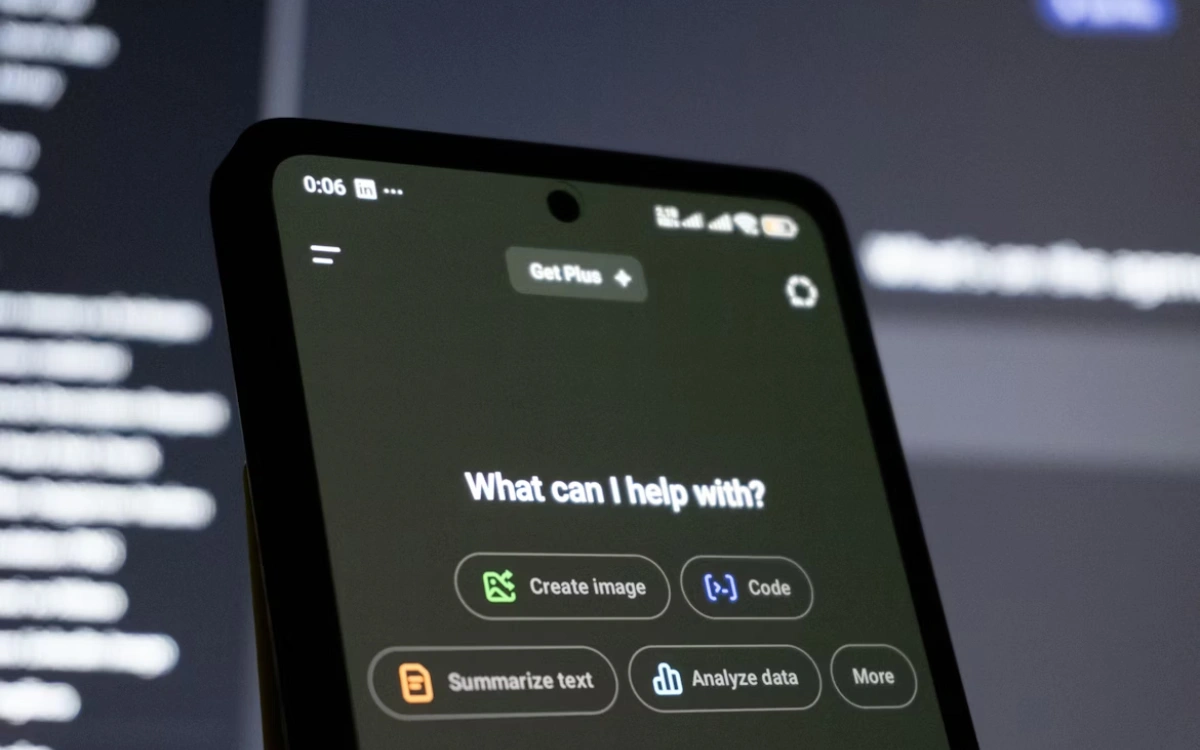
And if you want to get ChatGPT to think more deeply about a response, there’s a three-word prompt that could prove very handy.
Next time you ask the chatbot a question, follow it up by prompting: Convince me otherwise.
This will make ChatGPT go back through its answer and then look for any weaknesses in the argument or cracks in its logic.
Its initial response could make a solid recommendation or share a thorough explanation, but by then asking it to convince you otherwise, the AI bot will reveal some limitations or opposing theories, Tech Radar explained.
The prompt works because while ChatGPT is able to create several different lines of reasoning, it will typically present the one it feels is the most helpful.
So, by asking it to explore the opposite side of the coin, you’ll get access to some of these other lines of reasoning and a more thought-out answer.
You can also give the ‘cupcake’ prompt a try
Another way to encourage ChatGPT to think a little more deeply about its answer is to use the ‘cupcake’ prompt.
Using the cupcake prompt will force the AI bot to highlight anything it isn’t certain about.

To use it, before you get started giving AI any specific task, you need to send it an initial prompt telling it to flag anything it isn’t sure about with the word cupcake.
So, you could tell it: ‘Before you respond, double-check all the information is accurate and correct. If there’s anything you’re unsure about or guessing, then say the word ‘cupcake’ and explain what you’re not certain about’.
Now, when you ask it a question, it’ll let you know anything it isn’t sure of, which should cut back on AI hallucinations.
A quick timeline of ChatGPT
Nov 2022 (Launch): ChatGPT is released to the public as a free research preview
Feb 2023 (Plus Plan): OpenAI adds a paid subscription for faster access
Mar 2023 (GPT-4): A major intelligence upgrade, GPT-4, is released for subscribers
Sep 2023 (Voice & Images): The app gains the ability to speak, listen, and create images
May 2024 (GPT-4o): A faster ‘Omni’ model launches with real-time voice capabilities
Sep 2024 (o1 Model): The ‘o1’ model arrives, designed to ‘think’ before answering complex questions
DISCOVER SBX CARS: The global premium car auction platform powered by Supercar Blondie
With a background in both local and national press in the UK, Claire has covered a range of topics, including technology, gaming, and cryptocurrency, since joining the editorial team at Supercar Blondie in May 2024. Her ability to be first to a story has been integral to making SB’s coverage of scientific discovery, AI, and global tech news a slick 24/7 operation.