Using this hidden iPhone setting will instantly make every photo you take radically sharper
Published on Mar 05, 2026 at 4:46 PM (UTC+4)
by Daisy Edwards
Last updated on Mar 05, 2026 at 4:46 PM (UTC+4)
Edited by
Amelia Jean Hershman-Jones
Using this hidden iPhone setting will instantly make every photo you take radically sharper, and most people have no idea it exists.
iPhone cameras are incredibly powerful, but they still rely on automatic settings that sometimes choose the wrong thing to focus on.
That is why you occasionally snap a photo that should look amazing, only to discover the background is sharp while your subject is slightly blurry.
The good news is that a simple built-in camera trick can stop that from happening and dramatically improve the clarity of your photos.
Click the star icon next to supercarblondie.com in Google Search to stay ahead of the curve on the latest and greatest supercars, hypercars, and ground-breaking technology
Make every iPhone photo you take radically sharper
Professional photographers always seem to take great photos, even on their iPhones, but did you know it’s because they’re taking advantage of tech that’s already been built in?
The favorite feature is called AE/AF Lock, which stands for Auto Exposure and Auto Focus Lock.
Normally, your iPhone constantly adjusts focus and brightness as you move the camera around, deciding on the fly what part of the image should be sharp and properly exposed.
That works most of the time, but it can also cause the camera to switch focus at the exact moment you press the shutter.
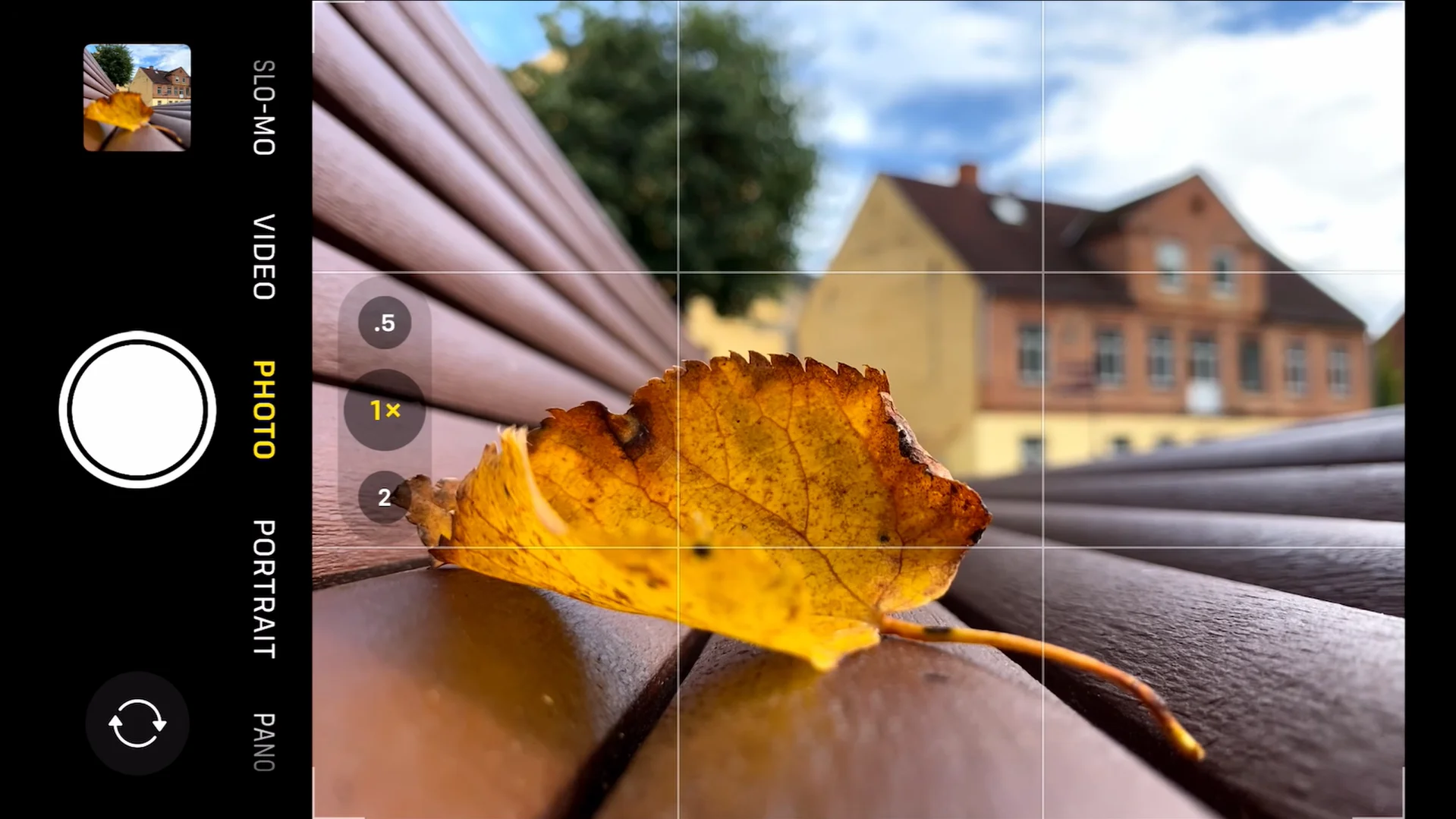
Using AE/AF Lock stops that from happening.
To activate it, open the Camera app and tap the area of the screen you want to focus on.
Then press and hold that spot for a second or two until the words “AE/AF Lock” appear at the top of the screen.
Once it appears, the camera will keep the focus and exposure fixed on that exact point even if you move the phone slightly or reframe the shot.
This gives you far more control over your photos and ensures the most important part of the image stays perfectly sharp.
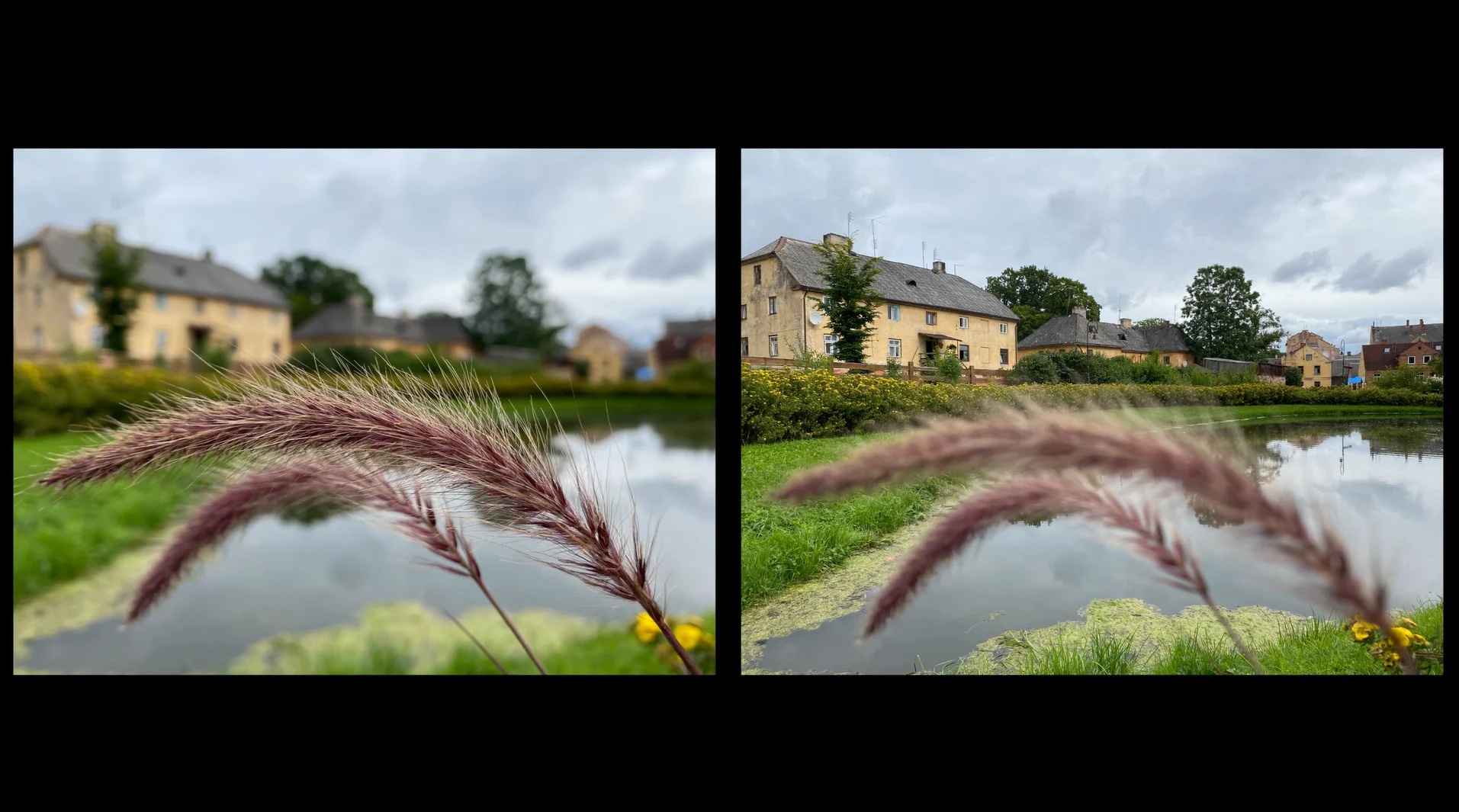
Not many people know this simple trick
Locking focus is especially useful in busy scenes where the camera might get confused.
For example, if you are photographing a person and someone walks through the background, the iPhone might briefly switch focus to the moving subject instead of your main subject.
AE/AF Lock prevents that by keeping the camera locked onto the exact point you selected.
It is also ideal when you want to take multiple photos of the same scene.
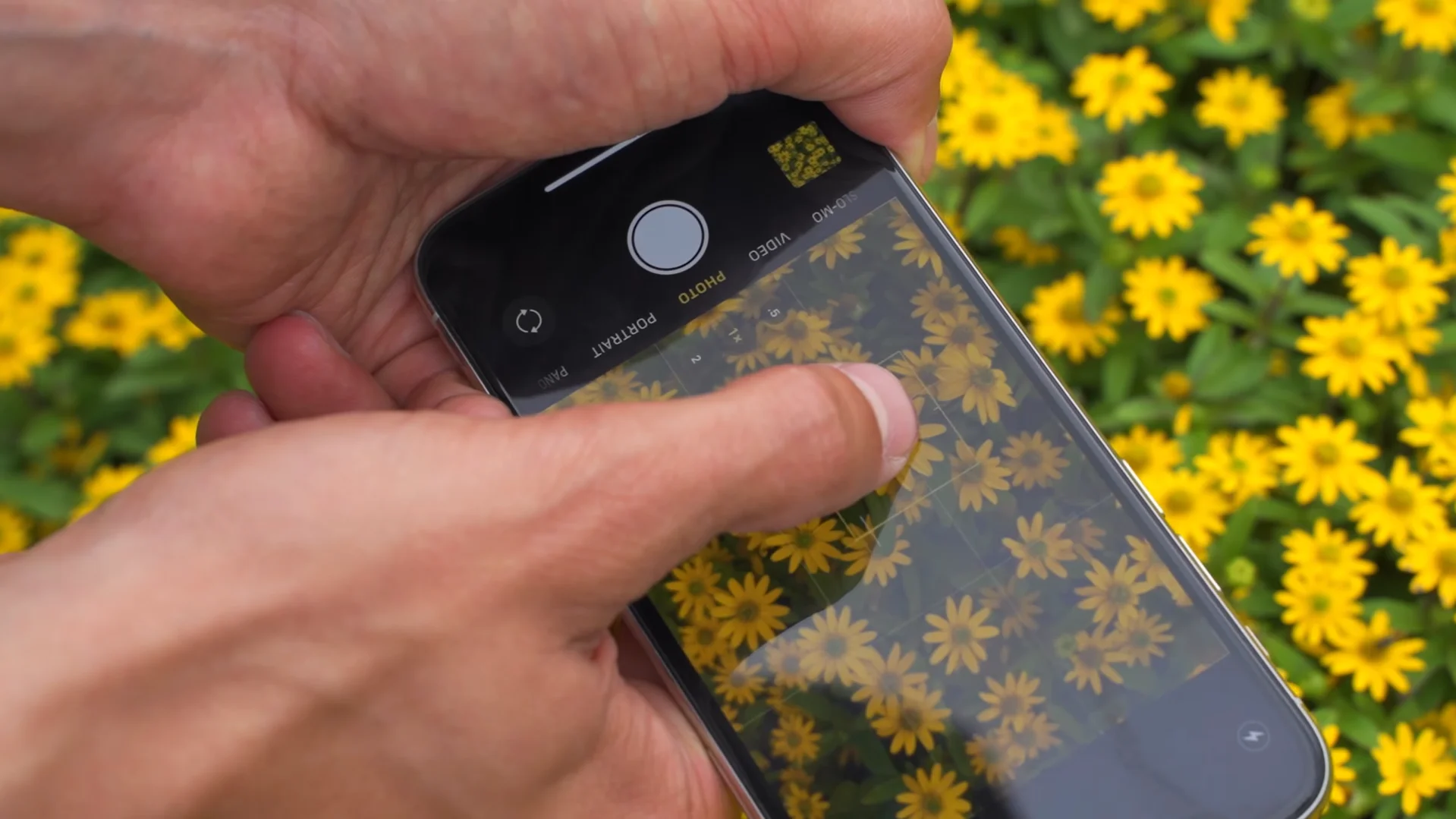
Because focus and brightness remain locked, each shot will look consistent without the camera constantly recalculating the settings.
Another bonus is that you can still tweak brightness after locking focus: simply slide your finger up or down on the screen to adjust exposure while keeping the focus fixed on your subject.
Once you start using this trick, it quickly becomes second nature, and while it might only take a couple of seconds to activate, it can make a noticeable difference to how sharp and polished your iPhone snaps look.
DISCOVER SBX CARS: The global premium car auction platform powered by Supercar Blondie