These hidden Waze features will transform your next drive when you hook it up to Apple CarPlay or Android Auto
Published on Sep 16, 2026 at 6:03 AM (UTC-4)
by Daisy Edwards
Last updated on Sep 22, 2026 at 11:20 AM (UTC-4)
Edited by
Mason Jones
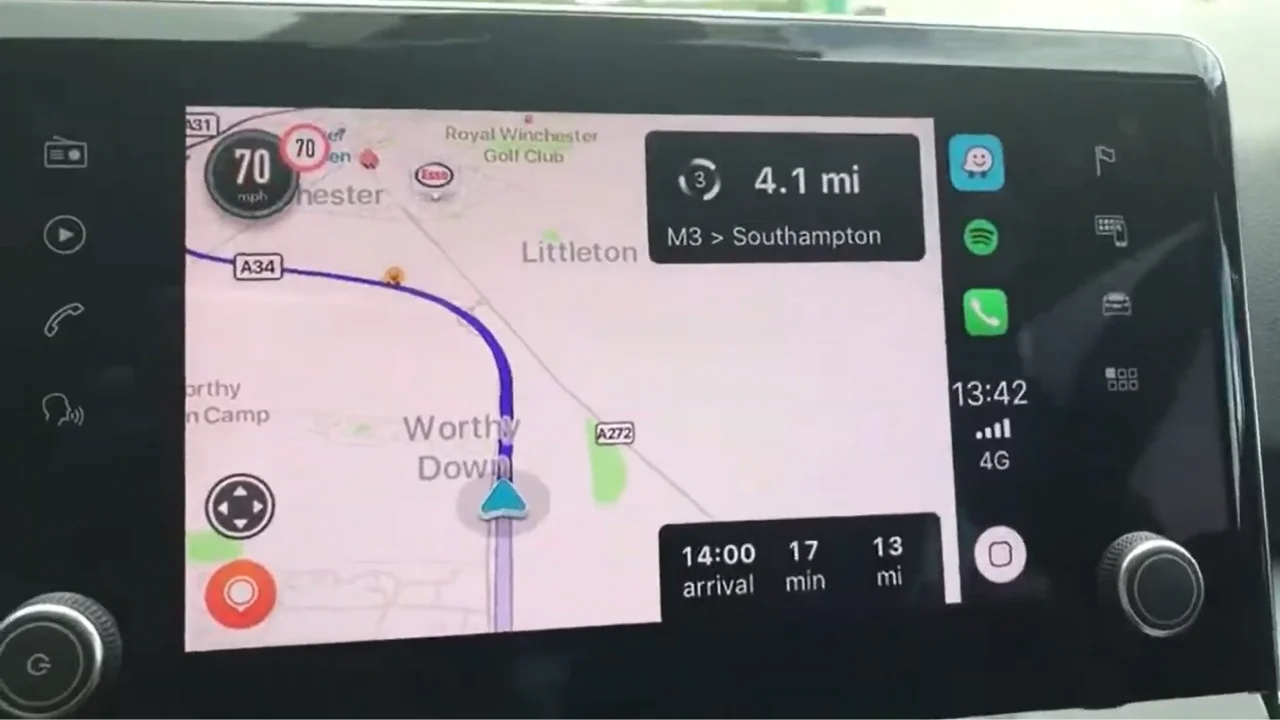

Waze is much more than an app that tells you where to turn and warns you about traffic, especially if you use it through Apple CarPlay or Android Auto.
There are plenty of handy features hiding beneath the surface that can make driving a little easier.
Some are genuinely useful, while others are just a fun way to personalize your navigation experience.
Here are some hidden Waze features worth trying the next time you hit the road.
You can navigate to people in your contacts
If you regularly drive your car to friends or family members, you don’t necessarily have to remember or type out their full address every time.
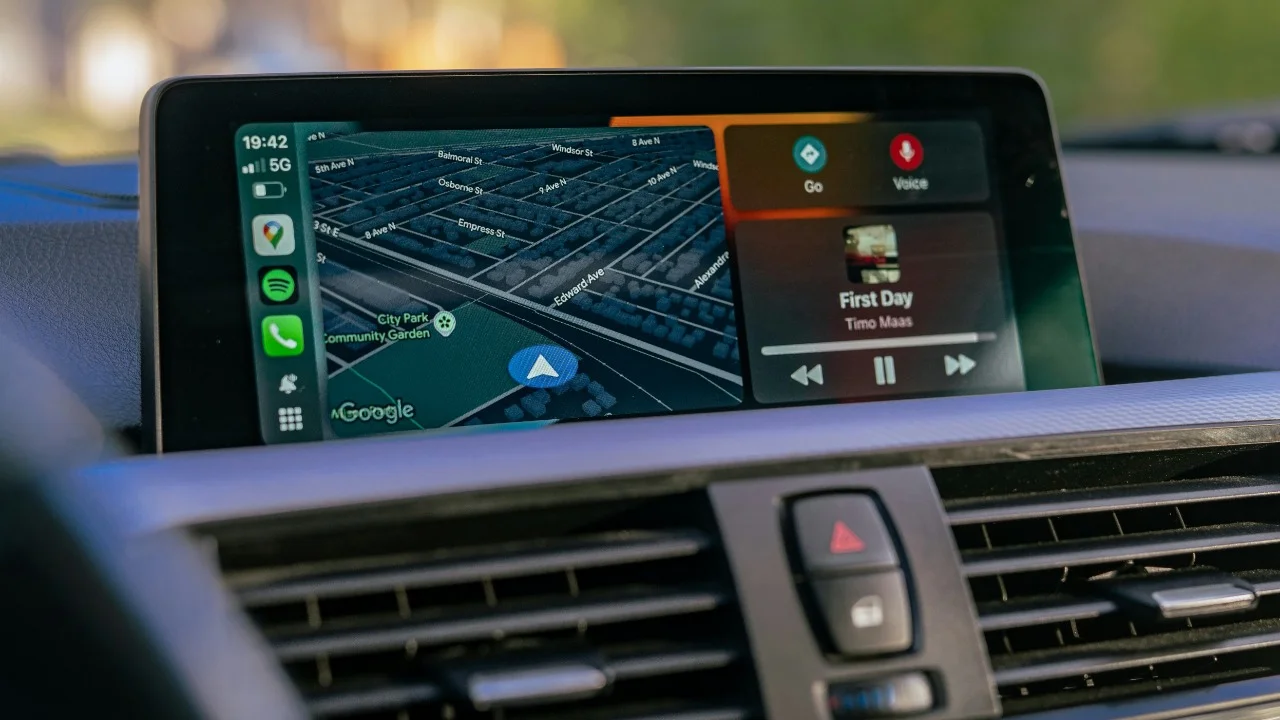
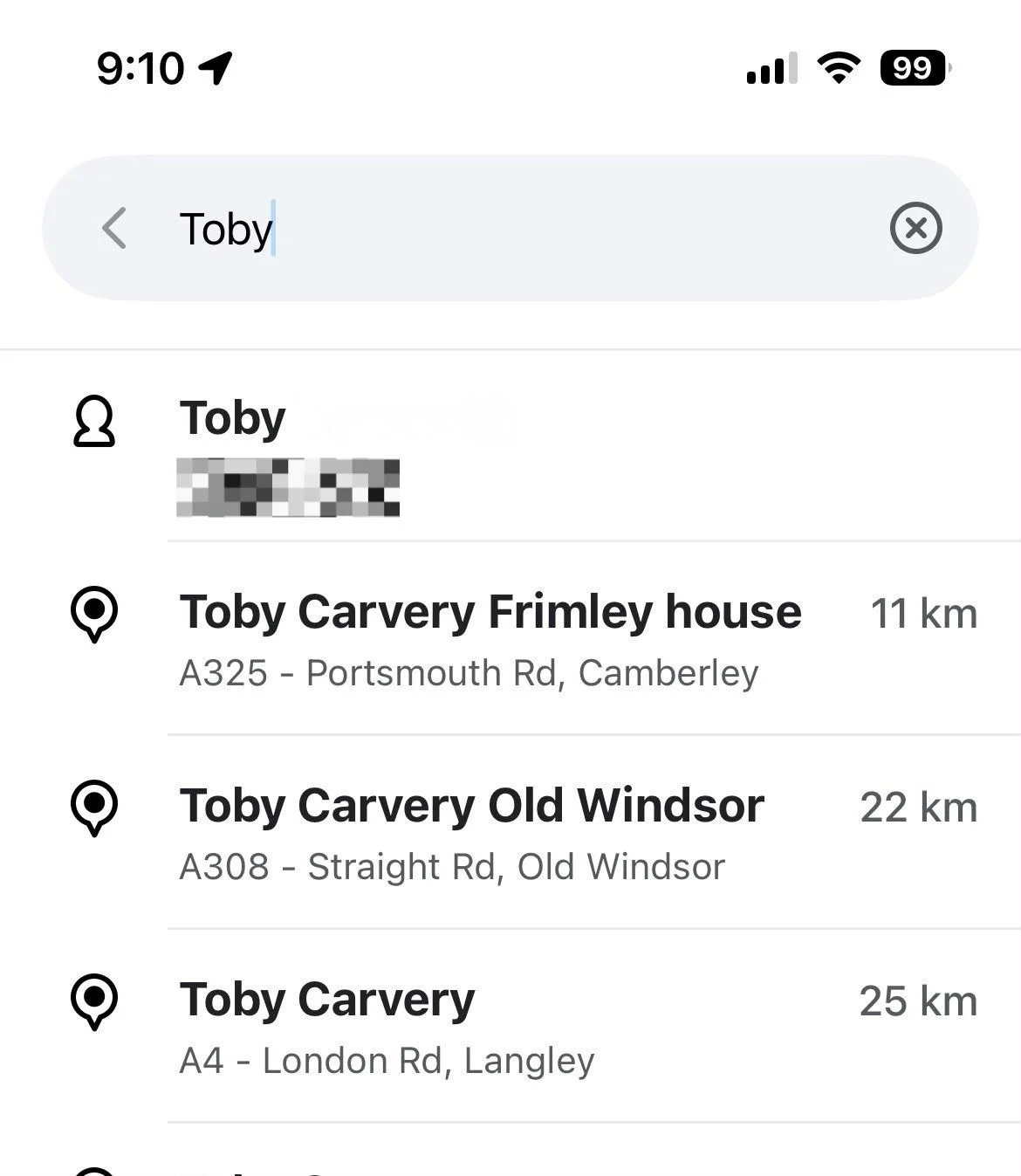
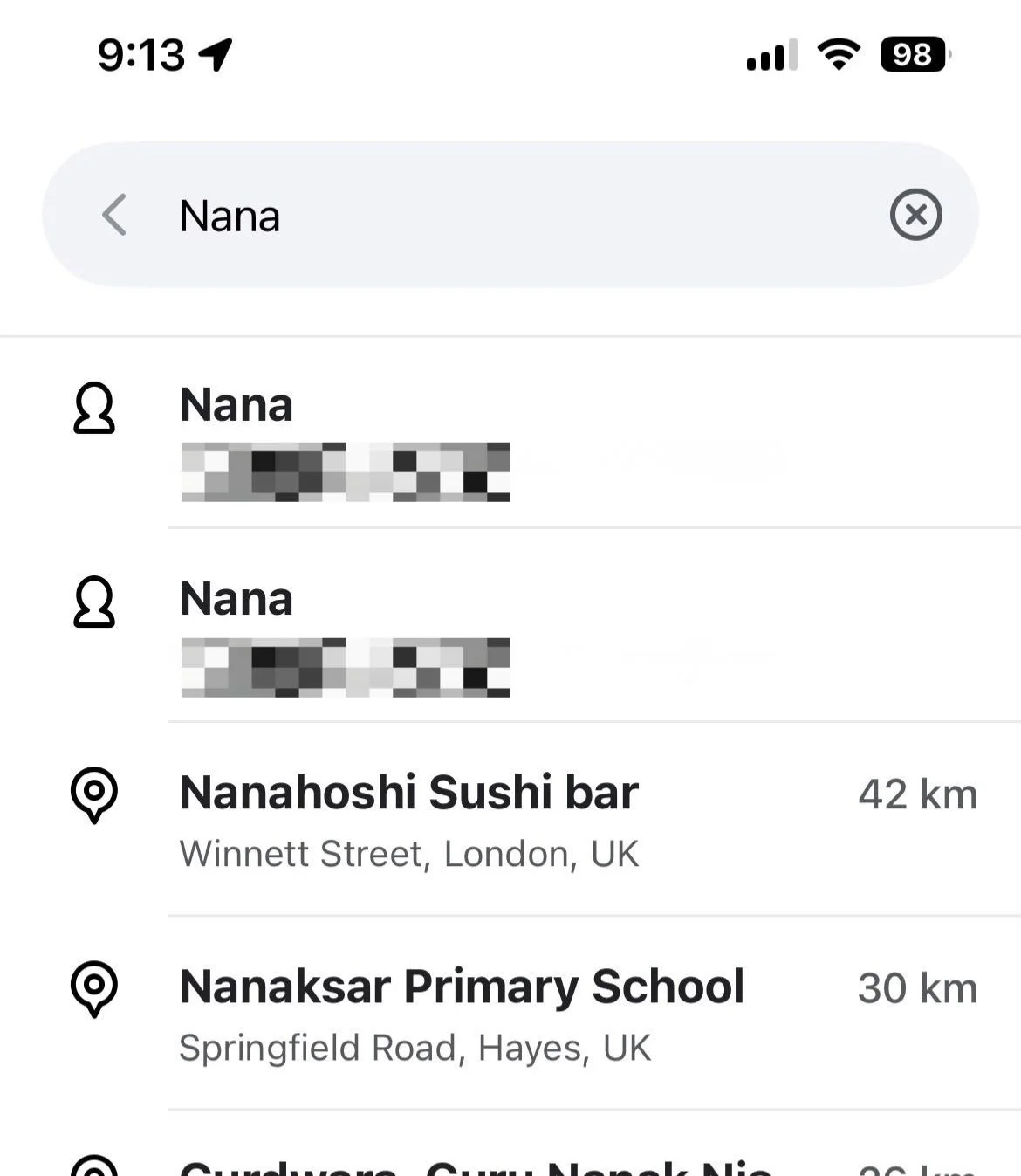
Waze has a feature called ‘Drive to friends & family’ that lets you connect the app to your phone’s contacts.
Once you’ve given Waze permission, you can search for a person’s name and, if they have a saved address, Waze will bring up their location.
The feature works with Android Auto, Android Automotive and Apple CarPlay, too, so you can get directions on your car’s display without manually typing out the address.
You can unlock hidden features with secret codes
Waze has some surprisingly strange shortcuts hidden inside its search bar.
For example, typing “##@morph” turns your Waze Mood into a purple, one-eyed character, while “##@coord” displays your current GPS coordinates at the top of the screen.
There are even codes for resetting the app and activating certain advanced features, although most drivers will probably never need them.
You can sync Waze with your Apple Calendar
This one could be particularly useful if your calendar is packed with appointments, meetings or plans that involve driving somewhere.
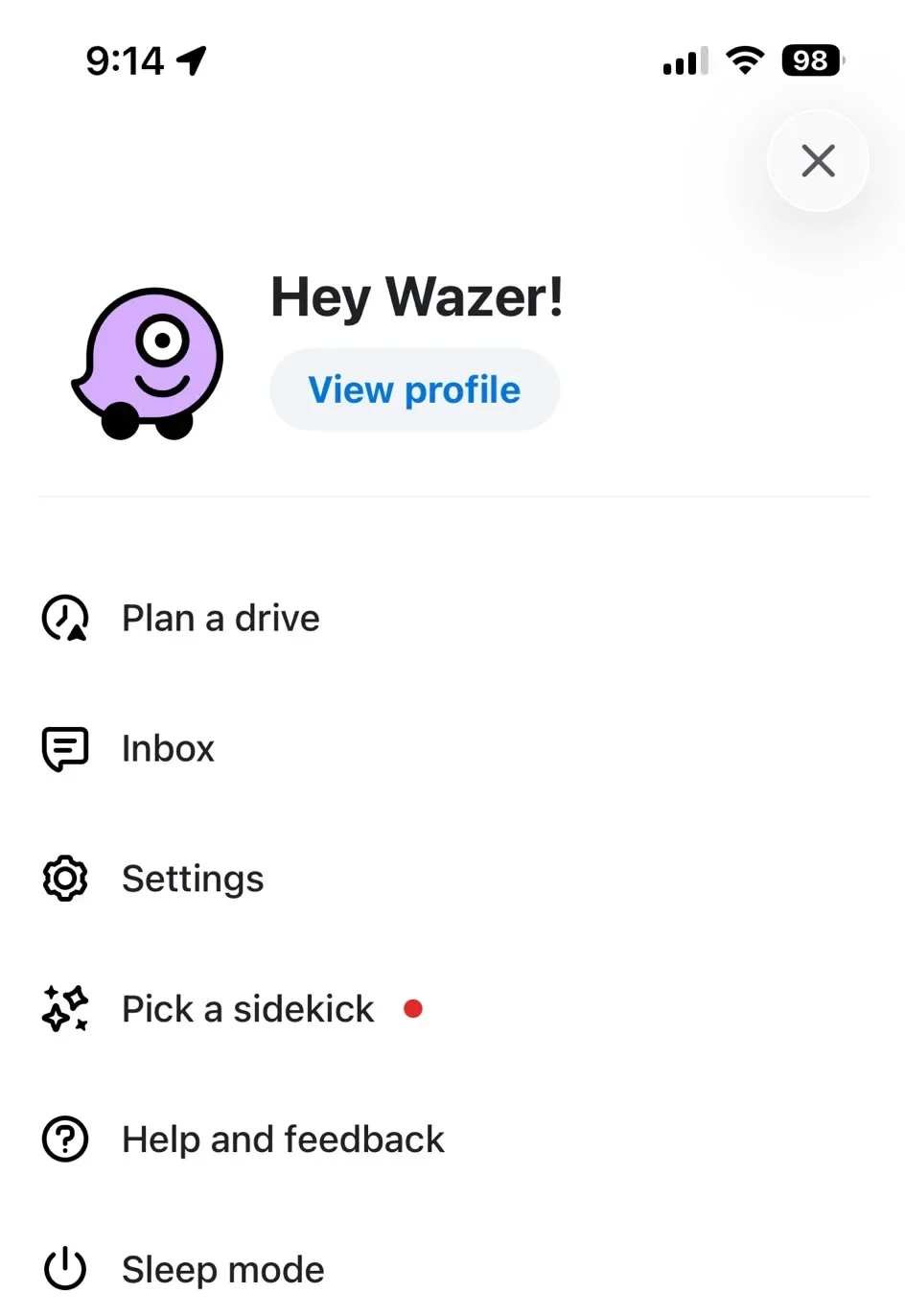
On an iPhone, you can open Waze, head to ‘Plan a drive’ and select ‘Connect calendar’.
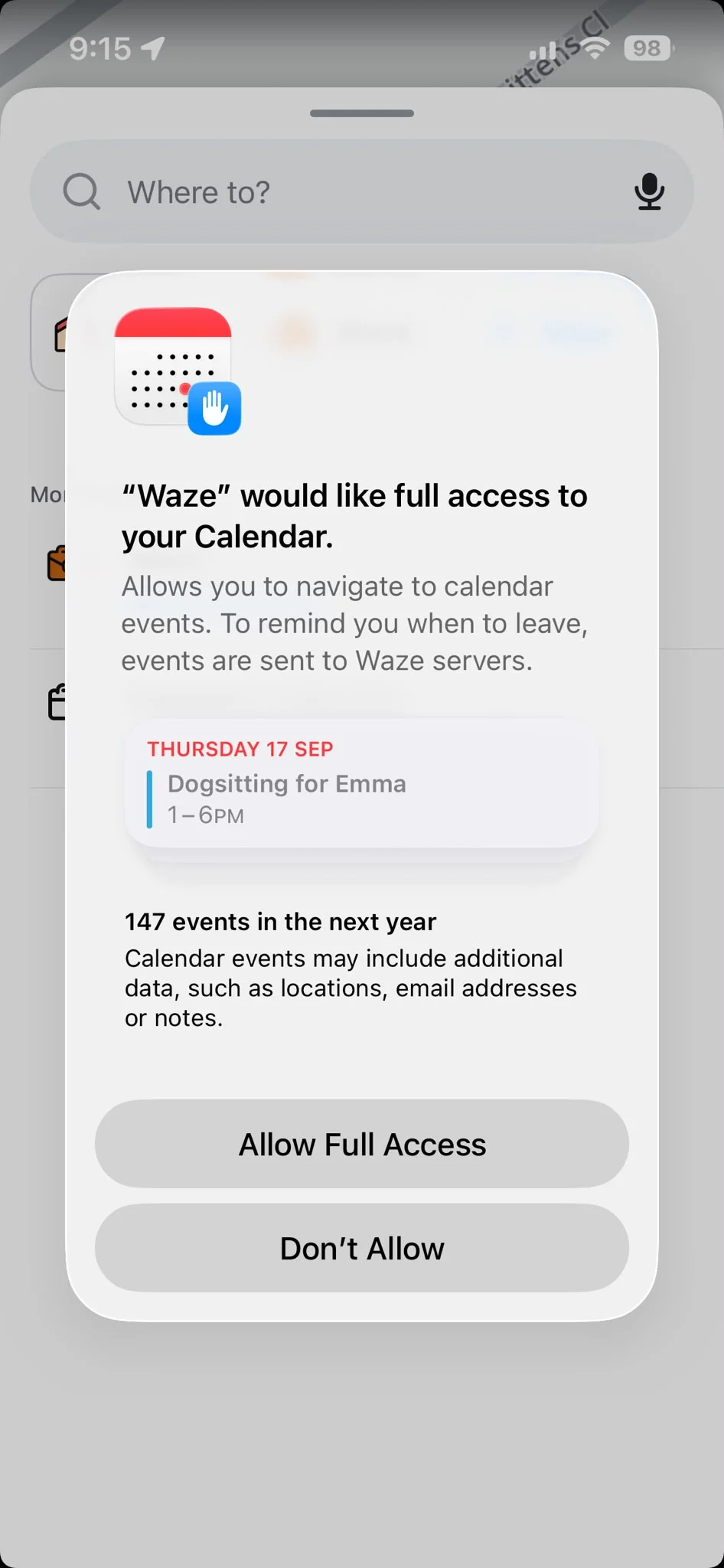
Waze can then pull in events from your device’s default calendar, provided the event has a proper address attached to it.
The app can use the event details and real-time traffic information to work out when you need to leave, meaning you don’t have to manually enter the destination every time.
There is one important catch: Waze currently says calendar syncing and its associated ‘time to leave’ notifications aren’t supported directly through Apple CarPlay or Android Auto, so you’ll need to set this up on your phone, where Waze can send the notification before you set off.
You can turn your Waze car into almost anything
This might be one of the most fun features, especially if you spend a lot of time staring at the Waze map.
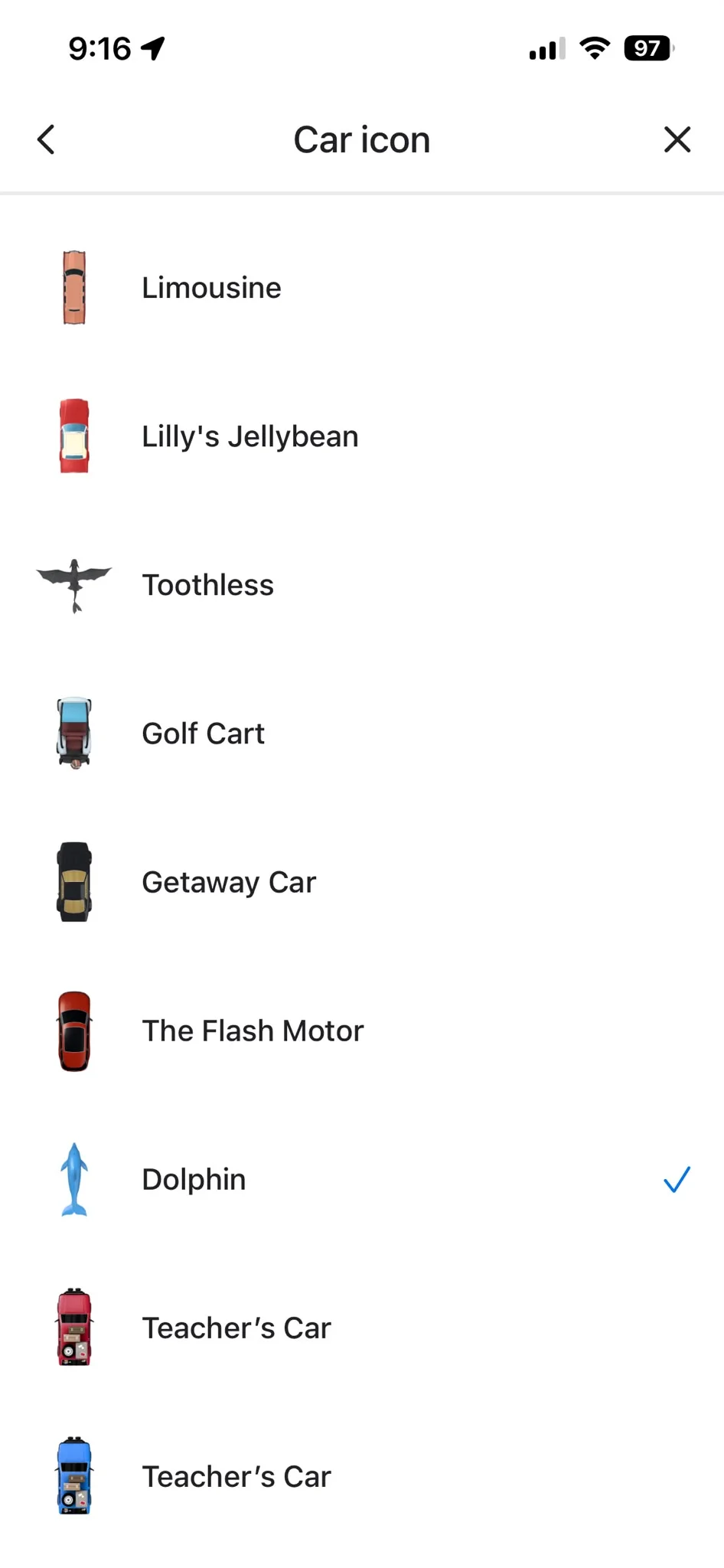
Instead of the standard arrow, Waze lets you choose a different car icon to represent you on the map and there are loads of options available.
Waze also occasionally adds special icons through themed driving experiences.
Personally, I’ve gone for a dolphin, because obviously.
You’ll need to change the icon from the Waze app on your phone while you’re disconnected from CarPlay or Android Auto, but the choice will then apply when you use Waze in the car.
You can clean up all those map icons
Waze can throw a lot of information at you, from traffic and crashes to cameras, roadworks and other Wazers.
That’s useful when you want as much information as possible, but it can also make the map look incredibly busy.
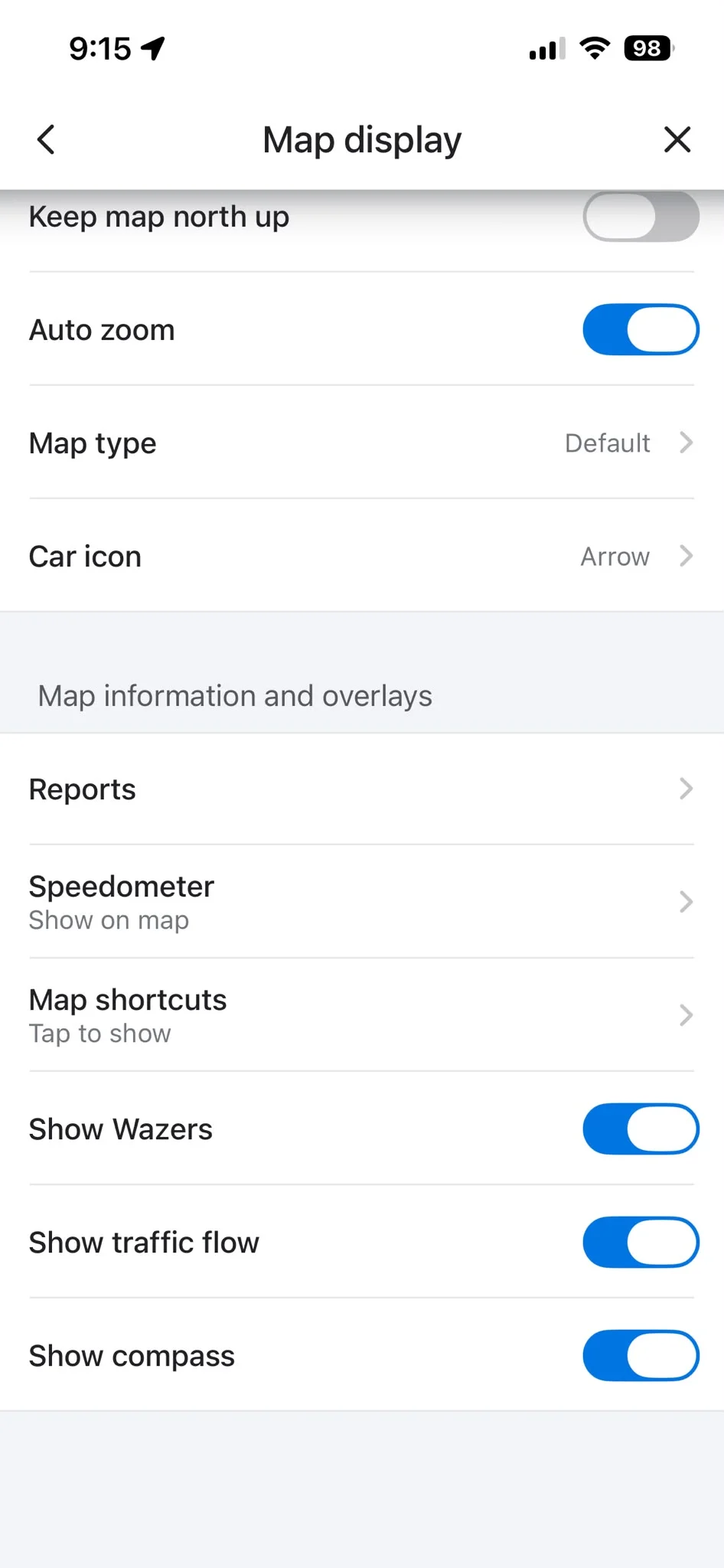
If you prefer a cleaner display, you can head to Settings, then Map display, and choose which reports and other overlays you want to see.
You can also turn off things such as the speedometer, traffic flow, compass and the icons representing other Wazers.
You can ask other Wazers for help if your car breaks down
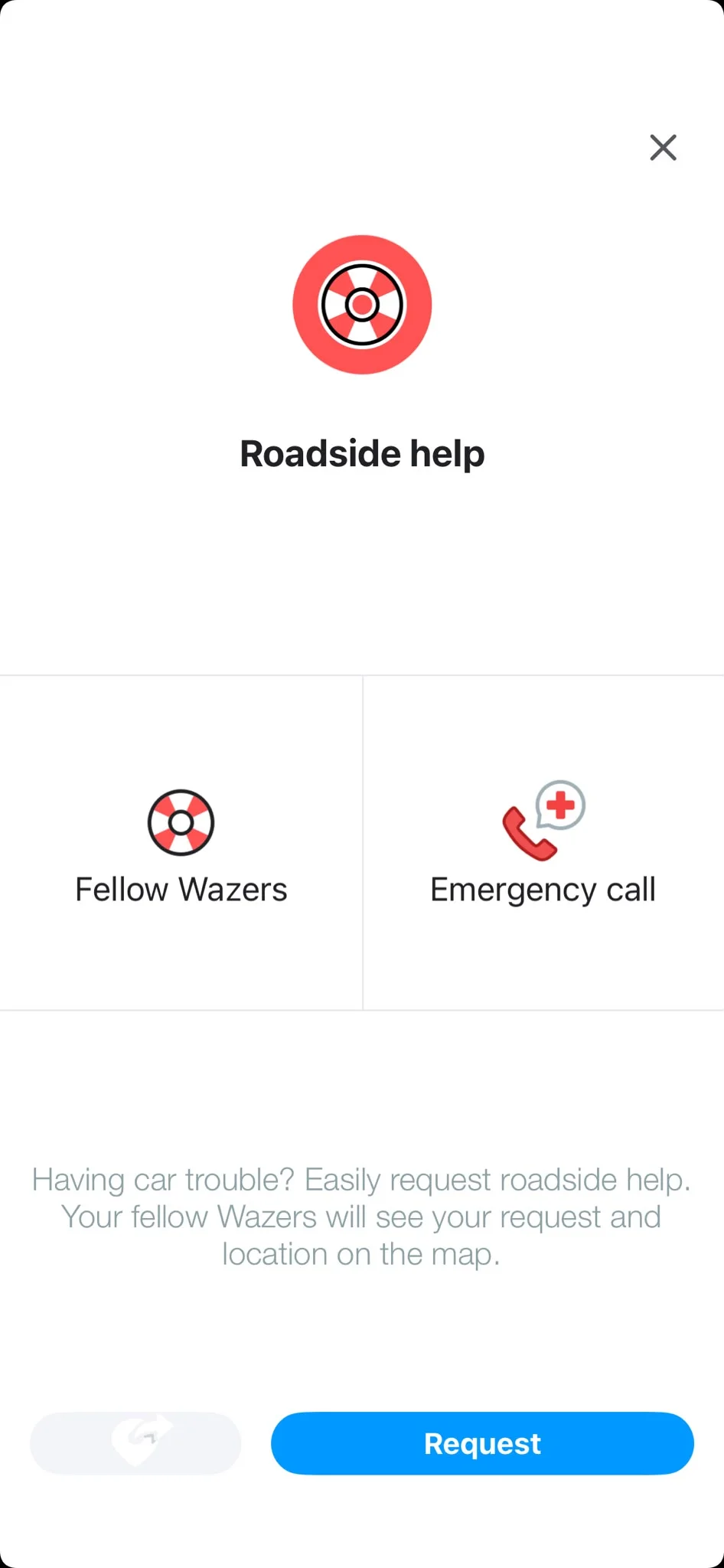
Waze also has a feature called Roadside Help that can be useful if something goes wrong during a journey.
If you’ve run out of gas, suffered a flat tire, have a battery problem or need another kind of assistance, you can use the feature to alert nearby Wazers.
Your location can then appear on the map with a lifebuoy icon for up to 30 minutes.
You can also use Waze’s Roadside Help options to share your location with friends or family, contact professional roadside assistance or reach emergency services.
So, there you have it!
Happy driving, Wazers!
Daisy is a technology and automotive journalist covering artificial intelligence, consumer tech, Apple news, cryptocurrency, emerging technologies, and transportation innovation. Since joining the team in 2025, she has reported on everything from AI-powered startups and major iOS updates to viral car stories and the latest developments shaping transportation and the digital economy. Drawing on her background in automotive journalism and a degree in History and Journalism from Goldsmiths, University of London, Daisy specializes in breaking down complex topics into clear, engaging reporting for a global audience. Her work spans cutting-edge technology, innovative vehicles, and the people driving change across both industries. Daisy has gained first-hand access to some of the world's most talked-about technologies and innovators, including meeting Tesla's Optimus humanoid robot during its first European appearance in London. She has also discussed the future of space exploration with an astronaut, bringing unique insights and real-world perspectives to her coverage of emerging technology.




