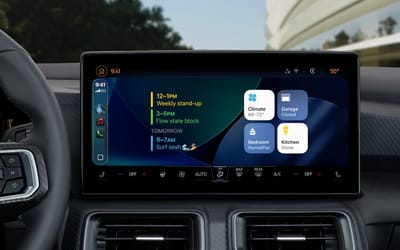
This is what to do if your Apple CarPlay keeps disconnecting while you're driving
Published on Dec 09, 2025 at 12:20 AM (UTC+4)
by Grace Donohoe
Last updated on Dec 08, 2025 at 8:20 PM (UTC+4)
Edited by
Emma Matthews
Apple is a company that boasts many perks for tech fans, but the ultimate offering may just be the creation of Apple CarPlay.
The clever technical system allows iPhone users to enjoy all the perks of their phones from the driver’s seat.
However, like all computer systems and technology, sometimes things can go wrong.
So, here’s what you can do to fix those pesky issues when you’re in a rush, on the go.
VISIT SBX CARS – View live supercar auctions powered by Supercar Blondie
Apple CarPlay is destined to make drivers’ lives easier
Driving and using your phone is simply against the law in many countries, so to solve the issue of being caught by law enforcement, Apple came up with CarPlay.
From using apps like Google Maps and Waze to changing your playlist on Spotify, the system provides all the necessities to make trips enjoyable. And your phone remains untouched the whole time.
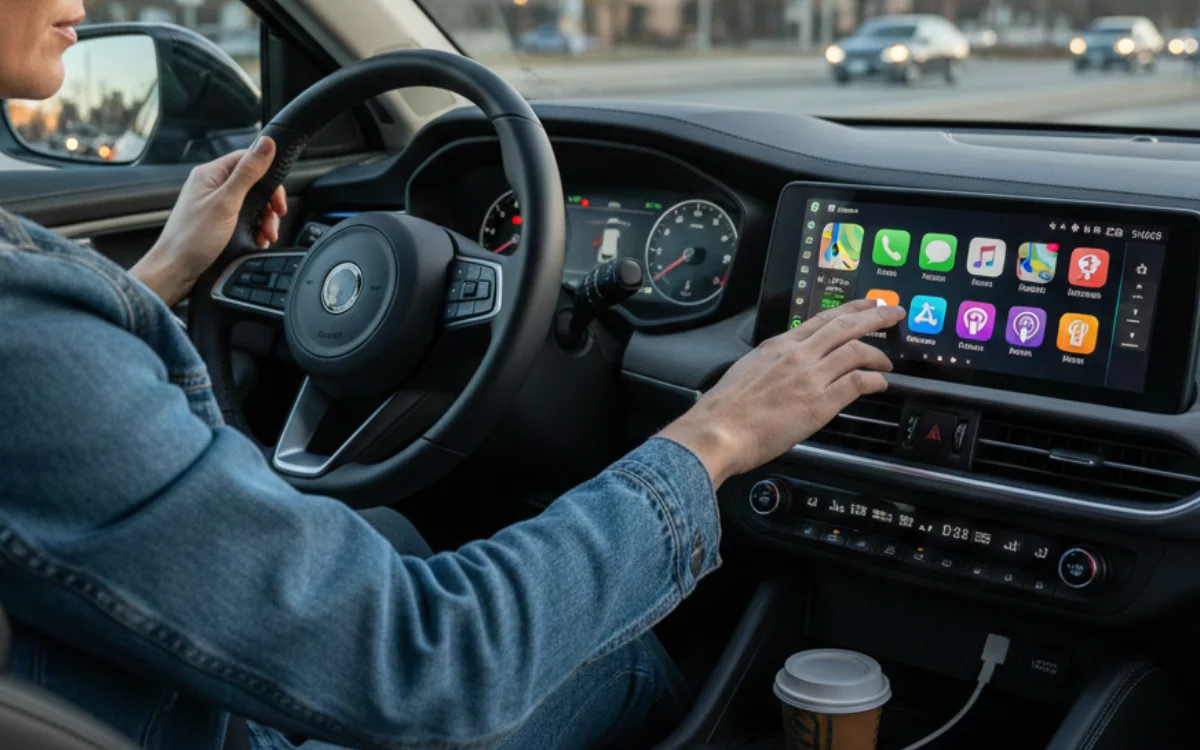
That said, some iPhone users have reported various issues with Apple CarPlay. But there are easy ways to fix them that you may not have thought to try.
It sounds simple, but you should make sure that Bluetooth is enabled so that those features can really kick into action with Apple CarPlay.
Another trick? Make sure that your iPhone is updated to the latest version of Apple’s iOS software, which will rule out any initial bugs.
You should also make sure that WiFi is on and working too. Because you know how that goes.
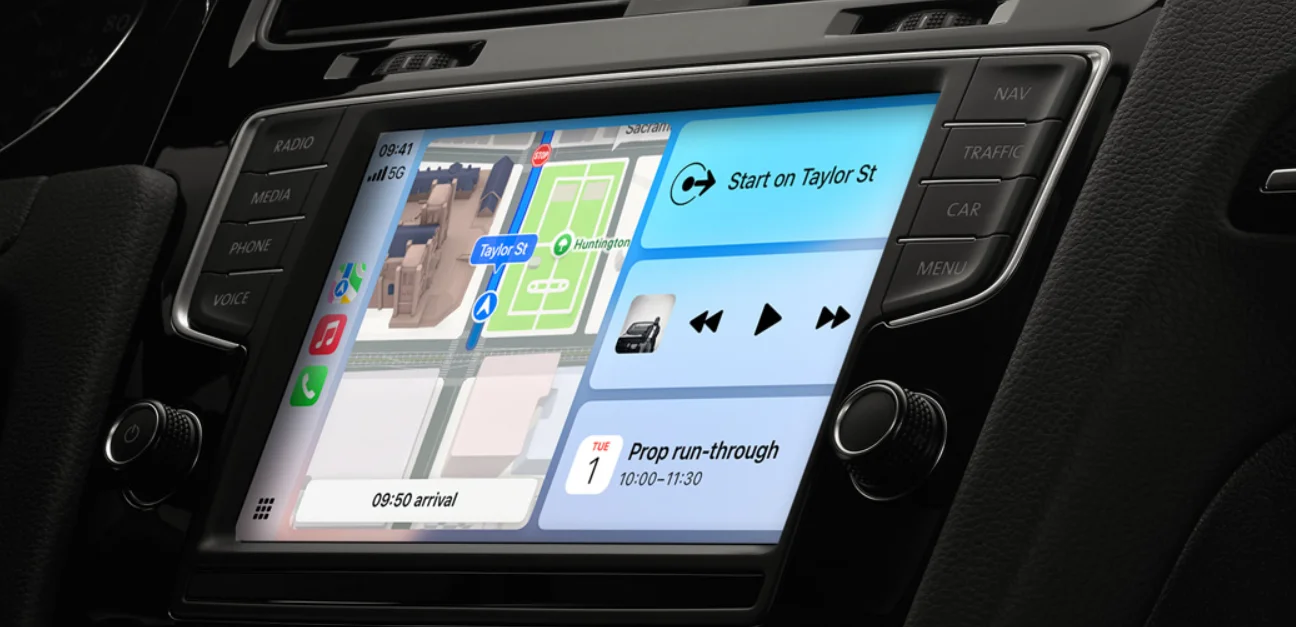
Once you’ve ensured that Bluetooth is on, it’s time to make sure that the right device is connected.
For users who are fans of AirPods, speakers, or smart TVs, you may also want to clear out the devices that have previously been connected.
That way, your phone isn’t trying to connect to the wrong one.
If all else fails, invest in an authentic cable to keep connected
We all love a bargain, but as the saying goes, buy cheap, buy twice, and with phone cables, that’s especially true.
Sometimes, unofficial cables can provide weaker connectivity, and even though official Apple ones can be a little bit more on the expensive side, they are MFI-approved and are reportedly the better option.
Now, we get what you’re thinking: you’re glossing over the obvious solution, restarting all of the systems at hand.
Our final few words of advice are to give your iPhone, CarPlay system, and even adapter a gentle rest in the form of turning them on and off.
It sounds simple, but sometimes going back to basics can solve the biggest of issues, especially with tech systems like CarPlay.
Plus, for people who have CarPlay from 2021 models, you can even use your iPhone to unlock and start the car; now that’s impressive.
DISCOVER SBX CARS: The global premium car auction platform powered by Supercar Blondie
Beginning her career as a lifestyle reporter and social-media manager, Grace joined Supercar Blondie in February 2025. Since coming on board, she has thrown herself into the busy daily writing schedule. Her editorial sweet spots include writing about luxury properties and the quirky features inside them that the one percent are investing in, as well as groundbreaking advancements in space exploration.