Woman discovers the harsh reality of not looking after her iPhone in a way she never expected
Published on Feb 02, 2026 at 9:58 PM (UTC+4)
by Grace Donohoe
Last updated on Feb 04, 2026 at 3:01 PM (UTC+4)
Edited by
Emma Matthews

Like most devices, an iPhone is brought to life by a battery that needs to be plugged in to recharge and work efficiently.
However, over time, the health of the battery can decline, stopping the phone from reaching its full charging potential.
From bad habits to ignoring advice, you could be putting your phone battery in danger and shortening your device’s useful life
Here’s your complete iPhone survival guide from someone who knows the reality all too well.
VISIT SBX CARS – View live supercar auctions powered by Supercar Blondie
Your iPhone’s battery: How to keep it in tip-top condition
Charging your iPhone is one of the most important aspects of owning the device, and the way you do that can change how the device actually performs in the long run.
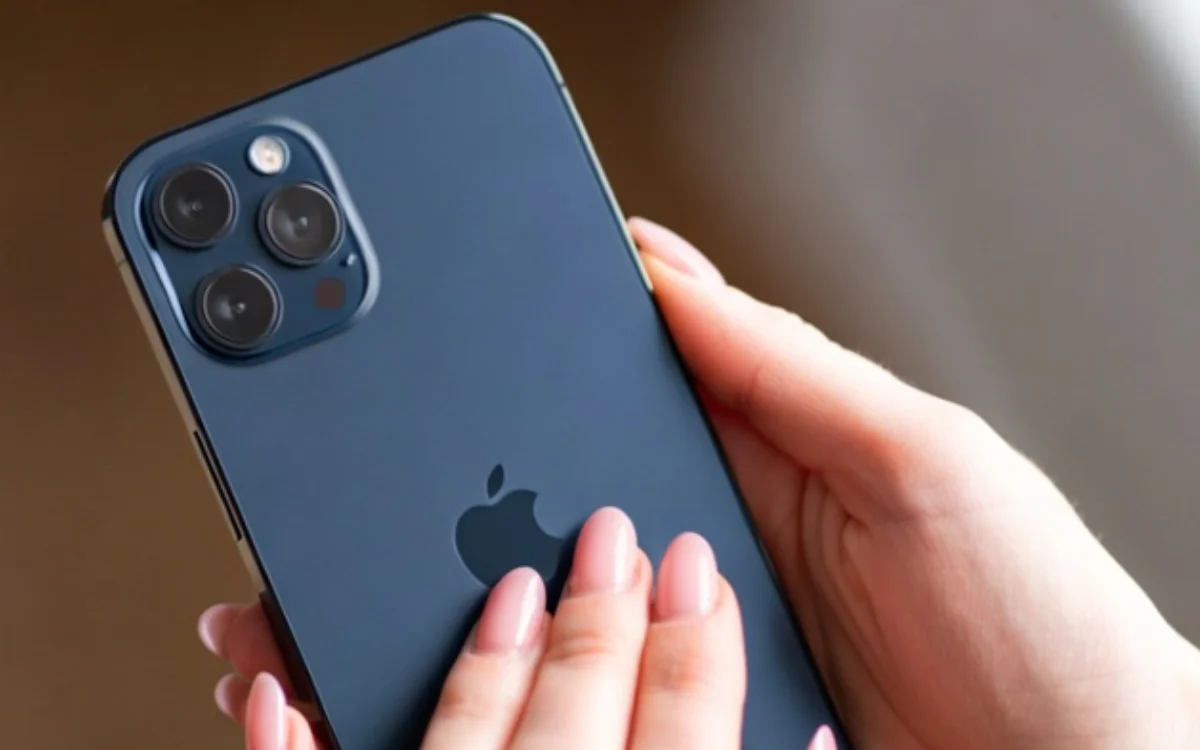
From different charging methods to screen brightness and temperature issues, we’ve got you covered with our complete guide to keeping your battery healthy.
First and foremost, don’t charge your iPhone overnight.
Plug it in in the morning or before you get into bed to avoid the battery overheating and being on charge once it reaches its capacity – trust me, I did this and learnt a lesson, but more on that later.
Next, optimize your settings, whether it be brightness or Wi-Fi; here are some clever ways to keep your battery lasting a long time.
Apple itself notes that you should dim the screen or even turn on Auto-Brightness to extend battery life.
It also added that you should also use W-iFi whenever you can, as Wi-Fi connections use less power than using a mobile data network.
Other hacks, such as using Low Power Mode and taking note of the peak performance and battery health, could also save you hundreds further down the line, just as it did for me.
Click the star icon next to supercarblondie.com in Google Search to stay ahead of the curve on the latest and greatest supercars, hypercars, and ground-breaking technology
This is what happens if you don’t look after your iPhone properly
Let me set the scene: I’m a 20-something who uses her iPhone for pretty much everything.
Up until last year, I was the proud owner of a pink iPhone 13, until one day, the unexpected happened.
My battery health was below the recommended 80 percent it should be replaced at, and I kept putting off replacing it due to the cost.
I had noticed the performance of my phone worsening, with it dying at around 20 percent and the volume acting up, alongside the phone getting really hot, really quickly.
Thanks to a bulky case, the appearance of my phone was hidden until I took the iPhone out and realized the screen had lifted off.
After a quick Google, I discovered that the screen had lifted due to a swollen battery cell, and as you can imagine, alarm bells rang – tech sites recommend you don’t touch it and get it looked at as soon as possible.
I should note here that I used a fast charger adapter plug meant for my MacBook, and charged my phone overnight all of the time, as well as using my mobile data instead of WiFi a considerable amount.
So, don’t be like me.
Instead, if your battery health falls lower than 80 percent and you’ve had your device for more than two years, get the battery replaced.
In fact, Apple even sends you a message when it’s time, with iPhone 14 and earlier models designed to retain 80 percent of original capacity at 500 complete charge cycles, and the iPhone 15 at 1,000 complete charge cycles, depending on individual usage.
The takeaway? This could have been so much worse, with the risk of the battery blowing up, and it was all due to my own actions.
Timeline of iPhones
2007: First-generation iPhone announced by Steve Jobs.
2008: iPhone 3G is launched with 3G connectivity and the App Store.
2010: iPhone debuts with Retina Display and new glass/steel design.
2011: Siri is introduced.
2013: Touch ID is introduced with the 5S.
2016: The headphone jack is removed from the 7 and 7 Plus.
2017: Face ID is introduced.
2020: iPhone 12 series introduces 5G.
2024: The 16 series introduces enhanced on-device AI features and camera controls
2025: iPhone 17 launches with Apple Intelligence features
DISCOVER SBX CARS: The global premium car auction platform powered by Supercar Blondie
Beginning her career as a lifestyle reporter and social-media manager, Grace joined Supercar Blondie in February 2025. Since coming on board, she has thrown herself into the busy daily writing schedule. Her editorial sweet spots include writing about luxury properties and the quirky features inside them that the one percent are investing in, as well as groundbreaking advancements in space exploration.