How few people know about iPhone's life-changing feature proves Apple hides its best features
Published on Mar 05, 2026 at 3:08 PM (UTC+4)
by Daisy Edwards
Last updated on Mar 05, 2026 at 3:08 PM (UTC+4)
Edited by
Amelia Jean Hershman-Jones
Apple is gatekeeping – and the proof is that virtually nobody knows about iPhone’s life-changing feature that’s sitting right inside your Accessibility settings.
Apple added Vehicle Motion Cues without any fanfare whatsoever, a feature designed to help reduce motion sickness when you use your iPhone in a moving car.
If you are the kind of person who gets queasy the second you look down at a screen on a road trip, this could genuinely change how you travel.
And somehow, plenty of iPhone owners still have no idea it exists.
Click the star icon next to supercarblondie.com in Google Search to stay ahead of the curve on the latest and greatest supercars, hypercars, and ground-breaking technology
How few people know about iPhone’s life-changing feature?
There’s nothing more annoying than the sinking feeling of motion sickness when you try to join your fellow road-trippers in watching TikTok on your phone.
But thanks to some hidden Apple tech, motion sickness is no more with Vehicle Motion Cues.
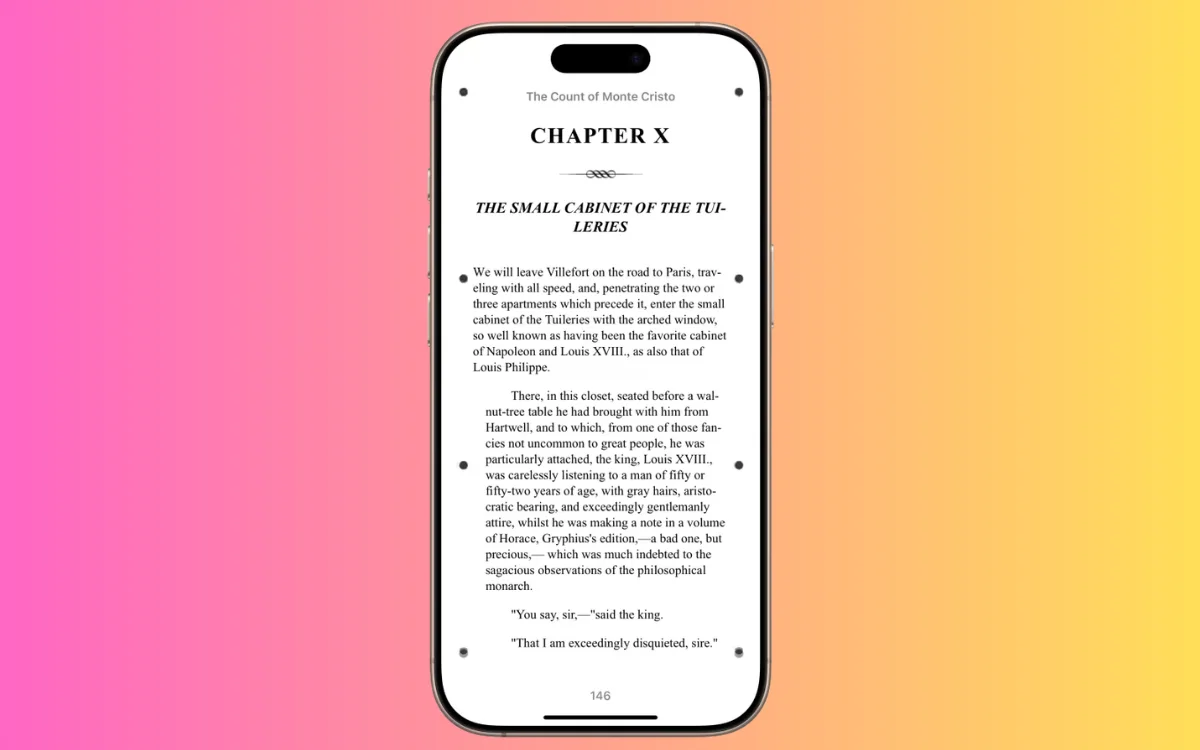
It was brought in a while ago with iOS 18, and it places animated dots around the edges of your screen that subtly respond to the motion of the vehicle, without blocking what you are doing.
Why does that matter?
Motion sickness often kicks in when your inner ear senses movement, but your eyes are locked on a ‘still’ screen.
Apple’s idea is to add visual motion signals that better match what your body is feeling, so your brain has an easier time reconciling the two.
Apple says your iPhone uses built-in sensors to recognize when you are riding in an on-road moving vehicle, then shows cues that may help reduce motion sickness.
You can even tweak how those dots look, including their pattern and visibility, so they feel comfortable rather than distracting.
And yes, it is especially useful for classic passenger activities: reading, scrolling, texting, and basically trying to be productive while someone else drives.
Apple hides its best features
We can’t believe the tech giant has been hiding this – it is genuinely helpful, built-in, and it is not front-and-center.
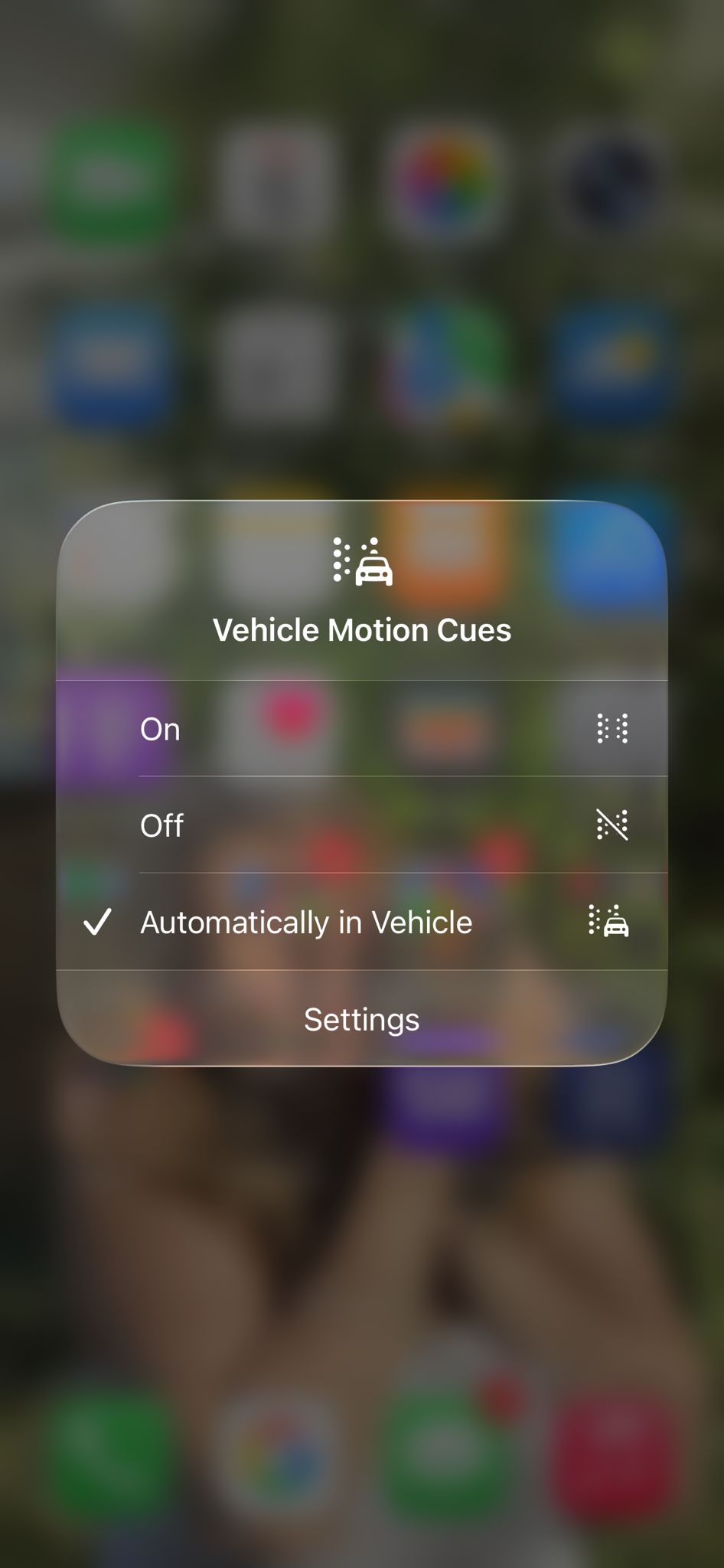
If you want to try it right now, Apple tucks it here: Settings > Accessibility > Motion > Vehicle Motion Cues, then choose On or Automatic.
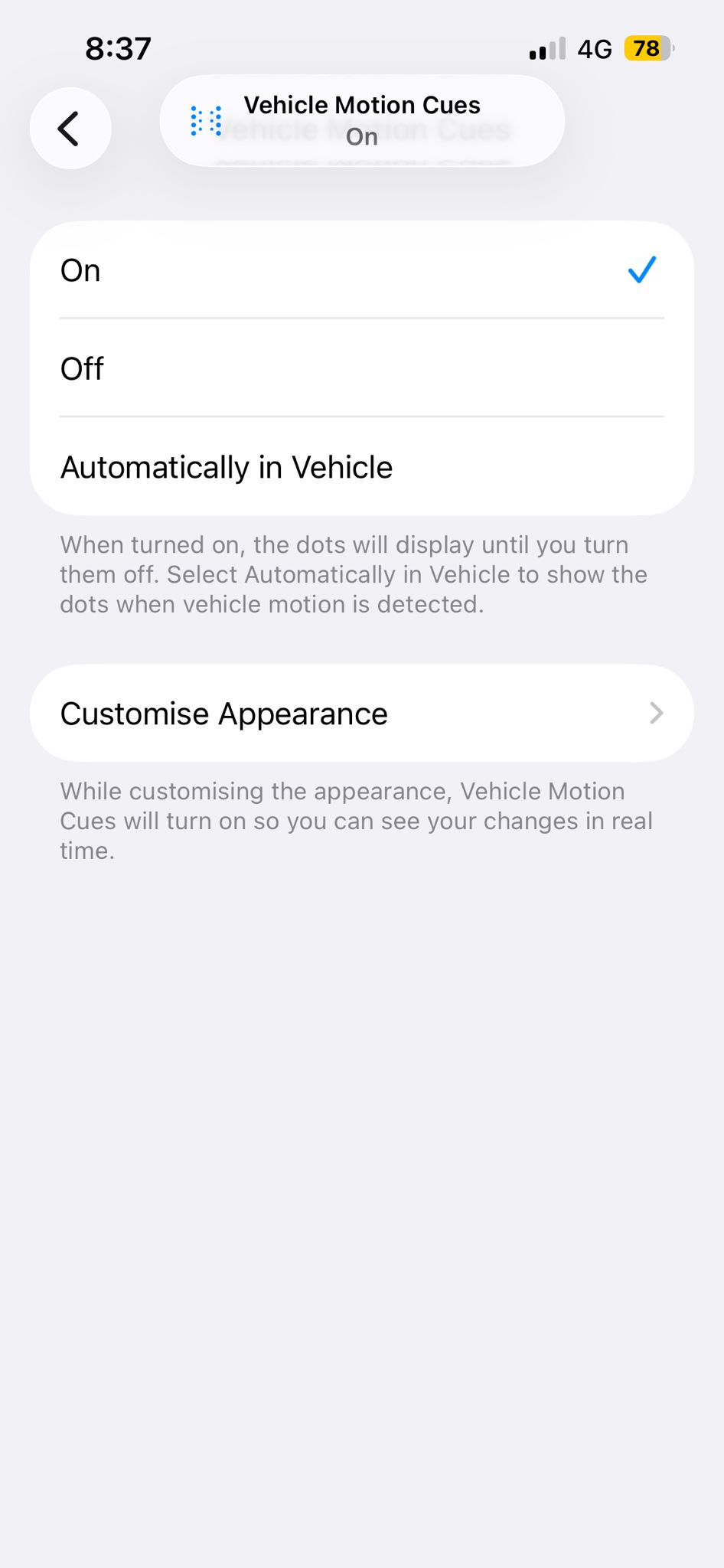
Apple also notes that you can turn it on and off via Control Center once you add the control, making it perfect for quick road-trip swaps.
So next time you are in the passenger seat, fighting nausea while your group chat pops off, remember: Apple already has a fix in the form of iPhone’s life-changing feature, they just forgot to mention it.
DISCOVER SBX CARS: The global premium car auction platform powered by Supercar Blondie