Man panic-swiping Google Maps on CarPlay discovers hidden feature he feels silly for missing that ends up 'changing lives'
Published on Mar 11, 2026 at 4:43 PM (UTC+4)
by Callum Tokody
Last updated on Mar 11, 2026 at 4:43 PM (UTC+4)
Edited by
Emma Matthews
Google Maps users on Apple CarPlay have recently discovered a navigation hidden feature that simplifies how drivers preview their route.
This tool allows for a much more intuitive look at the road ahead without the need to manually pan or zoom through a busy map.
While most people stick to the basic turn-by-turn prompts, this specific shortcut provides a level of foresight that is often missing from the standard view.
The process for finding it is remarkably simple, yet it fundamentally changes how you’ll interact with your dashboard on your next commute.
The Google Maps swipe trick
The Google Maps interface relies on specific gestures that often go unmentioned in standard user guides.
For instance, swiping left on the green banner at the top of the screen changes the display from a single-turn focus to a comprehensive list of every step in the journey.
This hidden feature allows a driver to identify a highway exit or a specific lane change well before the voice guidance provides an alert.
It keeps the driver informed while keeping their hands away from the phone.
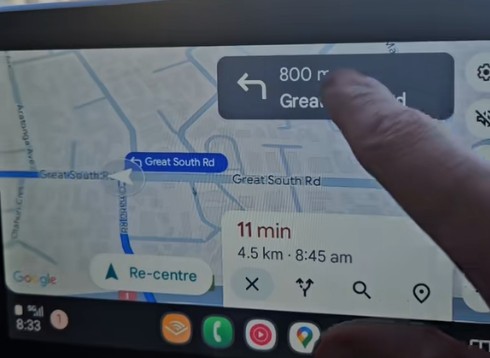
The system remains responsive and fast when Google Maps runs through the Apple CarPlay environment.
Selecting a specific instruction from that hidden list prompts the map to show that exact location.
This helps when a route involves a series of quick turns or a confusing roundabout where lane positioning is critical.
A single tap on the re-center button brings the map back to the live position of the vehicle.
Software observations show that Google Maps prioritizes a clean screen over a cluttered dashboard.
Many people find hidden features through experimentation during their daily commute.
It makes a long journey easier to manage when the driver can see the upcoming plan at a glance.
Apple CarPlay integrates these movements smoothly to ensure the experience is consistent across different vehicle makes and models.
Smarter navigation for better driving
This hidden feature is available on both major smartphone platforms and works identically on Android Auto.
And that’s thanks to the consistency of Google Maps, which means the navigation experience stays the same for everyone, regardless of their hardware.
Since the app receives regular updates over the air, these interface improvements are already active in most modern cars.
This ensures that millions of drivers have access to more efficient route planning every time they plug in their device.
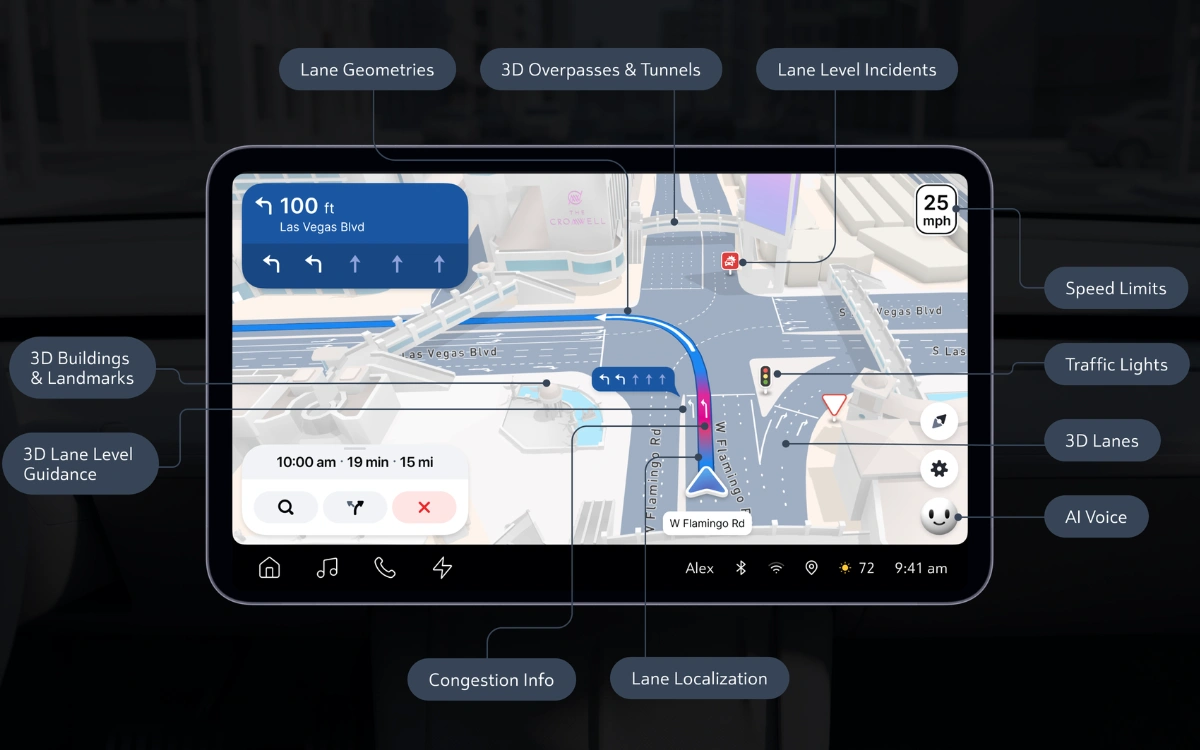
Something else that can make a big difference to your experience is that, as car manufacturers continue to install larger infotainment screens, Google Maps often uses that space more effectively than factory software.
But while brands try to develop their own mapping tools, the reliability of Apple CarPlay remains the preferred choice for most.
Using a familiar app for navigation means there’s no learning curve when switching between vehicles.
Which is handy, as the connection between the smartphone and the dashboard display is the primary way modern drivers interact with their routes.
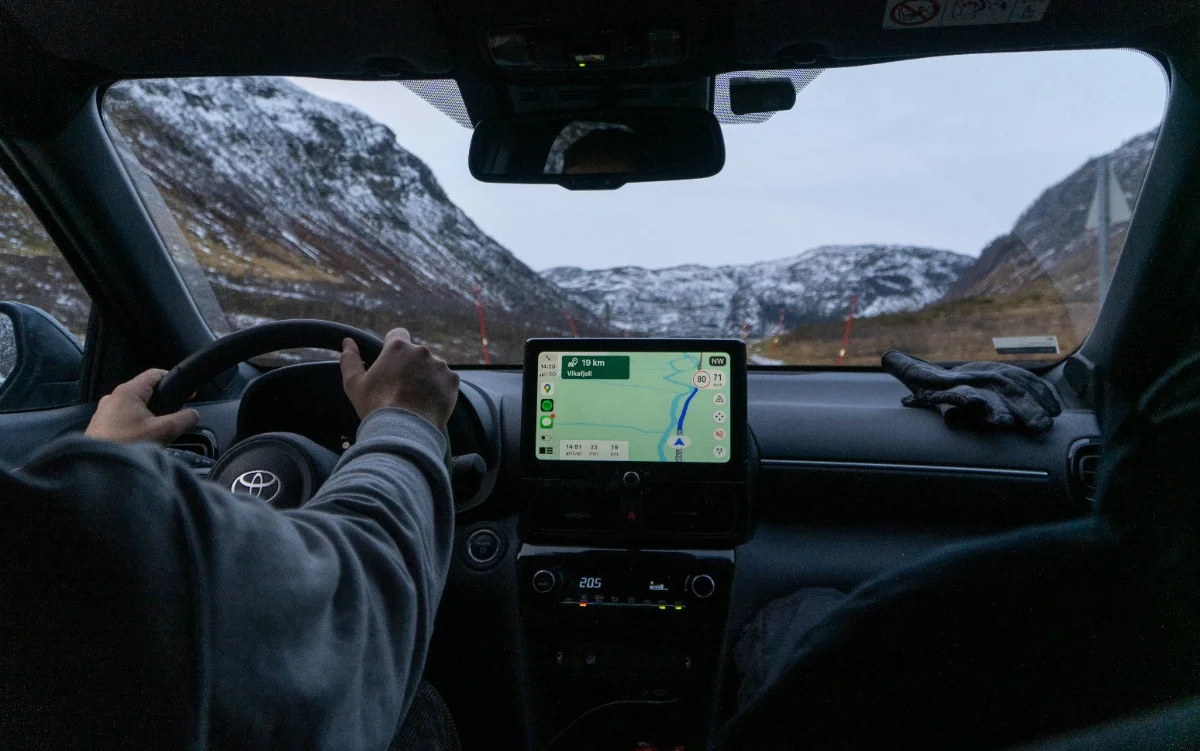
The future of automotive software will likely focus on these types of intuitive gestures to help reduce driver distraction.
So, keeping the interface simple and minimizing the number of taps on the screen is a clear priority for Google Maps.
As more drivers discover this navigation shortcut, it’ll change the way they manage their time on the road.
DISCOVER SBX CARS: The global premium car auction platform powered by Supercar Blondie