These Apple CarPlay voice commands are turned off by default and most drivers have never found them
Published on Mar 08, 2026 at 10:04 PM (UTC+4)
by Alessandro Renesis
Last updated on Mar 06, 2026 at 3:56 PM (UTC+4)
Edited by
Amelia Jean Hershman-Jones

There’s a ‘hidden’ Apple CarPlay feature that most people accidentally overlook.
Probably because it’s turned off by default.
It’s a simple feature, but it makes a huge difference when you’re driving.
But there’s also another explanation as to why this feature is not ‘advertised’ at all.
Click the star icon next to supercarblondie.com in Google Search to stay ahead of the curve on the latest and greatest supercars, hypercars, and ground-breaking technology
This ‘hidden’ feature is sometimes confused with Siri
Apple CarPlay is compatible with Siri, but it’s also compatible with ‘standard’ voice control.
This is crucial because the Voice Control accessibility feature is actually separate from standard Siri.
While most drivers know how to ask Siri to ‘Call Mom’ or ‘Play Music,’ they don’t realize they can control the entire interface hands-free using these voice commands.
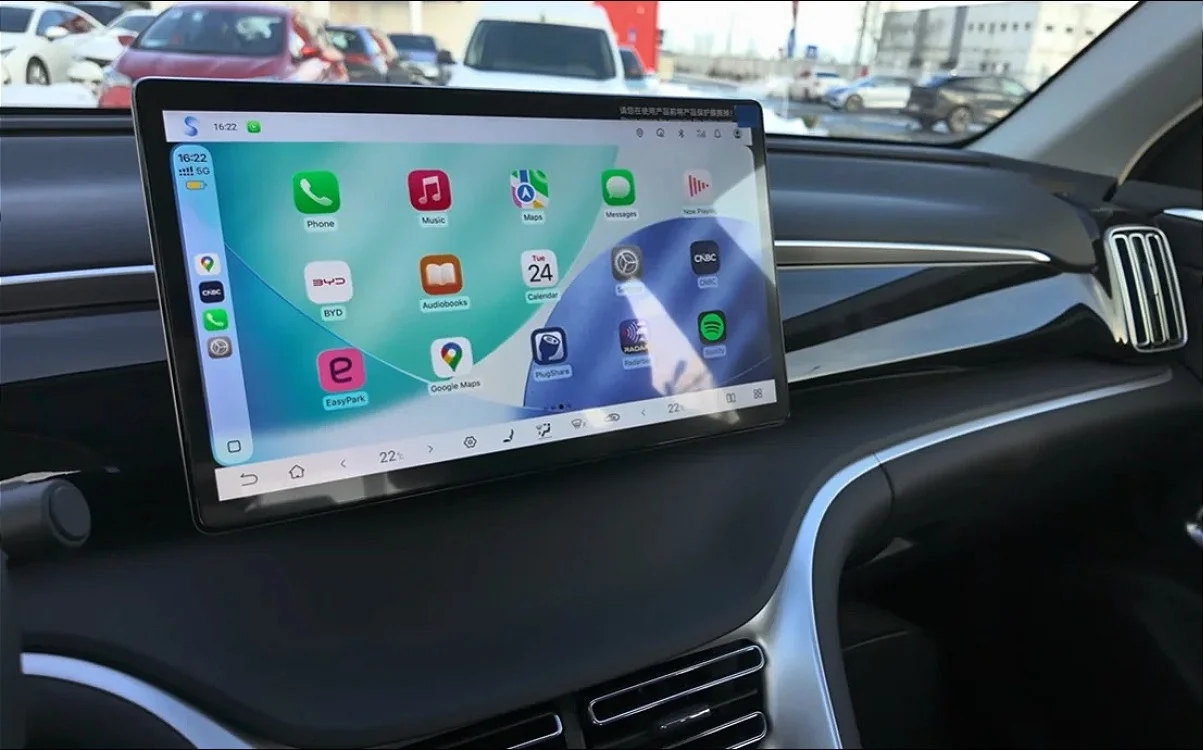
Interestingly, this feature is turned off by default, so you have to do something about it if you want to use it.
But it’s a potential game-changer because Apple CarPlay is designed, among other things, specifically to make driving a car safer and easier.
And being able to control everything with your voice would obviously be a huge upgrade.
Here’s how you can turn on Voice Control in Apple CarPlay
Turning Voice Control on is actually quite easy.
All you have to do is connect your iPhone to your car’s CarPlay, open Settings (on the car’s display, not on iPhone), select Accessibility, scroll to Physical and Motor, and toggle Voice Control to On.
This allows you to open various apps, move the map around in navigation apps without touching the screen, and so on.
This could potentially be more useful than Siri for two reasons.
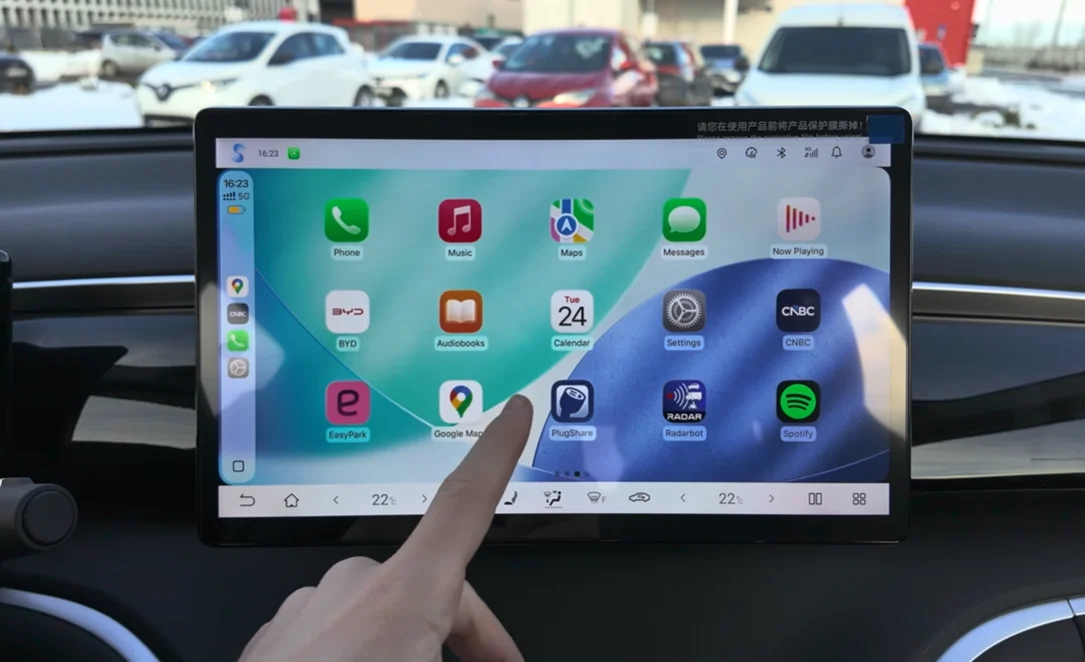
First, Siri cannot perform certain tasks.
For example, you can’t move the map around Google Maps, Apple Maps, or Waze using Siri.
Second, it means you don’t have to deal with Siri’s famously (occasionally) erratic behavior and hallucinations.
And that means maybe next time you won’t have to say “Hey Siri, set navigation to home,” only to hear back “Okay! Calling… Tom.”
DISCOVER SBX CARS: The global premium car auction platform powered by Supercar Blondie
After beginning his automotive writing career at DriveTribe, Alessandro has been with Supercar Blondie since the launch of the website in 2022. In fact, he penned the very first article published on supercarblondie.com. He’s covered subjects from cars to aircraft, watches, and luxury yachts - and even crypto. He can largely be found heading up the site’s new-supercar and SBX coverage and being the first to bring our readers the news that they’re hungry for.