Man caught an iPhone user 'licking' their phone in public but later found out it's a virtually unknown feature
Published on Feb 06, 2026 at 8:59 PM (UTC+4)
by Grace Donohoe
Last updated on Feb 09, 2026 at 1:05 PM (UTC+4)
Edited by
Emma Matthews

Now, we all love a hack that makes our lives easier, especially when it comes to using technology, and after one iPhone user spotted someone using an unknown feature, they were blown away.
From scrolling to sound and even text size, there are many accessibility options on offer to ensure that each iPhone user has the best experience possible.
The different ways to make your iPhone work for you are easy to access in the settings app, but some are largely unknown.
So buckle in as we teach you all about this feature that could change your life forever.
VISIT SBX CARS – View live supercar auctions powered by Supercar Blondie
This unknown feature could help every user
Sometimes scrolling on an iPhone is a difficult task.
For those with mobility issues, or if you find yourself stuck in a situation where your hands are unavailable, trying to get your iPhone to complete a simple task is grueling.
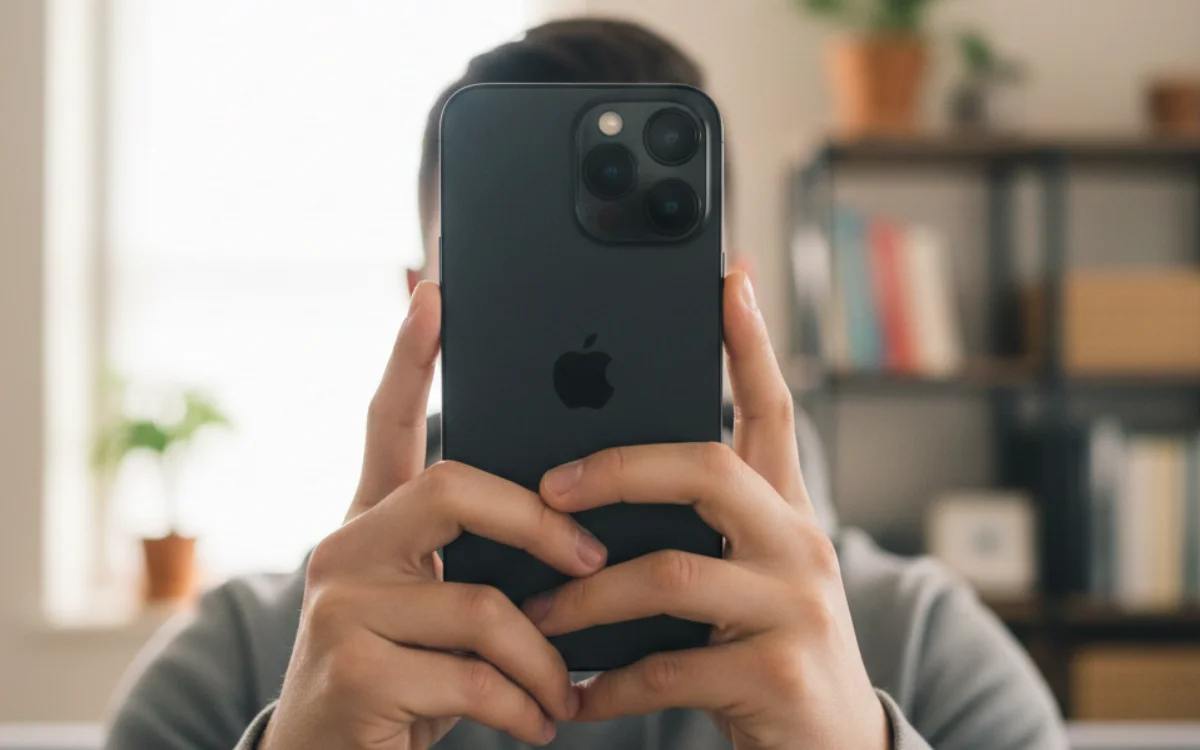
Well, it turns out that Apple has a clever accessibility setting that allows you to carry out tasks on your phone with your head.
Aptly called ‘Head Tracking’, this little-known feature can help you to tell your phone what to do by using elements such as facial expressions.
You can open your mouth, raise your eyebrows, smile, and even stick out your tongue, so yes, you can almost ‘lick your iPhone’.
It’s all thanks to an onscreen pointer that is able to follow the movement of your head, and works when you cast your gaze on an item in a steady position, enabling you to carry out an action instead of tapping.
There is a catch, though. You must have iOS 26 or later.
Click the star icon next to supercarblondie.com in Google Search to stay ahead of the curve on the latest and greatest supercars, hypercars, and ground-breaking technology
How to set up the accessibility feature on your iPhone
We weren’t kidding when we said it was straightforward to set up; in fact, you only need to follow a few simple steps.
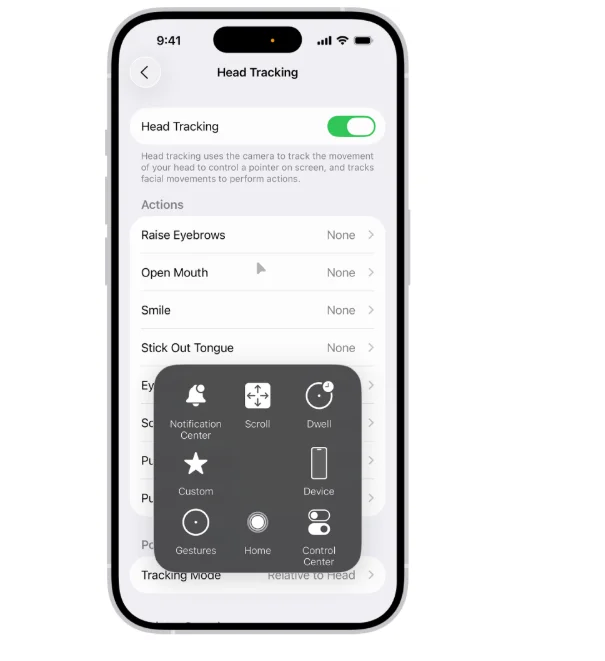
All you need to do is go to your settings app, click on the Accessibility tab, click on Head Tracking, and then turn it on.
You will then be presented with lots of different options, and when you point your steady head at a location on the screen, a dwell timer begins.
When the timer is finished, the action is carried out, and you can find more on how to use it on the Apple site.
So, there you go, this could be a game-changer for people who find an iPhone hard to use.
DISCOVER SBX CARS: The global premium car auction platform powered by Supercar Blondie
Beginning her career as a lifestyle reporter and social-media manager, Grace joined Supercar Blondie in February 2025. Since coming on board, she has thrown herself into the busy daily writing schedule. Her editorial sweet spots include writing about luxury properties and the quirky features inside them that the one percent are investing in, as well as groundbreaking advancements in space exploration.