Simple settings you can change on iPhone to almost double your battery life
Published on Jan 23, 2026 at 3:50 PM (UTC+4)
by Keelin McNamara
Last updated on Jan 23, 2026 at 8:54 PM (UTC+4)
Edited by
Emma Matthews
These simple settings are things you can change on your iPhone to almost double your battery life.
And they are remarkably simple changes to make.
The revelation comes courtesy of a very popular tech YouTuber.
And his video might just help you almost double the life of your battery.
DISCOVER SBX CARS: The global premium car auction platform powered by Supercar Blondie
How to almost double battery life on an iPhone
Battery life is a massive part of owning an iPhone.
It is a constant source of debate and discussion among tech enthusiasts.
Many discuss how to improve the battery life on the iPhone.
Some argue that it’s to do with how long you let your phone charge.
Others argue that it’s to do with the number of apps you use.
But what if it’s to do with something else entirely?
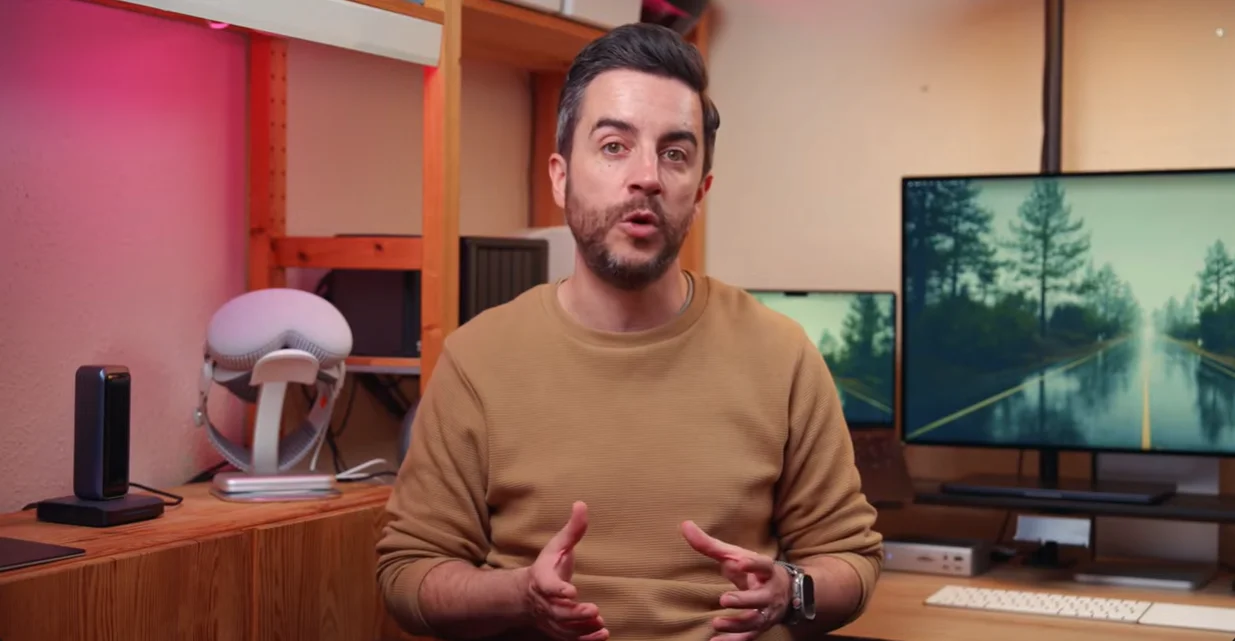
The YouTube channel Proper Honest Tech has released a video.
And it includes some simple changes to iPhone settings that can almost double your battery life.
So let’s take a look at these simple settings.
1. Connectivity and background efficiency
The first change you can make is to the Wi-Fi Assist.
Turn this off by heading to Settings, then navigating down to Mobile Service.
This is important because it prevents the iPhone from constantly hunting for a stronger cell signal when the Wi-Fi is weak.
It is, as you might have guessed, a major battery drain.
2. iPhone display and visuals
Using Dark Mode can be an enormous help to the battery on your iPhone.
Because iPhones use OLED screens, black pixels are actually ‘off’, so they consume zero power.
As a result, using Dark Mode on your phone’s display can save significant power.
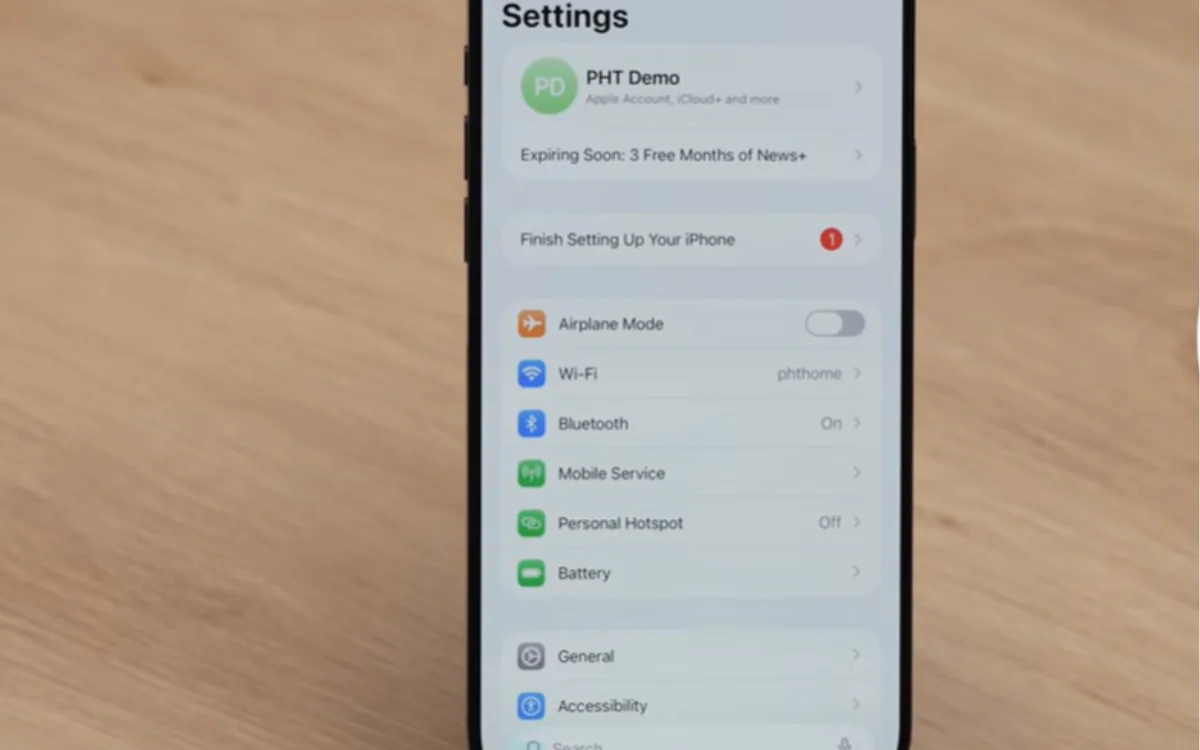
Another, lesser-known point about the display is the ability to ‘Reduce White Point’.
By enabling this in the Accessibility menu, you can drop the brightness below the standard zero percent minimum.
3. Privacy and tracking
The phone’s analytics and tracking usage can be a heavy burden on the battery.
But this is another setting that you can turn off.
Navigate to Settings, then Privacy & Security, tap Analytics and Improvements, and toggle everything off.
This stops your iPhone from sending usage data back to Apple.
Whilst you’re at it, modifying your Location Services can be a big help too.
Toggling this from ‘Always’ to ‘While Using’ can help aid that battery life.
4. Charging habits
Last up, we have one of the most famous methods – charging habits.
Instead of actually charging it to 100 percent, try charging it to 80 or 90 percent.
This might seem counterproductive, but it actually preserves your battery for longer.

The chemical health is preserved, allowing it to last for years into the future.
Most new iPhones come with a feature called Optimized Charging.
This only charges past 80 percent when you absolutely need it.
So there you have it – these are the best settings to change to double the battery life of your iPhone.