Apple shares two ways you can make your iPhone battery last longer without too much effort
Published on May 24, 2026 at 6:02 AM (UTC-4)
by Daisy Edwards
Last updated on May 24, 2026 at 6:02 AM (UTC-4)
Edited by
Daisy Edwards
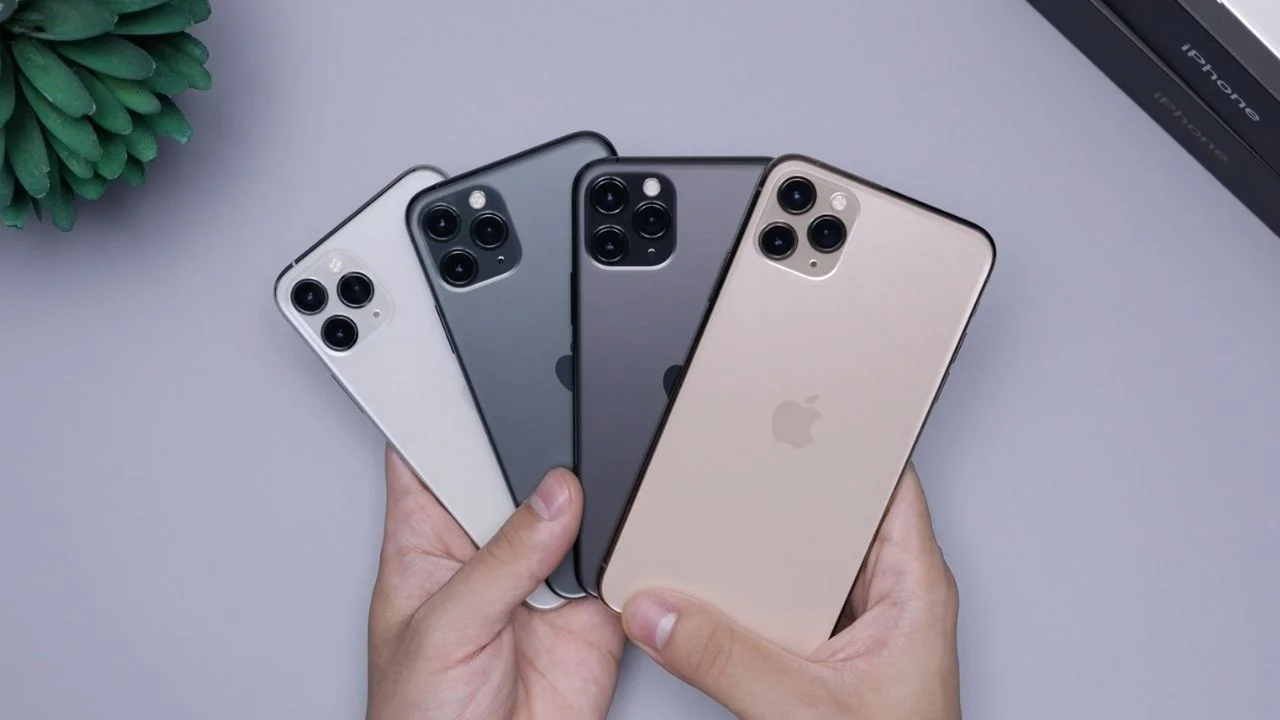

Once you see these two super-easy life hacks that Apple has given us to help make our iPhone battery last longer, you’ll wonder why you didn’t sort this out immediately.
With battery anxiety basically a daily experience for most people, especially when the red low battery warning starts creeping up behind you, these settings could help squeeze out a bit more life when you need it most.
The good news is you don’t need to rely only on Low Power Mode or stop using your phone altogether.
These are quick adjustments Apple itself recommends that can make a real difference.
Apple says lowering your screen brightness can instantly help you
One of the easiest changes Apple suggests is reducing your gadget’s screen brightness.
The company explained that brighter displays use significantly more power, especially on modern iPhones with high-resolution screens and advanced display features.
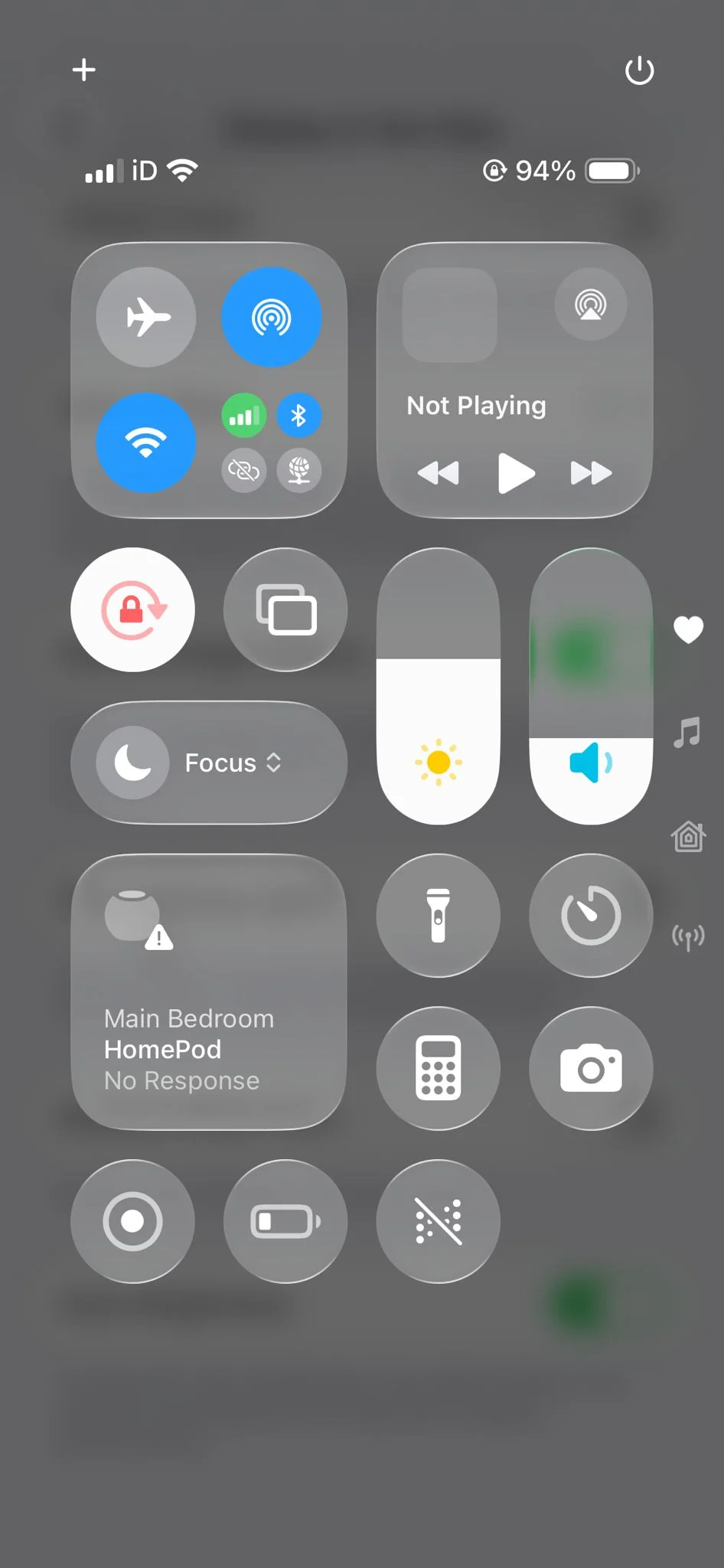
Users can either manually lower brightness through Control Center or turn on Auto-Brightness so the phone adjusts automatically based on lighting conditions.
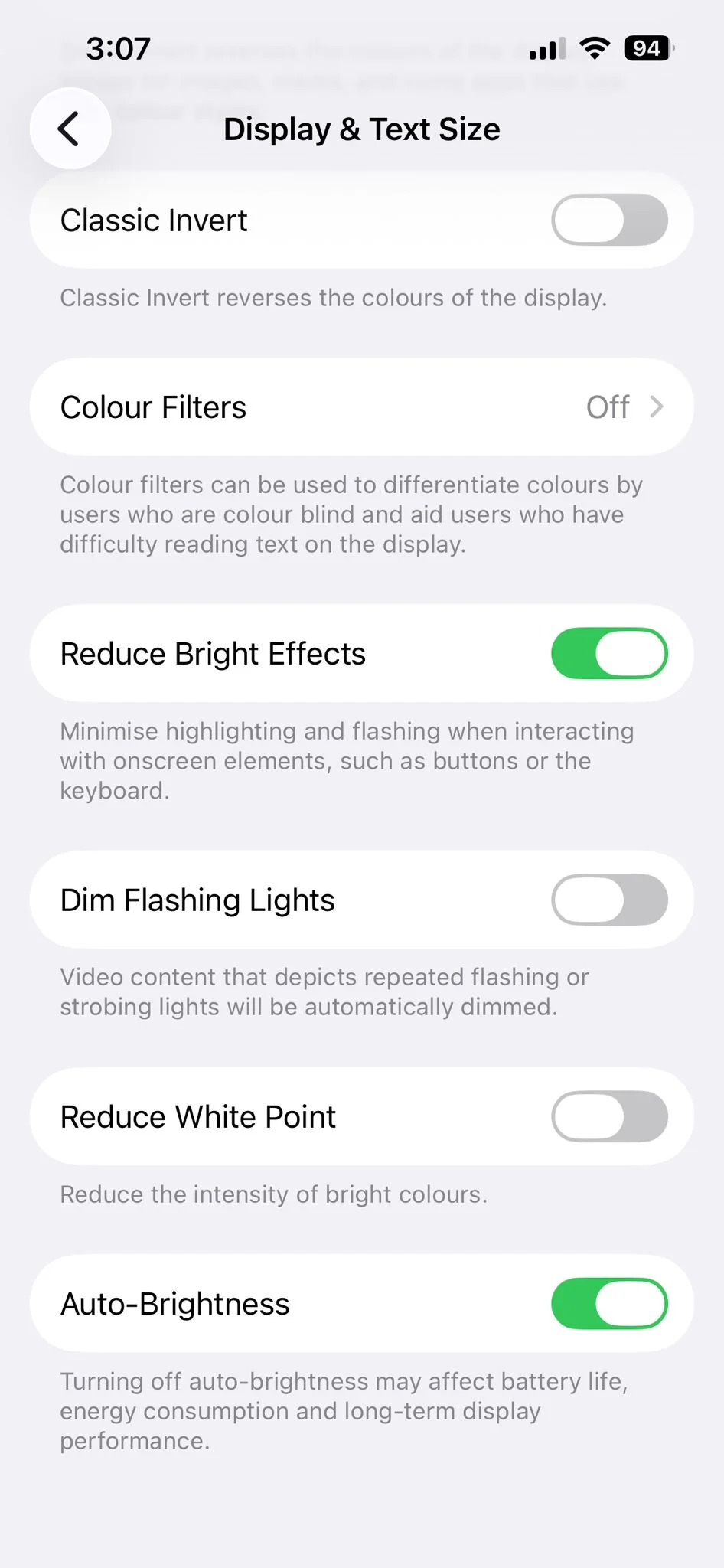
To enable it, go to Settings, then Accessibility, then Display and Text Size, and switch Auto-Brightness on.
It may sound simple, but if your brightness is constantly high, your battery will drain much faster throughout the day.
And anyone who has accidentally opened their phone in a dark room knows just how intense the screen can be.
Related
How Wi-Fi can help your iPhone battery last
The second tip is keeping Wi-Fi switched on whenever possible.
Apple notes that Wi-Fi generally uses less power than mobile data, so connecting to wireless networks can help reduce battery drain.
When your phone relies on mobile data alone, it often has to work harder searching for signal, which quietly uses extra energy in the background.
By staying connected to Wi-Fi at home, at work, or in other known locations, your iPhone can avoid that constant strain on the battery.
While these changes won’t turn your phone into a device that lasts for days without charging, they can give you a bit more breathing room before you need to reach for a charger.
And in reality, anything that delays that low battery panic during a busy day is a win.
Daisy is a technology and automotive journalist covering artificial intelligence, consumer tech, Apple news, cryptocurrency, emerging technologies, and transportation innovation. Since joining the team in 2025, she has reported on everything from AI-powered startups and major iOS updates to viral car stories and the latest developments shaping transportation and the digital economy. Drawing on her background in automotive journalism and a degree in History and Journalism from Goldsmiths, University of London, Daisy specializes in breaking down complex topics into clear, engaging reporting for a global audience. Her work spans cutting-edge technology, innovative vehicles, and the people driving change across both industries. Daisy has gained first-hand access to some of the world's most talked-about technologies and innovators, including meeting Tesla's Optimus humanoid robot during its first European appearance in London. She has also discussed the future of space exploration with an astronaut, bringing unique insights and real-world perspectives to her coverage of emerging technology.




