This is how to fix some of the most annoying iPhone issues you didn't realize were able to be solved
Published on Mar 10, 2026 at 5:47 AM (UTC+4)
by Claire Reid
Last updated on Mar 10, 2026 at 5:47 AM (UTC+4)
Edited by
Claire Reid
A tech expert has shared some of the most common Apple iPhone frustrations and the very simple ways you can fix them.
If you’ve owned your Apple iPhone for a while, you might have become used to some slightly annoying features, like inconsistent volume and the ‘rate this app’ pop-ups.
However, you don’t need to live like this, because there are some straightforward fixes to many of the frustrations you might encounter.
So, here’s what to look for if you’re hoping for an altogether less annoying experience while using your iPhone.
Click the star icon next to supercarblondie.com in Google Search to stay ahead of the curve on the latest and greatest supercars, hypercars, and ground-breaking technology
There are some easy fixes for common iPhone frustrations
At times, it can feel like some features on our phones are set up to deliberately annoy us.
Thankfully, YouTuber Proper Honest Tech has created a quick round-up of some of the most common frustrating issues and the easy ways to stop them from happening.
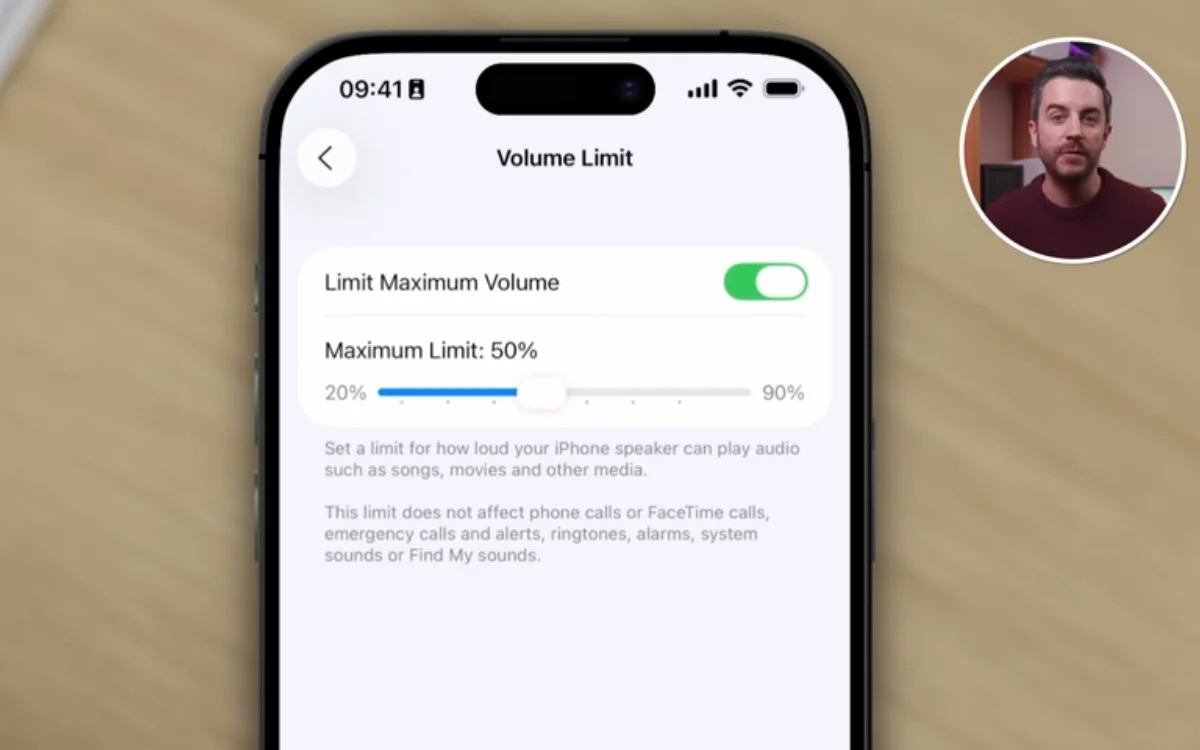
Volume and brightness not behaving how you’d like?
If you’ve noticed that the volume on your Apple iPhone can be inconsistent and often too loud, there are a couple of things you can do.
Firstly, you can head into Settings, hit Sounds & Haptics, and then tap Volume Limit, where you can put a cap on the maximum volume.
You can also switch on Reduce Loud Sounds to compress the audio, which will make loud sounds quieter and quiet sounds a bit easier to hear.
On the subject of sound, there’s also a way to stop the volume slider from vanishing from the lock screen when you’re playing music or a podcast.
Go into Settings, find Accessibility, and then tap Audio & Visual to enable the Always Show Volume Control option.
For those who find that it’s their iPhone’s ever-adjusting brightness levels that cause the most issues, you can go into the Accessibility options, hit Display & Text Size, and you’ll be able to turn off Auto Brightness.
Common email and messaging annoyances can also be swiftly sorted
When you paste a link into your iPhone emails, it generates a large preview card for it, which some folks would rather not bother with.
If that’s you, you can tap the preview and hit Convert to Plain Link, or for a permanent solution, go into Settings, find Apps, then Mail, and then toggle off Add Link Previews.
Apple has also introduced a way to copy parts of an iMessage.
Older versions of iOS only allowed you to copy a full message, so if you only wanted parts of it you had to cut the rest out.
But iOS 26 allows you to long-press the message, highlight the part you actually want, and then lets you copy that.
Make it easier to close apps and rearrange your Home Screen
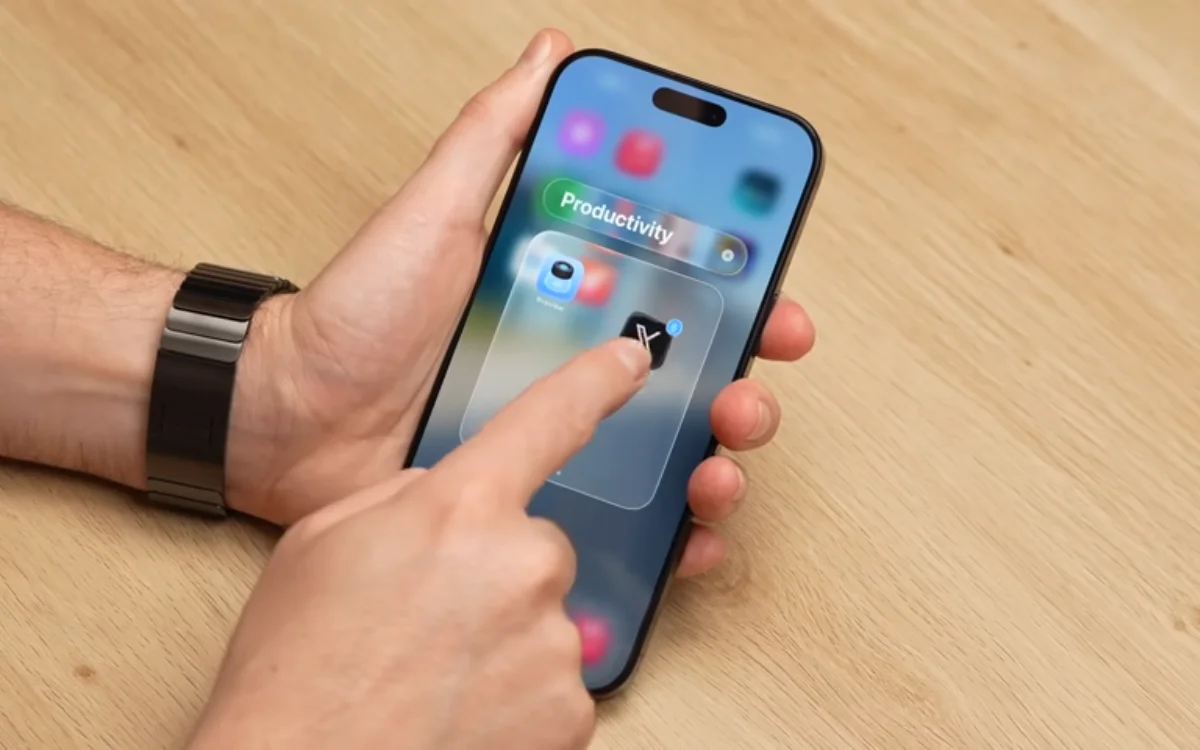
It’s also easier than you might think to move apps on the Home Screen on your Apple iPhone.
Simply, drag one app and then tap others to move multiple apps together, and you can use another finger to open folders, or swipe through pages while you’re dragging them along.
There’s also a faster way to close all apps, open up the app switcher, and swipe three of your fingers up the screen, and you’ll close three apps at once.
Although Apple recommends not closing apps, unless you really need to.
Most of the fixes are hiding in Settings
The ‘hidden’ back tap button is a smart little feature, but if yours is a little too sensitive, you can go into the Accessibility options, hit Touch, find Back Tap, and then change it from Double Tap to Triple Tap so it doesn’t go off as easily.
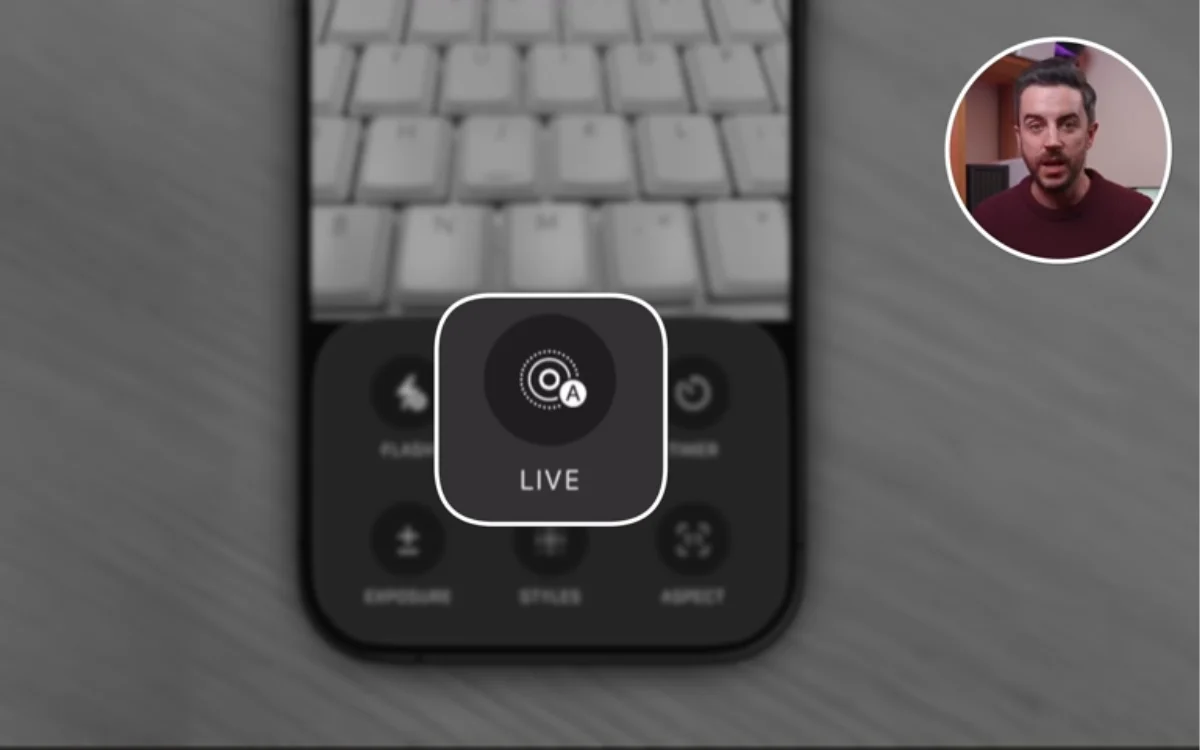
If you’ve ever switched off Live Photos only to find that they’ve somehow switched back on, there’s also an easy fix.
Firstly, turn it off in the Camera app, but then also head to Settings, then Camera, find Preserve Settings, and hit Live Photo – this should mean it stays off for good.
Annoyed by the little ‘rate this app’ and ‘review this app’ popups?
Well, you can get rid of them for good by going into the App Store settings and disabling In-App Ratings and Reviews.
You might need to update your iPhone
While the problems might have been around for a while, many of the fixes mentioned above are a lot more recent.
So, to access them, make sure your iPhone is running the latest iOS.
Not only does that mean you’ll be able to sort out a bunch of annoying issues, but it also means you’ll be missing out on any security updates, patches, or fixes.
DISCOVER SBX CARS: The global premium car auction platform powered by Supercar Blondie
With a background in both local and national press in the UK, Claire has covered a range of topics, including technology, gaming, and cryptocurrency, since joining the editorial team at Supercar Blondie in May 2024. Her ability to be first to a story has been integral to making SB’s coverage of scientific discovery, AI, and global tech news a slick 24/7 operation.