Microsoft adds 15 features to the New Outlook to try and get people to finally switch from Classic Outlook
Published on Jun 18, 2026 at 4:07 AM (UTC-4)
by Daisy Edwards
Last updated on Jun 18, 2026 at 4:07 AM (UTC-4)
Edited by
Mason Jones

For years, Microsoft has been trying to persuade people to leave Classic Outlook behind and embrace its shiny new replacement, but the problem is that people have been clinging to the original tech for years.
Complaints about missing features, slower performance, and changes to everything familiar have left plenty of Outlook loyalists unconvinced, but the tech company doesn’t seem to be giving up.
The company has now highlighted 15 features that it believes make New Outlook worth the switch.
Whether they’ll finally convince die-hard Classic Outlook fans is another question entirely, but it seems that Microsoft is trying really hard.
Microsoft is giving users plenty of reasons to make the jump to New Outlook
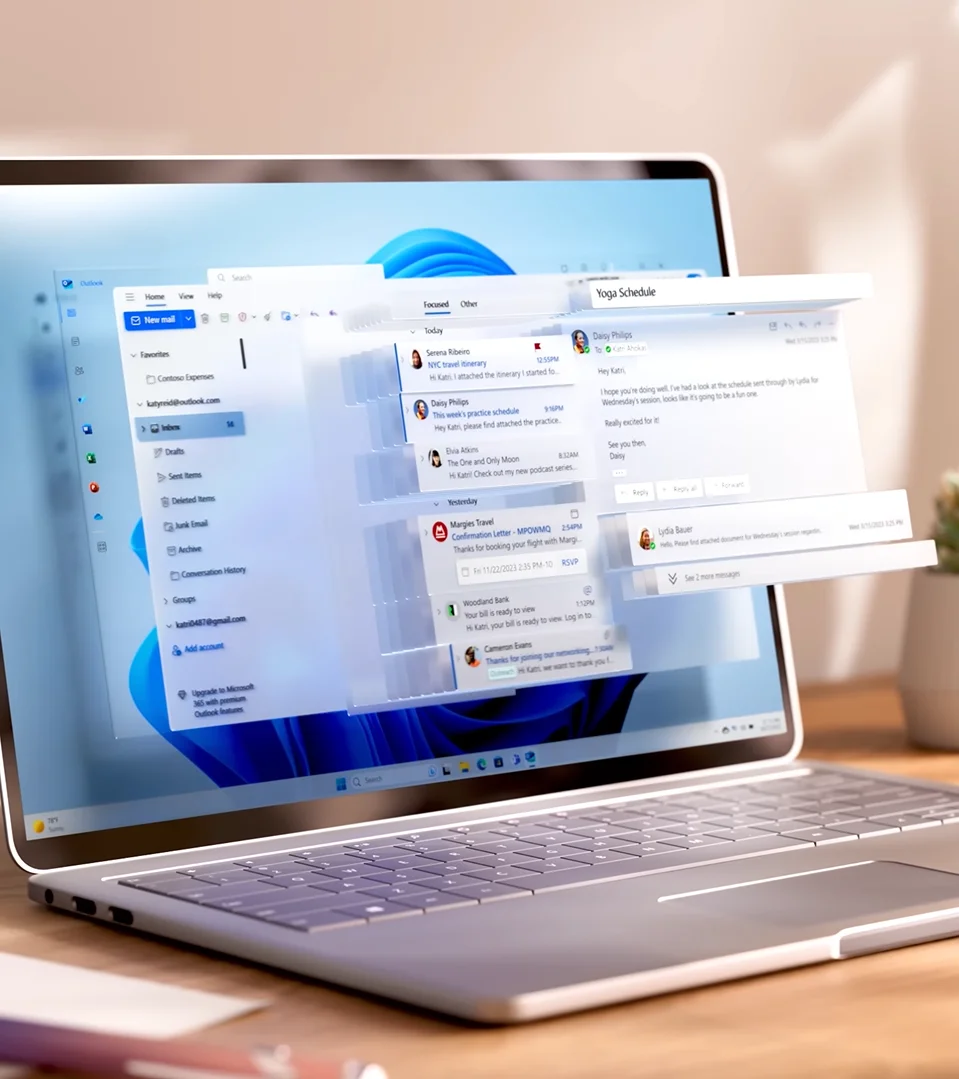
Pin emails so important messages never disappear
We’ve all had that moment where an important email vanishes into a sea of newsletters, receipts, and meeting invites.
With pinned emails, users can keep key messages permanently parked at the top of their inbox, making them impossible to miss.
Snooze emails until you’re actually ready to deal with them
Sometimes an email arrives at exactly the wrong moment.
Rather than leaving it sitting there and hoping you’ll remember it later, New Outlook lets users snooze messages and have them reappear when they’re actually ready to take action.
Sweep away inbox clutter in seconds
Nobody enjoys spending their morning deleting dozens of promotional emails.
The Sweep feature automatically tidies up messages from specific senders, helping users clean up their inbox without endless clicking.
Schedule Send for perfectly timed emails
Writing emails late at night is easy, but sending them at a sensible hour is even better.
Schedule Send allows users to write messages whenever inspiration strikes and choose exactly when they’ll be delivered.
Keep track of meeting responses more easily
Organizing a meeting can sometimes feel like herding cats.
Microsoft’s New Outlook makes it easier to see who’s attending, who’s declined, and who’s still pretending they never saw the invite.

Get handy meeting recaps
The days of accidentally missing a meeting and never knowing what was said are long gone.
Meeting recaps help users quickly catch up on what happened without needing a full briefing from a colleague.
Filter calendars without the headache
Busy calendars can quickly become overwhelming.
New filtering tools make it easier to focus on the events that matter instead of staring at a wall of appointments.
Make Outlook look how you want it
Not everyone wants their email app to look exactly the same.
New Outlook includes more themes and customization options so users can personalize the experience to their liking.
Use Outlook keyboard shortcuts that feel familiar
Years of using Classic Outlook creates some serious muscle memory.
Microsoft now lets users choose shortcut styles that feel more familiar, making the transition a little less painful.
Find emails buried in Outlook folders faster
Searching through years of archived emails can sometimes feel like an archaeological expedition.
Improved folder search is designed to help users locate messages much more quickly.
Better support for shared mailboxes
For teams that rely on shared inboxes, this update could be particularly useful.
Microsoft has improved support for shared mailboxes, making collaboration smoother and more reliable.
Shared calendars on Outlook are now easier to access
Nobody wants to spend ages setting up access to a colleague’s calendar.
Automapped calendars help eliminate some of that hassle by making shared calendars easier to find and use.
Select multiple dates at once
It sounds simple, but it’s one of those features people often miss when it isn’t there.
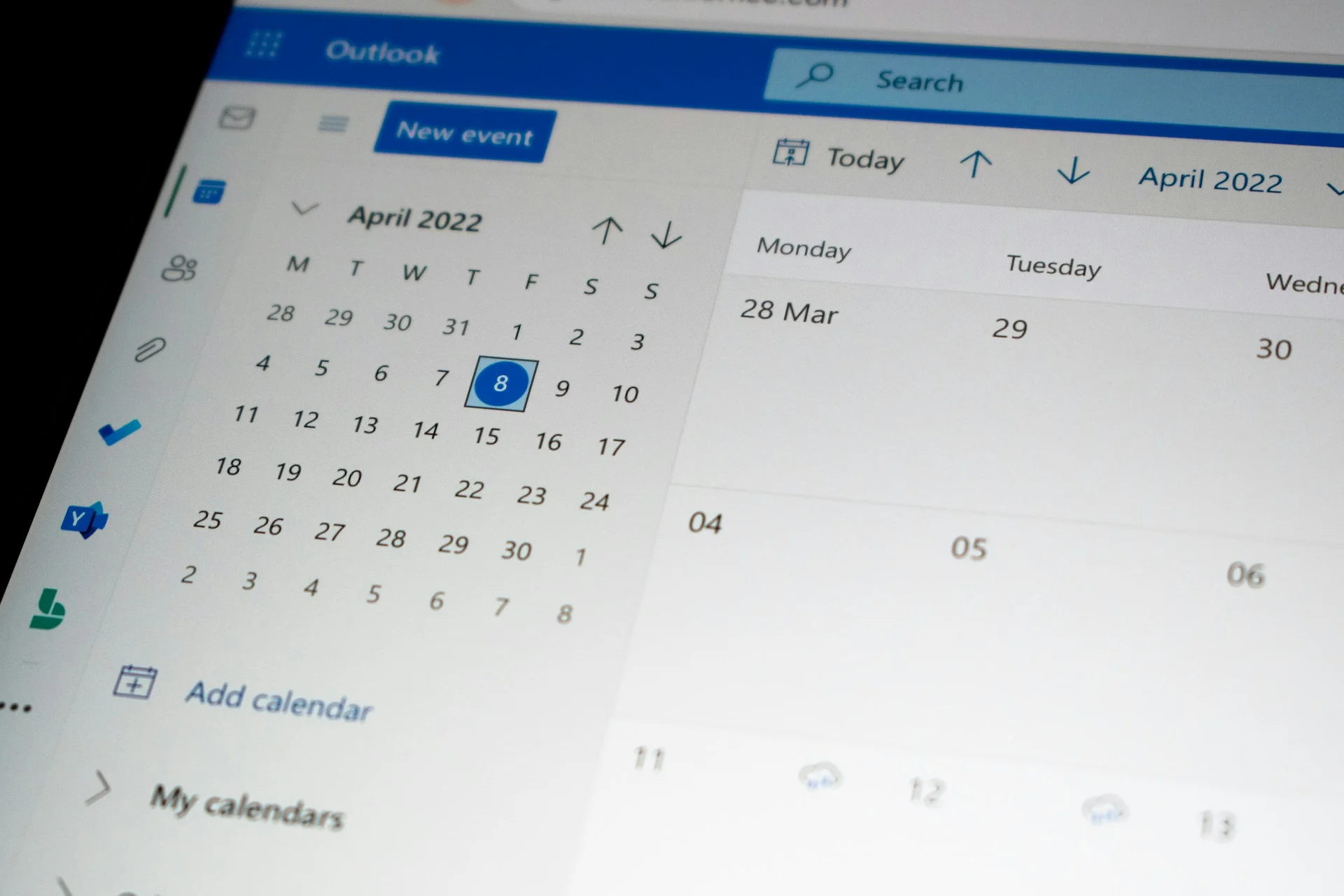
Users can now select multiple non-consecutive dates in the calendar, which makes planning and scheduling far easier.
Finding contacts just got smarter
The People section has received a major upgrade.
Users can search for colleagues using details such as job titles, departments, locations, and even personal notes.
Everything is designed to boost productivity
Ultimately, Microsoft’s goal is simple.
The company wants New Outlook to help users spend less time managing email and calendars and more time actually getting things done.

Outlook users still aren’t completely sold
Despite the growing list of features, plenty of users remain loyal to Classic Outlook.
Many argue that while New Outlook is improving rapidly, it still doesn’t quite match the speed, familiarity, and reliability of the software they’ve been using for years.
That’s one reason Microsoft has repeatedly delayed parts of its migration plans, giving organizations more time before the classic version eventually fades away.
Still, with 15 new features now on the table, New Outlook is looking more capable than ever.
Whether that’s enough to finally tempt Classic Outlook holdouts away from their beloved old inbox remains to be seen.
Daisy is a technology and automotive journalist covering artificial intelligence, consumer tech, Apple news, cryptocurrency, emerging technologies, and transportation innovation. Since joining the team in 2025, she has reported on everything from AI-powered startups and major iOS updates to viral car stories and the latest developments shaping transportation and the digital economy. Drawing on her background in automotive journalism and a degree in History and Journalism from Goldsmiths, University of London, Daisy specializes in breaking down complex topics into clear, engaging reporting for a global audience. Her work spans cutting-edge technology, innovative vehicles, and the people driving change across both industries. Daisy has gained first-hand access to some of the world's most talked-about technologies and innovators, including meeting Tesla's Optimus humanoid robot during its first European appearance in London. She has also discussed the future of space exploration with an astronaut, bringing unique insights and real-world perspectives to her coverage of emerging technology.




