Woman shows little known iPhone hack which lets you create a PDF without needing any specific app
Published on Feb 19, 2026 at 8:28 PM (UTC+4)
by Daisy Edwards
Last updated on Feb 20, 2026 at 12:02 PM (UTC+4)
Edited by
Emma Matthews
A woman has shown off a little-known iPhone hack that lets you create a PDF without needing any specific app, and it’s been hiding in plain sight.
A TikTok creator has gone viral for showing iPhone users how to scan a physical document straight into a PDF using an app everyone already has.
No extra downloads, no ‘which scanner app is best’ debates, and no panicky last-minute runs to find a printer.
If you have ever needed to send a form, a letter, or a receipt fast, this one is about to become your new favorite trick.
EXPLORE SBX CARS – Supercar auctions starting soon powered by Supercar Blondie
The little-known iPhone hack starts in the notes app
TikTok user Francine, who posts as americanbigfootcenter, shared the gadget hack in a video that racked up more than 127,000 views.
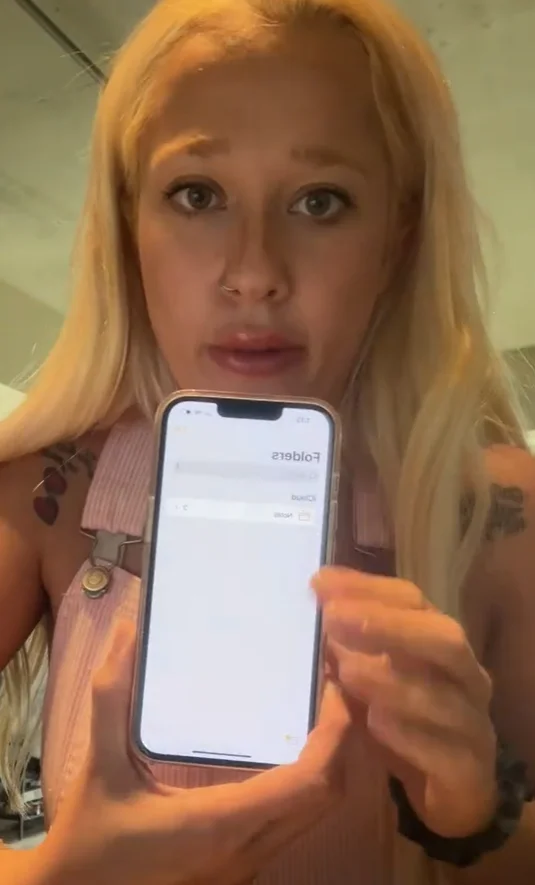
She said not enough people know it exists, then walked her viewers through the built-in iPhone tools that can turn a piece of paper into a digital file in seconds.
The magic begins inside Apple’s Notes app.
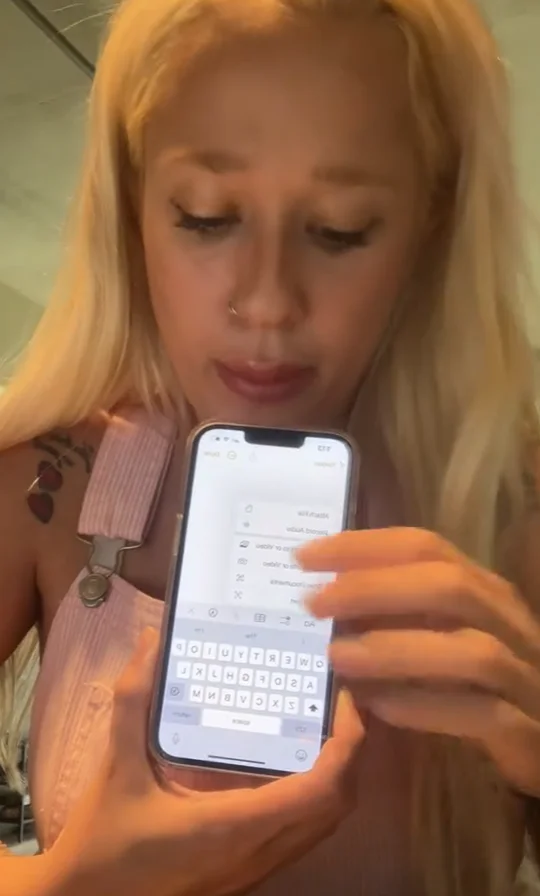
Francine explained that you just create a new note, tap the attachment option, and choose ‘Scan Documents.’
Your camera opens with an on-screen prompt to position the document in view, and once it is lined up, your iPhone captures it and creates a digital version you can save and share as a PDF.
Viewers in the comments were shocked, with plenty admitting they had been trying to figure out how to do this without a scanner.
Others said they have used it for everything from paperwork to tax forms, and now they are wondering why Apple does not shout louder about features like this.
Click the star icon next to supercarblondie.com in Google Search to stay ahead of the curve on the latest and greatest supercars, hypercars, and ground-breaking technology
How to create a PDF without needing any specific app
If Notes is not your vibe, there is another built-in route.
@americanbigfootcenter #fyp #foryou #hack ♬ original sound – Francine 🇵🇸
You can also scan through the Files app by tapping the More button and choosing ‘Scan Documents,’ then keeping the scan once it looks right.
And if you are already in document mode, there is a bonus: you can add a signature inside Notes using Markup, which is handy when you need to sign something on the fly.
DISCOVER SBX CARS: The global premium car auction platform powered by Supercar Blondie