These Apple CarPlay features are often ignored but you'll regret not using them
Published on Aug 06, 2026 at 2:14 PM (UTC-4)
by Jason Fan
Last updated on Aug 06, 2026 at 2:14 PM (UTC-4)
Edited by
Kate Bain
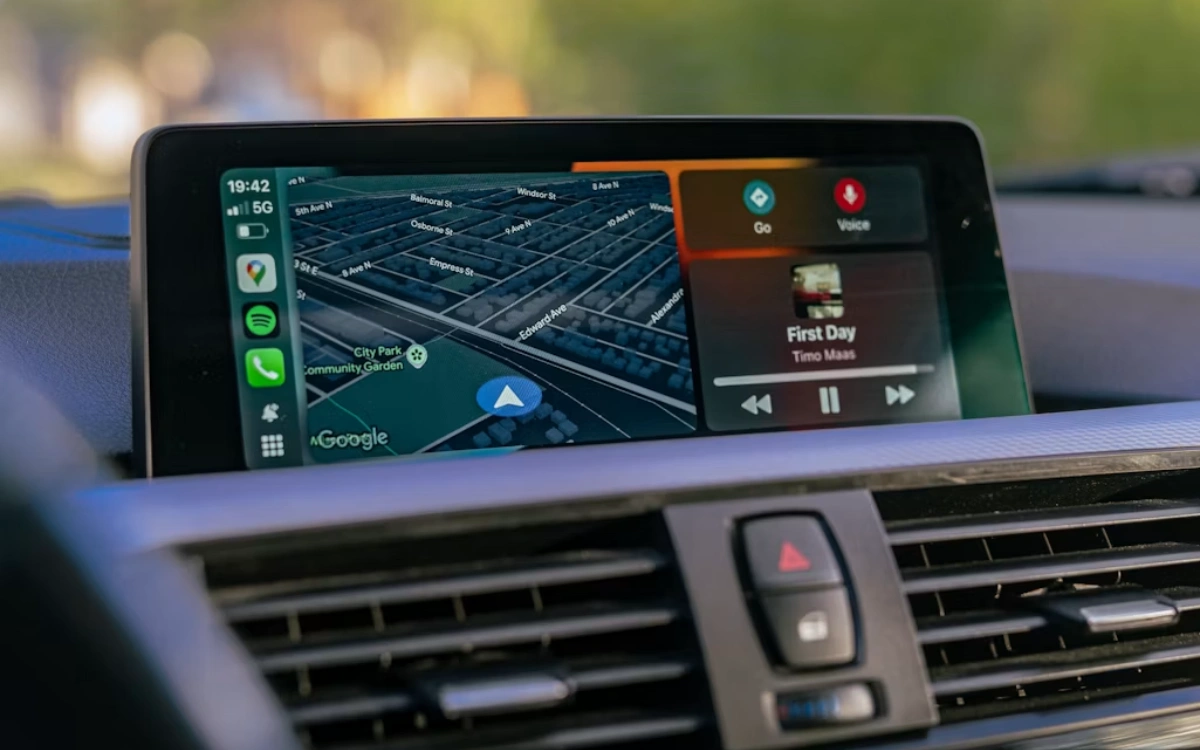

Apple CarPlay can do far more than play music or show you the way, yet many drivers unknowingly overlook some of its smartest tools.
Hidden inside the familiar interface are shortcuts that can make every trip smoother and less stressful.
From showing your next appointment to sharing your arrival time, these features can quickly become everyday essentials.
Here are five Apple CarPlay features that are worth trying on your next drive.
1. Customize your widgets
One of the easiest upgrades is adding widgets to your CarPlay dashboard.
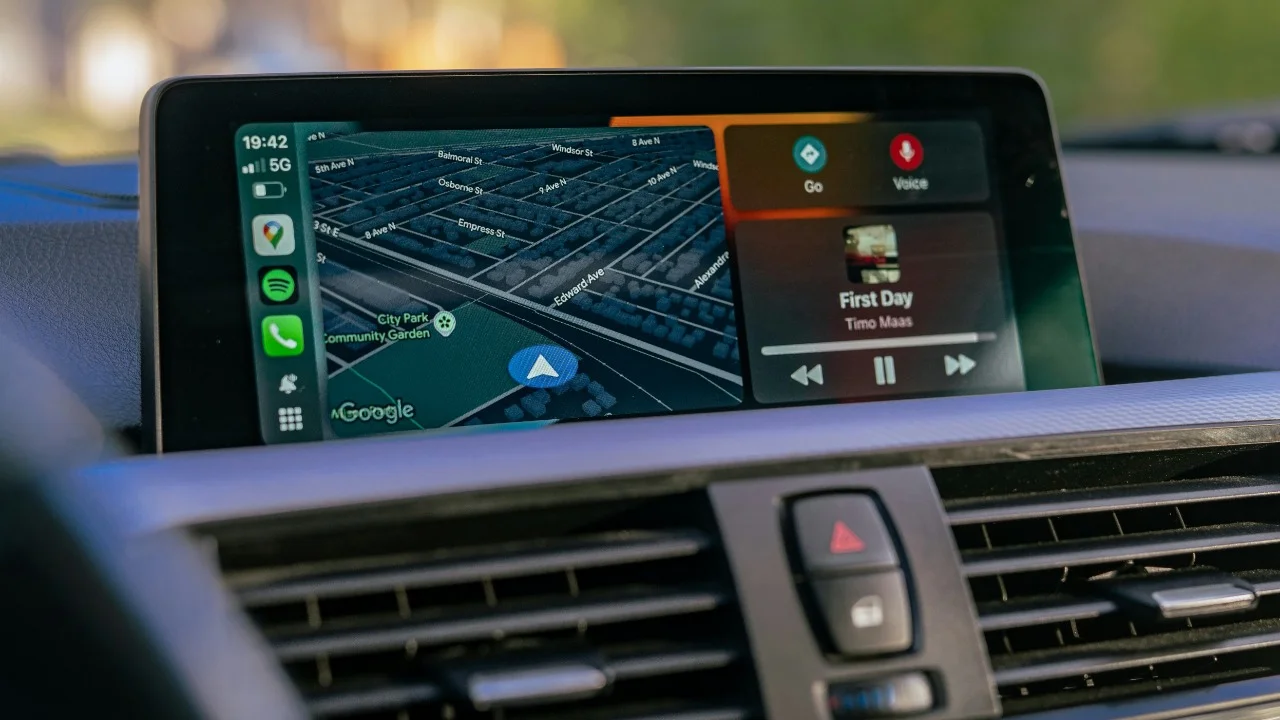
Swiping to the widget screen lets you see useful information at a glance, including the weather, calendar appointments, reminders, battery levels, or even compatible smart home controls.
You can personalize the layout by heading to Settings > CarPlay on your iPhone, selecting your car, and choosing which widgets appear.
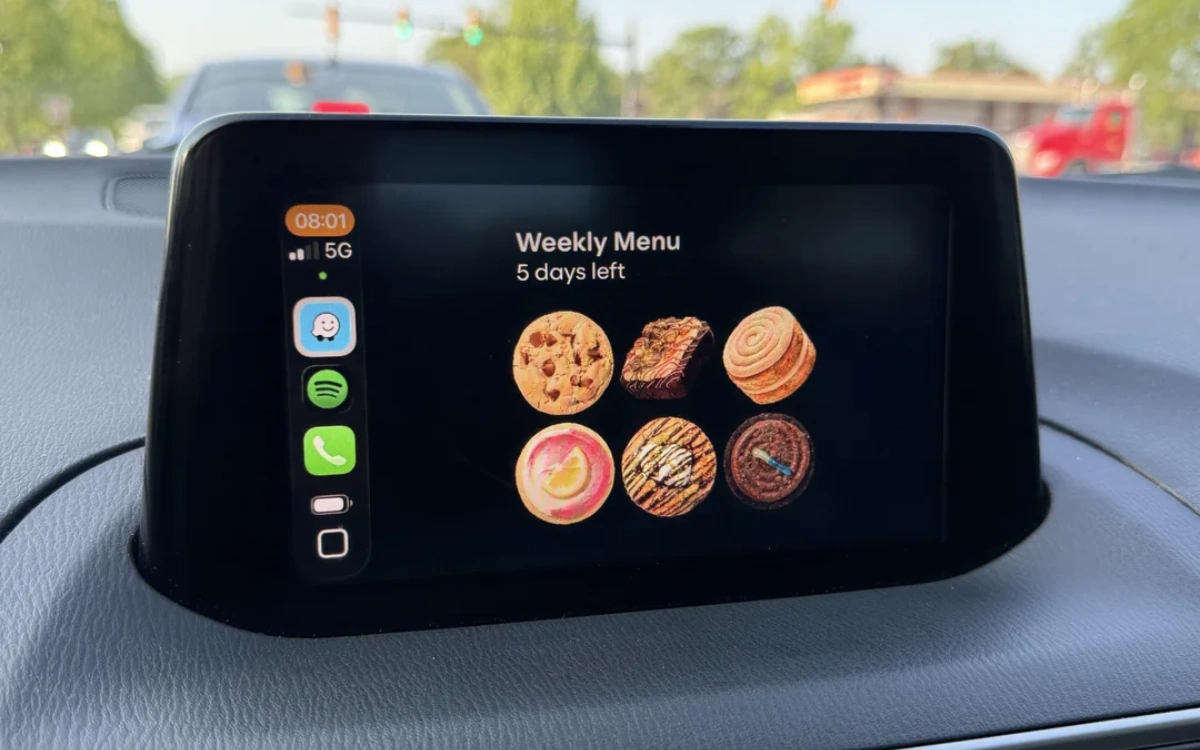
By doing so, you can enjoy a dashboard that surfaces the information you actually use the most.
2. Let Calendar and Maps work together
If your schedule lives in your iPhone’s Calendar, CarPlay can make getting to appointments much easier.
Simply include an address when creating a calendar event.
As your appointment approaches, the event appears in your Calendar widget, and Apple Maps can automatically recognize the destination, saving you from typing in the address before you leave.
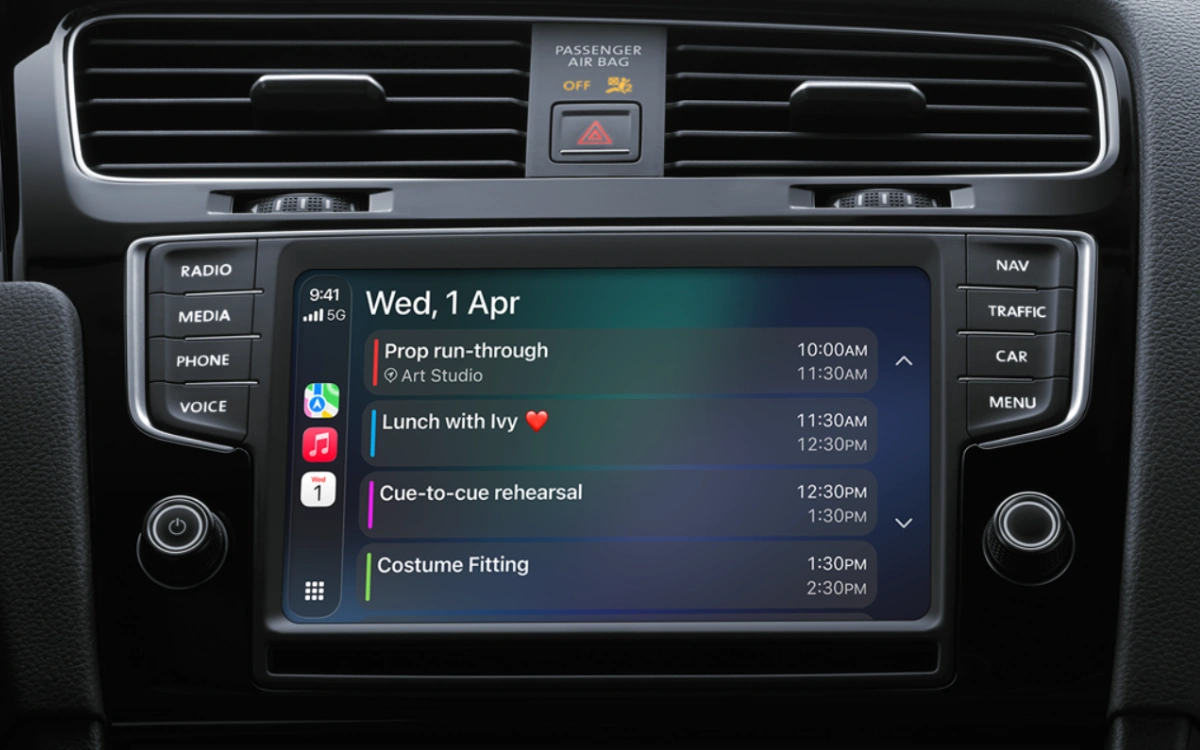
It’s a small feature that can make busy mornings much less hectic.
3. Share your ETA with Apple CarPlay
Need to let someone know when you’ll arrive?
Apple CarPlay lets you share your estimated arrival time directly from Apple Maps.
Instead of texting while you’re driving, your chosen contact receives live updates on your progress and estimated arrival.
Once you reach your destination or stop navigation, the ETA sharing automatically ends, giving you convenience without continuously sharing your location.
4. Use Siri for more than directions
Many drivers only ask Siri for navigation, but the voice assistant can handle much more through CarPlay.
You can send messages, make calls, play podcasts, control music, read incoming texts aloud, or even add reminders using simple voice commands.
Keeping your hands on the wheel and your eyes on the road makes every journey both safer and easier.
5. Let Driving Focus reduce distractions
Apple CarPlay works with your iPhone’s Driving Focus mode to help you stay focused behind the wheel.
When enabled, it can automatically silence notifications, limit incoming alerts, and send an automatic reply to anyone who messages you while you’re driving.

You can customize who is allowed to contact you and which apps can still send notifications by going to Settings > Focus > Driving on your iPhone.
Once set up, Driving Focus activates automatically when CarPlay connects or when your iPhone detects you’re driving, helping you avoid unnecessary distractions without lifting a finger.
While navigation and music remain CarPlay’s biggest draws, these lesser-known features show just how capable Apple’s infotainment platform has become.
Spend a few minutes setting them up, and you’ll likely wonder how you ever drove without them.




