You're likely using the wrong USB cable for Apple CarPlay or Android Auto and this is what you need to use especially if you're having issues
Published on Mar 28, 2026 at 6:04 PM (UTC+4)
by Henry Kelsall
Last updated on Mar 26, 2026 at 7:11 PM (UTC+4)
Edited by
Emma Matthews
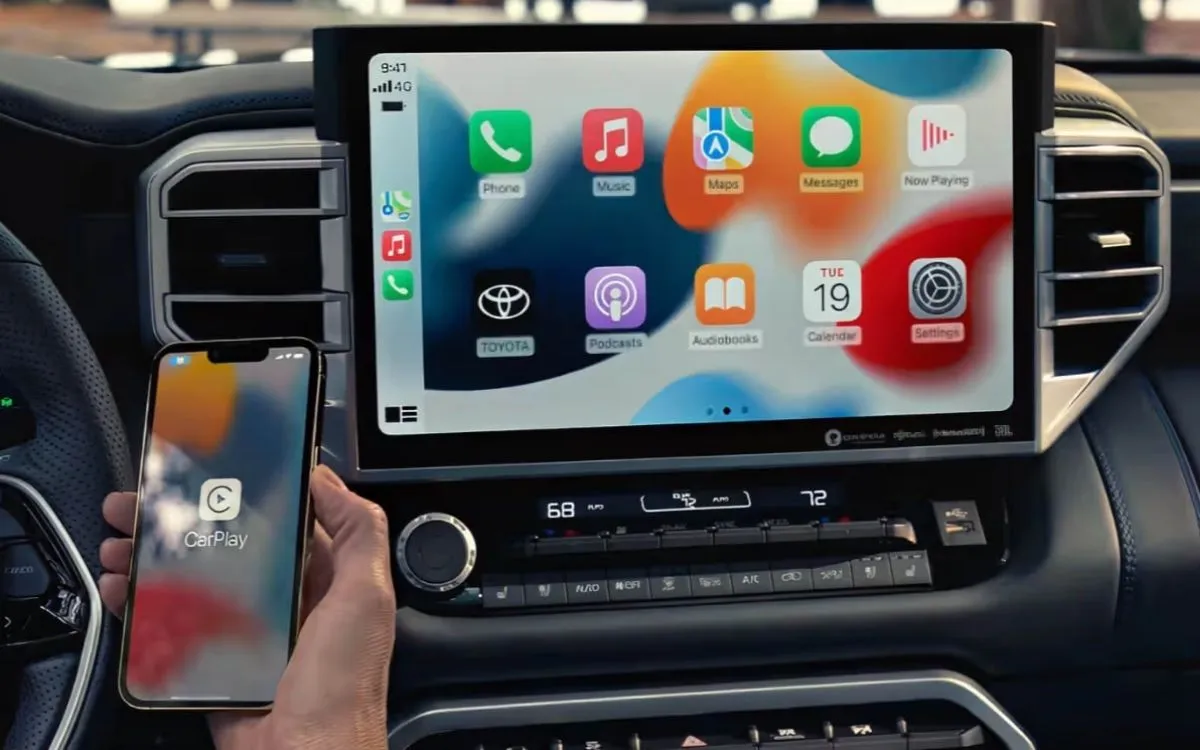

For all of you using Android Auto or Apple CarPlay, you might actually be using the wrong USB cable, especially if you seem to be having endless issues.
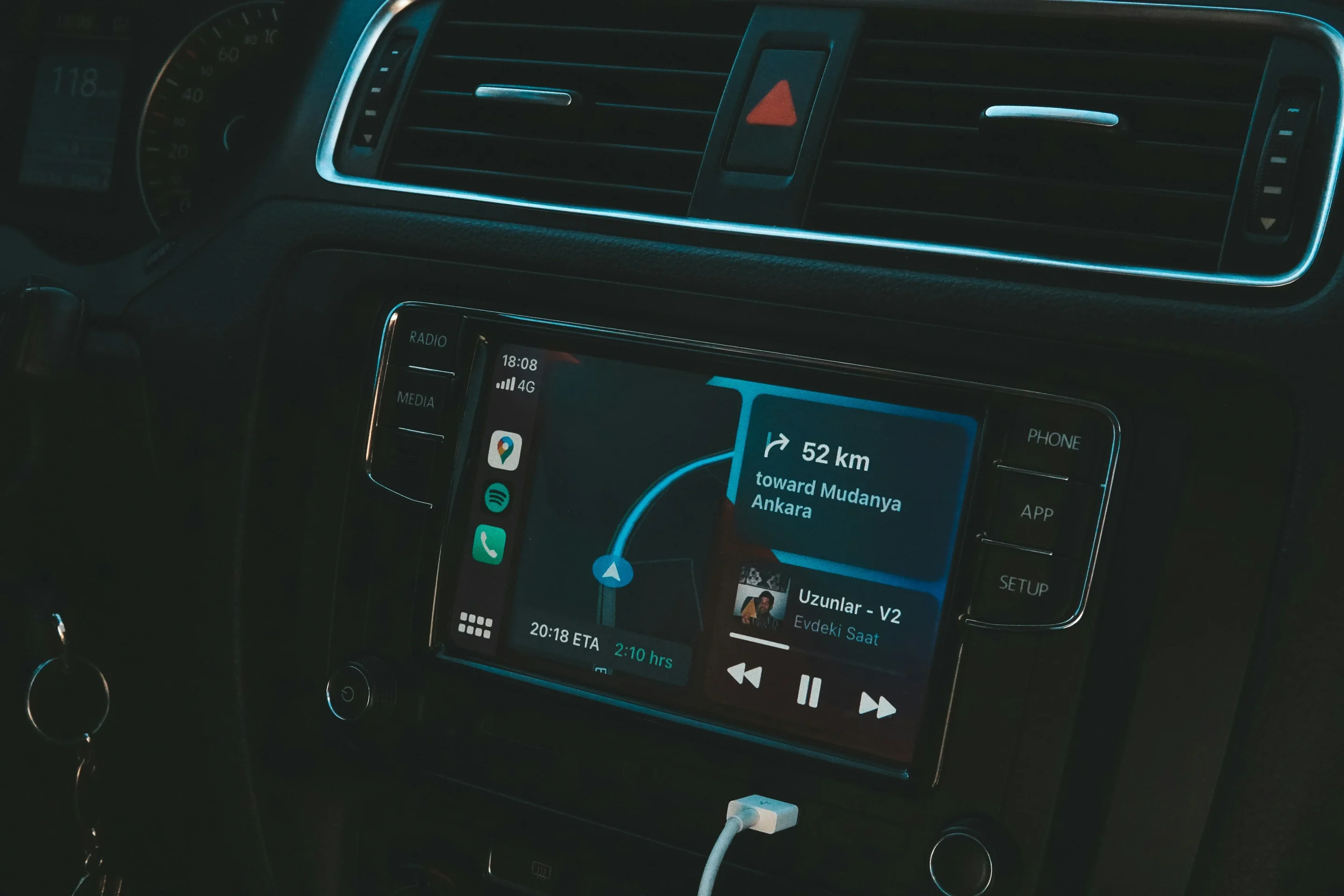
We use Android Auto or Apple CarPlay to project apps and features onto our car’s screens, such as navigation or music.
While many cars connect wirelessly, more budget-friendly cars use a wired connection, yet sometimes the connection between the cable and the car can be problematic.
But you might just be using the wrong cable, so here’s our guide to the cables that work best.
Enter our competition to win a stunning 2006 Ford GT or $400,000 cash!
This is why Apple CarPlay and Android Auto need a high-quality USB cable
For it to work as seamlessly as possible, you really need a high-quality USB cable.
These cables carry all the data between our phones and the cars, as is true with older style Apple Lightning cables.
Apple, of course, now uses USB-C, as do most Android phones.
If the cable is even slightly unreliable, the connection between your phone and the infotainment system may drop out.
Google itself recommends a higher-quality cable.
They say the one provided by the phone manufacturer is, more often than not, your best bet.
Should you be unable to use that one, however, there are other ways to get the best cable possible.
How to ensure you don’t have the wrong Cable
One way to check is to look at the USB Implementers Forum (USB-IF).
The forum has a neat product search page, where you can look for the best cables money can buy.
If it meets their standards, the website will certify it, so you know that it is of high quality.
The Anker A82G2 USB-A to USB-C cable is one of those that the forum has certified.
Google also says to try to use a cable that is under three feet in length.
You can, of course, use braided cables, which have a stronger exterior than regular USB cables.
Another way to get the best connection is to opt for USB 3.2 Gen 1 or 3.2 Gen 2 cables.
These provide a faster and more stable connection and are perfect for Android Auto and Apple CarPlay.
So, while it might be tempting to choose a $2-$5 cable to use in your car, that might not be the best choice.
It appears it is sometimes better to spend that little bit of extra money.
A brief history of the USB cable
1996: USB 1.0 released – speeds up to 12Mbps
2000: USB 2.0 launched – 480Mbps
2008: USB 3.0 introduced – 5Gbps
2013: USB 3.1 released – 10Gbps
2014: USB Type-C connector debuted (reversible design)
2017: USB 3.2 announced – 20Gbps
2019: USB4 released – 40Gbps
2022: USB4 Version 2.0 published 80+ Gbps
2024-2026: EU mandates USB-C as the universal charging standard for small electronics (late 2024) and laptops (spring 2026)
DISCOVER SBX CARS: The global premium car auction platform powered by Supercar Blondie
Henry joined the Supercar Blondie team in February 2025, and since then has covered a wide array of topics ranging from EVs, American barn finds, and the odd Cold War jet. He’s combined his passion for cars with his keen interest in motorsport and his side hustle as a volunteer steam locomotive fireman at a heritage steam railway.