You can change this setting on your iPhone if you don't like the Liquid Glass from iOS 26
Published on Jan 21, 2026 at 9:32 AM (UTC+4)
by Claire Reid
Last updated on Jan 21, 2026 at 1:46 PM (UTC+4)
Edited by
Kate Bain
Apple iPhone users who aren’t delighted with how the new Liquid Glass display looks might be interested to learn that you can actually change it.
The tech giant launched its latest operating system alongside the iPhone 17 range back in September.
As ever, the updated iOS came with a slew of cool new features, including its Liquid Glass display.
The new-style display can’t be fully switched off, but you can make some changes to it if you’re not keen on how it looks.
DISCOVER SBX CARS – The global premium auction platform powered by Supercar Blondie
You can’t turn the iPhone Liquid Glass display off, but you can alter it
If you’ve upgraded your iPhone to the latest iOS – and Apple strongly recommends you do – then you’ve probably already familiar with the new Liquid Glass feature.
Liquid Glass completely overhauls the look of the iPhone’s display, introducing a dynamic, glass-like appearance with translucent elements.
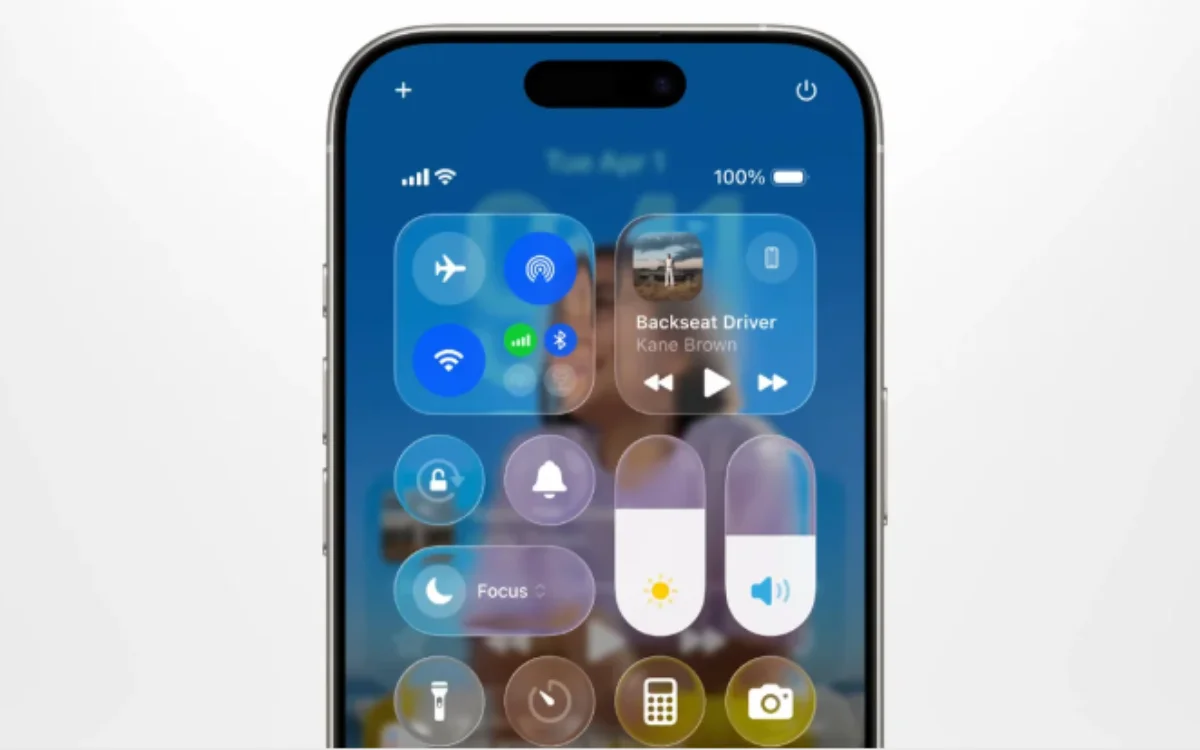
When it was launched, Apple said it would make ‘even the simplest of interactions more fun and magical’.
However, not everyone agrees.
In fact, some iPhone users say the new display gives them readability issues when trying to use their phone.
In a post on Reddit, one iPhone owner asked how to turn Liquid Glass off and got a slew of responses.
Unfortunately for them, turning it off wasn’t option, but there were ways to tweak it in order to solve any problems you have with the display.
To give it a different look, you can tint home screen elements, and play around with the Reduce Transparency option to change how it looks on your screen.
You can also now modify specific elements, like the Notification Center or Search Bar.
It’s quite simple to do.
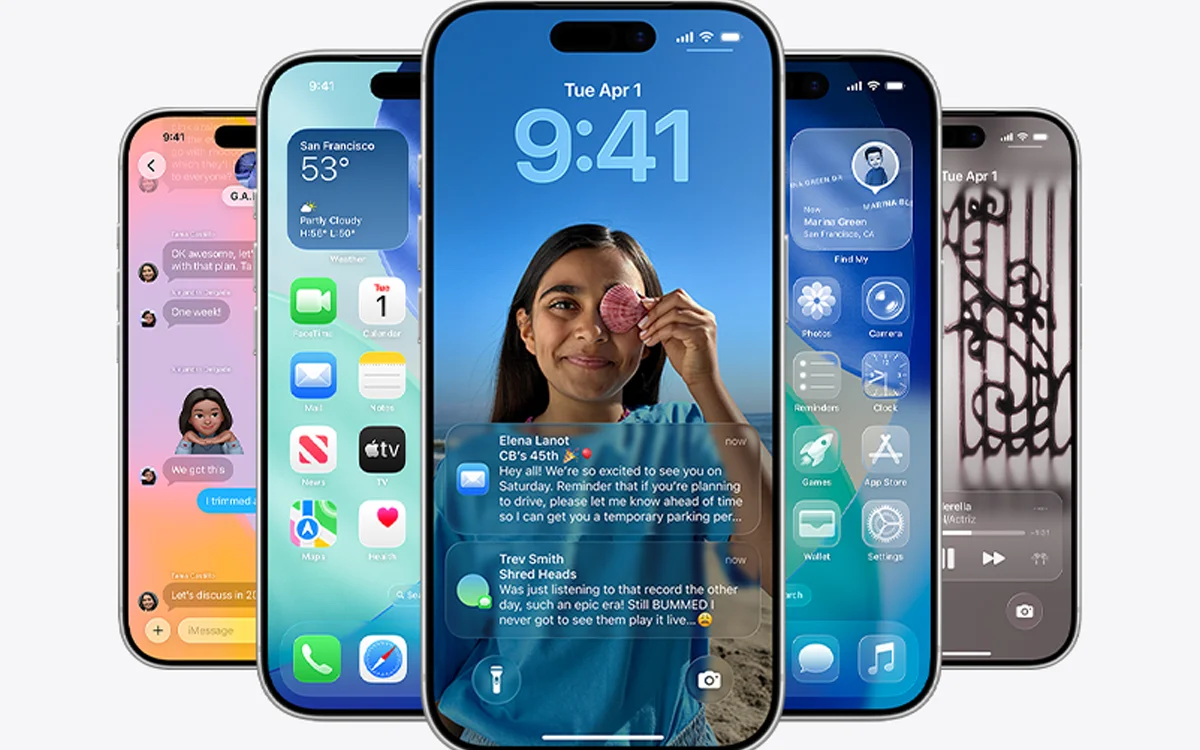
To change how Liquid Glass looks, head into Settings, tap Display & Brightness, and then hit Liquid Glass.
In here, you’ll be able to choose between ‘Clear’ or ‘Tinted’, with the Clear option being the more transparent of the two, of course.
Click the star icon next to supercarblondie.com in Google Search to stay ahead of the curve on the latest and greatest supercars, hypercars, and ground-breaking technology
The new display isn’t the only update for iOS 26
OK, so you might not love the Liquid Glass display, but iOS 26 came with a bumper crop of other updates and new features, and many of them will make life a lot easier.
For the first time, Apple Cash is available in group chats, meaning paying your pals after a night out will be much less of a chore; you can now create polls in group chats, ideal to settle debates; and if you’d rather not hear from anonymous texters, you can redirect them to a new Unknown Senders folder.
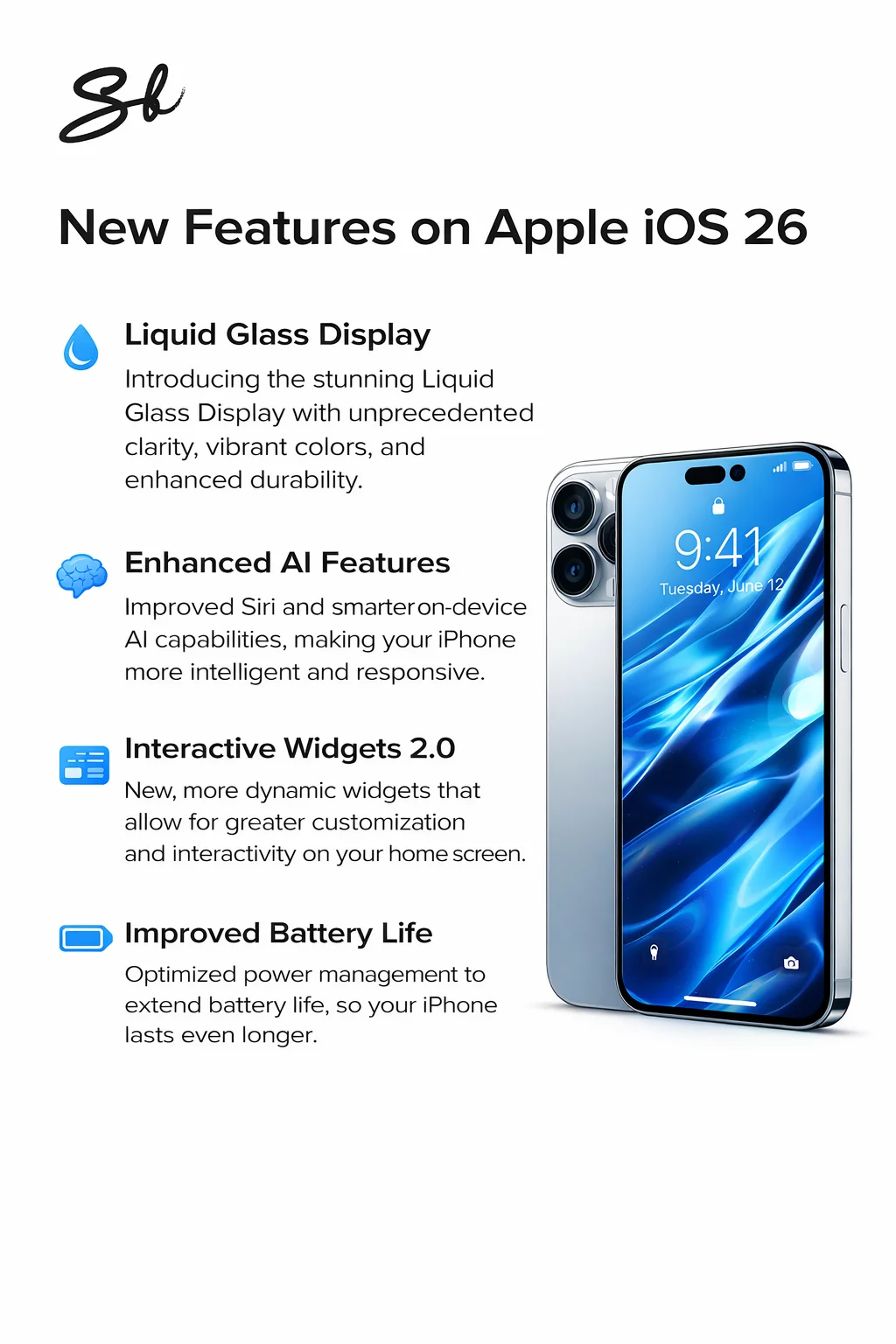
The update also includes a Call Screening feature, where callers will be asked to identify themselves before you pick up, and an AutoMix update for Apple Music, letting you live out your dream of being a superstar DJ.
And Apple CarPlay wasn’t left out, either – it got its own upgrades and updates.
DISCOVER SBX CARS: The global premium car auction platform powered by Supercar Blondie
With a background in both local and national press in the UK, Claire has covered a range of topics, including technology, gaming, and cryptocurrency, since joining the editorial team at Supercar Blondie in May 2024. Her ability to be first to a story has been integral to making SB’s coverage of scientific discovery, AI, and global tech news a slick 24/7 operation.