Apple issues an important warning for iPhone users who charge their devices overnight
Published on Feb 27, 2026 at 3:53 AM (UTC+4)
by Daisy Edwards
Last updated on Feb 27, 2026 at 8:32 PM (UTC+4)
Edited by
Amelia Jean Hershman-Jones

Apple has issued an important warning about iPhone users charging their devices overnight, and it could change the way you power up while you sleep.
Millions of us plug in our phones and toss them onto the mattress without a second thought, expecting to wake up to 100 percent and start the day.
But the tech giant has highlighted a simple mistake that could increase the risk of overheating while you sleep.
And it all comes down to where your iPhone ends up once the lights go out.
EXPLORE SBX CARS – Supercar auctions starting soon powered by Supercar Blondie
Be careful when you charge your Apple iPhone overnight
In its official safety guidance, Apple explains that iPhones, power adapters, and wireless chargers can generate heat during normal use, especially while charging.
If your device is left under a pillow, buried in blankets, or pressed against your body, that heat can build up with nowhere to go.
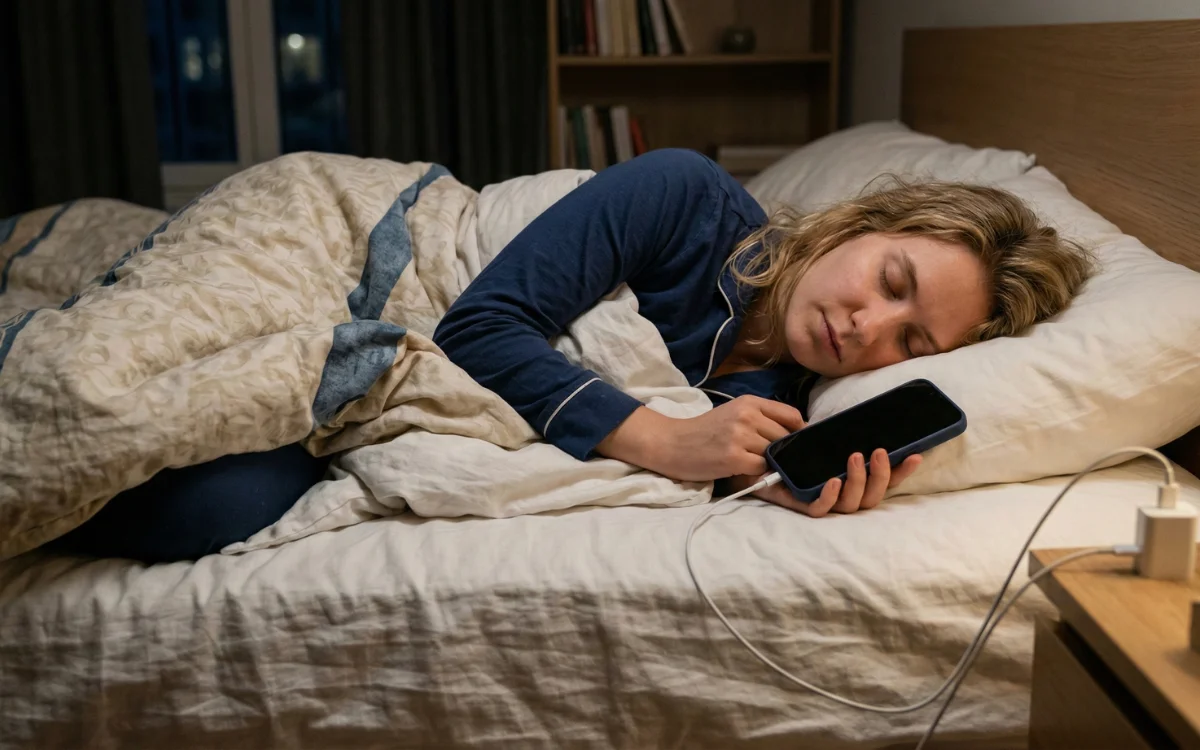
Apple has warned users to keep their devices in a well-ventilated area when charging and to avoid prolonged skin contact with a charging cable or connector.
In other words, your bed might be comfy for you, but it is not the ideal environment for a piece of tech.
Click the star icon next to supercarblondie.com in Google Search to stay ahead of the curve on the latest and greatest supercars, hypercars, and ground-breaking technology
Here’s what fire safety experts say
The warning is not just corporate box-ticking either.
Fire safety experts have echoed the advice, pointing out that if a device were to overheat under bedding, you might not notice the warning signs while asleep.
One firefighter explained that smoke or burning smells may not be enough to wake someone up in time, particularly if a phone is trapped under covers.
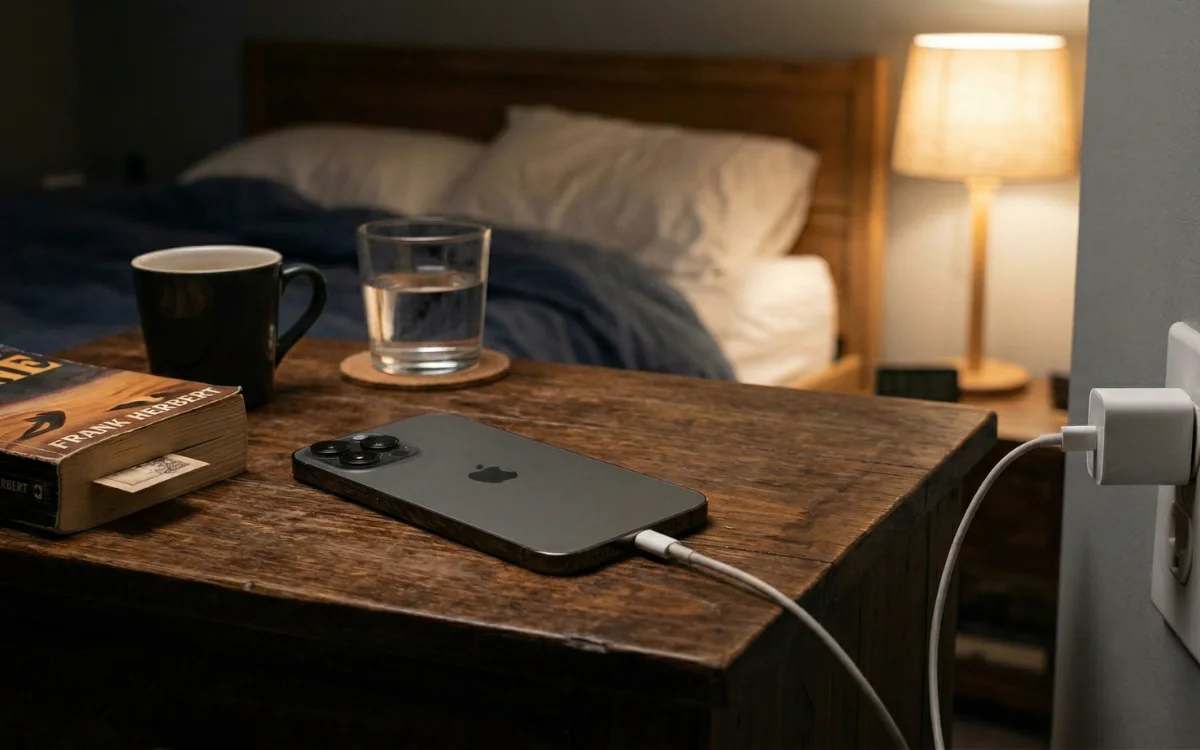
The takeaway is simple and surprisingly easy to act on: charge your iPhone overnight if you want to, just make sure it is on a hard surface, uncovered, and able to cool down properly.
Timeline of the iPhone
2007: The first generation is announced by Steve Jobs
2008: iPhone 3G is launched with 3G connectivity and the App Store
2010: iPhone debuts with Retina Display and new glass/steel design
2011: Siri is introduced
2013: Touch ID is introduced with the 5S
2016: The headphone jack is removed with the 7 and 7 Plus
2017: Face ID is introduced
2020: iPhone 12 series introduces 5G
2024: The 16 series introduces enhanced on-device AI features and camera controls
DISCOVER SBX CARS: The global premium car auction platform powered by Supercar Blondie