These hidden Apple CarPlay voice commands will unlock your car completely and transform your driving experience
Published on Mar 05, 2026 at 2:56 PM (UTC+4)
by Ben Thompson
Last updated on Mar 05, 2026 at 7:39 PM (UTC+4)
Edited by
Amelia Jean Hershman-Jones
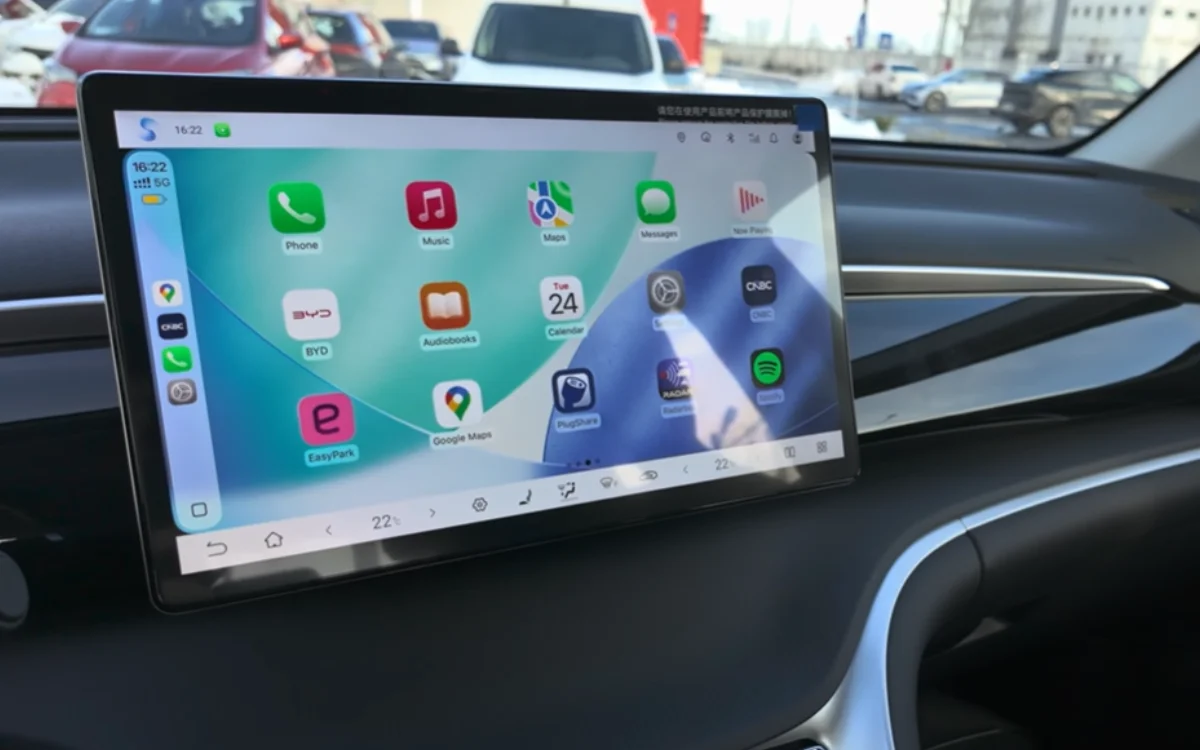

If you know where to look, these hidden Apple CarPlay voice commands will totally transform your driving experience.
In this day and age, convenience is the name of the game.
With most cars having a display screen in them, drivers want to be able to use them with as little hassle as possible.
That’s where voice commands factor in – and these commands are real game-changers.
Click the star icon next to supercarblondie.com in Google Search to stay ahead of the curve on the latest and greatest supercars, hypercars, and ground-breaking technology
Use these voice commands if you want a heightened driving experience
First things first, here’s how you enable Voice Control on your Apple CarPlay.
Select accessibility, scroll down to Physical and Motor, toggle Voice Control to ‘On’, and wait for an icon to appear on the left side of your screen.
So, now that you have it activated, here are five commands you can give that will improve both safety and convenience.
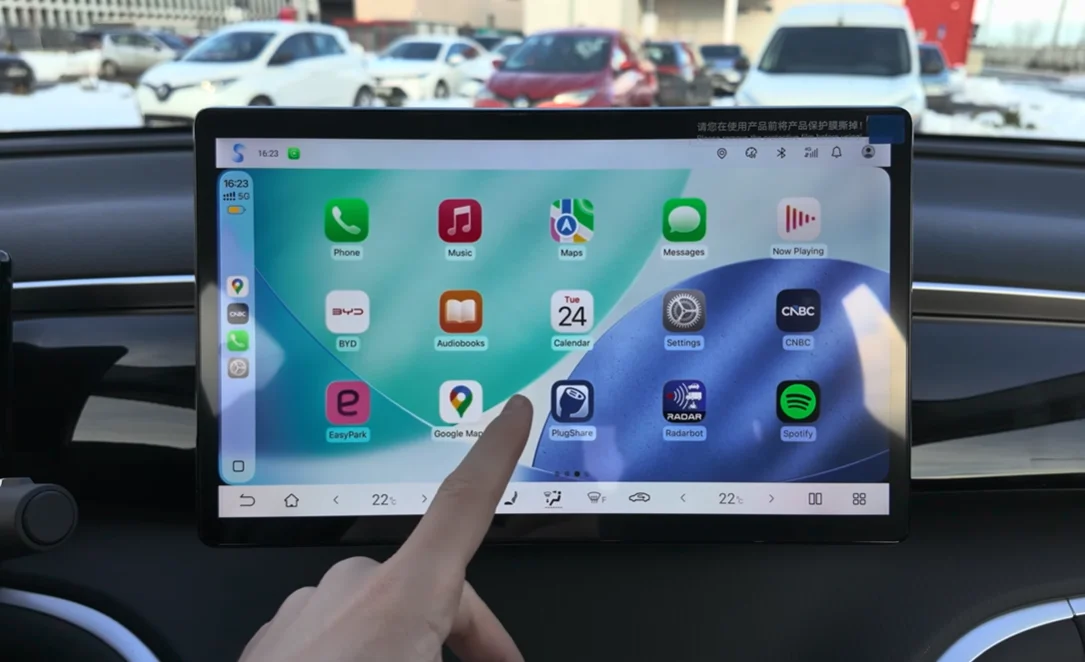
First up is ‘Stop/Start Listening’.
If you have passengers in the car and you’re having a conversation, you might want to use this one.
Nobody wants an accidental phone call on account of somebody being name-dropped.
‘Start listening’ is all that needs to be said to reactivate after you’ve dropped your friend off.
If you want to open an app, all you have to say is ‘Open…’ and name the app you want opened.
It should be noted, though, that more complex app names might be a bit of a struggle.
A writer at SlashGear noted that he struggled to open SpotHero or OnTheWay with this control.
This next one comes in handy when it comes to navigation.
If you want to move around your map without dragging your finger across the screen, simply say “Pan left/right/down.”
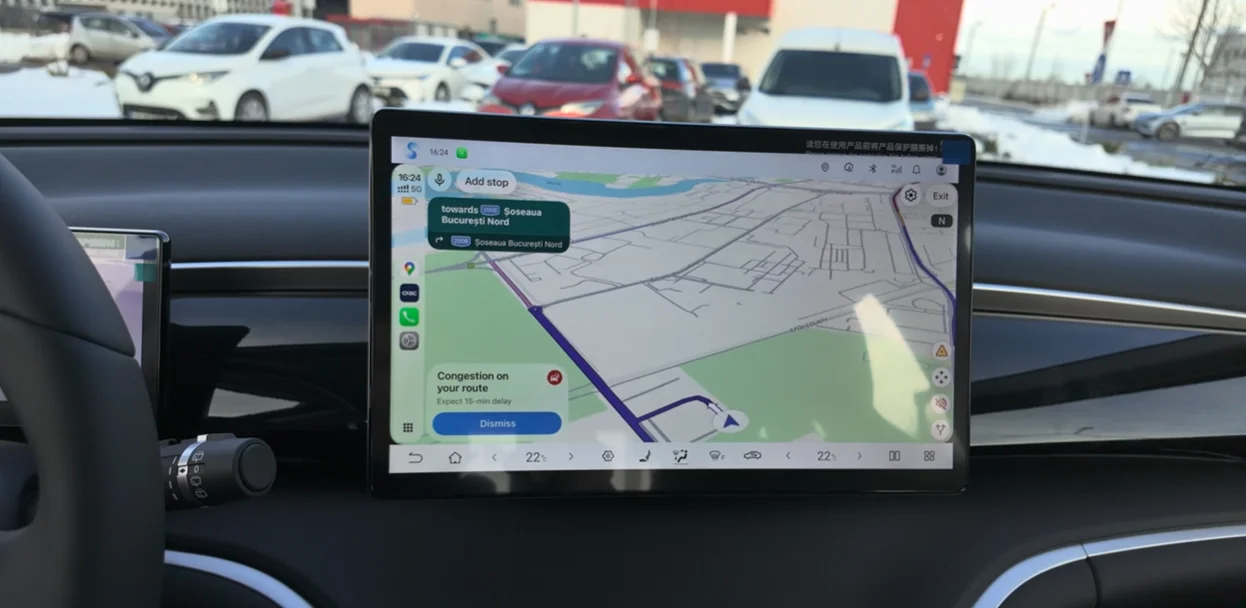
This will enable the screen to move around the map, letting you see whether there’s traffic up ahead.
And where would Apple be without good old reliable Siri?
If you want to engage Siri, all you have to do is say its name.
Yes, we know a lot of people call Siri ‘she’…but this is a virtual control assistant we’re talking about here.
And finally, there’s the option to swipe along your car display’s dashboard simply by saying ‘Swipe left’ or ‘Swipe right’.
Your display screen is going to be smudge-free, and your finger is getting a break – what’s not to love?
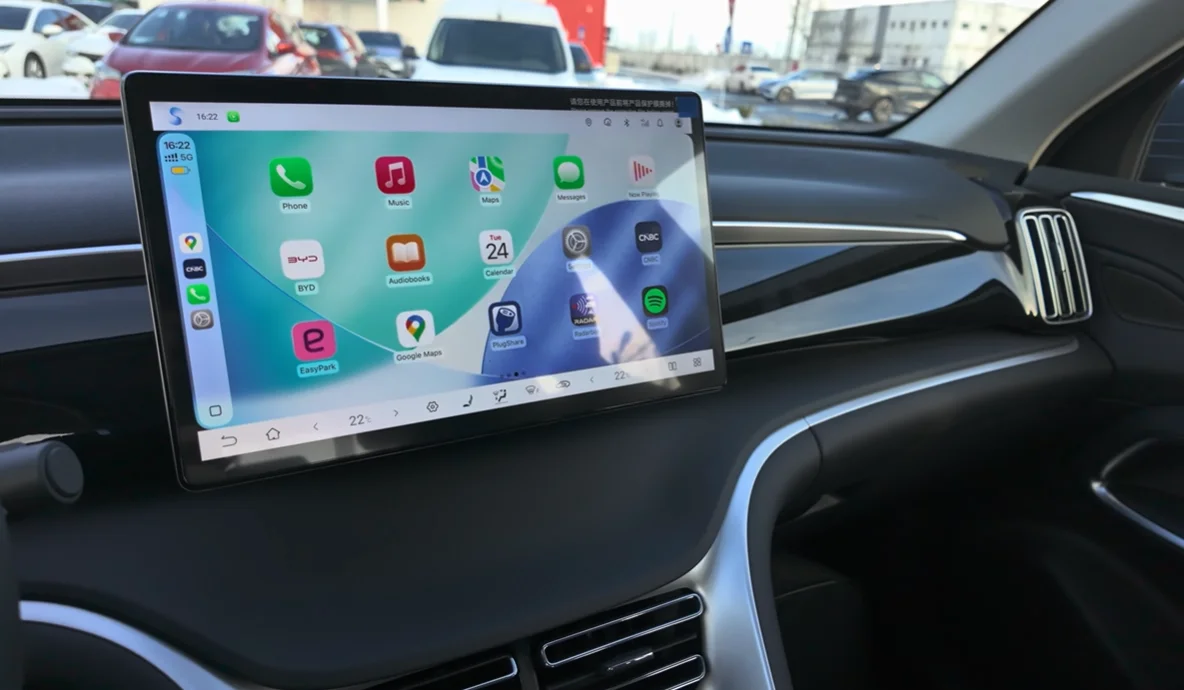
There’s been a lot of talk about Apple CarPlay features lately
With the iOS 26 update, there’s been a lot of talk about new features coming to Apple CarPlay.
Some settings will be turned off by default, so you might have to do a bit of digging to activate them.
From navigation tweaks to media controls, there’s plenty to uncover when you go looking through the menus.
DISCOVER SBX CARS: The global premium car auction platform powered by Supercar Blondie
Following stints at LadBible, The Sun, The New York Post, and the Daily Mail, Ben joined the team full-time in February 2025. In his role as Senior Content Writer, his sparkling copy, the ability to sniff out a good story at 100 paces, and a GSOH quickly led to him becoming an integral and invaluable member of the writing staff.