Man reveals simple way to check if your iPhone has been hacked and it's calmed people down
Published on Jan 28, 2026 at 2:30 PM (UTC+4)
by Henry Kelsall
Last updated on Jan 28, 2026 at 10:08 PM (UTC+4)
Edited by
Emma Matthews
A man has revealed a simple way to check if your iPhone has been hacked, and it’s led to a lot of people calming down.
Nobody wants their phone hacked, given all the personal information, memories, and data that we have stored, not to mention possible financial details via Apple or Google Pay.
Fortunately, YouTuber TenorshareOfficial has uploaded a video to their channel showing how to check if your iPhone has been hacked and how to remove it.
This video gave a lot of people peace of mind in the comments, and for many, it proved invaluable.
DISCOVER OUR SUPERCAR AUCTION SITE – View live auctions on SBX Cars
Signs that your iPhone may have been hacked
The video does a good job explaining how you can find out if your phone has been hacked.
Unexpected Apple ID verification codes are one of them.
Spam calendar events, popups warning you that the phone has been hacked, and colored dots not turning off are others.
Unusually fast battery draining and data usage are other telltale signs of a potential hack.
Thankfully, there are ways to get rid of these.
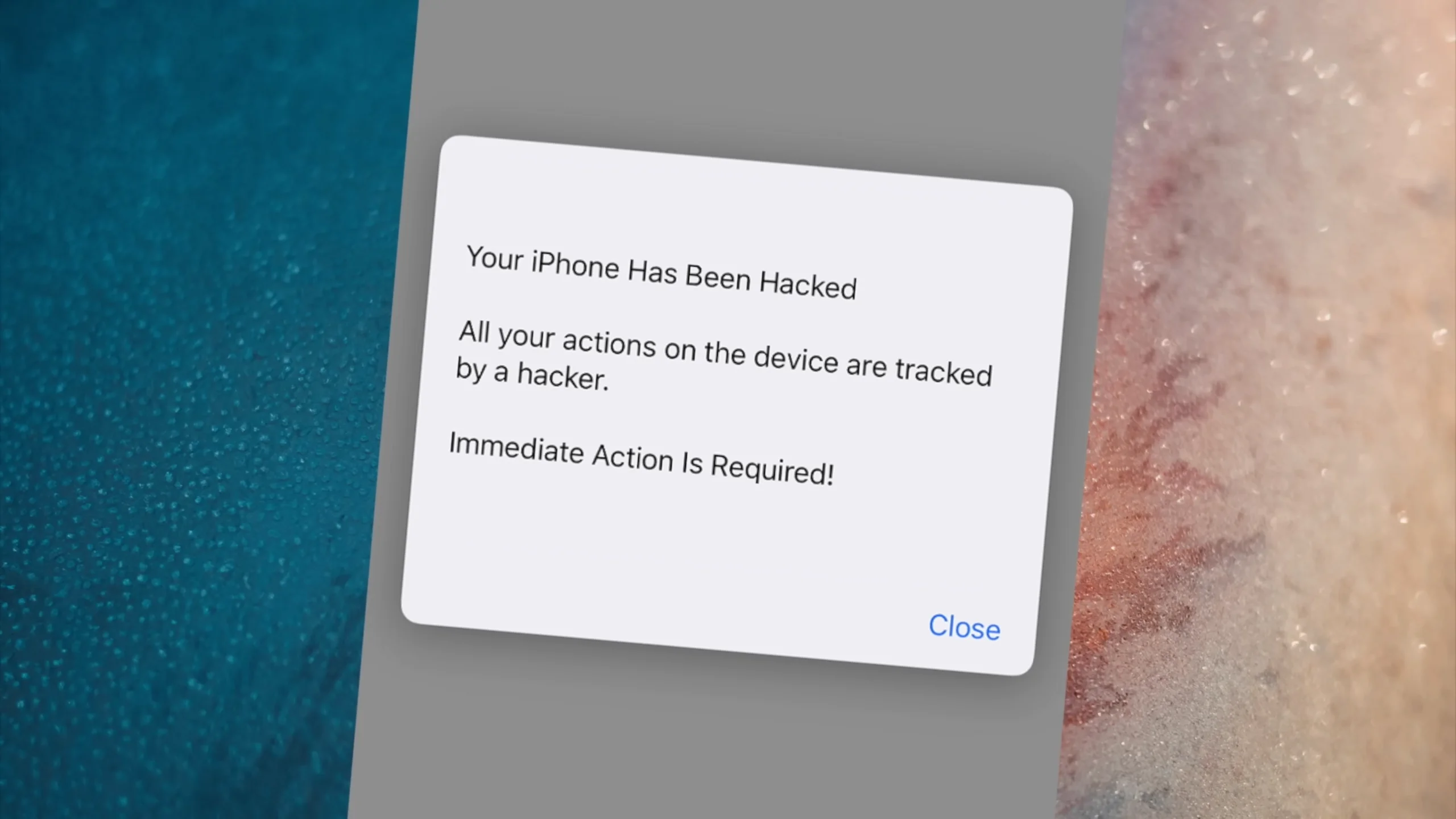
The pop-ups warning of a hack are usually the result of clicking a shady link.
To avoid this, simply ignore anything that looks odd, and enable ‘block pop-ups’ on the Safari browser.
You can also enable ‘prevent cross-site tracking’ and ‘fraudulent warning’ as well.
There are other ways to keep your phone safe, too.
Click the star icon next to supercarblondie.com in Google Search to stay ahead of the curve on the latest and greatest supercars, hypercars, and ground-breaking technology
Other methods can protect your phone from hackers
For example, deleting subscribed calendars from your calendar app is one.
If you are getting Apple ID requests, you can remove suspicious-looking devices from your profile page.
Changing your password and adding two-factor authentication also strengthens security.
Most worrying are the apps that then turn on the green or orange dots on the phone.
These indicate an app is using your camera or microphone.
You can toggle what apps can use these in the privacy pages, or simply delete the apps in question.

Your iPhone storage can also reveal what apps are taking up so much space on the phone, allowing you to delete them.
Apps that reopen or shut down by themselves are also a potential problem.
Restarting the phone or performing possible repairs to your phone can sort this problem out.
All of these methods and turning off settings can help prevent hackers from getting into your iPhone.
DISCOVER SBX CARS: The global premium car auction platform powered by Supercar Blondie
Henry joined the Supercar Blondie team in February 2025, and since then has covered a wide array of topics ranging from EVs, American barn finds, and the odd Cold War jet. He’s combined his passion for cars with his keen interest in motorsport and his side hustle as a volunteer steam locomotive fireman at a leading heritage steam railway in England.