Apple fixes long-standing iPhone frustration with new controls in long-overdue update
Published on Apr 25, 2026 at 10:22 AM (UTC-4)
by Daisy Edwards
Last updated on May 22, 2026 at 4:20 AM (UTC-4)
Edited by
Emma Matthews

In a classic Apple move, you’ll be wondering why it took this long to finally make this long-overdue update to fix this common iPhone frustration.
The update isn’t about flashy AI tricks or dramatic redesigns, but instead zeroes in on a tiny annoyance that millions of users deal with daily.
Apple loves to make tweaks that quietly help but forget to advertise them at all.
And once you start using the latest tweak, you probably won’t want to go back to how life was before.
Apple fixes long-standing iPhone frustration with smarter home screen controls
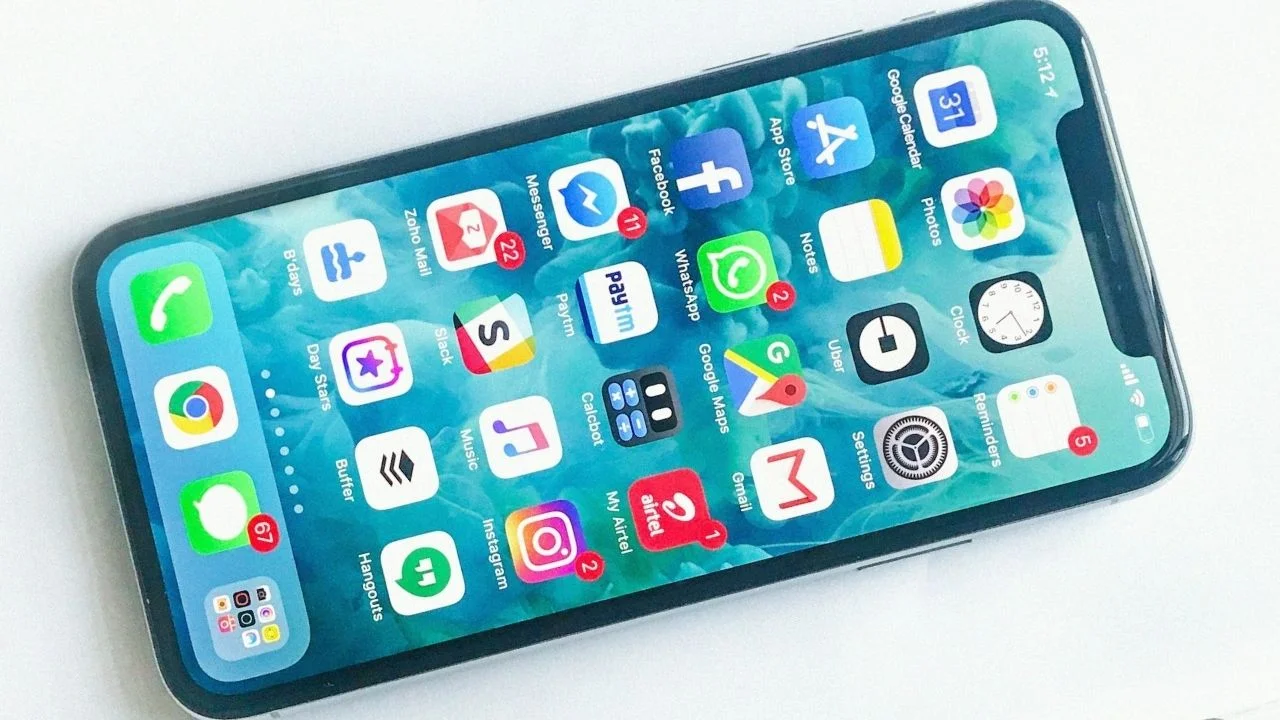
For years, customizing your Apple iPhone home screen has been more frustrating than it should be.
Moving apps and widgets around can quickly turn into a fiddly mess, with accidental placements and no easy way to undo mistakes, and that’s finally changing.
Apple is adding simple undo and redo buttons for home screen edits in an upcoming iOS update, giving users a quick way to fix layout slip-ups.
It sounds basic, but it’s a huge quality-of-life upgrade.
Instead of painstakingly dragging apps back into place after one wrong move, you’ll be able to instantly reverse or reapply changes.
Its absence on iPhones has always felt so strange, and this little change will make a world of difference.

It focuses on usability
What makes this update stand out is Apple’s shift in priorities because, rather than chasing headline-grabbing features, Apple is focusing on fixing everyday annoyances that have lingered for years.
It’s a subtle but important move, as smartphones mature, meaningful improvements seem not to be always about reinventing the wheel, but about refining the experience.
And this update is a perfect example of that philosophy.
There’s no dramatic redesign here, no over-the-top new feature set, just a simple addition that makes the iPhone easier and less frustrating to use because sometimes, the smallest changes are the ones that matter most.
Daisy is a technology and automotive journalist covering artificial intelligence, consumer tech, Apple news, cryptocurrency, emerging technologies, and transportation innovation. Since joining the team in 2025, she has reported on everything from AI-powered startups and major iOS updates to viral car stories and the latest developments shaping transportation and the digital economy. Drawing on her background in automotive journalism and a degree in History and Journalism from Goldsmiths, University of London, Daisy specializes in breaking down complex topics into clear, engaging reporting for a global audience. Her work spans cutting-edge technology, innovative vehicles, and the people driving change across both industries. Daisy has gained first-hand access to some of the world's most talked-about technologies and innovators, including meeting Tesla's Optimus humanoid robot during its first European appearance in London. She has also discussed the future of space exploration with an astronaut, bringing unique insights and real-world perspectives to her coverage of emerging technology.




