Apple reveals why you should never swipe apps closed on your iPhone
Published on Jul 25, 2025 at 12:38 AM (UTC-4)
by Claire Reid
Last updated on Jul 25, 2025 at 5:35 AM (UTC-4)
Edited by
Emma Matthews
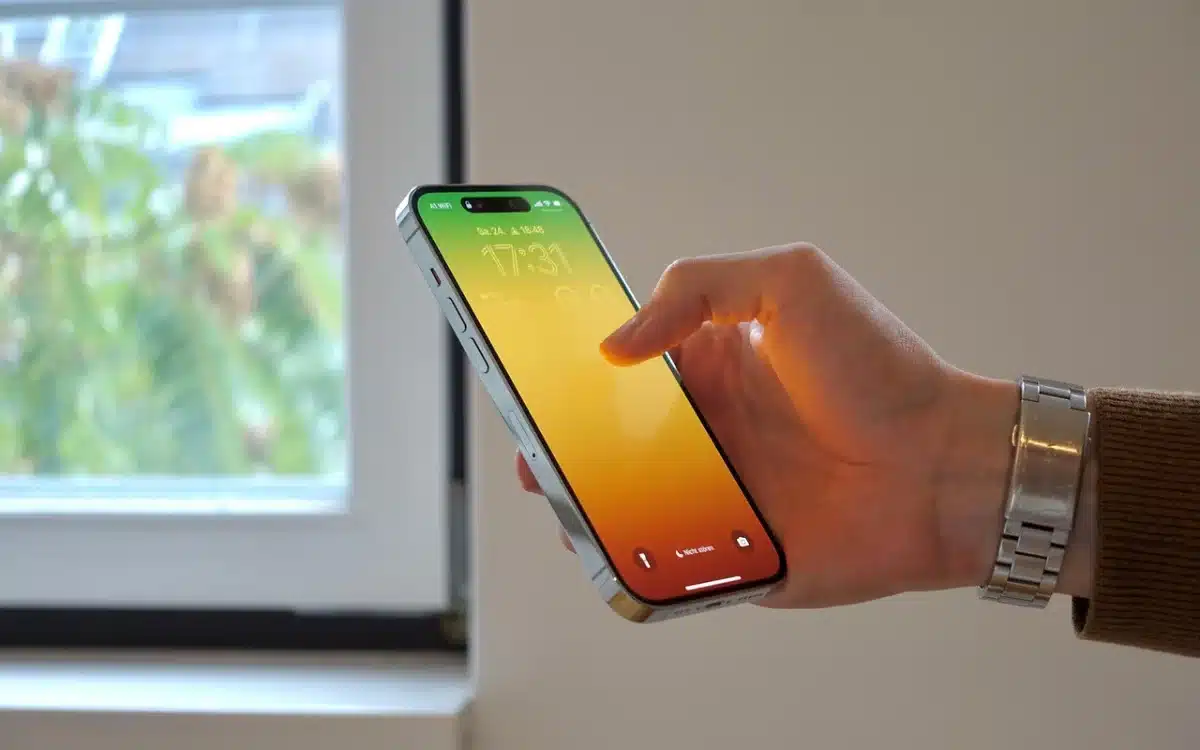

Apple has explained why you should never swipe apps closed on your iPhone, and you might be very grateful to learn why.
If you’re anything like us, then you probably have a bunch of apps running on your phone at any given time.
And you may think that going in and manually closing them all down will help preserve battery life and make your iPhone run a bit faster.
However, Apple has explained why it’s best not to do this.
DISCOVER SBX CARS – The global premium auction platform powered by Supercar Blondie
Apple says you should never swipe apps closed on your iPhone
With age, your phone’s battery health can take a bit of a hit, and you might find your phone doesn’t last as long between charges.
Over the years, there have been plenty of hints and hacks to help squeeze the most of your iPhone battery life, like keeping it face down when not in use, or making sure you don’t charge to 100 percent.
You might have also heard that closing apps when they’re not in use can help prolong battery life, as it stops them from running in the background.
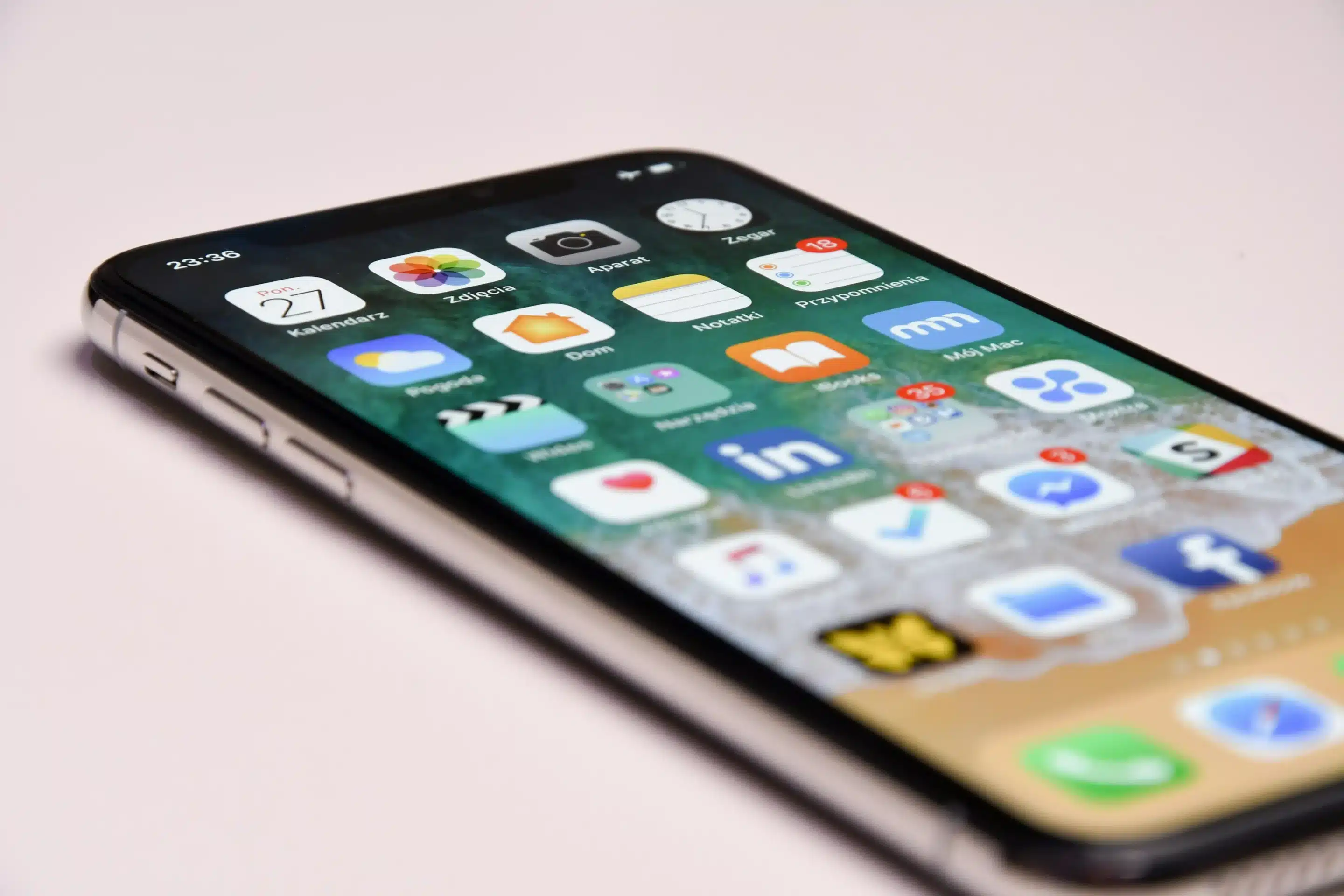
However, just because you can quickly switch between apps, it doesn’t mean they are active in the background.
“When your recently used apps appear, the apps aren’t open, but they’re in standby mode to help you navigate and multitask,” Apple explained on its forum.
In short, when you come out of an app, it will continue to run ‘for a short period of time’.
But then it quickly falls into ‘standby mode’ which means it isn’t ‘actively in use, open or taking up system resources’ and therefore isn’t draining your battery. So there’s no reason to swipe apps closed.
Smart stuff, right?
In fact, if you’re trying to conserve battery, force-closing apps will use up more juice than simply leaving them alone because relaunching a closed app requires more energy than pulling one out of its standby state.
Apple reckons there’s absolutely no benefit to forcing apps to close unless you have to.
“You should force an app to close only if it’s unresponsive,” the tech giant added.
It’s not the only pearl of wisdom Apple has shared
If you’re finding your Apple iPhone’s battery life isn’t quite what it used to be, then there are some easy fixes.
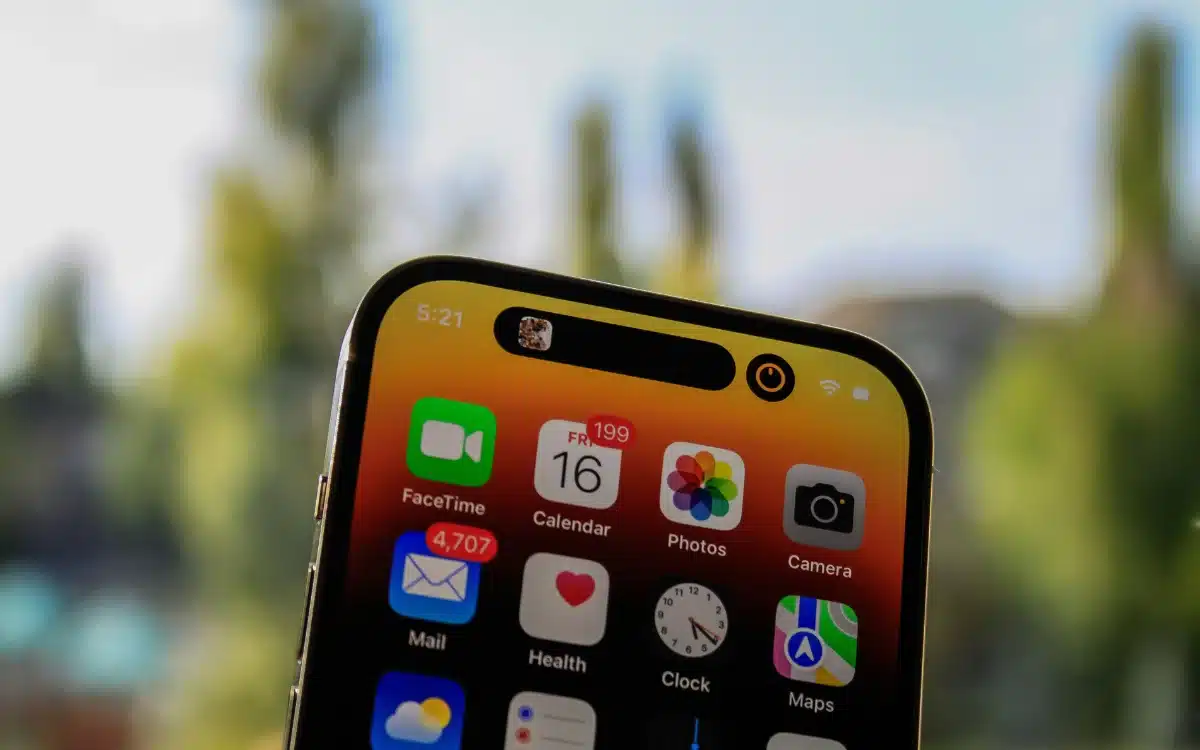
One of them is simply adjusting the brightness of your screen, as the brighter the screen, the more energy it uses.
Another easy battery-saver is switching your phone to a Wi-Fi network, as a Wi‑Fi connection uses less power than a mobile network
Failing that, you can pop your phone into ‘Low Power Mode’ until you’re able to plug in your charger.
With a background in both local and national press in the UK, Claire has covered a range of topics, including technology, gaming, and cryptocurrency, since joining the editorial team at Supercar Blondie in May 2024. Her ability to be first to a story has been integral to making SB’s coverage of scientific discovery, AI, and global tech news a slick 24/7 operation.




